Get 10% back in Relic Coins on every order
Batman: Return to Arkham AU cover

Xbox OneAustralia· Key

Batman: Return to Arkham AU

€28.34

+€2.83 cashback eligibility in Relic Coins

Check before you play

Platform
Xbox One
Region
Australia
Product type
Key
Developer
Rocksteady Studios
Publisher
Warner Bros. Games
Supplier release date
2016-10-18
Genres
Action, Adventure, Fighting

About this product

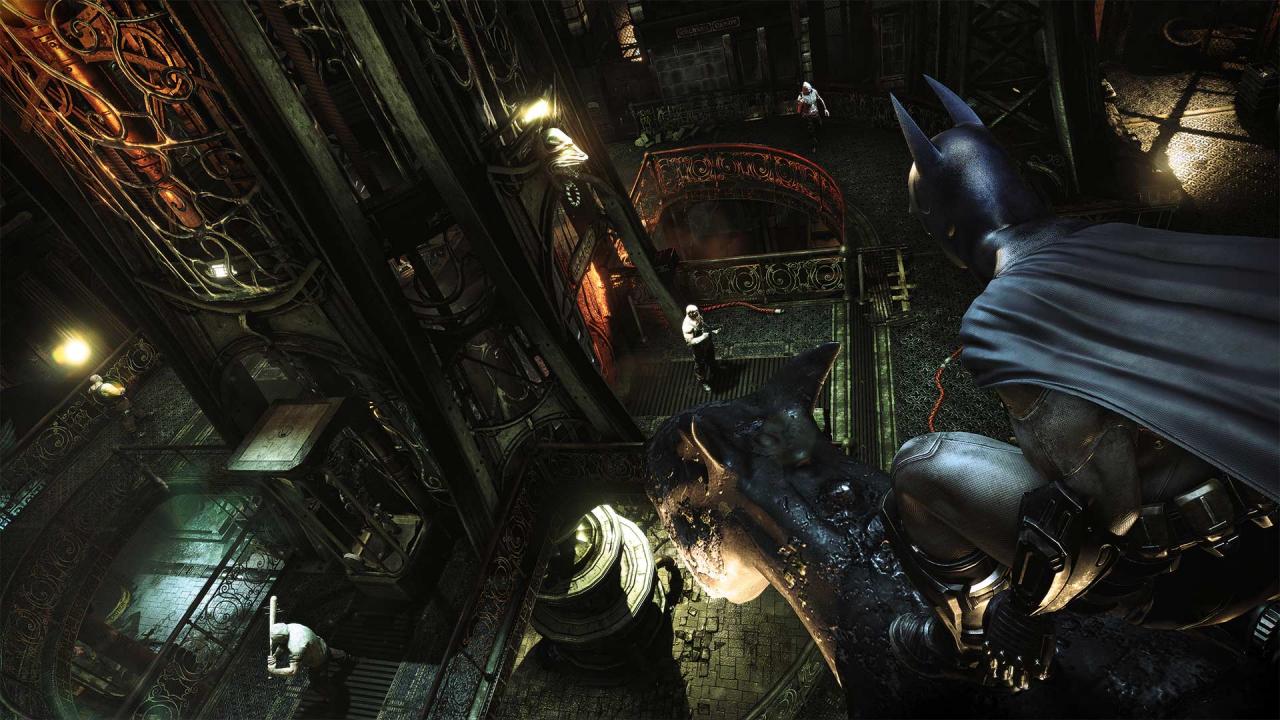
Includes: Batman: Arkham Asylum Batman: Arkham City Return to Arkham and experience two of the most critically acclaimed titles of the last generation - Batman: Arkham Asylum and Batman: Arkham City, with fully remastered and updated visuals. Batman: Return to Arkham includes the comprehensive versions of both games and includes all previously released additional content.Batman: Arkham Asylum exposes players to a dark and atmospheric adventure that takes them into the depths of Arkham Asylum –Gotham City’s high security psychiatric hospital for the criminally insane. Use Batman’s legendary gadgetry, strike from the shadows, and confront The Joker and Gotham City’s most notorious super villains.Batman: Arkham City sends players soaring into Arkham City - a heavily fortified sprawling district in the heart of Gotham City. Batman Arkham City introduces a brand-new story that draws together an all-star cast of classic characters and murderous villains from the Batman universe, as well as new and enhanced gameplay features.


Batman: Return to Arkham AU screenshotBatman: Return to Arkham AU screenshotBatman: Return to Arkham AU screenshotBatman: Return to Arkham AU screenshotBatman: Return to Arkham AU screenshotBatman: Return to Arkham AU screenshot

How to redeem

  1. 1Check your Xbox One account and the listed region before purchasing.
  2. 2Find your code and supplier activation instructions in your confirmed order.
  3. 3Open the redeem-code section on Xbox One, enter the code and follow the platform’s prompts.

Supplier instructions

Go to https://www.xbox.com Login to your account Hover over your account link (the top right of the screen) a menu will appear, click on the "Redeem Code" button. On the next page, click "Redeem" Enter your code Click "Confirm" Click "Confirm" again to assign the key to your account.

You might also like