Get 10% back in Relic Coins on every order
Company of Heroes: Opposing Fronts RU cover

SteamRussia· Key

Company of Heroes: Opposing Fronts RU

€5.36

+€0.54 cashback eligibility in Relic Coins

Check before you play

Platform
Steam
Region
Russia
Product type
Key
Developer
Relic Entertainment
Publisher
THQ
Supplier release date
2007-09-27
Genres
Action, Strategy

About this product

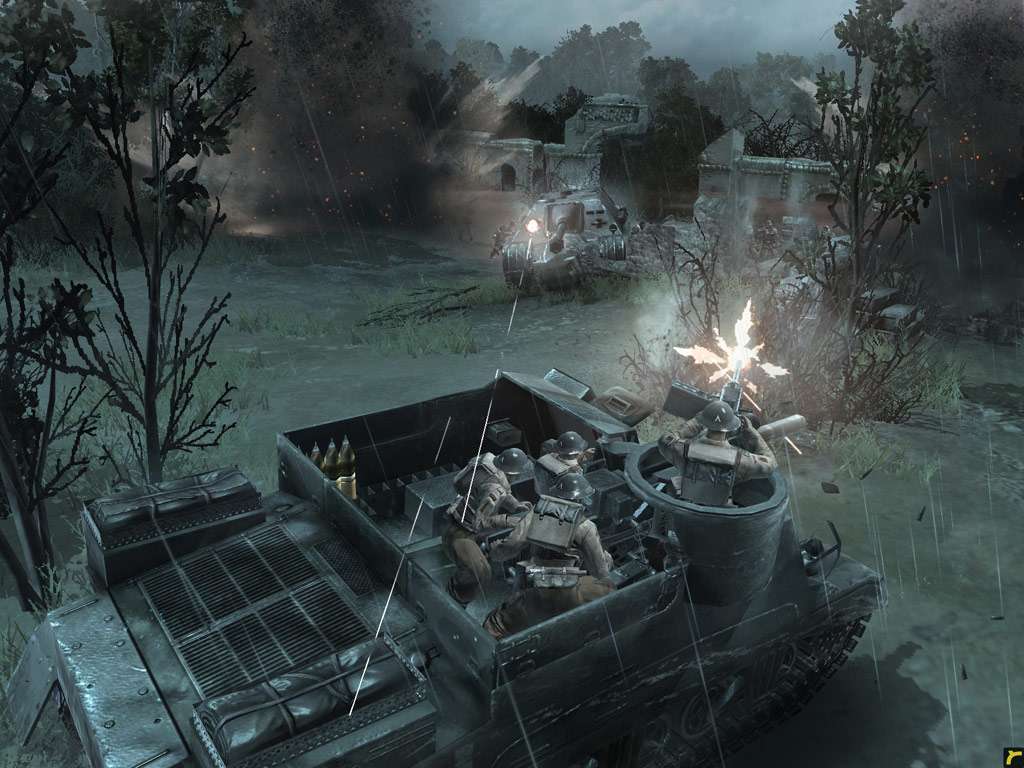
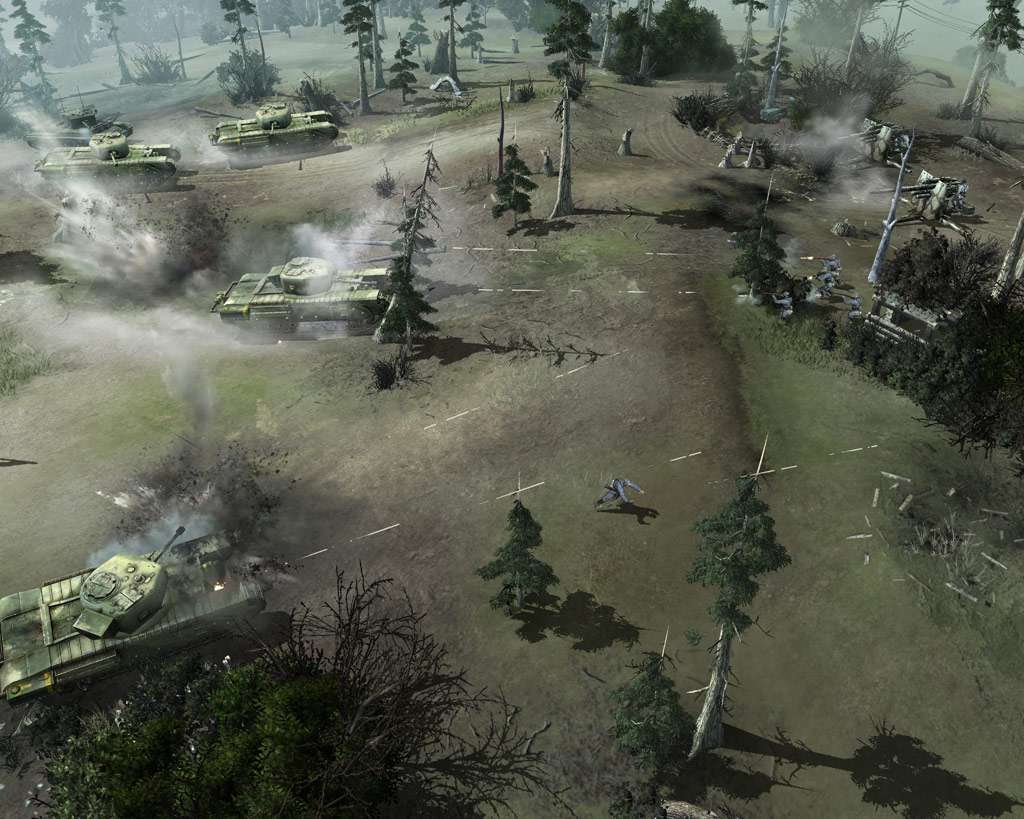
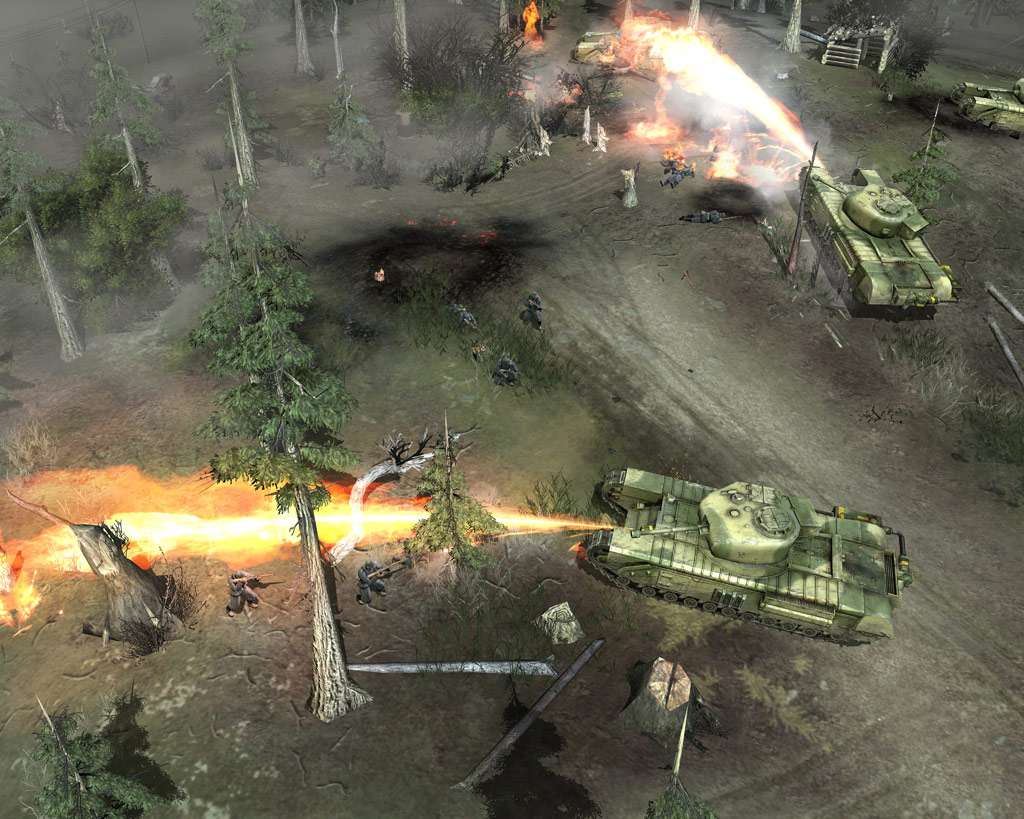
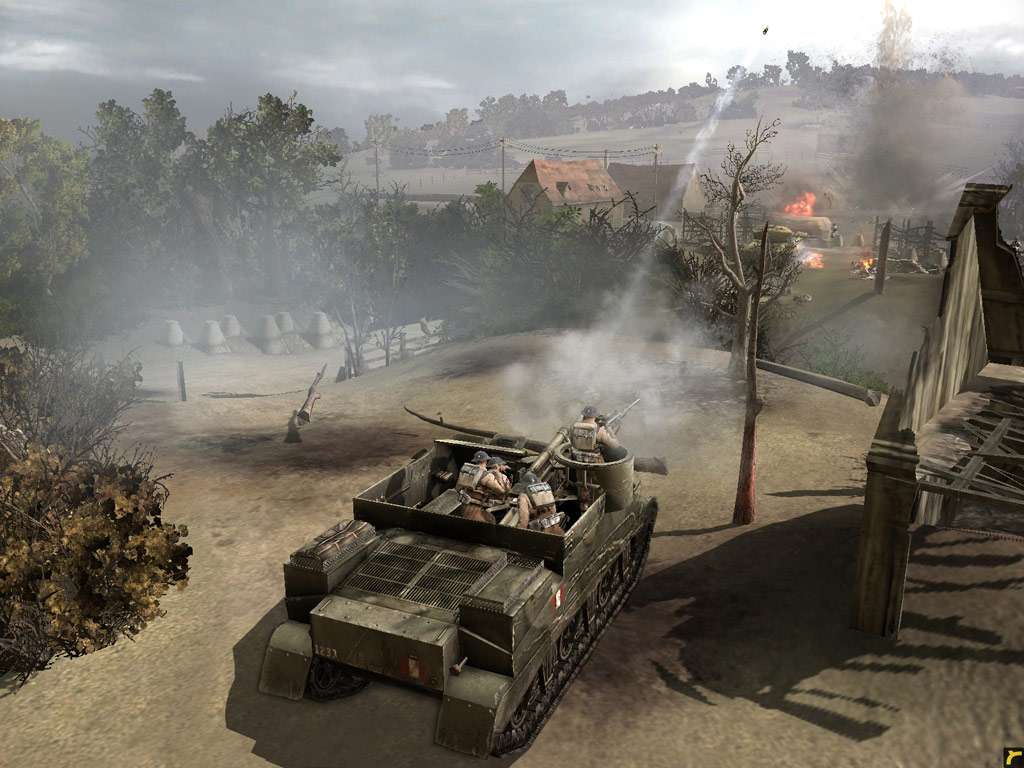
The next chapter in the #1 rated RTS franchise thrusts players into a hellish war torn landscape to command two battle-hardened armies in relentless campaigns for honor and country. Players lead the tenacious British 2nd Army during the heroic World War II liberation of Caen, France, and command the German Panzer Elite as they struggle to repel the largest airborne invasion in history. Features Two New Armies: Play as the British 2nd Army or German Panzer Elite, each with devastating command trees options and unit upgrades. Two Full Campaigns: Command the British 2nd Army to liberate the key strategic position of Caen, France. Control the German Panzer Elite to repel the Allied airborne invasion in Operation Market Garden. Real War, Real Battlefields, Real War Enhanced: Mission Persistence, Dynamic Weather Effects, Enhanced Vehicle Tactics and more deliver a new level of realism and all new battlefield tactics. All new Multiplayer Options: Combine Company of Heroes™: Opposing Fronts™ with the original Company of Heroes for a total of four playable armies online. Join British artillery with American armor to dominate the 3rd Reich or utilize Wehrmacht and Panzer Elite blitzkrieg tactics to annihilate the Allied invasion. DirectX® 10 Support provides the most realistic RTS experience available with enhanced lighting and incredible terrain detail.

Company of Heroes: Opposing Fronts RU screenshotCompany of Heroes: Opposing Fronts RU screenshotCompany of Heroes: Opposing Fronts RU screenshotCompany of Heroes: Opposing Fronts RU screenshotCompany of Heroes: Opposing Fronts RU screenshotCompany of Heroes: Opposing Fronts RU screenshot

How to redeem

  1. 1Check your Steam account and the listed region before purchasing.
  2. 2Find your code and supplier activation instructions in your confirmed order.
  3. 3Open the redeem-code section on Steam, enter the code and follow the platform’s prompts.

Supplier instructions

Go to: http://store.steampowered.com/ and download STEAM client Click "Install Steam" (from the upper right corner) Install and start application, login with your Account name and Password (create one if you don't have). Please follow these instructions to activate a new retail purchase on Steam: Launch Steam and log into your Steam account. Click the Games Menu. Choose Activate a Product on Steam... Follow the onscreen instructions to complete the process. After successful code verification go to the "MY GAMES" tab and start downloading.

You might also like