Get 10% back in Relic Coins on every order
Hardspace: Shipbreaker cover

Steam Europe - All Countries· Key

Hardspace: Shipbreaker

€1.87

+€0.19 cashback eligibility in Relic Coins

Check before you play

Platform
Steam
Region
Europe - All Countries
Product type
Key
Developer
Blackbird Interactive
Publisher
Focus Entertainment
Supplier release date
2020-06-16
Genres
Adventure, Simulation

About this product

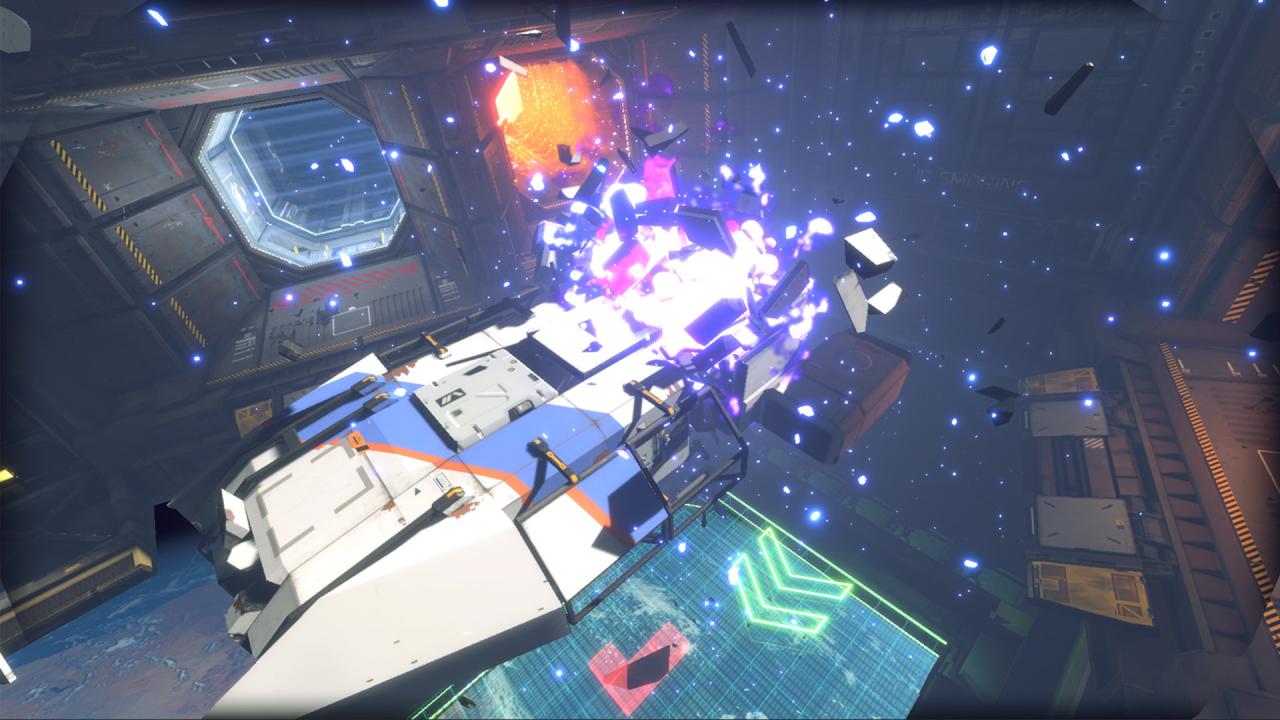
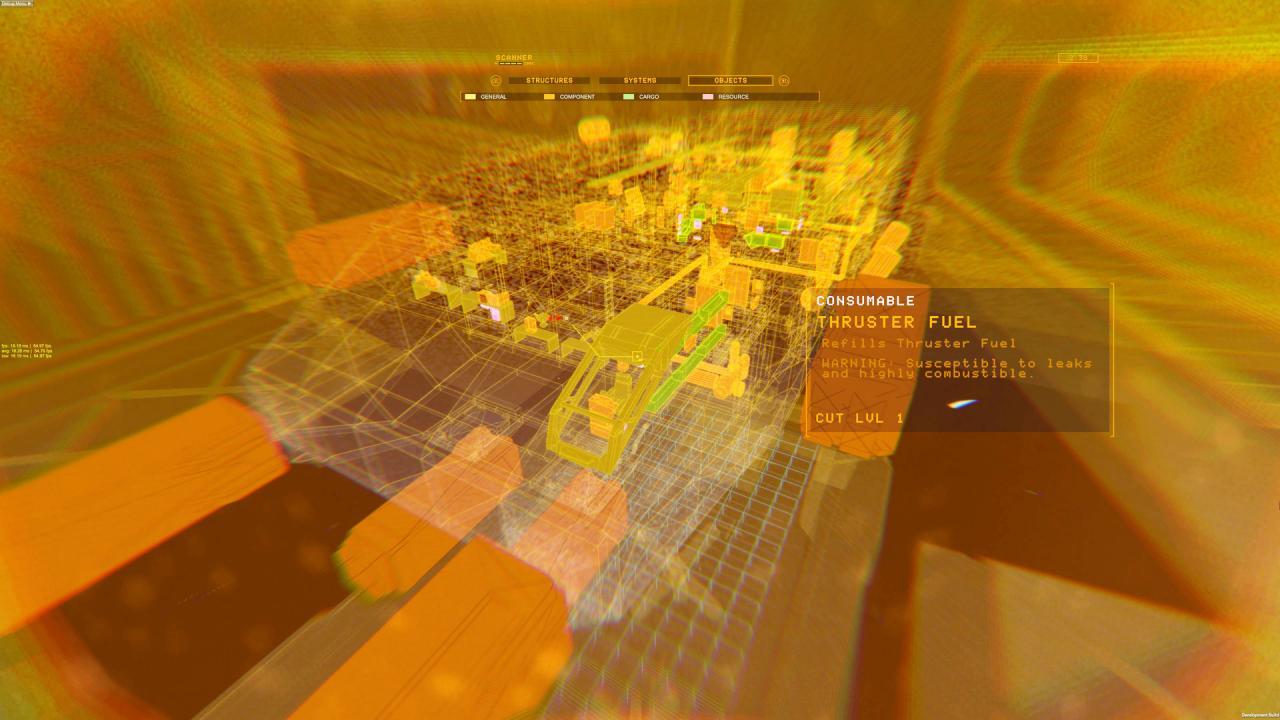
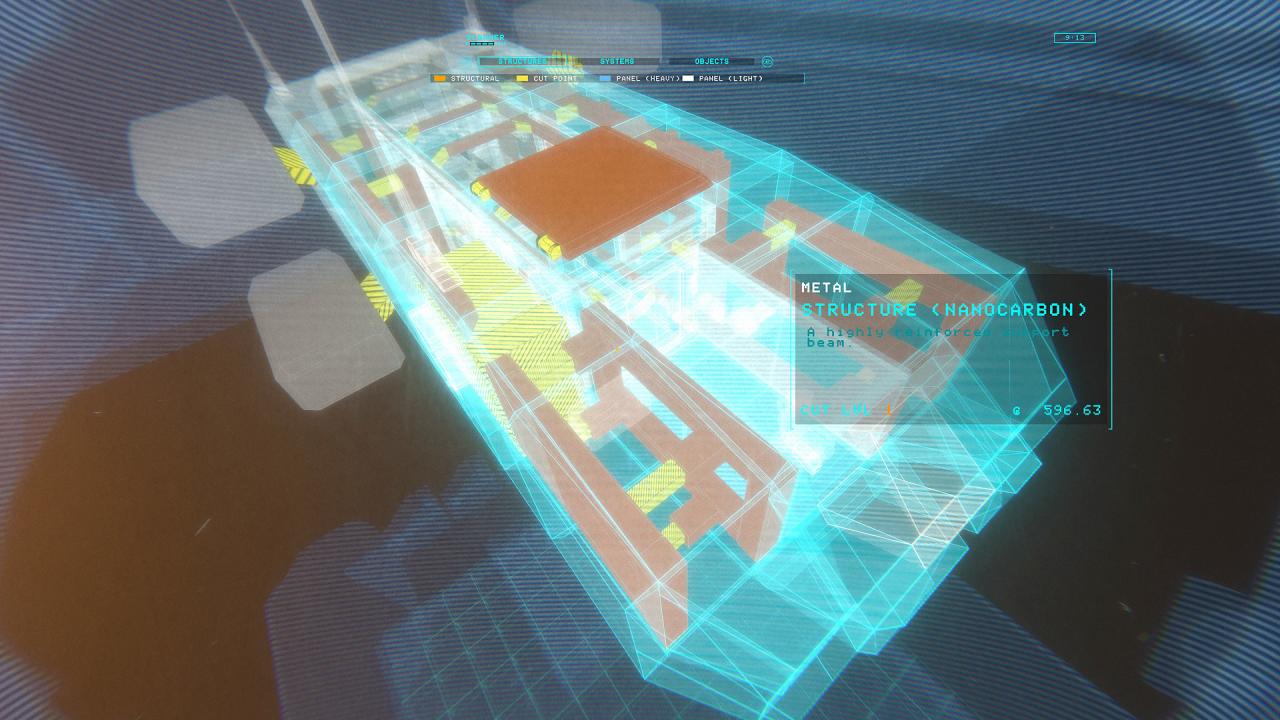
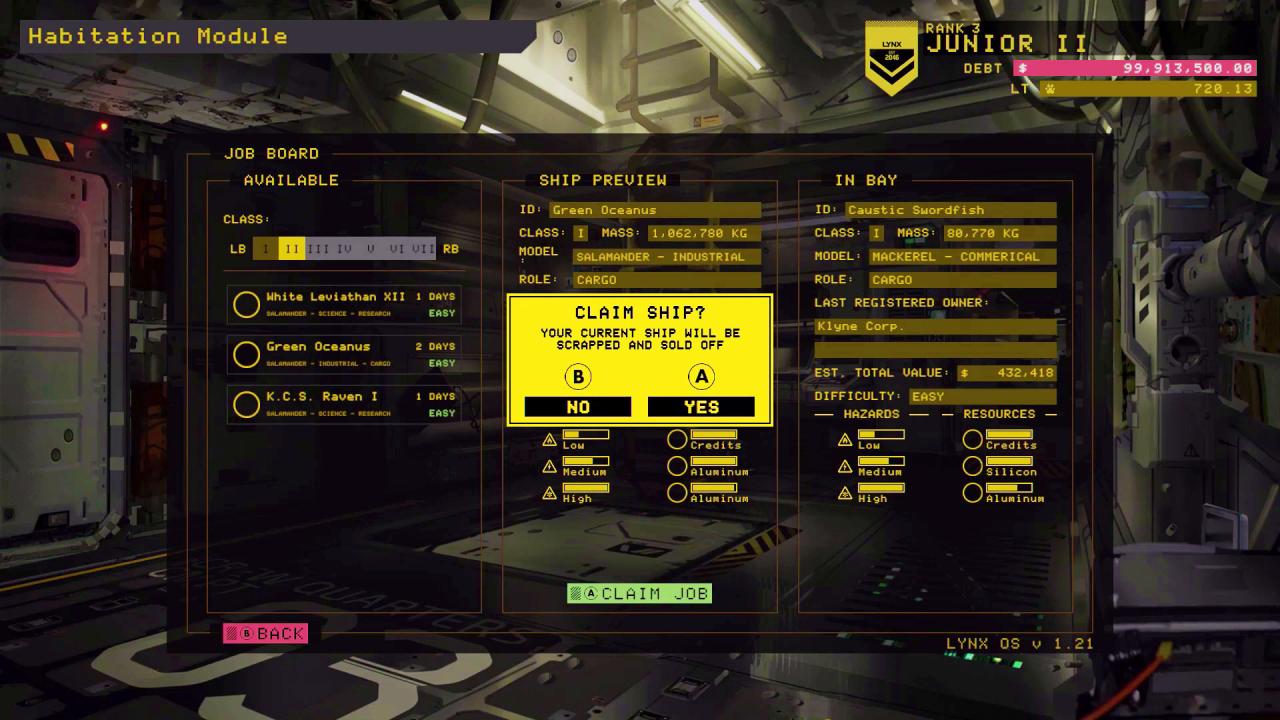
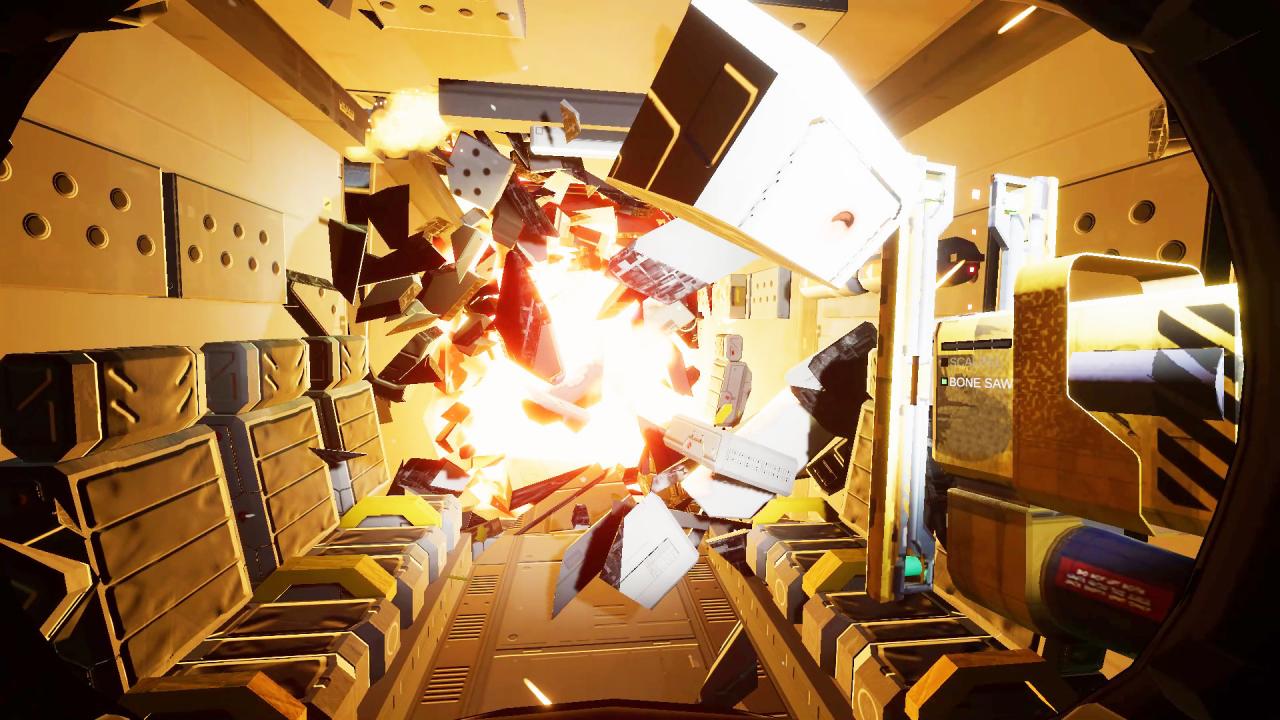
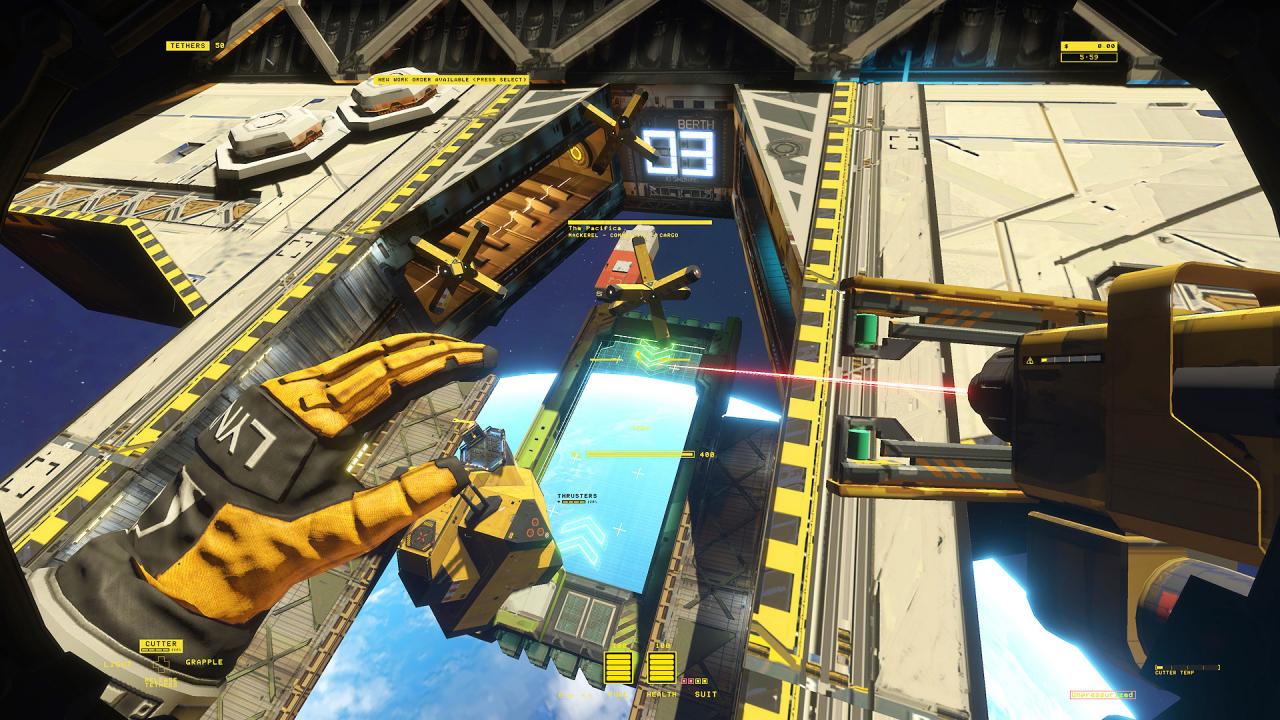
Welcome to LYNX, the solar system’s leader in spaceship salvaging! We offer you the privilege of helping turn humanity’s past into its future by salvaging ships in zero-g. Each one is a puzzle, and how you solve it is up to you! Carve your way in, salvage everything, and maximize your profit. Our cutting-edge LYNX tech helps you do the job. Slice metal with the laser cutter and use the grapple tool to move salvage with ease. Earn upgrades, such as demo charges, sensors, and safety gear. Careful where you point those tools! Hazards include explosive decompression, fuel, electricity, and radiation. Your life is protected by our EverWork™ technology, but our profits aren’t. Your LYNX adventure starts now! Account balance owing is: 1, 252, 594, 441.92 Credits Start paying that debt! Good luck, shipbreaker! Features Experience daily life as a blue-collar spaceship salvager Cut and destroy at will in a next-gen physics sim Salvage through a compelling campaign, relax in freeplay, or compete in timed challenges Explore a variety of ship types with unlimited variations

Hardspace: Shipbreaker screenshotHardspace: Shipbreaker screenshotHardspace: Shipbreaker screenshotHardspace: Shipbreaker screenshotHardspace: Shipbreaker screenshotHardspace: Shipbreaker screenshot

How to redeem

  1. 1Check your Steam account and the listed region before purchasing.
  2. 2Find your code and supplier activation instructions in your confirmed order.
  3. 3Open the redeem-code section on Steam, enter the code and follow the platform’s prompts.

Supplier instructions

Go to: http://store.steampowered.com/ and download STEAM client Click "Install Steam" (from the upper right corner) Install and start application, login with your Account name and Password (create one if you don't have). Please follow these instructions to activate a new retail purchase on Steam: Launch Steam and log into your Steam account. Click the Games Menu. Choose Activate a Product on Steam... Follow the onscreen instructions to complete the process. After successful code verification go to the "MY GAMES" tab and start downloading.

You might also like