

OtherGlobal· Key
Emsisoft Anti-Malware 2021 (1 Year / 1 Device)
€15.35
+€1.54 cashback eligibility in Relic Coins
Check before you play
- Region
- Global
- Product type
- Key
- Genres
- Software
OtherGlobal· Key
€15.35
+€1.54 cashback eligibility in Relic Coins
Emsisoft Anti-Malware monitors all active programs in real time for dangerous behavior (Behavior Blocking) and can detect new unknown Trojans, Worms, Viruses and other damaging programs (Zero-Day dangers) without daily updates. The signature-based security (Emsisoft and Ikarus double engine) ensures a very high recognition rate of known Malware such as Trojans, Worms and Viruses. Emsisoft Anti-Malware provides reliable protection from: Viruses, worms, bots. Trojans, backdoors, keyloggers, rootkits. Spyware, Adware, TrackingCookies.
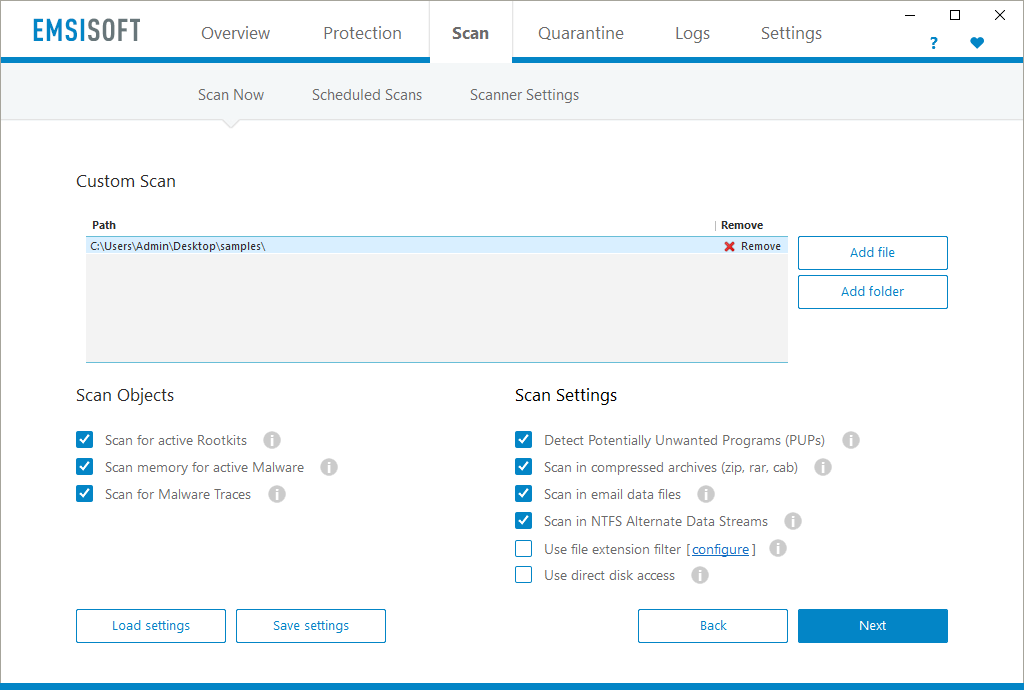

Download the latest version of our software to the new computer directly from the following sites https://www.emsisoft.com/en/software/antimalware/ Open the software. Next, you need to be logged into Windows as a local administrator in order to associate your license key with Emsisoft Anti-Malware. Click the “Details” link in the lower right corner of the Emsisoft Anti-Malware main screen. Click the “Manage license” button if available, otherwise “Connect with MyEmsisoft”. Type in your MyEmsisoft login email address and password Alternatively: Open your MyEmsisoft account webpage. Click, depending on whether your license is associated with a workspace or not, the ‘Add Device’ button or the ‘Install Protection’ button, located in the upper right part of the page. Download the main file that is offered, and run it on the computer you want protected. It will either activate Emsisoft Anti-Malware with that license, or it will install Emsisoft Anti-Malware and activate it with your license for you. In the end, please click the “Update now” option. After it has synchronized correctly, you’ll be able to see the number of days left in the license section. Alternatively, “active subscription” will be displayed if the license is associated with a subscription.