Get 10% back in Relic Coins on every order
Kerbal Space Program - Making History Expansion DLC cover

SteamEurope· DLC

Kerbal Space Program - Making History Expansion DLC

€3.85

+€0.39 cashback eligibility in Relic Coins

Check before you play

Platform
Steam
Region
Europe
Product type
DLC

Check the required base game and edition before purchasing this add-on.

Developer
Squad
Publisher
Private Division
Supplier release date
2018-03-13
Genres
Casual

About this product

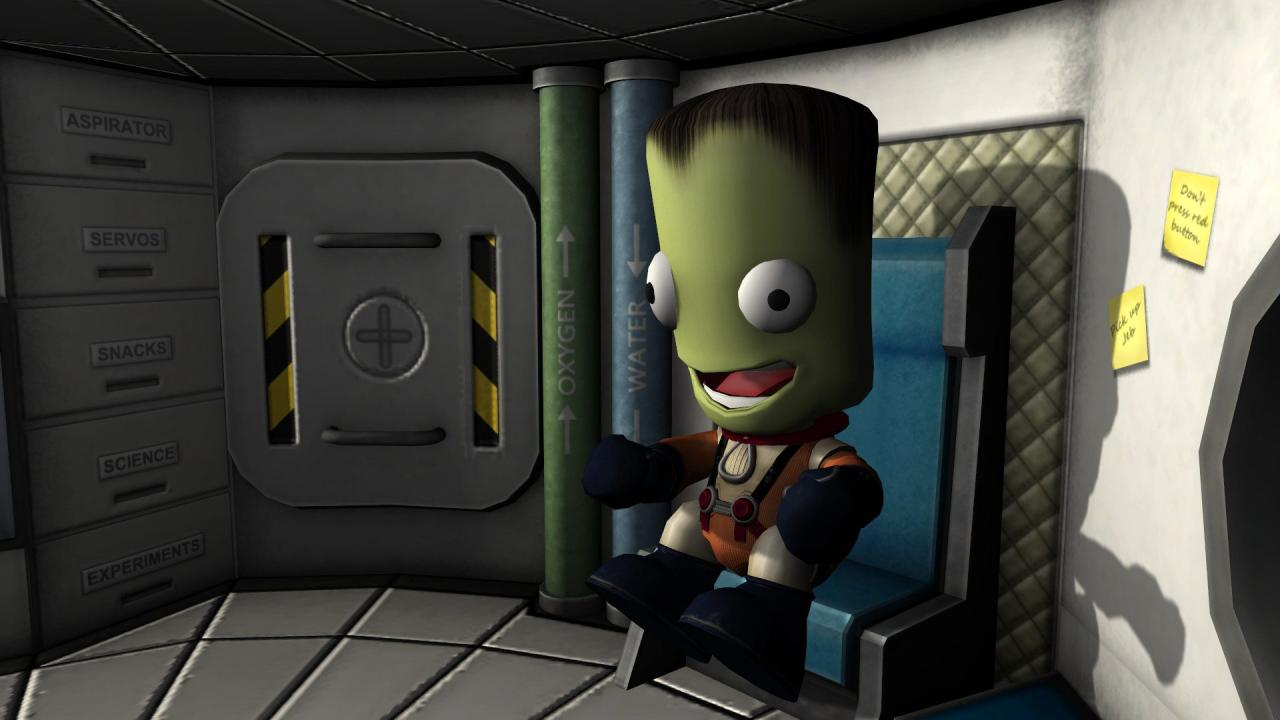
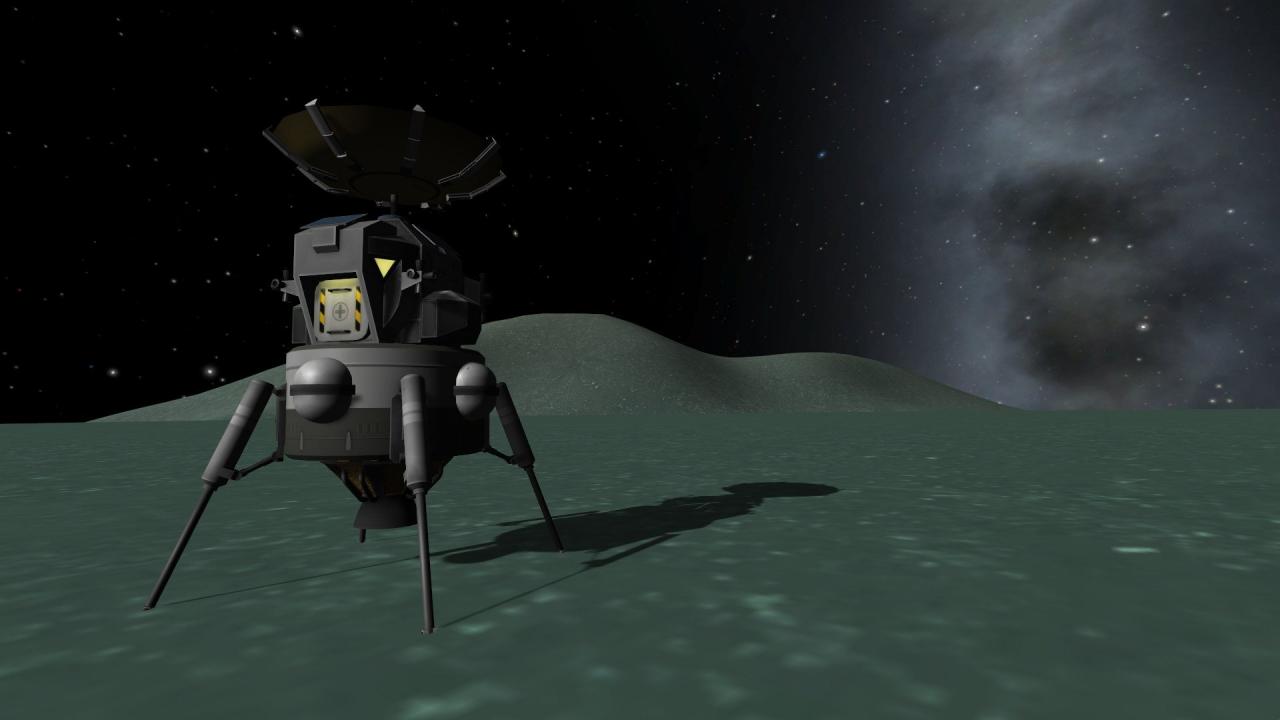
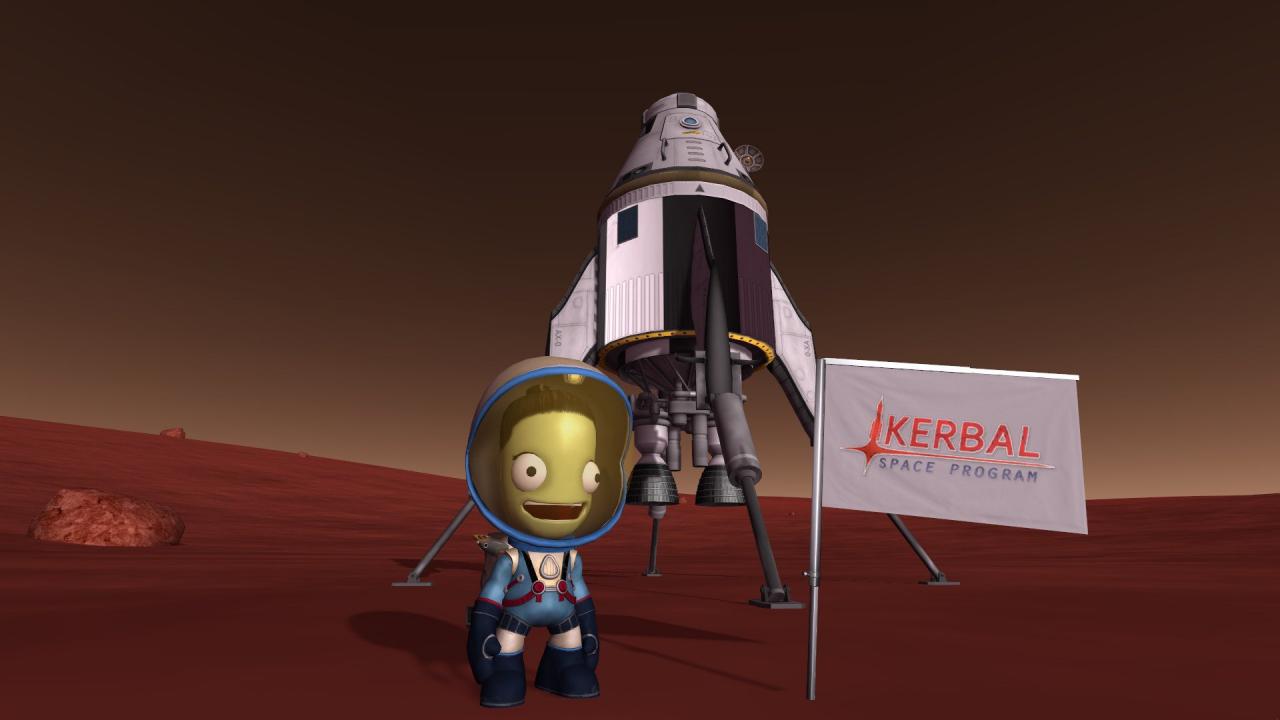
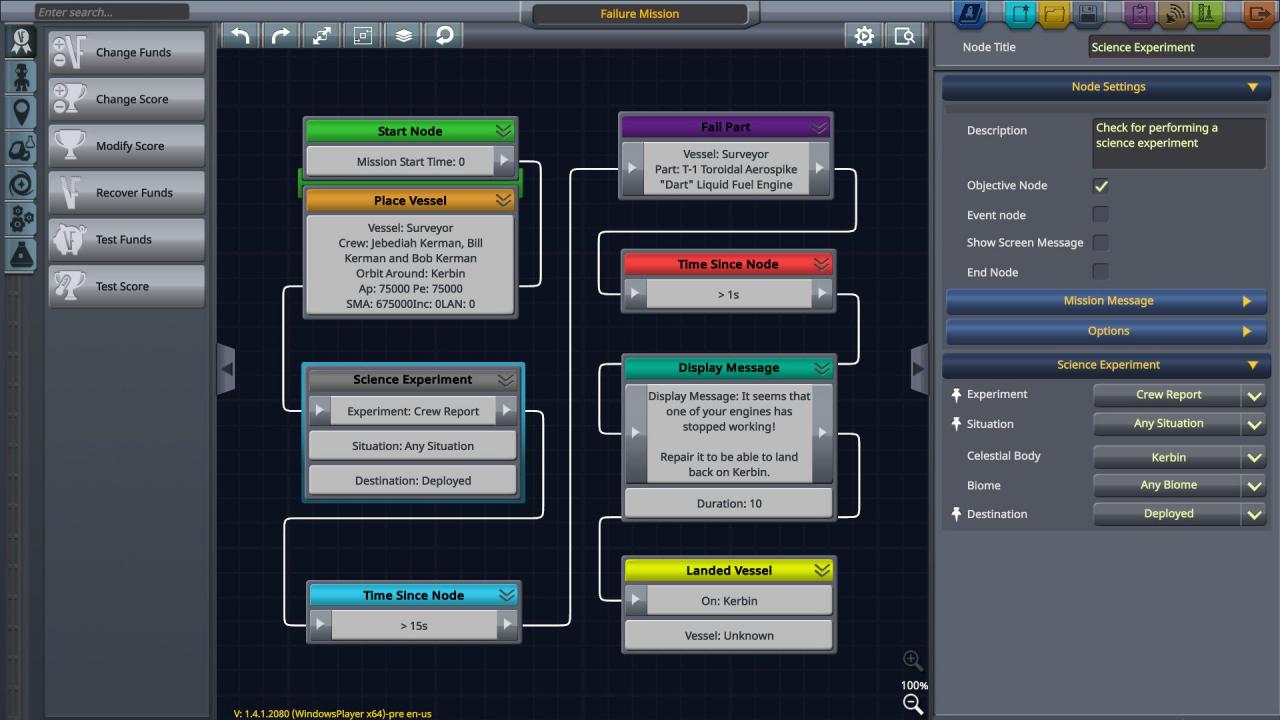
Expand your Kerbal experience like never before with Kerbal Space Program: Making History Expansion. The first expansion pack for the critically acclaimed space simulation game adds new content to Kerbal Space Program, including an immersive Mission Builder, a History Pack featuring missions inspired by historical events, and a wealth of new parts for players to use across their KSP experience. Create, launch, and share like never before with Kerbal Space Program: Making History Expansion. Features Mission Builder: This robust new feature puts the process of creating and editing missions in players’ hands with endless possibilities. Players can customize their own missions to include launches, landings, rescues, malfunctions, explosions, repairs, and much more. Unique victory conditions, exciting challenges, and unexpected obstacles provide an array of complexity in these missions. Challenge others by sharing your created missions with the KSP community. History Pack: Play a variety of pre-made missions inspired by humankind’s own space exploration. From spacewalking to crash landing and everything in between, players can attempt to recreate moments inspired by historic events, but with a unique Kerbal twist. New Parts: This expansion also includes dozens of new parts along with new astronaut suits, all inspired by the historic Space Race. Players can use these parts and suits throughout Kerbal Space Program.

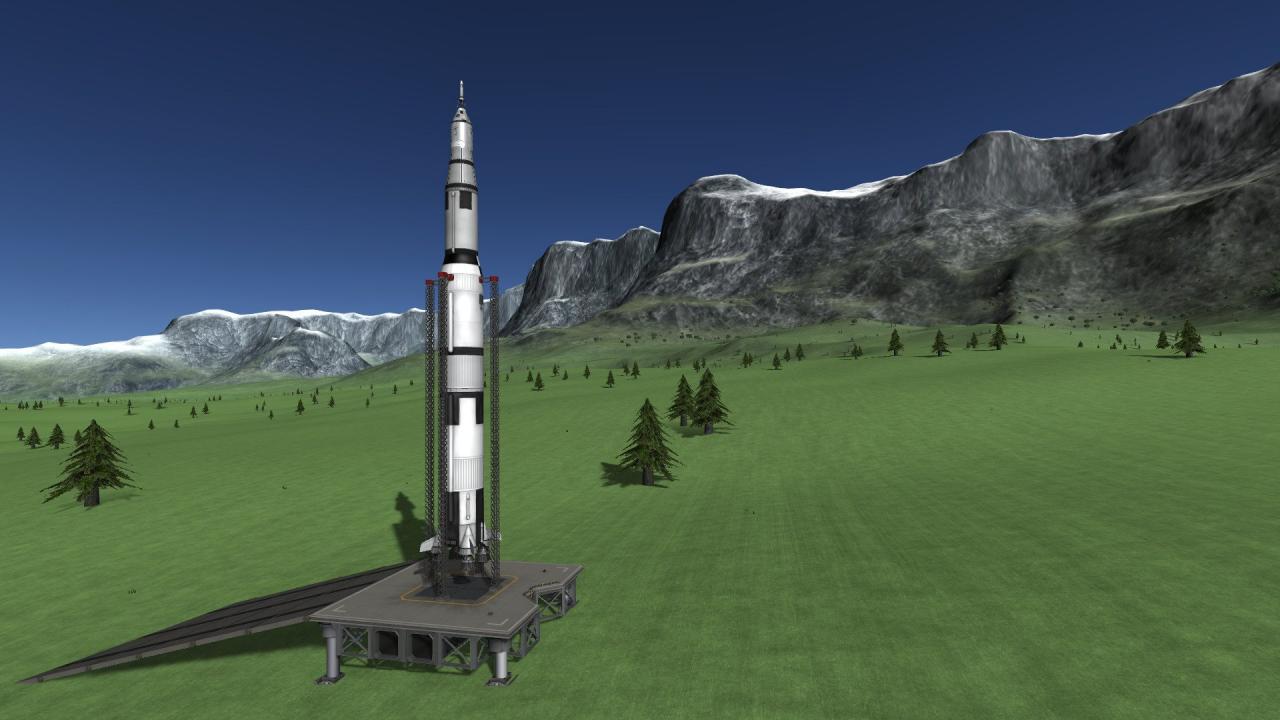
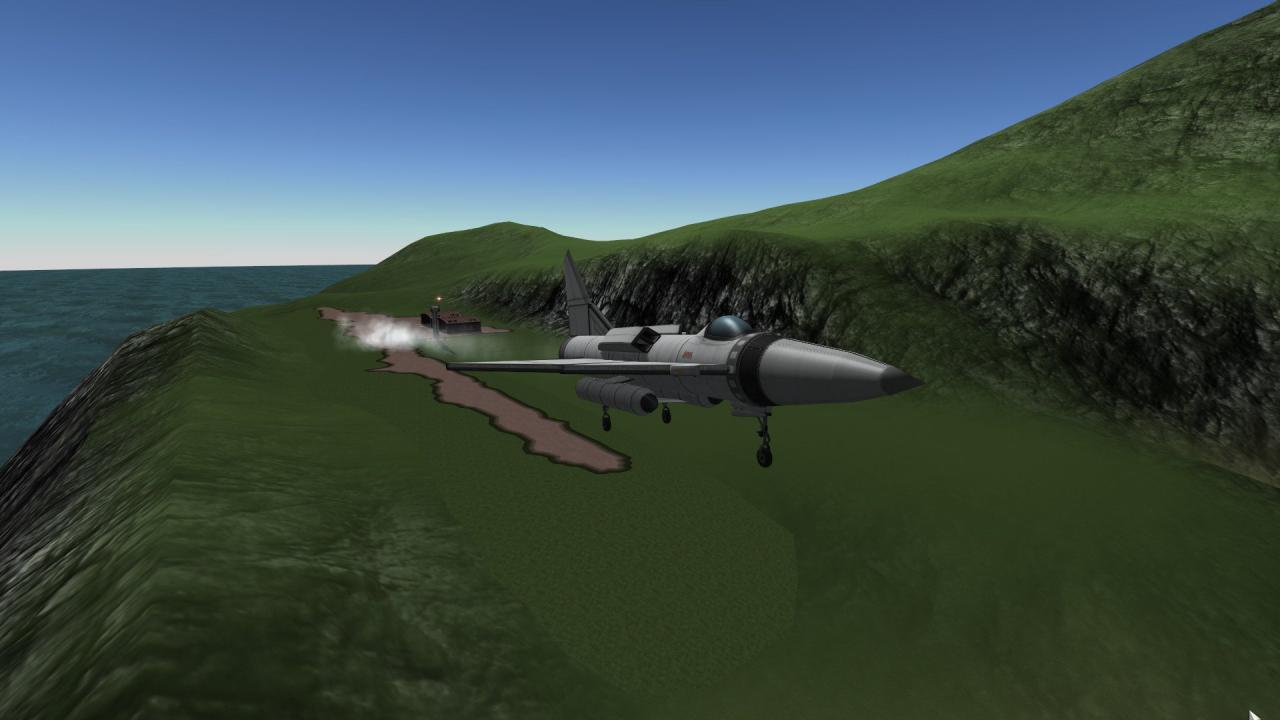
Kerbal Space Program - Making History Expansion DLC screenshotKerbal Space Program - Making History Expansion DLC screenshotKerbal Space Program - Making History Expansion DLC screenshotKerbal Space Program - Making History Expansion DLC screenshotKerbal Space Program - Making History Expansion DLC screenshotKerbal Space Program - Making History Expansion DLC screenshot

How to redeem

  1. 1Check the required base game, platform and edition before purchasing.
  2. 2Find the code or supplier activation instructions in your confirmed order.
  3. 3Redeem on Steam using the supplied instructions, then install the add-on with the compatible base game.

Supplier instructions

Go to: http://store.steampowered.com/ and download STEAM client Click "Install Steam" (from the upper right corner) Install and start application, login with your Account name and Password (create one if you don't have). Please follow these instructions to activate a new retail purchase on Steam: Launch Steam and log into your Steam account. Click the Games Menu. Choose Activate a Product on Steam... Follow the onscreen instructions to complete the process. After successful code verification go to the "MY GAMES" tab and start downloading.

You might also like