

Steam Europe - All Countries· Key
Booobjz
€3.42
+€0.34 cashback eligibility in Relic Coins
Check before you play
- Platform
- Steam
- Region
- Europe - All Countries
- Product type
- Key
- Supplier release date
- 2021-02-28
- Genres
- Action, Adventure, Indie, Casual
Steam Europe - All Countries· Key
€3.42
+€0.34 cashback eligibility in Relic Coins
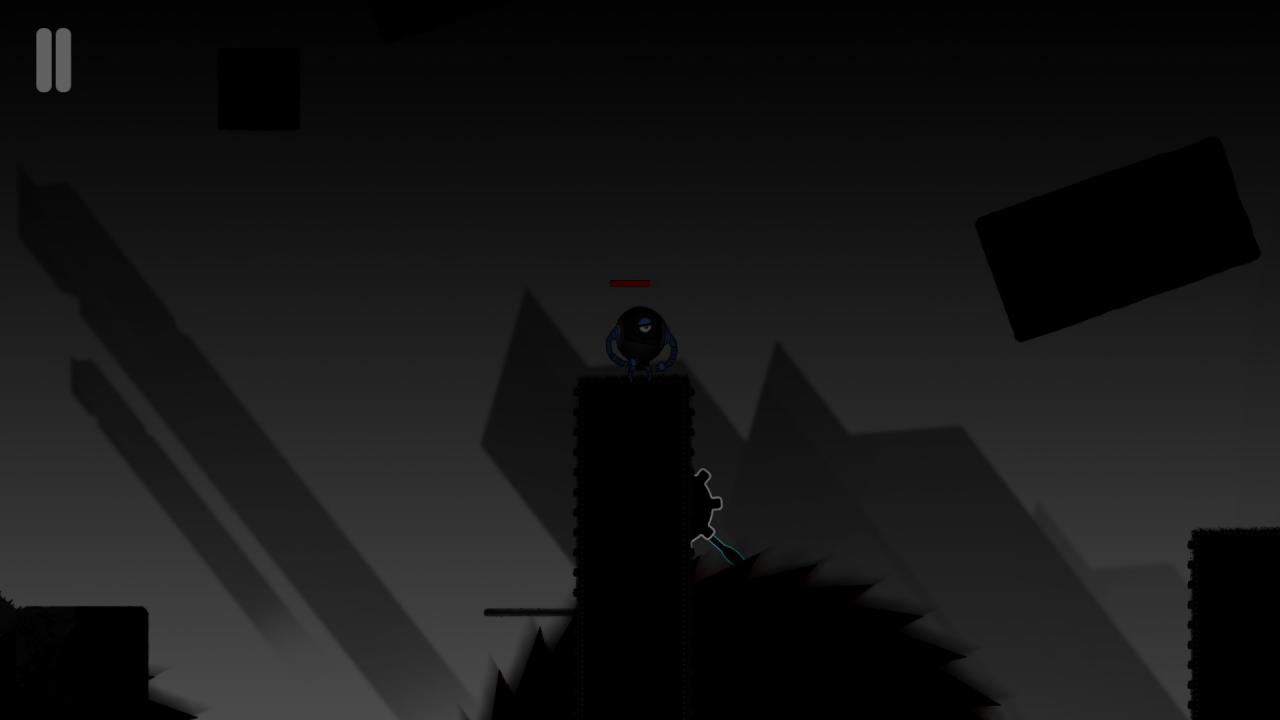
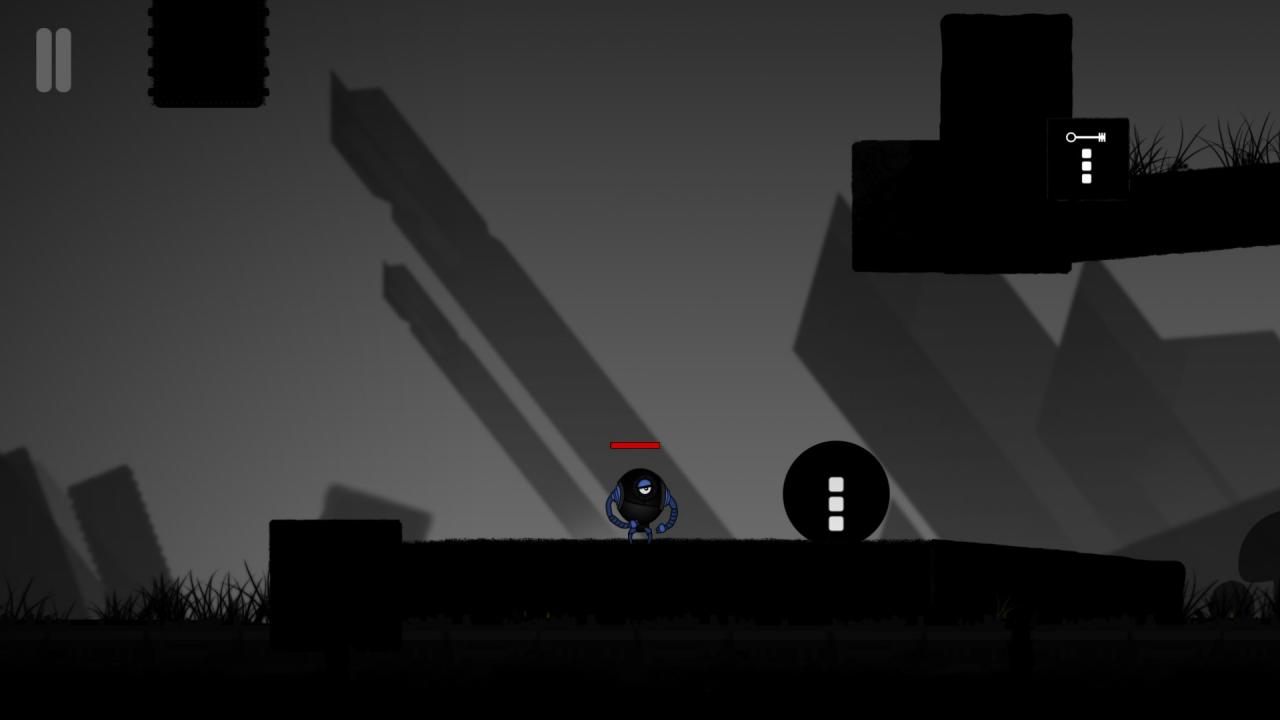
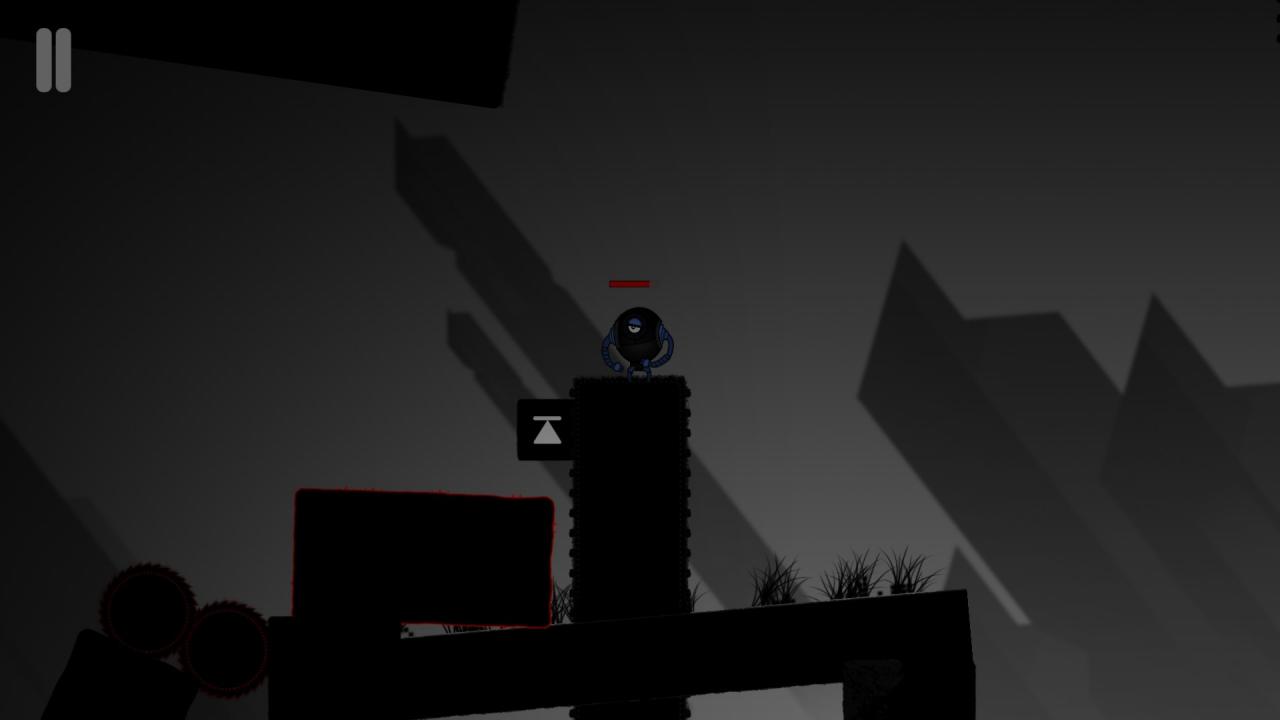
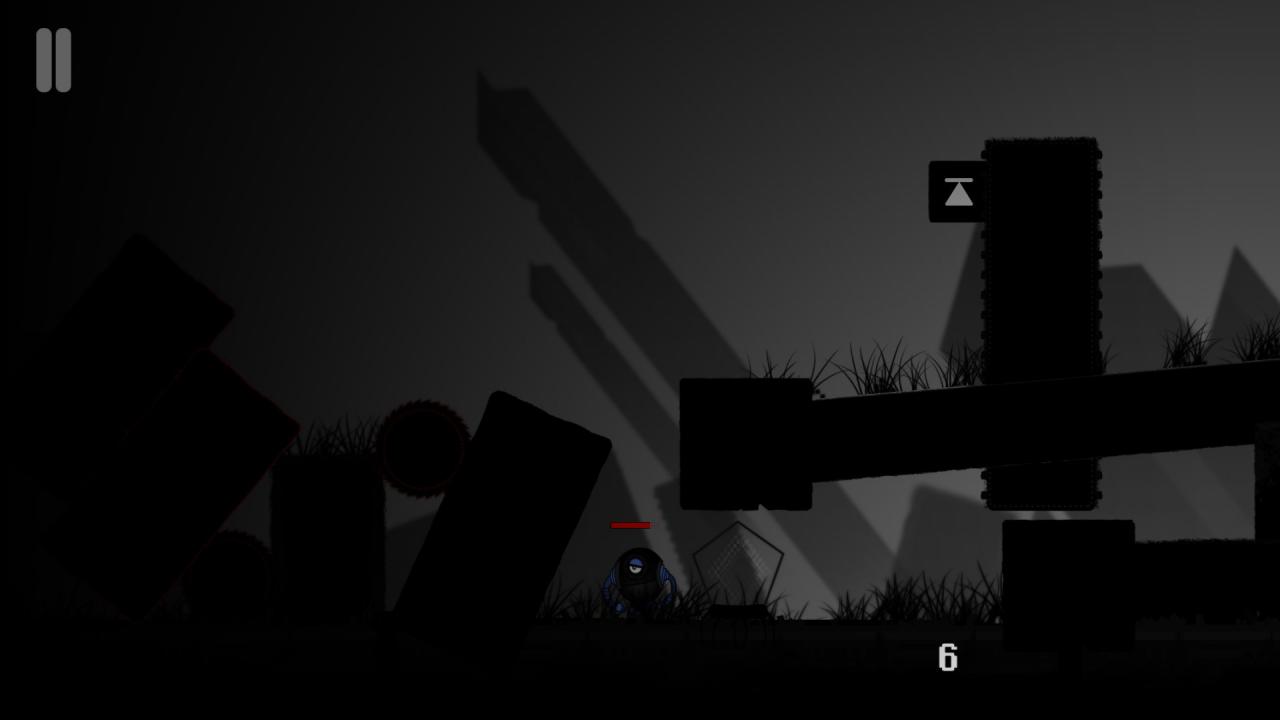
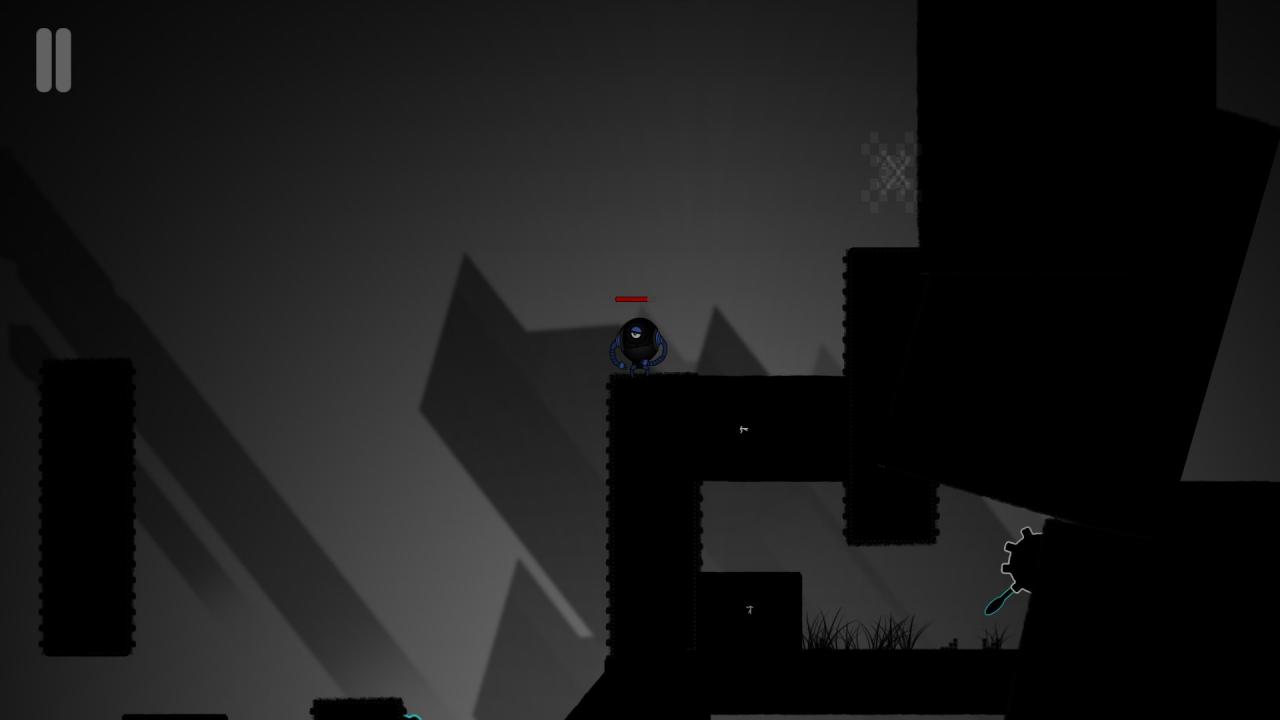
Booobjz-A super computer that heads a space corporation engaged in research.The corporation sends a super soldier in a universal protective suit to a dangerous planet, you have to solve puzzles and switch gravity. HistoryAfter the One Hundred and Twenty-Fifth World War, the surviving inhabitants of the planet "Coitia", exhausted by wars and epidemics, no longer trust themselves. The governments of all countries decide to transfer all power to the super computer "Booobjz"in a general referendum. An impartial machine brain writes laws and gives orders, and members of the new elite follow orders and send researchers to the nearest planet with a large amount of natural resources. Ten expeditions are in distress. And so one of the engineers of this system, Bruce Barris, creates an exoskeleton from super strong and lightweight materials. On a competitive basis, the best residents are selected and trained for 150 years. When everything is ready, the elected representative goes on a Trip with the necessary preparation, but without having complete information. Will the flight be successful or not? We have to find out. The expedition decides to call “Booobjz” in honor of the super computer. Features: Lots of secrets Switching gravity Super suits that can push off from vertical surfaces.

Go to: http://store.steampowered.com/ and download STEAM client Click "Install Steam" (from the upper right corner) Install and start application, login with your Account name and Password (create one if you don't have). Please follow these instructions to activate a new retail purchase on Steam: Launch Steam and log into your Steam account. Click the Games Menu. Choose Activate a Product on Steam... Follow the onscreen instructions to complete the process. After successful code verification go to the "MY GAMES" tab and start downloading.