

SteamGlobal· Key
Rooks Keep
€1.09
+€0.11 cashback eligibility in Relic Coins
Check before you play
- Platform
- Steam
- Region
- Global
- Product type
- Key
- Developer
- RuneStorm
- Publisher
- RuneStorm
- Supplier release date
- 2014-12-05
- Genres
- Action, Indie, Strategy
SteamGlobal· Key
€1.09
+€0.11 cashback eligibility in Relic Coins
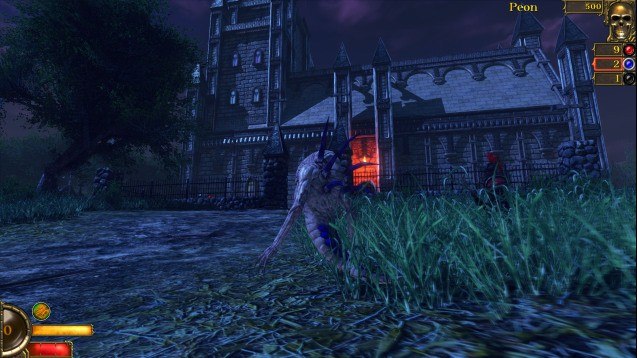
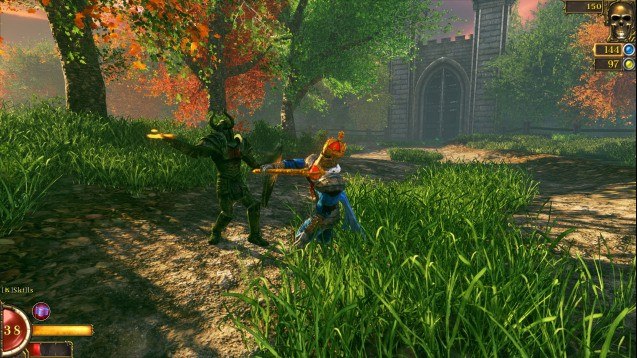
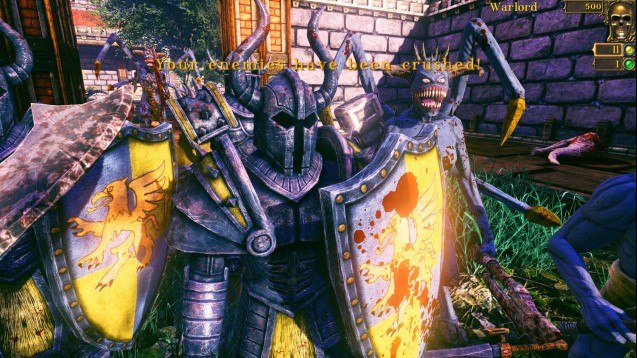
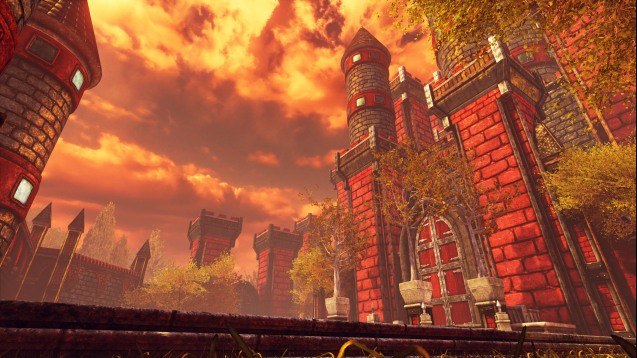
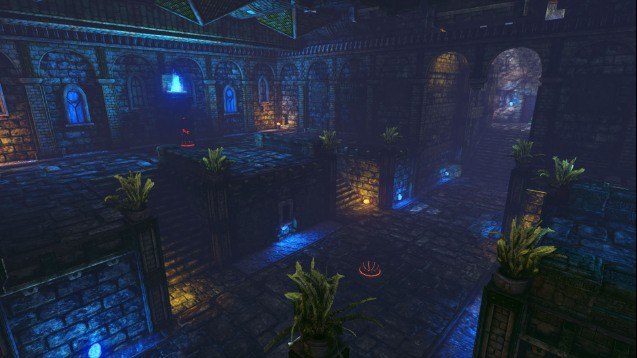
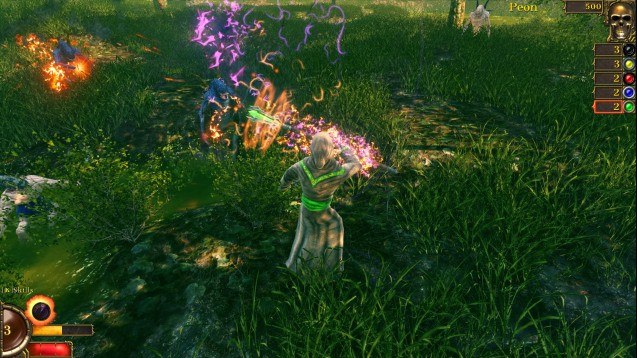
Deathmatch. AI & Multiplayer. Chess. Decapitation.Descend into a brutal tournament where factions of sinister knights and grotesque beasts battle for domination in bloody arena matches and furious melee brawls. Crush opponents with hammers and shields, rend flesh with razor sharp claws and slice off heads with swords and axes.In Rooks Keep, players will maim their competitors in both a selection of deathmatch-arena game-modes such as 'Deathmatch', 'Team-Deathmatch', 'Conversion', 'Chess', 'Last-Man-Standing' and 'Combat Chess'. Play solo, jump into multiplayer matches, or add AI opponents to squash under-foot in both single and multiplayer. We even support 3rd party Chess engines.The game is set in a uniquely styled fantasy world, where factions battle ceaselessly for your entertainment. Features Arena gameplayPlayers will enter into a variety of game-modes, such as Deathmatch, Last-Man-Standing and Conversion(kill enemies to convert them to your team), and battle across a variety of maps with many available options and mutators. Melee combatThe focus of Rooks Keep is on the fantasy melee combat system, featuring quick and heavy attacks, parrying, blocking, dodging and special abilities and skills. ChessPlayers can play in both Classic Chess and the unusual Combat Chess mode, where players have the opportunity to fight to retain their place on the board if attacked. AI/LAN/OnlineRooks Keep presents players with single-player solely against AI bots, LAN and online. Also supported are 3rd party Chess engines. Even hot-seat Chess is available. Unreal & mod supportBuilt on the Unreal® Development Kit™, Rooks Keep offers extensive mod support. Players will be able to use the included UnrealEd tool to build their own maps and mods.
Go to: http://store.steampowered.com/ and download STEAM client Click "Install Steam" (from the upper right corner) Install and start application, login with your Account name and Password (create one if you don't have). Please follow these instructions to activate a new retail purchase on Steam: Launch Steam and log into your Steam account. Click the Games Menu. Choose Activate a Product on Steam... Follow the onscreen instructions to complete the process. After successful code verification go to the "MY GAMES" tab and start downloading.