Get 10% back in Relic Coins on every order
Microsoft Flight Simulator Windows 10 cover

Other Europe - All Countries· Key

Microsoft Flight Simulator Windows 10

€25.67

+€2.57 cashback eligibility in Relic Coins

Check before you play

Region
Europe - All Countries
Product type
Key
Developer
Asobo Studio
Publisher
Xbox Game Studios
Supplier release date
2020-08-18
Genres
Simulation

About this product

THE SKY IS CALLINGTake to the skies and experience the joy of flight in the next generation of Microsoft Flight Simulator. The world is at your fingertips. Features: Explore the WorldTravel the world in amazing detail with over 37 thousand airports, 2 million cities, 1.5 billion buildings, real mountains, roads, trees, rivers, animals, traffic, and more. Earn Your WingsHone your pilot skills in a variety of aircraft from light planes to commercial jets with an experience that scales to your level with interactive and highlighted instrument guidance and checklists. Test Your SkillFly day or night with live real-time weather including accurate wind speed and direction, temperature, humidity, rain, and lighting. From light planes to wide-body jets, fly highly detailed and accurate aircraft in the next generation of Microsoft Flight Simulator. Test your piloting skills against the challenges of night flying, real-time atmospheric simulation and live weather in a dynamic and living world. Create your flight plan to anywhere on the planet. The world is at your fingertips.HDR: HDR functionality available with supported games and TVs.

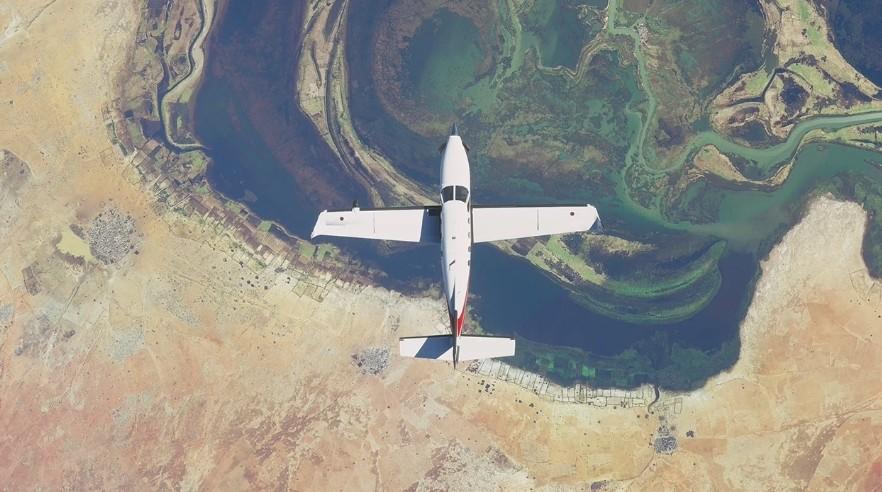
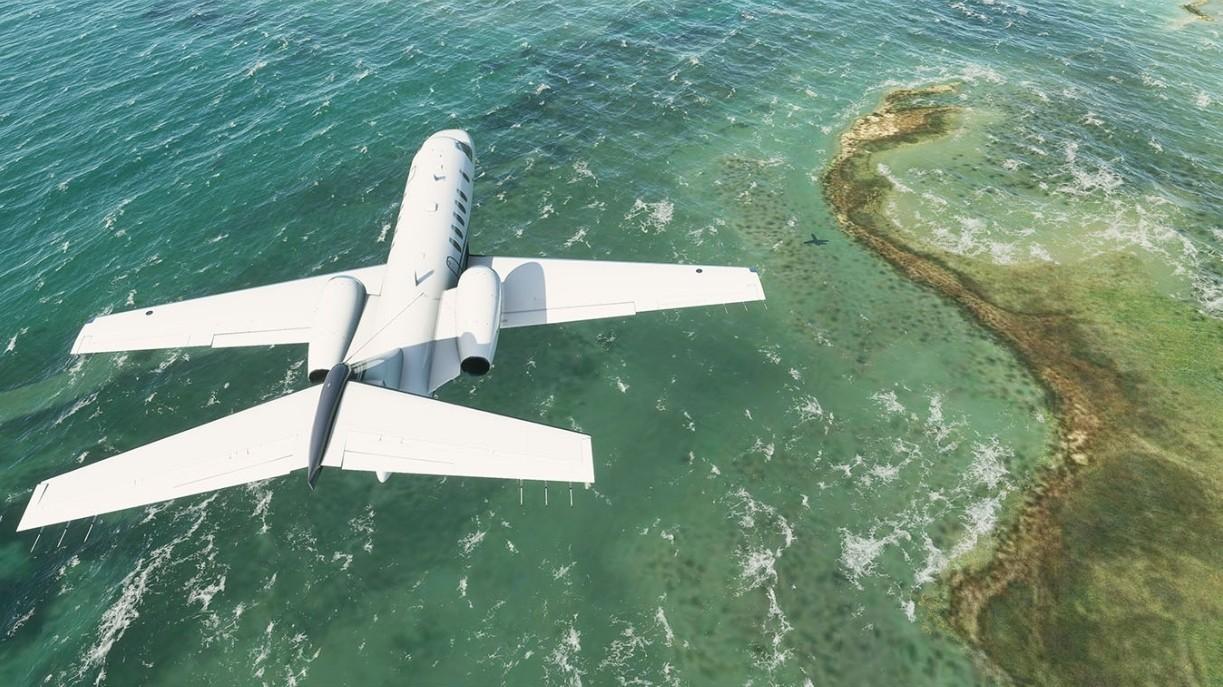
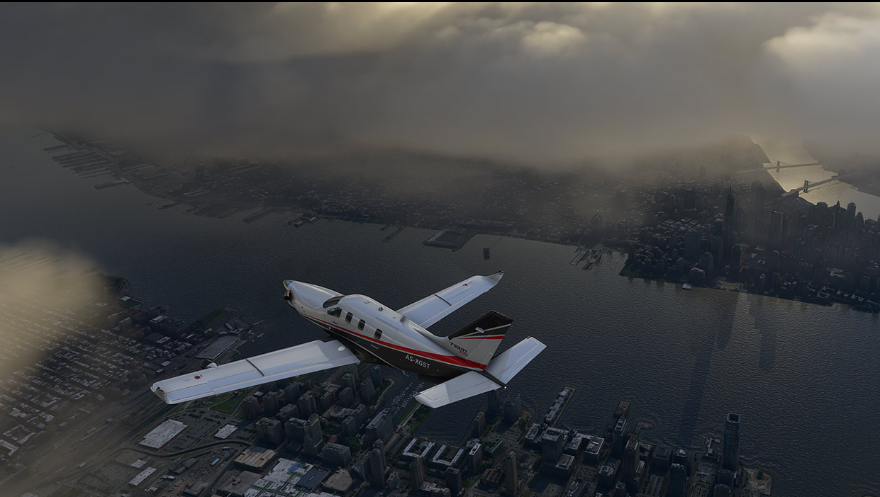
Microsoft Flight Simulator Windows 10 screenshotMicrosoft Flight Simulator Windows 10 screenshotMicrosoft Flight Simulator Windows 10 screenshotMicrosoft Flight Simulator Windows 10 screenshotMicrosoft Flight Simulator Windows 10 screenshotMicrosoft Flight Simulator Windows 10 screenshot

How to redeem

  1. 1Check your Other account and the listed region before purchasing.
  2. 2Find your code and supplier activation instructions in your confirmed order.
  3. 3Open the redeem-code section on Other, enter the code and follow the platform’s prompts.

Supplier instructions

Select the Start button, then select Xbox. Sign in. If you don’t have a Microsoft account, sign up. If you’ve ever installed games from the Windows Store, use the same Microsoft account here. Select My games. Games you have on that device will appear there. Click on Find games in the Store. Select Redeem code option and enter your xxxxx-xxxxx-xxxxx-xxxxx-xxxxx key.

You might also like