Get 10% back in Relic Coins on every order
Horror Story: Hallowseed cover

SteamGlobal· Key

Horror Story: Hallowseed

€3.50

+€0.35 cashback eligibility in Relic Coins

Check before you play

Platform
Steam
Region
Global
Product type
Key
Developer
Jeff Winner
Publisher
1C Entertainment
Supplier release date
2021-07-07
Genres
Adventure, Horror, Indie, Story rich, Survival

About this product

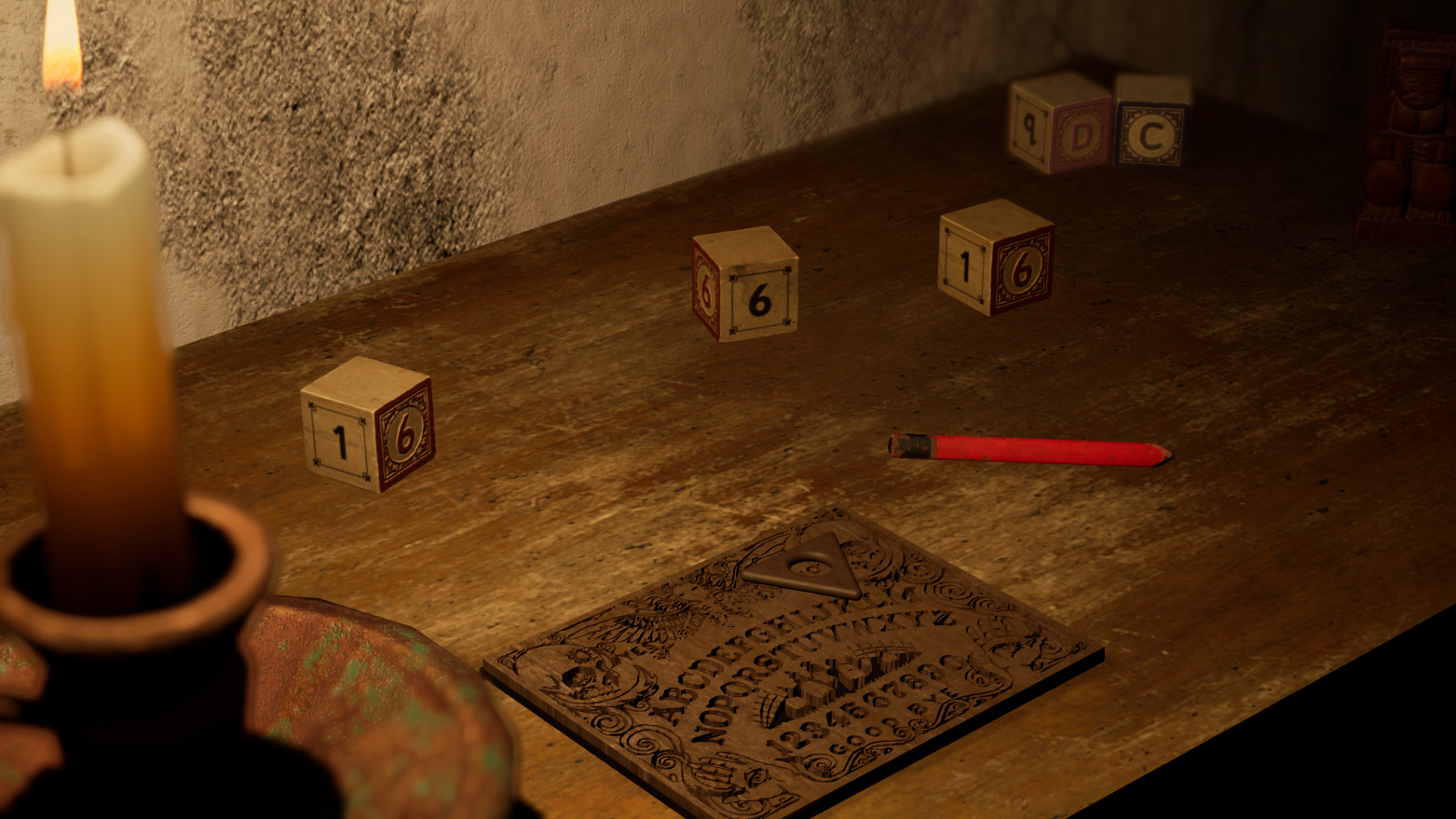
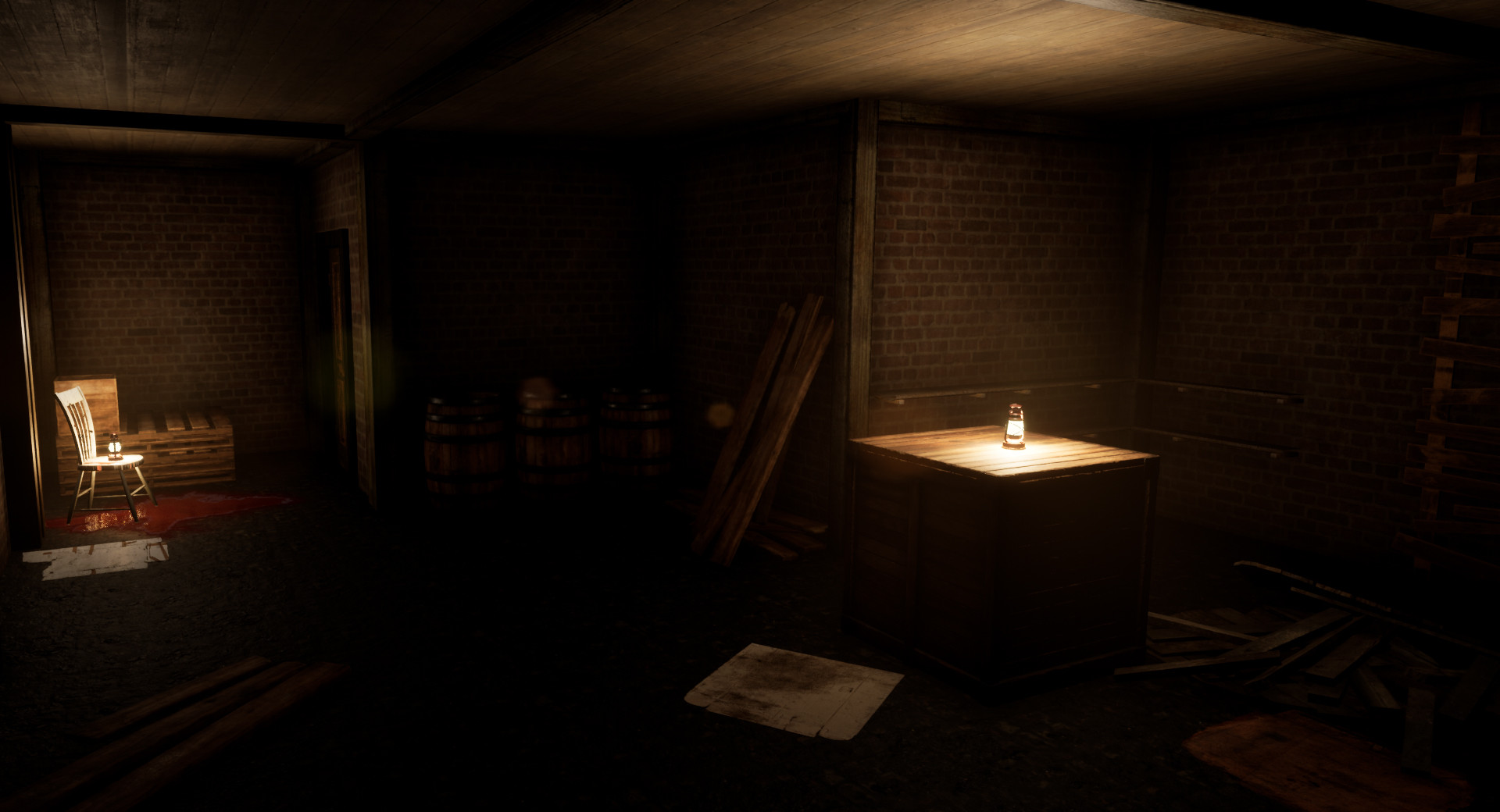
Horror Story: Hallowseed is a single-player story-driven psychological horror game that takes place in the fictional location, Hallowseed. A place forgotten by time, wrapped in a mysterious demonic terror! Three friends were camping in the woods, when an obscure event takes them away, causing two of them to disappear. Left alone in an unknown place, Michael seeks answers about what happened, while trying to find his friends. Features Story-rich - The player is driven by the story of a village that used to follow God’s way, but an obscure power seduced some of them and condemned them to the darkness. While seeking to save his friends, Michael will uncover what role he plays in all this tragedy. Atmospheric - Immersive sounding and stunning visuals Micro-scares system - a random system of… scary events that are activated based on how the player interacts with the environment and will make you jump from your chair (or couch)! Inspired by Horror Movie Classics: Insidious, The Conjuring and The Exorcism of Emily Rose Hallowseed is the first chapter in the Horror Story series by Jeff Winner


Horror Story: Hallowseed screenshotHorror Story: Hallowseed screenshotHorror Story: Hallowseed screenshotHorror Story: Hallowseed screenshotHorror Story: Hallowseed screenshotHorror Story: Hallowseed screenshot

How to redeem

  1. 1Check your Steam account and the listed region before purchasing.
  2. 2Find your code and supplier activation instructions in your confirmed order.
  3. 3Open the redeem-code section on Steam, enter the code and follow the platform’s prompts.

Supplier instructions

Go to: http://store.steampowered.com/ and download STEAM client Click "Install Steam" (from the upper right corner) Install and start application, login with your Account name and Password (create one if you don't have). Please follow these instructions to activate a new retail purchase on Steam: Launch Steam and log into your Steam account. Click the Games Menu. Choose Activate a Product on Steam... Follow the onscreen instructions to complete the process. After successful code verification go to the "LIBRARY" tab and start downloading.

You might also like