

SteamGlobal· Key
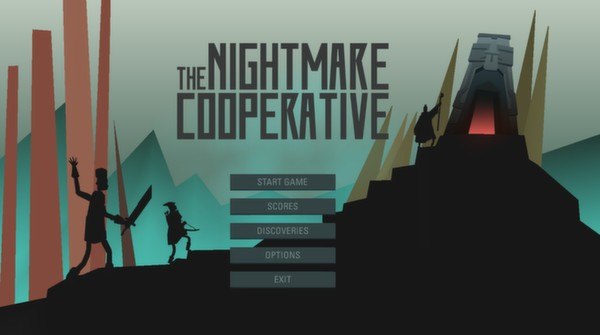
The Nightmare Cooperative
€0.38
+€0.04 cashback eligibility in Relic Coins
Check before you play
- Platform
- Steam
- Region
- Global
- Product type
- Key
- Developer
- Lucky Frame
- Genres
- Strategy, Indie
SteamGlobal· Key
€0.38
+€0.04 cashback eligibility in Relic Coins
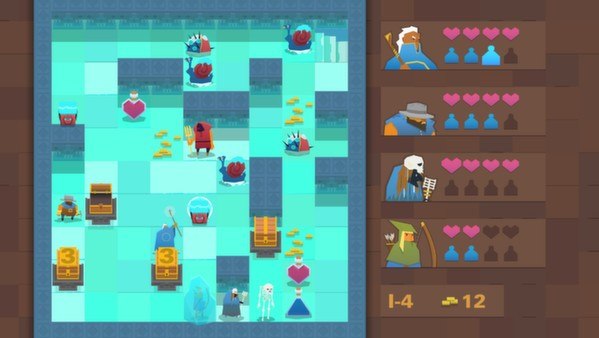
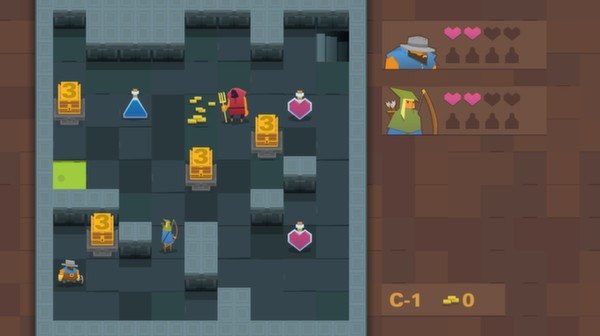
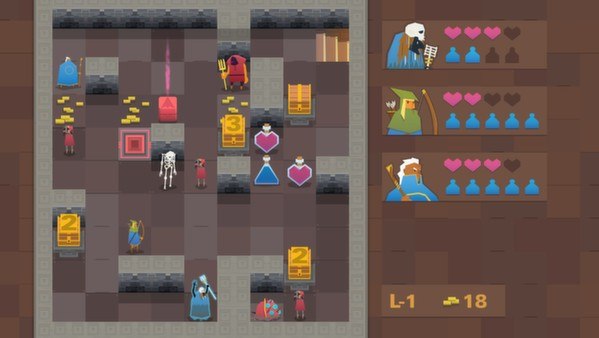
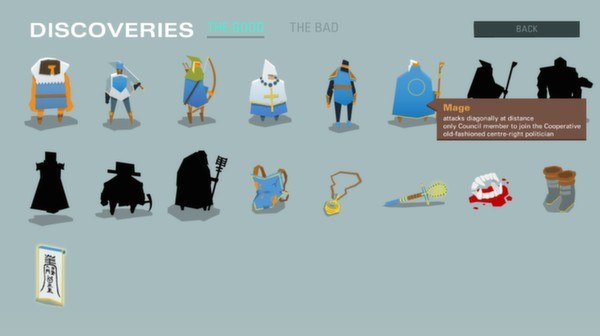
The Nightmare Cooperative Steam Key Platform: Steam Languages: English Release Date: 16 Jul 2014 Product Description The Nightmare Cooperative is a strategic roguelike where you lead a group of unlikely comrades through some rather difficult situations. Your village has fallen on hard times (due to some rather reckless spending by the Village Council) and it’s up to you to bring back some gold. Or even just try and survive for a bit. Each member of the Cooperative will bring a different power to your group; the Warrior fights hard (despite her moral objections), the Miner overcomes deep psychological issues to dig you out of sticky situations, the Necromancer is pretty creepy. A tricky thing, though: you have to control them all together. Move left, and the whole group moves left. Activate the special power, and every member will jump into action. And please, do your best to bring home some gold, the Village could really use it. System Requirements PC System Requirements OS: XP Memory: 1 GB RAM Hard Drive: 200 MB available space Mac System Requirements OS: 10.6 Memory: 1 GB RAM Hard Drive: 200 MB available space Linux System Requirements OS: Ubuntu 12.04 Processor: 2.0 GHz or better Memory: 1 GB RAM Graphics: Radeon x850 or comparable Hard Drive: 200 MB available space
Go to: http://store.steampowered.com/ and download STEAM client Click "Install Steam" (from the upper right corner) Install and start application, login with your Account name and Password (create one if you don't have). Please follow these instructions to activate a new retail purchase on Steam: Launch Steam and log into your Steam account. Click the Games Menu. Choose Activate a Product on Steam... Follow the onscreen instructions to complete the process. After successful code verification go to the "MY GAMES" tab and start downloading.