Get 10% back in Relic Coins on every order
Evil Pumpkin: The Lost Halloween cover

SteamGlobal· Key

Evil Pumpkin: The Lost Halloween

€5.58

+€0.56 cashback eligibility in Relic Coins

Check before you play

Platform
Steam
Region
Global
Product type
Key
Developer
Two Desperados
Publisher
Two Desperados
Supplier release date
2014-11-07
Genres
Adventure

About this product

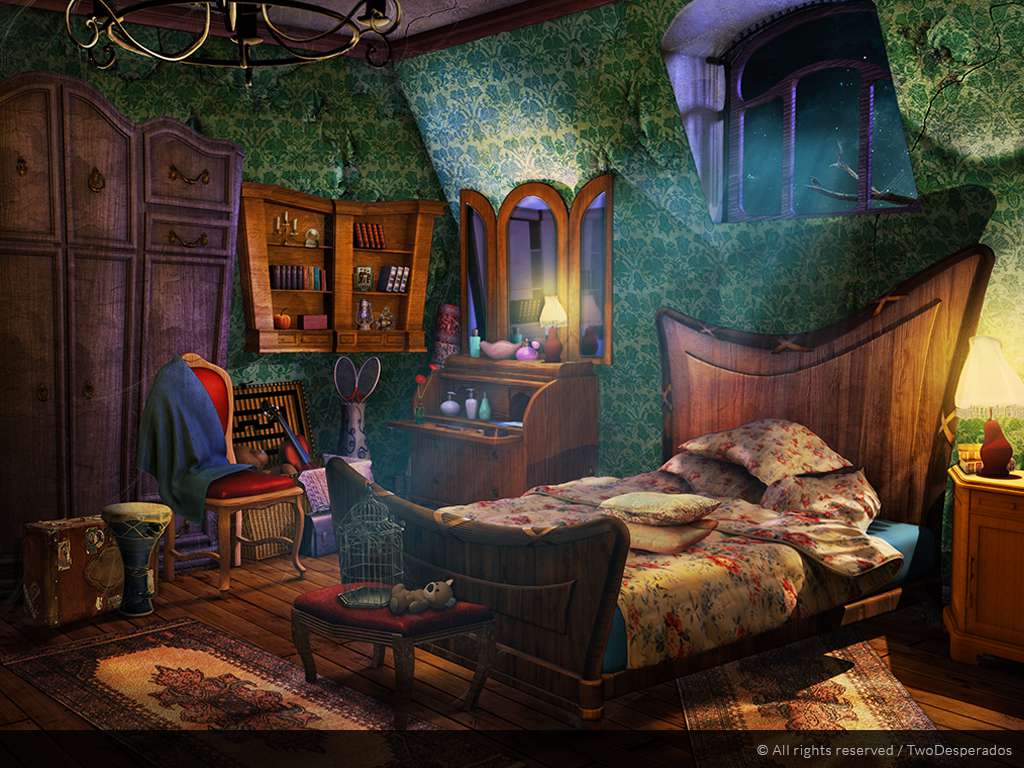
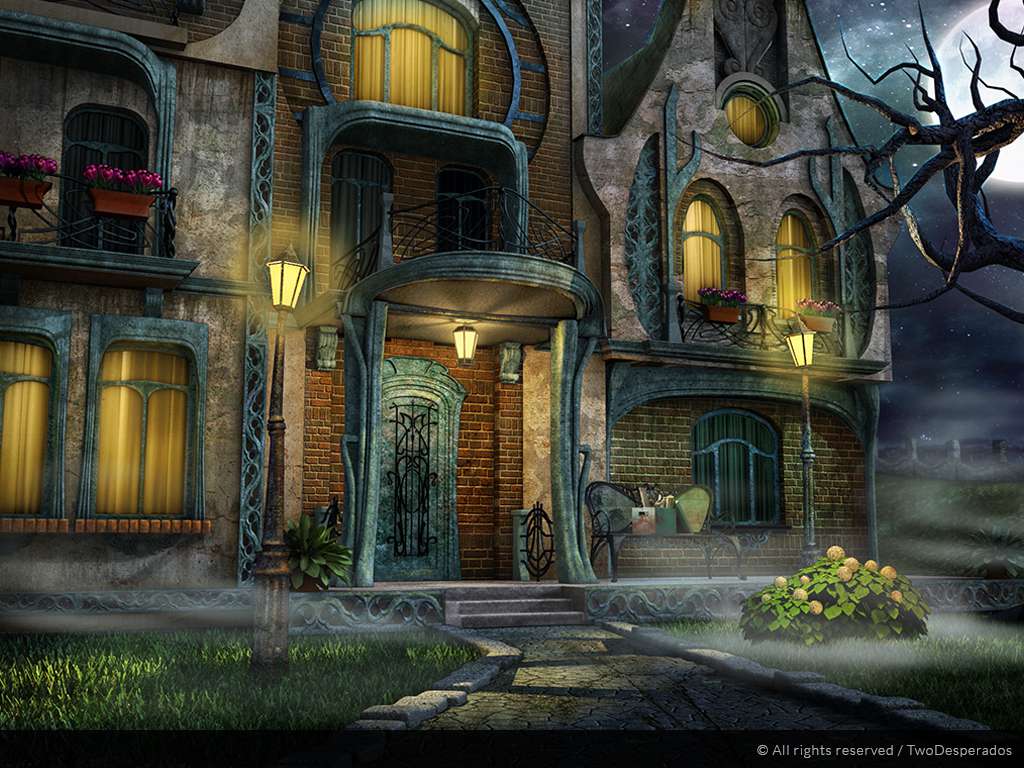
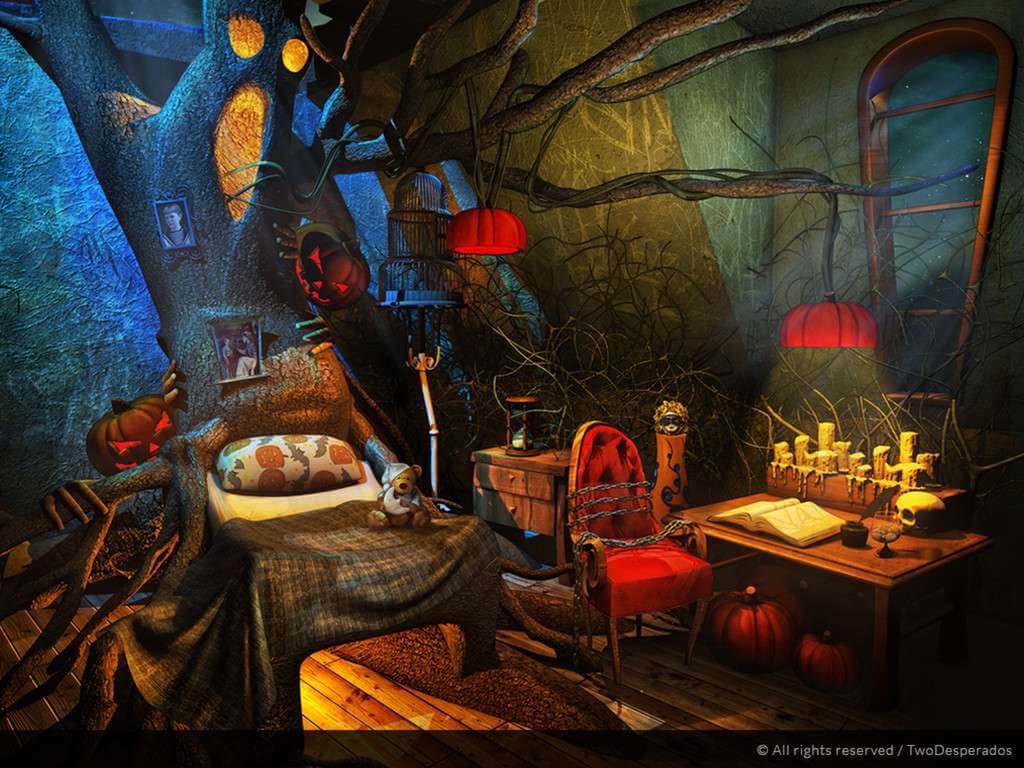
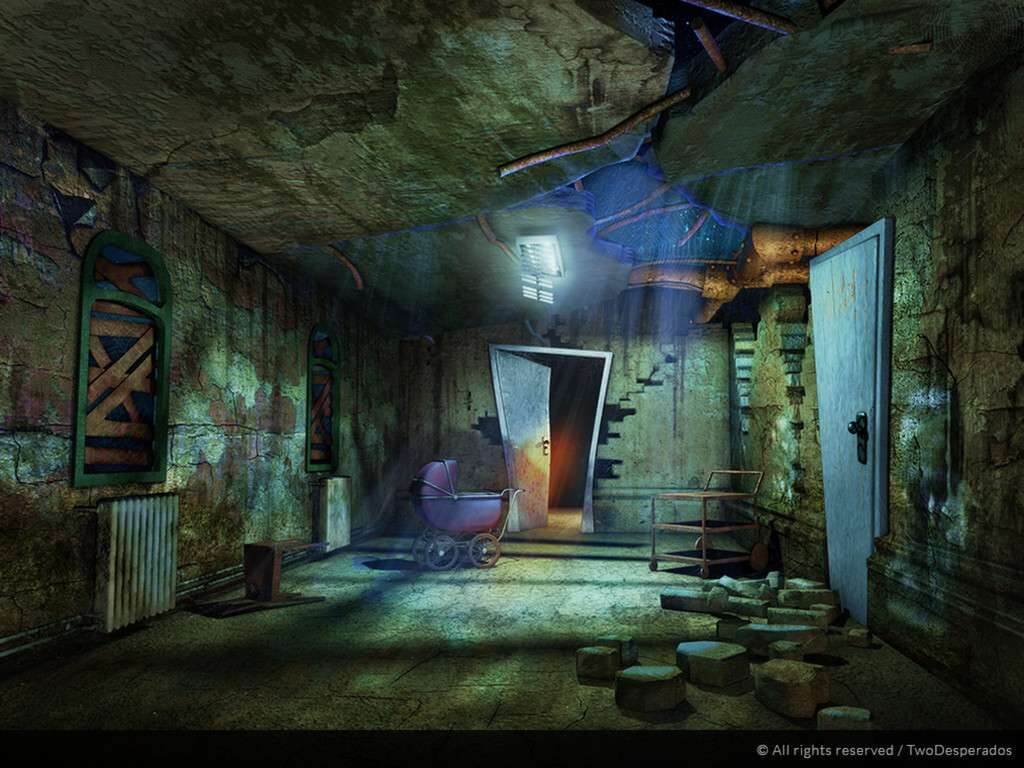
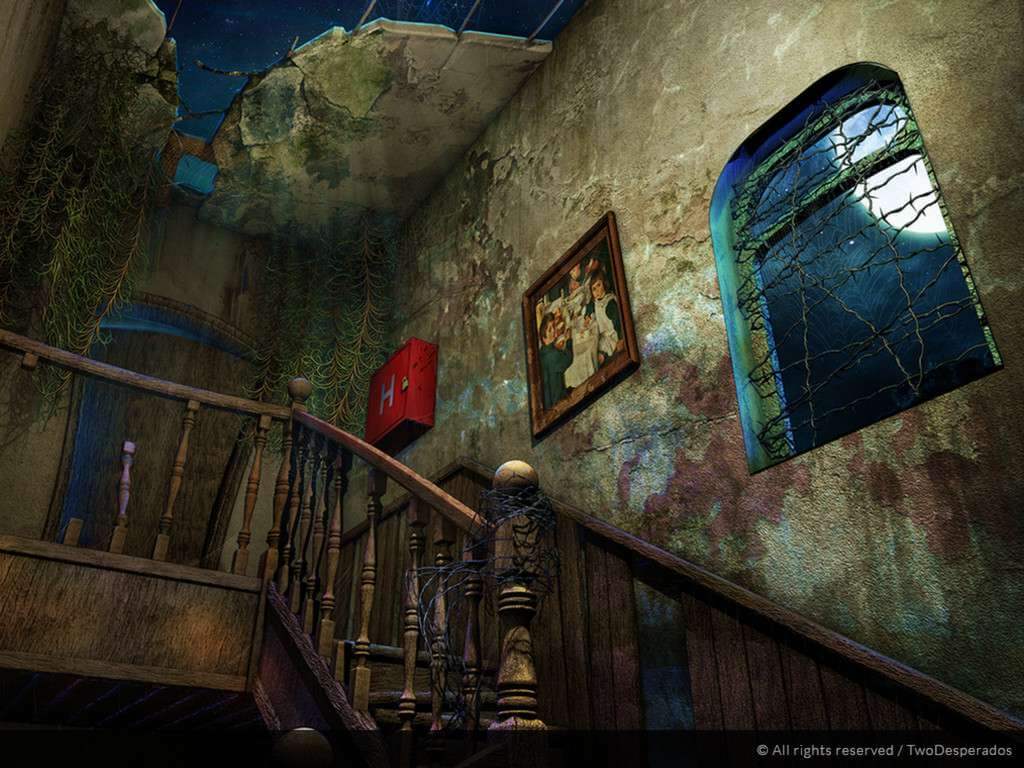
Meet Lemuel Barnabas. He is not a protagonist in our story, but just look at him - he’s scrappy and funny, talks to himself, likes music and long walks behind the bar. In a word - he is quite mad, but as mad as he is, he’s the one you come to for help. Help? What happened? You didn’t hear? Apparently there is this thing called Halloween. I know, I know, it sounds stupid. But there’s candy involved! Now I have your attention. The city of Dern is ostracized from the Halloween community. Everyone around you seem to know something about it, but you’re a boy, nobody is going to tell you. In this step away from the classic HO gaming take things into your own hands and find out whatever happened to Halloween. Features Adventure and Casual mode, option to choose between point-and-click and hidden-object game 10+ hours of gameplay 6 chapters Double inventory contains 3 types of objects: regular everyday stuff, the interactive objects which can be modified, and the Giztruments, tools that can be upgraded RPG elements Challenging puzzles/mini-games Ludicrous comments Imaginative characters Unlockable achievements Special collectable candies Backyard enhancement project: side-quest, option to use candies and purchase Backyard elements

Evil Pumpkin: The Lost Halloween screenshotEvil Pumpkin: The Lost Halloween screenshotEvil Pumpkin: The Lost Halloween screenshotEvil Pumpkin: The Lost Halloween screenshotEvil Pumpkin: The Lost Halloween screenshotEvil Pumpkin: The Lost Halloween screenshot

How to redeem

  1. 1Check your Steam account and the listed region before purchasing.
  2. 2Find your code and supplier activation instructions in your confirmed order.
  3. 3Open the redeem-code section on Steam, enter the code and follow the platform’s prompts.

Supplier instructions

Go to: http://store.steampowered.com/ and download STEAM client Click "Install Steam" (from the upper right corner) Install and start application, login with your Account name and Password (create one if you don't have). Please follow these instructions to activate a new retail purchase on Steam: Launch Steam and log into your Steam account. Click the Games Menu. Choose Activate a Product on Steam... Follow the onscreen instructions to complete the process. After successful code verification go to the "MY GAMES" tab and start downloading.

You might also like