Get 10% back in Relic Coins on every order
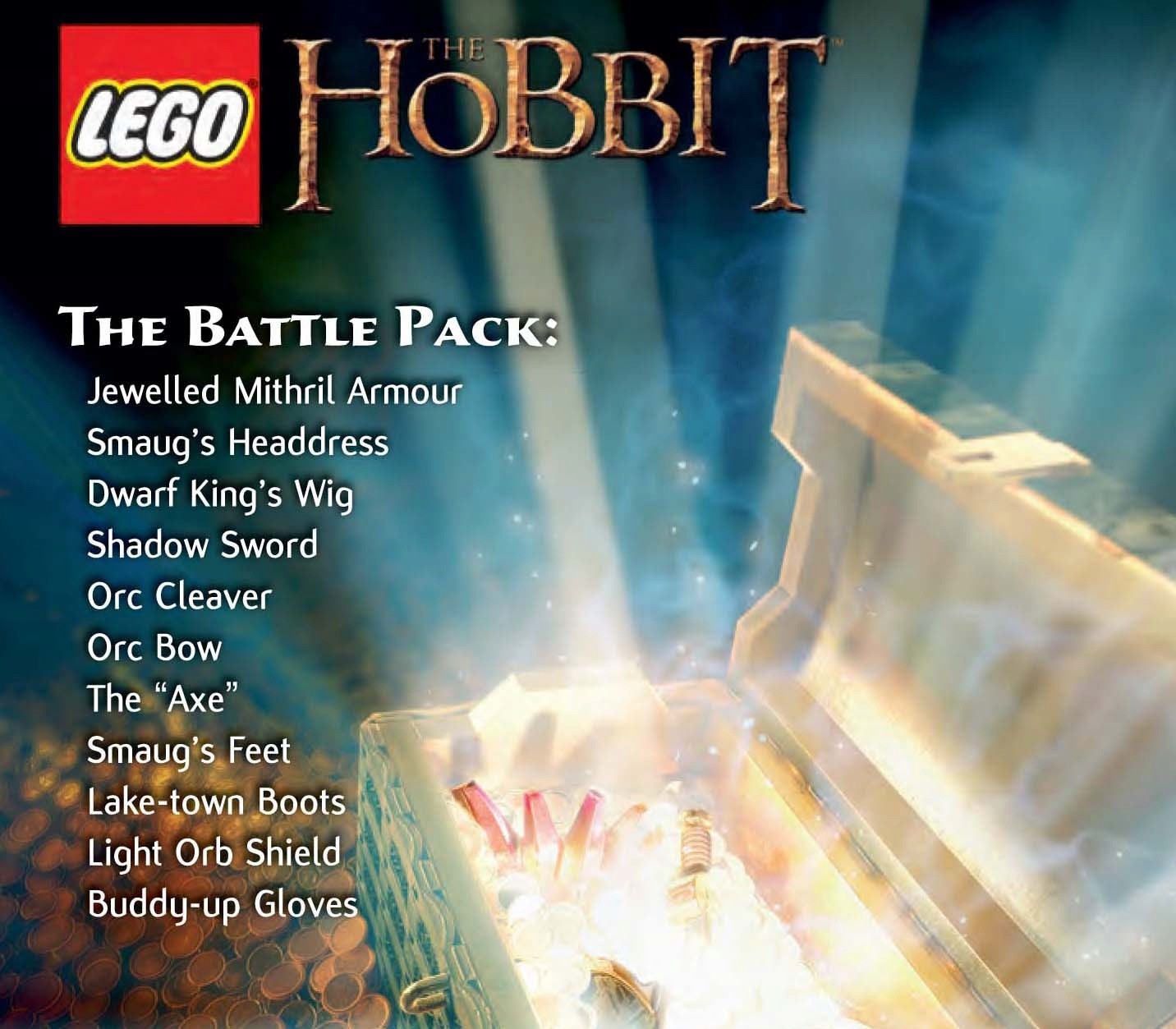
LEGO The Hobbit - The Battle Pack DLC cover

Steam Europe - All Countries· DLC

LEGO The Hobbit - The Battle Pack DLC

€9.59

+€0.96 cashback eligibility in Relic Coins

Check before you play

Platform
Steam
Region
Europe - All Countries
Product type
DLC

Check the required base game and edition before purchasing this add-on.

Developer
TT Games
Publisher
Warner Bros. Interactive Entertainment
Supplier release date
2014-09-17
Genres
Action, Adventure

About this product

The land of Middle-earth is full of danger, but the items in our latest pack guarantee you’re prepared for battle. Destroy Morgul LEGO with the Shadow Sword, equip yourself with Jeweled Mithril Armor of the finest Dwarven craftsmanship, or activate the Light Orb Shield for the ultimate protection. The Axe Guitar, Orc Cleaver and Orc Bow will make short work of your opponents, while a pair of Lake-town Boots and Smaug’s Feet will keep you adventuring in style! The Buddy-up Gloves allow you to smash through Buddy-up cracks solo, while Smaug’s Headdress and the Dwarf King Wig will ensure your presence is majestic at all times.

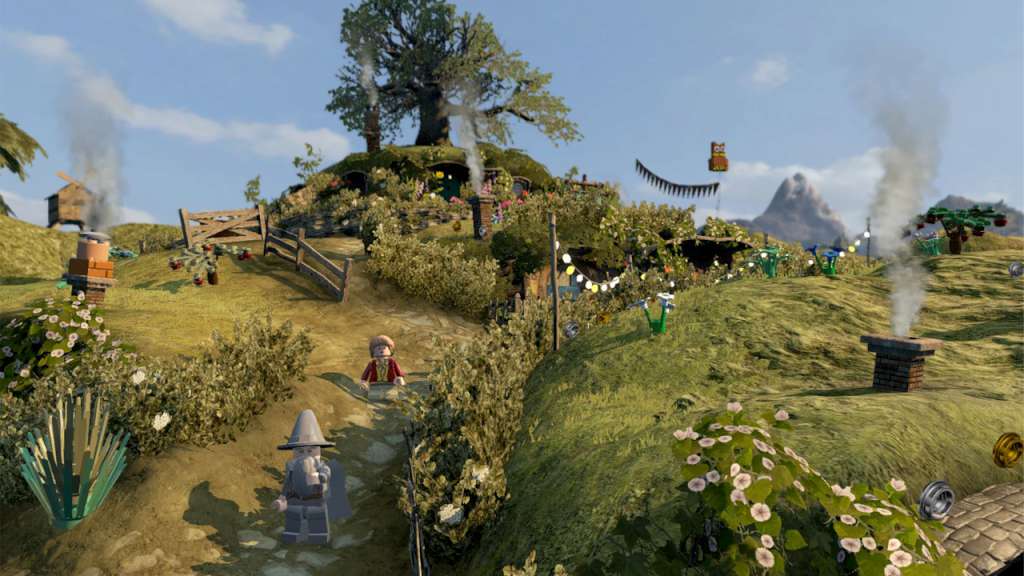
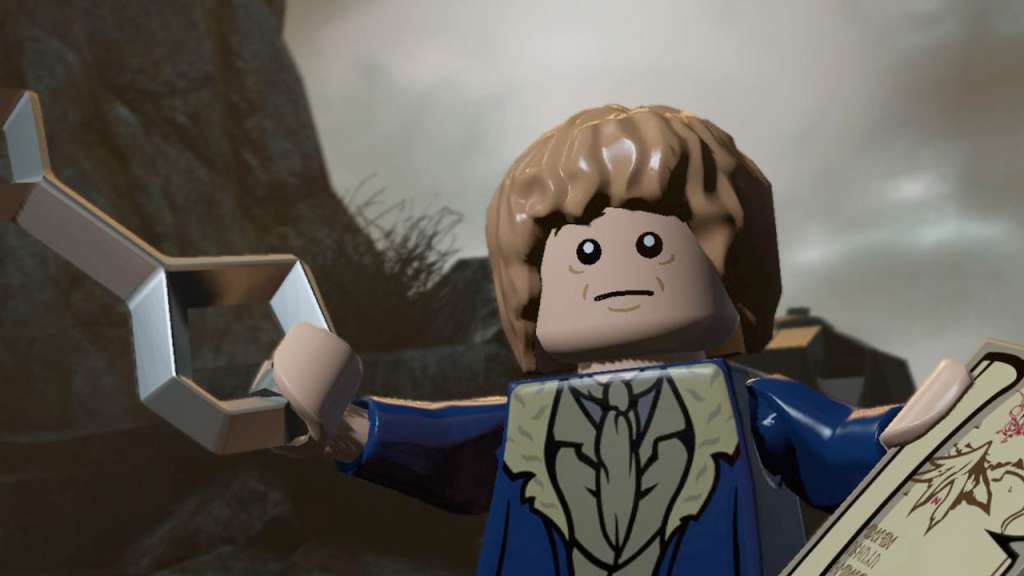
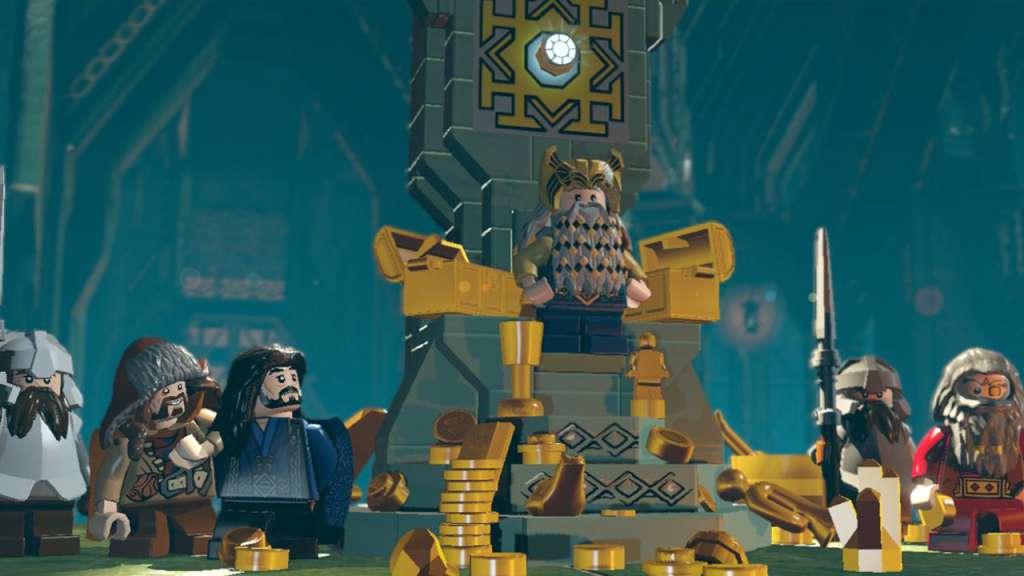
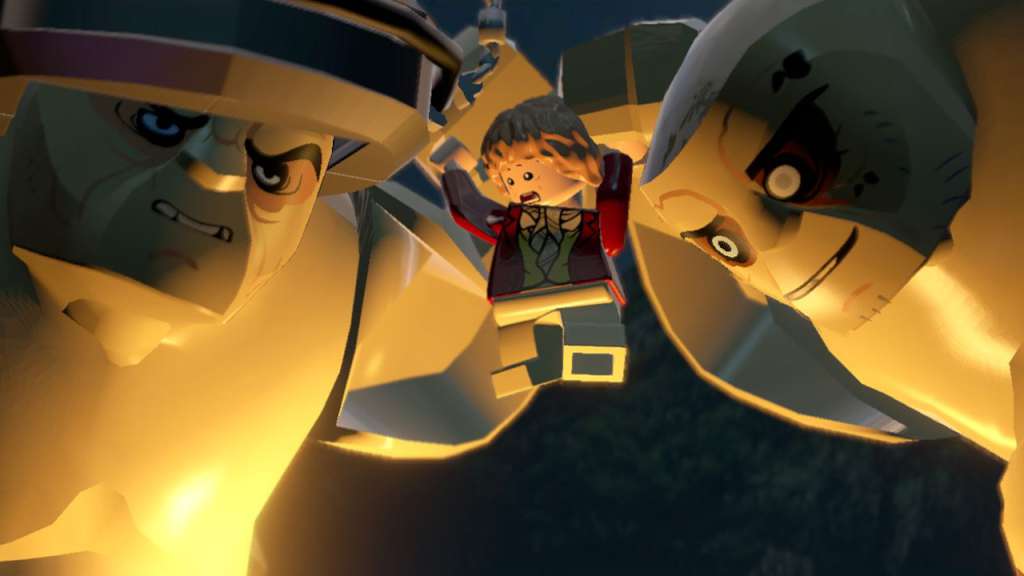
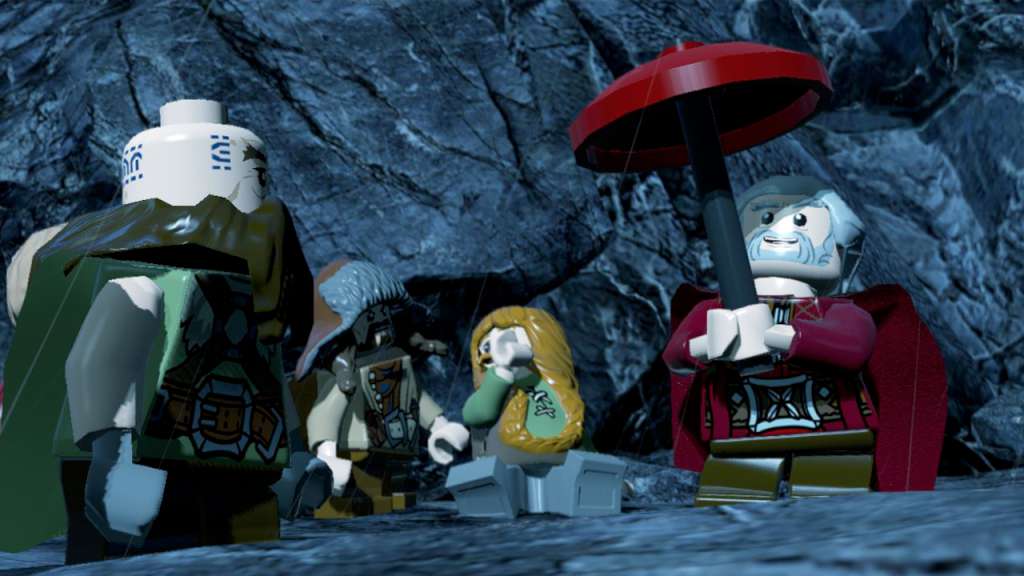
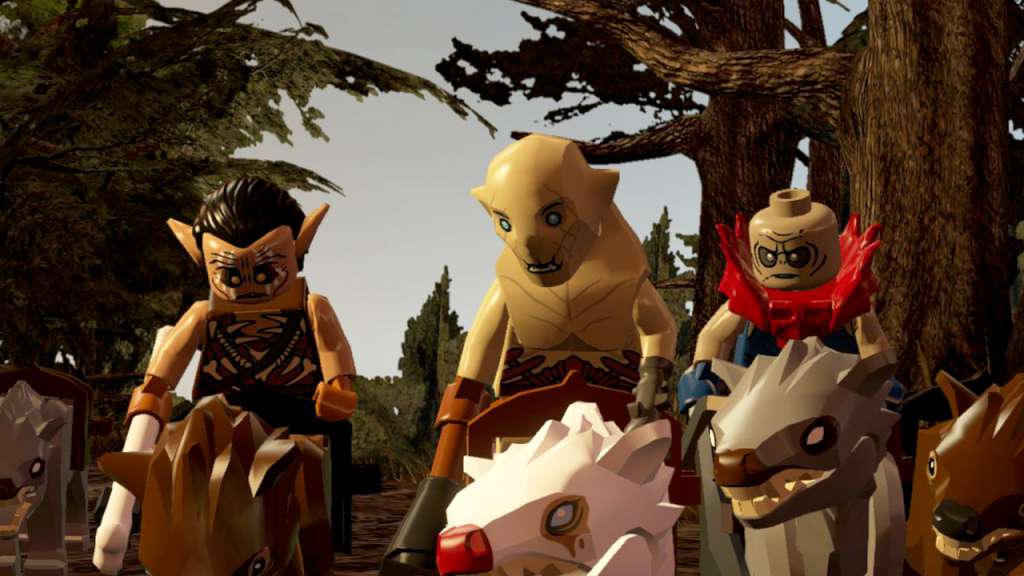
LEGO The Hobbit - The Battle Pack DLC screenshotLEGO The Hobbit - The Battle Pack DLC screenshotLEGO The Hobbit - The Battle Pack DLC screenshotLEGO The Hobbit - The Battle Pack DLC screenshotLEGO The Hobbit - The Battle Pack DLC screenshotLEGO The Hobbit - The Battle Pack DLC screenshot

How to redeem

  1. 1Check the required base game, platform and edition before purchasing.
  2. 2Find the code or supplier activation instructions in your confirmed order.
  3. 3Redeem on Steam using the supplied instructions, then install the add-on with the compatible base game.

Supplier instructions

Go to: http://store.steampowered.com/ and download STEAM client Click "Install Steam" (from the upper right corner) Install and start application, login with your Account name and Password (create one if you don't have). Please follow these instructions to activate a new retail purchase on Steam: Launch Steam and log into your Steam account. Click the Games Menu. Choose Activate a Product on Steam... Follow the onscreen instructions to complete the process. After successful code verification go to the "MY GAMES" tab and start downloading.

You might also like