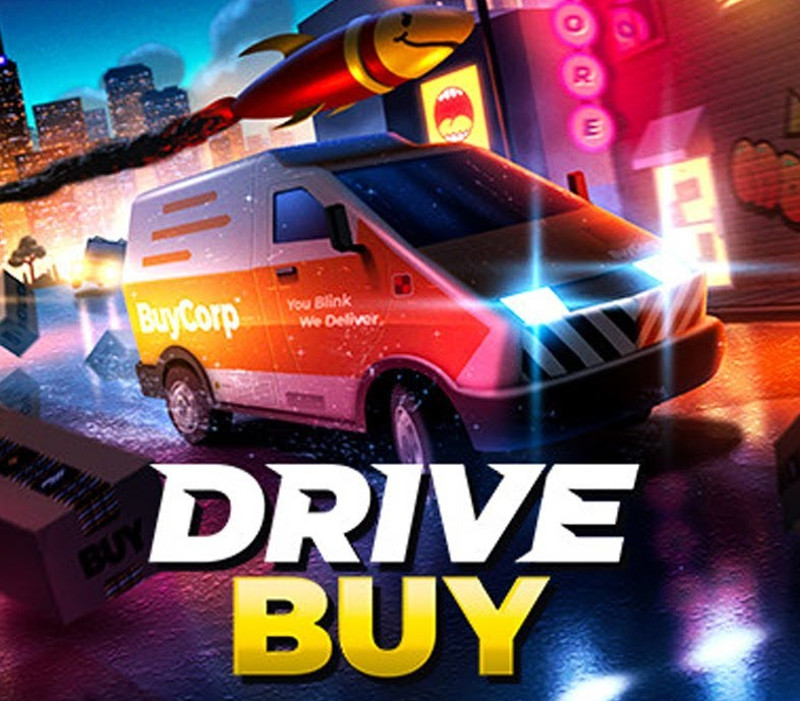
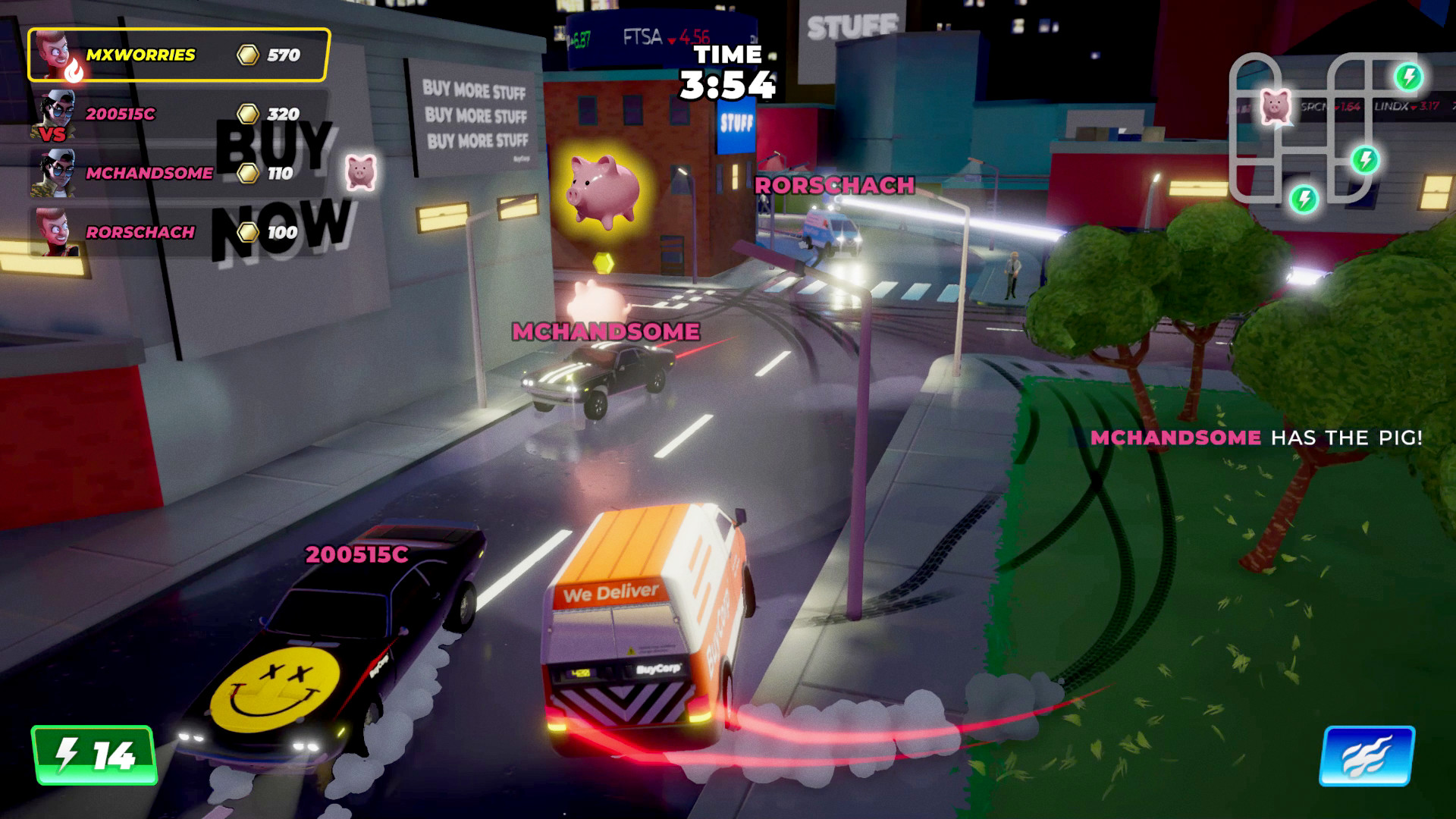
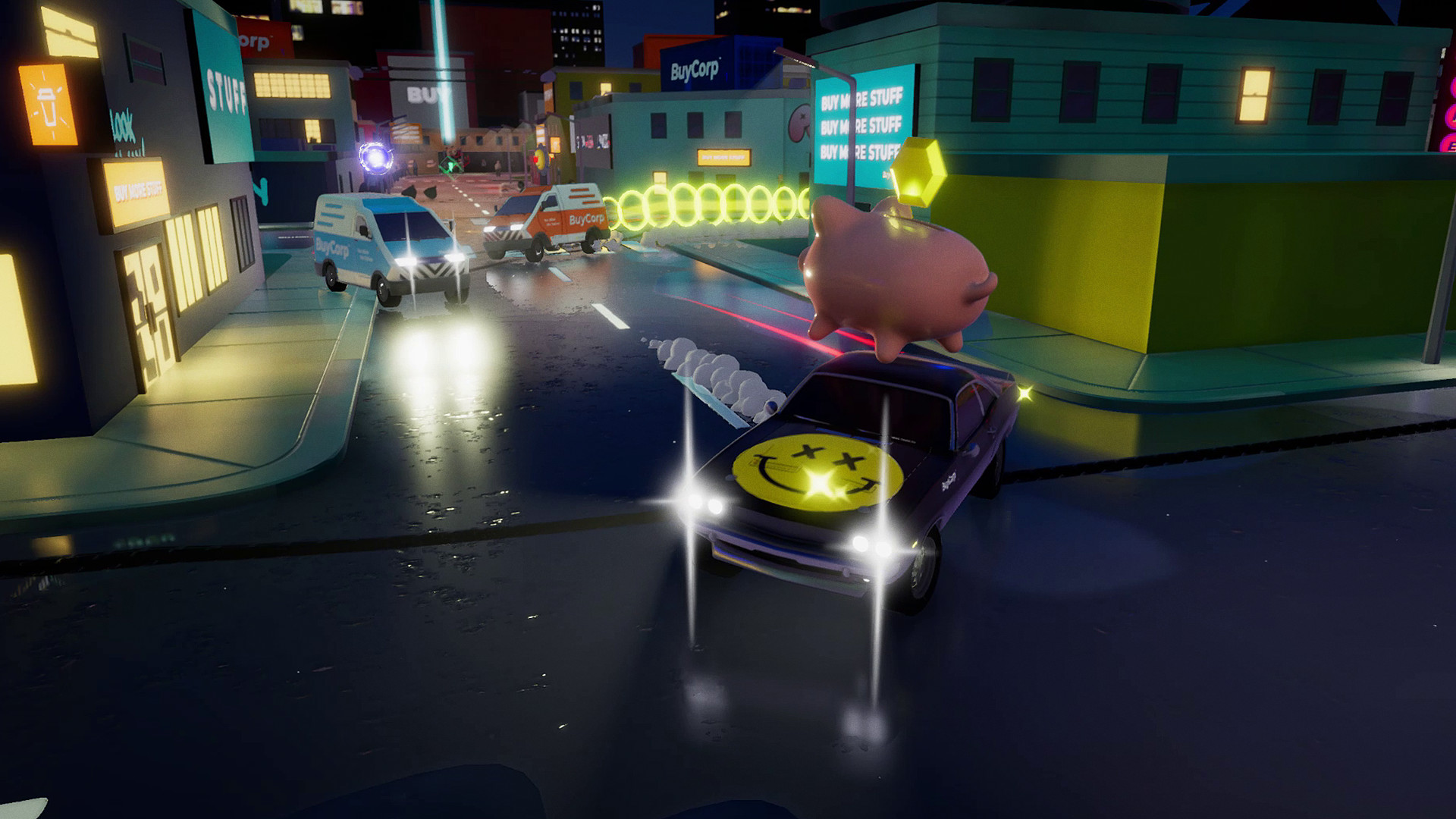
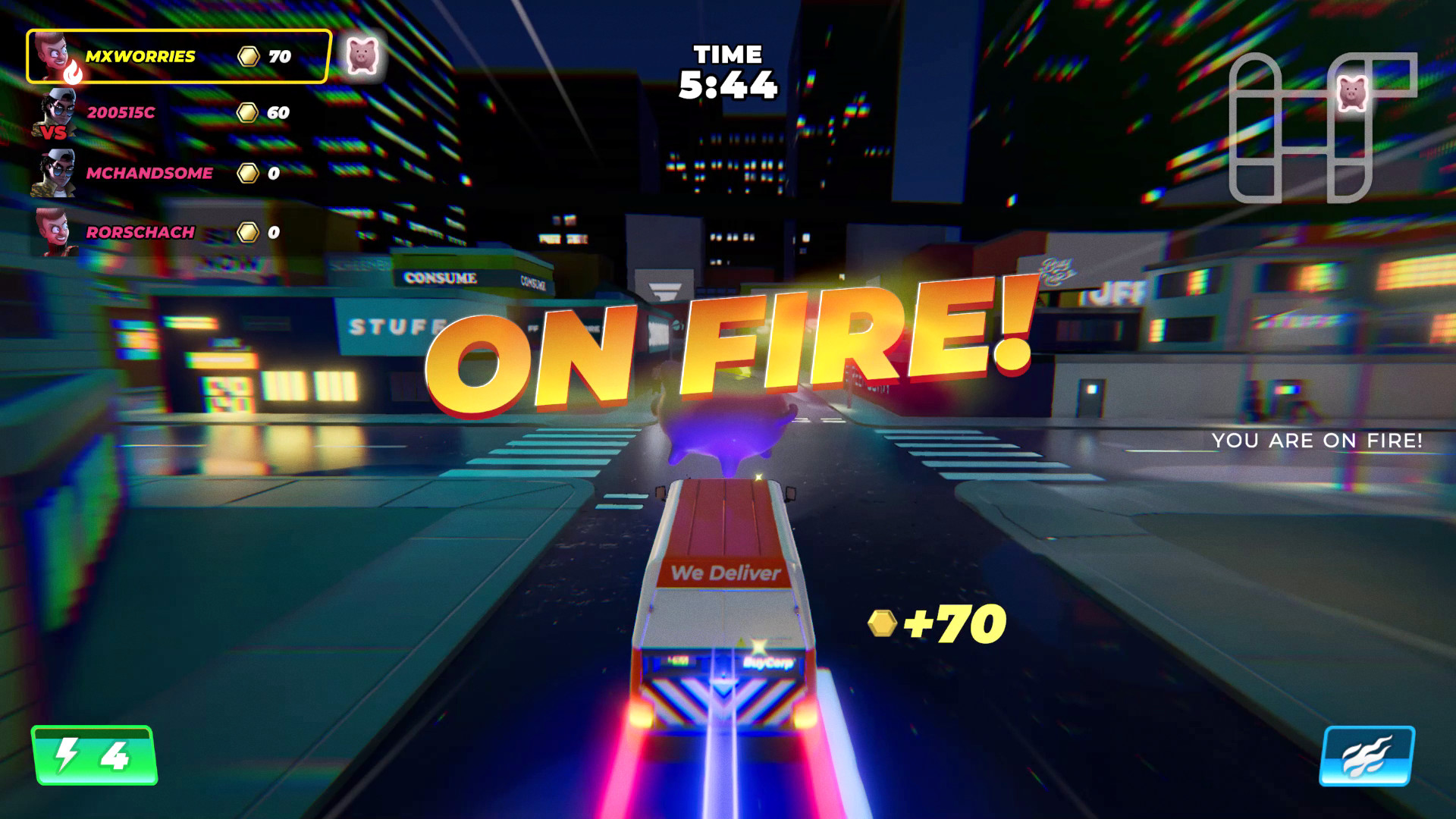
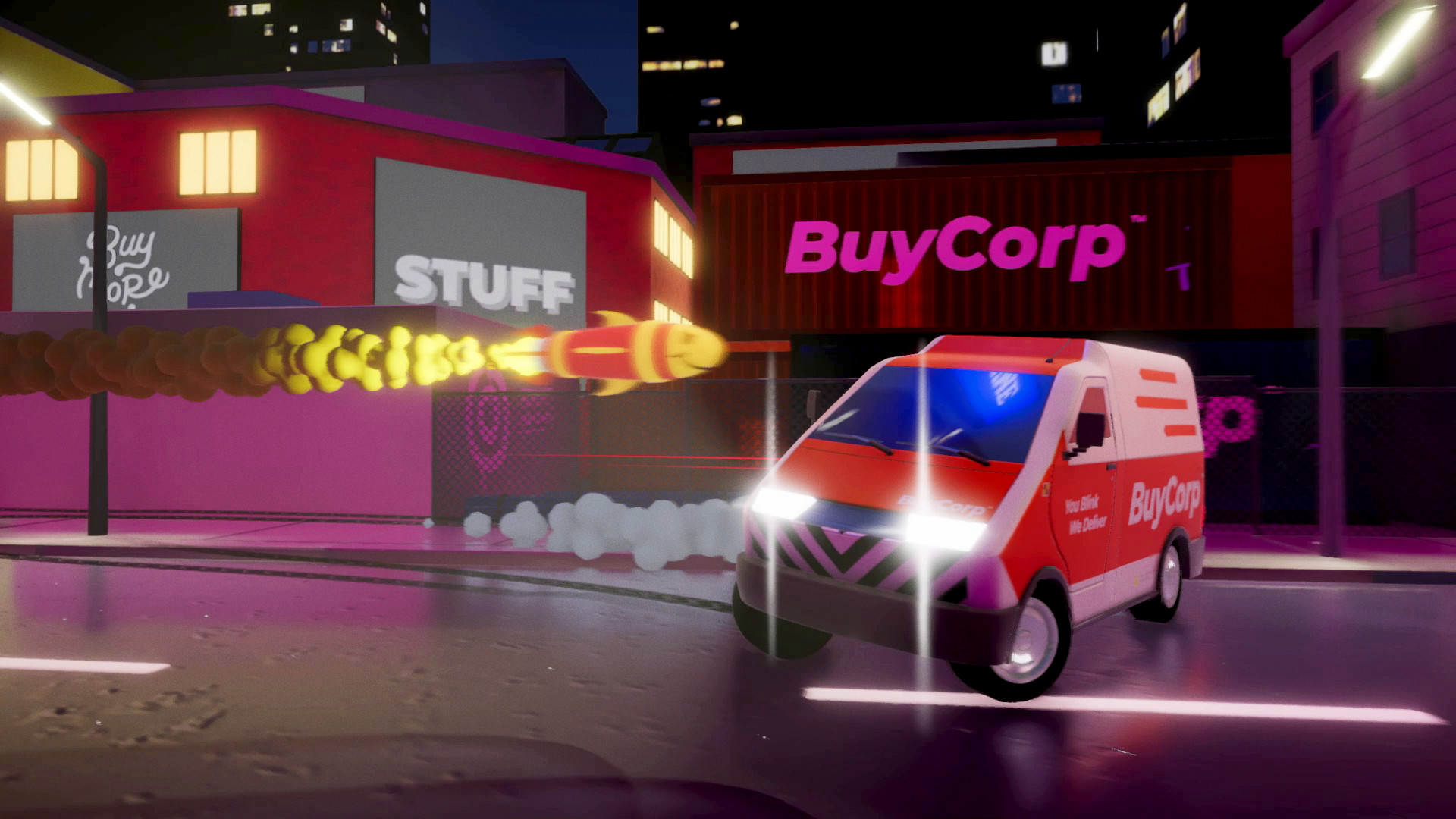
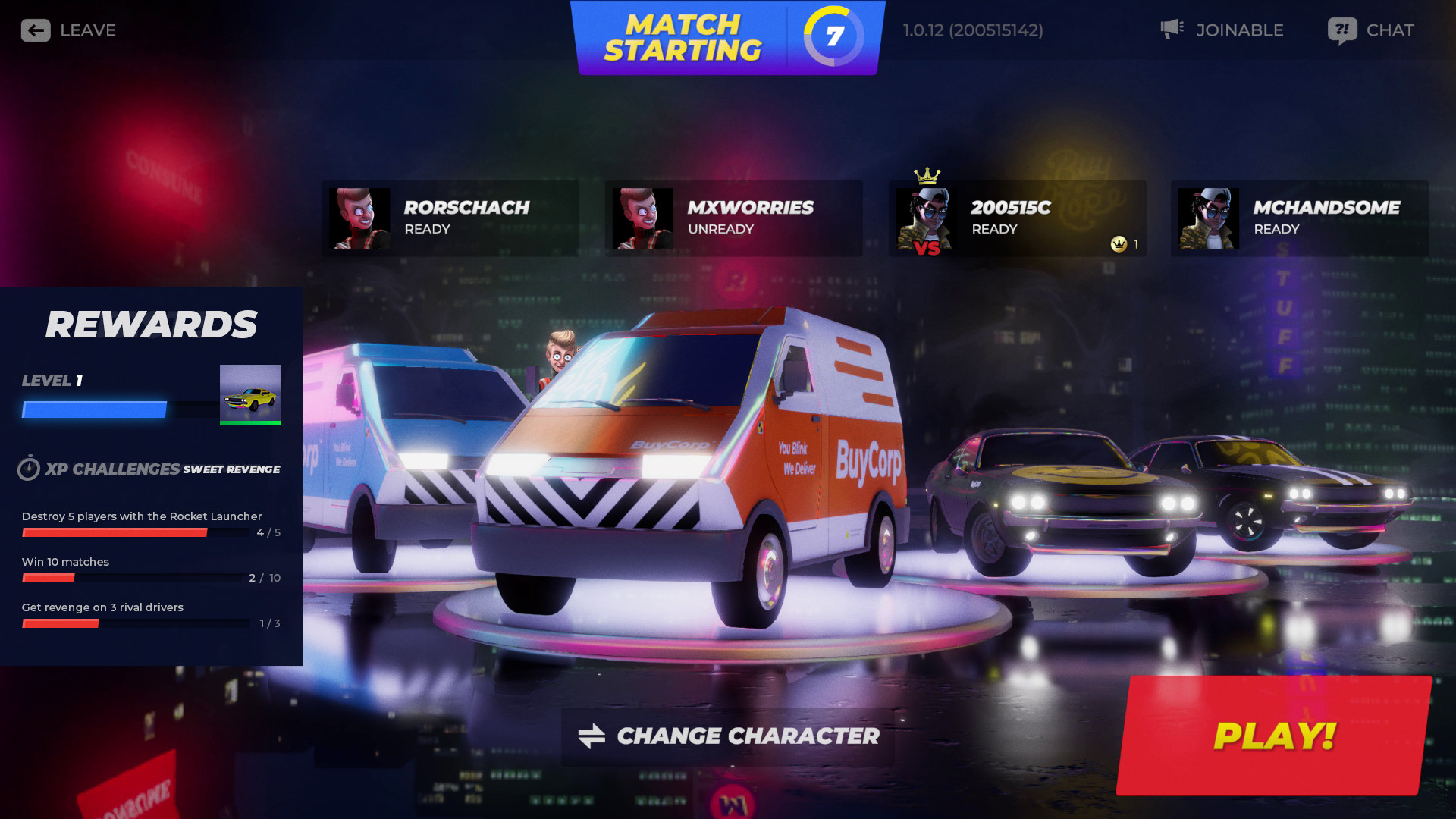
Drive Buy is a cross-play car combat game with a delivery twist.To win, drivers must hustle the most deliveries and shake down rival drivers with powerups. The intoxicating mix of deliveries and rivalries sets the perfect stage for peacocking, surprise and revenge.FeaturesONLINE MULTIPLAYER CHAOSJump in to Drive Buy in 4 player multiplayer with friends online or kick back in the same room across multiple devices. Vote on maps, play together or as rivals in various delivery themed game modes.Be sure to keep your delivery pace up and make use of power-ups to earn the number 1 spot.POWER UPDetour from your deliveries to collect power ups! Use them to Destroy, Freeze or Steal credits from rival drivers. 1-up the competition with homing missiles, sticky mines, freeze rays, coin magnets and more that are all at your disposal. Retaliate with well timed blocks and dodges. Even turn the tide with skillful mine flicks, rocket shocks and remote detonation.DELIVER IN STYLEWin on the leaderboard and on the streets. Outstyle the competition with unique customisation options per character: vehicle skins, flashy wheels and boost trails. Earn new stuff by levelling up and taking part in BuyCorp challenges.REVENGE MUCH?Throw up some emotes to let the other drivers know what you're thinking! Orchestrate satisfying take-downs and rub it in with emotes.INSPIRATIONSDrive Buy has been inspired by legendary games like Twisted Metal, Rocket League, Vigilante 8 and Mario Kart.