

SteamGlobal· Key
Skullgirls Bundle
€8.28
+€0.83 cashback eligibility in Relic Coins
Check before you play
- Platform
- Steam
- Region
- Global
- Product type
- Key
- Developer
- Lab Zero Games
- Publisher
- Autumn Games
- Genres
- Action, Indie, Fighting
SteamGlobal· Key
€8.28
+€0.83 cashback eligibility in Relic Coins
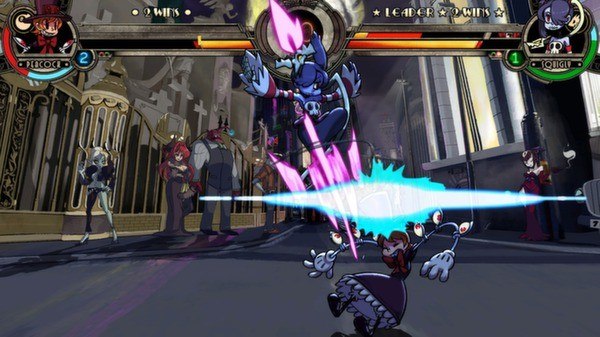
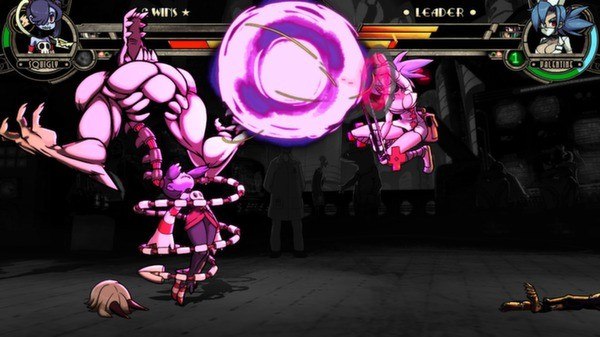
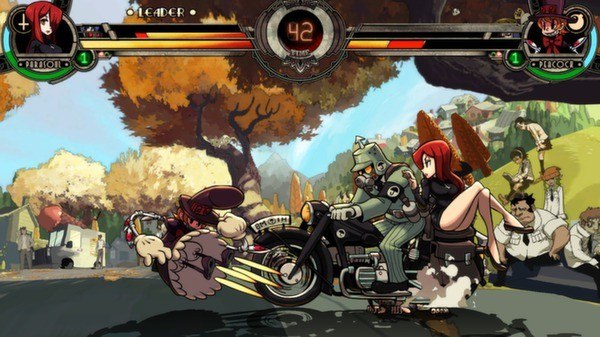
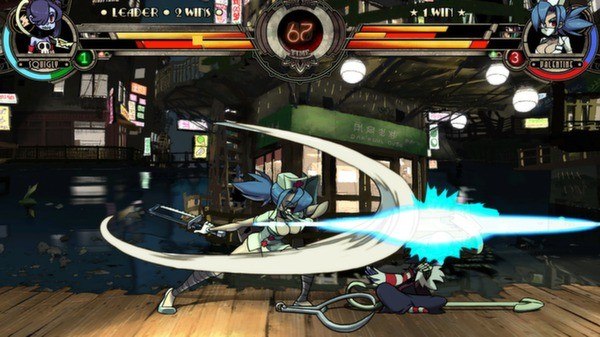
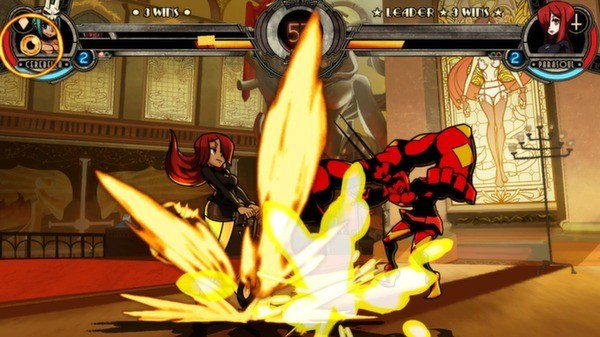
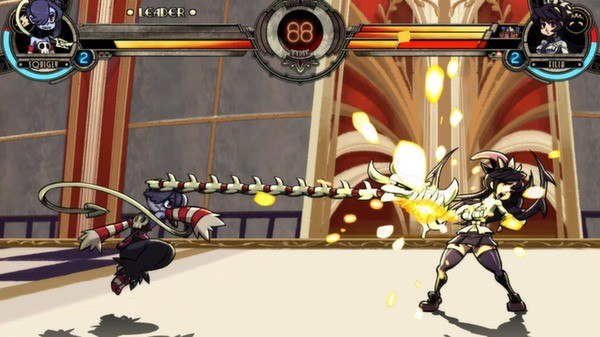
Skullgirls Bundle Steam Key Platform: Steam Languages: EN/DE/FR/IT/ES/JP/BR Release Date: 23/08/2013 Product Description This product includes Skullgirls, Skullgirls: Squigly and Skullgirls: Color Palette Bundle. Skullgirls is a fast-paced 2-D fighting game that puts players in control of fierce warriors in an extraordinary Dark Deco world. Featuring all-new game systems which test the skills of veteran fighting game fans while also making the genre enjoyable and accessible to newcomers, Skullgirls is a modern take on classic arcade fighters with a hand-drawn high-definition twist. It’s a one-of-a-kind, action-packed competition complete with awesome combos and an intriguing backstory. Key Features: Classic six-button play gives each character a huge variety of attacks and special moves Variable Tag Battle system allows players to pit different size teams of one, two or three characters against one another Custom Assists let you outfit your team with a huge variety of attacks for nearly endless strategic possibilities A Robust Anti-Infinite Combo system keeps competitive play free of abusive tactics System Requirements: OS: Windows XP, Window Vista, Windows 7, Windows 8 Processor: Dual-core CPU Memory: 2 GB RAM Graphics: Intel HD3000 DirectX: Version 9.0c Network: Broadband Internet connection Hard Drive: 2 GB available space
1. Go to: http://store.steampowered.com/ and download STEAM client. 2. Click "Install Steam" (from the upper right corner) Download Steam 3. Install and start application, login with your Account name and Password (create one if you don't have). 4. Please follow these instructions to activate a new retail purchase on Steam: Launch Steam and log into your Steam account. Click the Games Menu. Choose Activate a Product on Steam... Follow the onscreen instructions to complete the process. If you have any problems regarding key activation, please contact our Live Support.