Get 10% back in Relic Coins on every order
Cities: Skylines Mayor's Edition cover

Xbox One· Key

Cities: Skylines Mayor's Edition

€42.00

+€4.20 cashback eligibility in Relic Coins

Check before you play

Platform
Xbox One
Product type
Key
Developer
Tantalus Media
Publisher
Paradox Interactive
Supplier release date
2017-04-21
Genres
Strategy, Simulation

About this product

Includes: Base Game Cities: Skylines - Season Pass 1 Cities: Skylines - Season Pass 2 You CAN have it all! The Cities: Skylines Mayor’s Edition has everything console players need to take their city-building skills to new heights. Along with the base game, this bundle features some of the game’s most popular content add-ons, including all the content from Season Pass 1, and Season Pass 2. Season Pass 1 Contents: Snowfall (full expansion) Natural Disasters (full expansion) Mass Transit (full expansion) High Tech Buildings (content creator pack) Art Deco (content creator pack) Relaxation Station (radio stations pack) Rock City Radio (radio stations pack) The new Cities: Skylines Season Pass will launch with Green Cities and European Suburbia in January 2019, and remaining DLC will be available upon release throughout the year. Season Pass 2 Contents: Green Cities (full expansion) European Suburbia (content creator pack) Parklife (full expansion) Country Road Radio (radio station pack) All That Jazz (radio station pack) Industries (full expansion) Synthetic Dawn Radio (radio station pack)

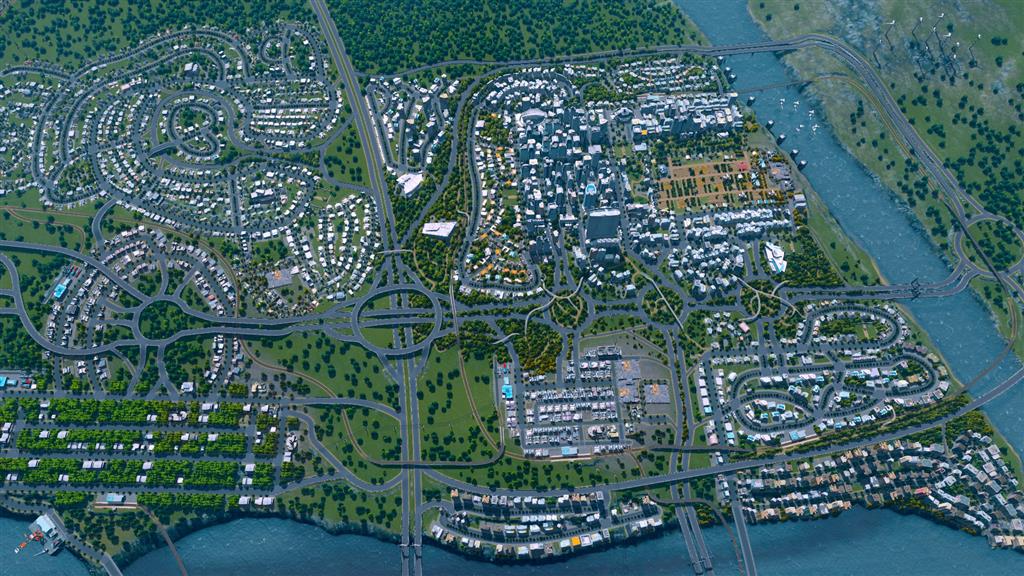
Cities: Skylines Mayor's Edition screenshotCities: Skylines Mayor's Edition screenshotCities: Skylines Mayor's Edition screenshotCities: Skylines Mayor's Edition screenshotCities: Skylines Mayor's Edition screenshotCities: Skylines Mayor's Edition screenshot

How to redeem

  1. 1Check your Xbox One account and the listed region before purchasing.
  2. 2Find your code and supplier activation instructions in your confirmed order.
  3. 3Open the redeem-code section on Xbox One, enter the code and follow the platform’s prompts.

Supplier instructions

Go to https://www.xbox.com Login to your account Hover over your account link (the top right of the screen) a menu will appear, click on the "Redeem Code" button. On the next page, click "Redeem" Enter your code Click "Confirm" Click "Confirm" again to assign the key to your account.

You might also like