Get 10% back in Relic Coins on every order
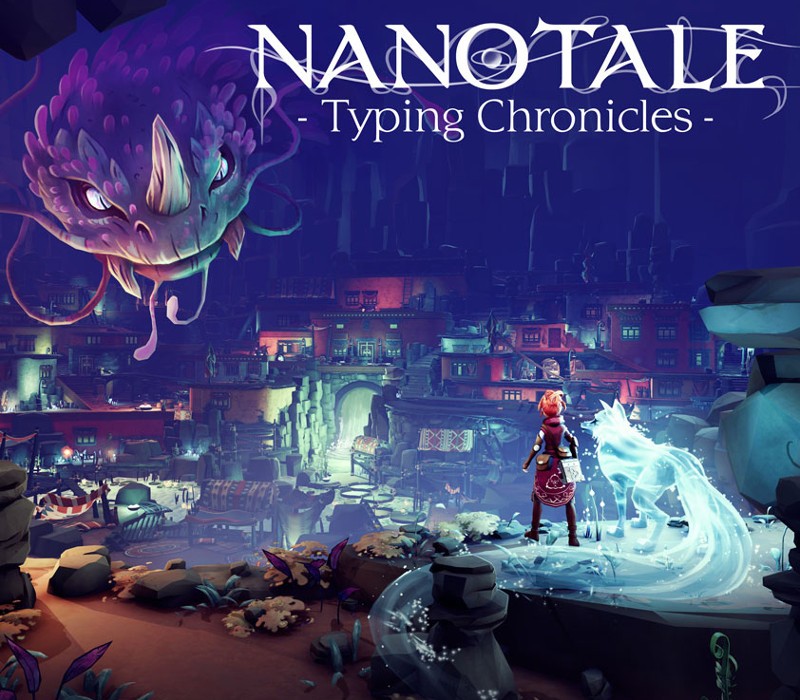
Nanotale - Typing Chronicles cover

SteamEurope· Gift

Nanotale - Typing Chronicles

€5.51

+€0.55 cashback eligibility in Relic Coins

Check before you play

Platform
Steam
Region
Europe
Product type
Gift
Developer
Fishing Cactus
Publisher
Fishing Cactus
Supplier release date
2021-03-31
Genres
Adventure, RPG

About this product

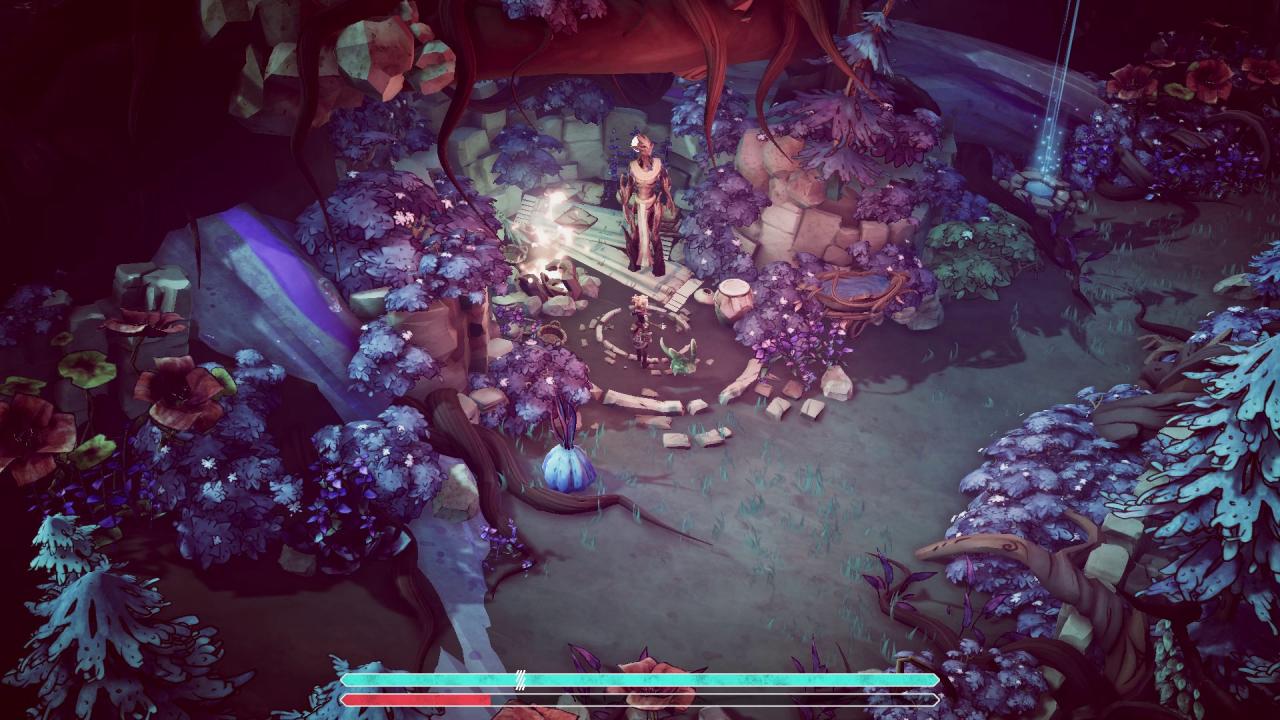
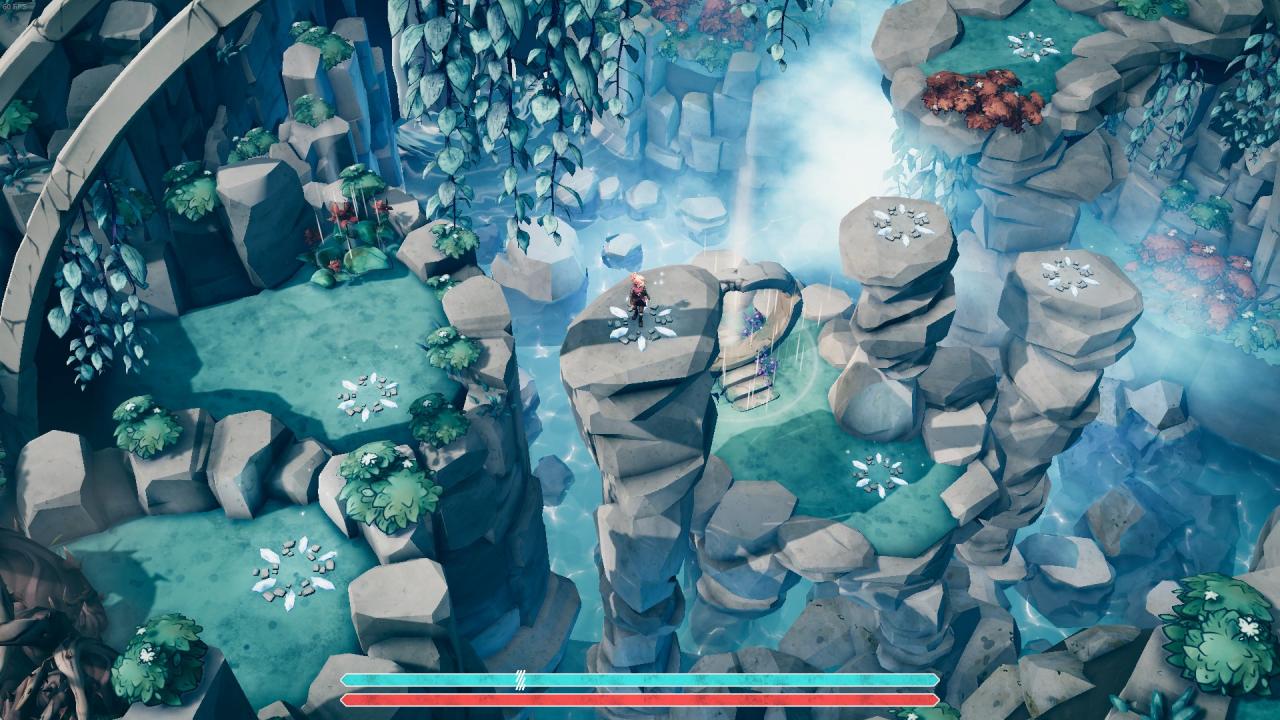
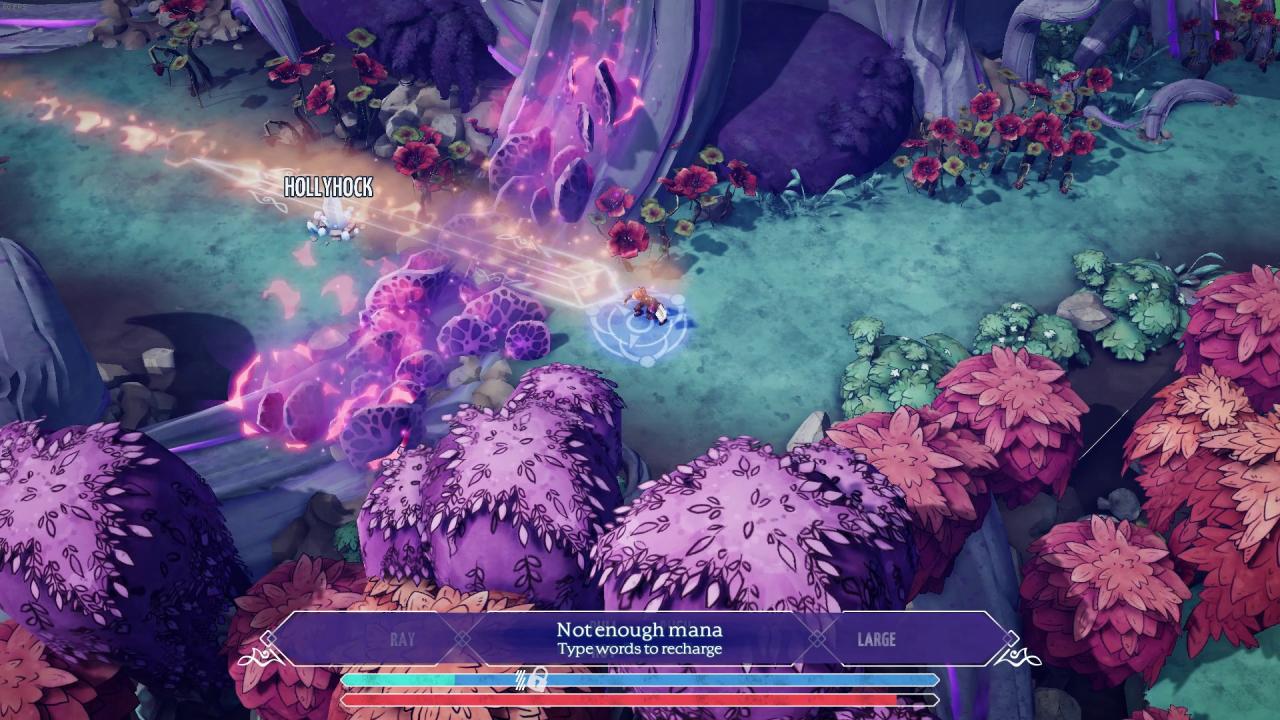
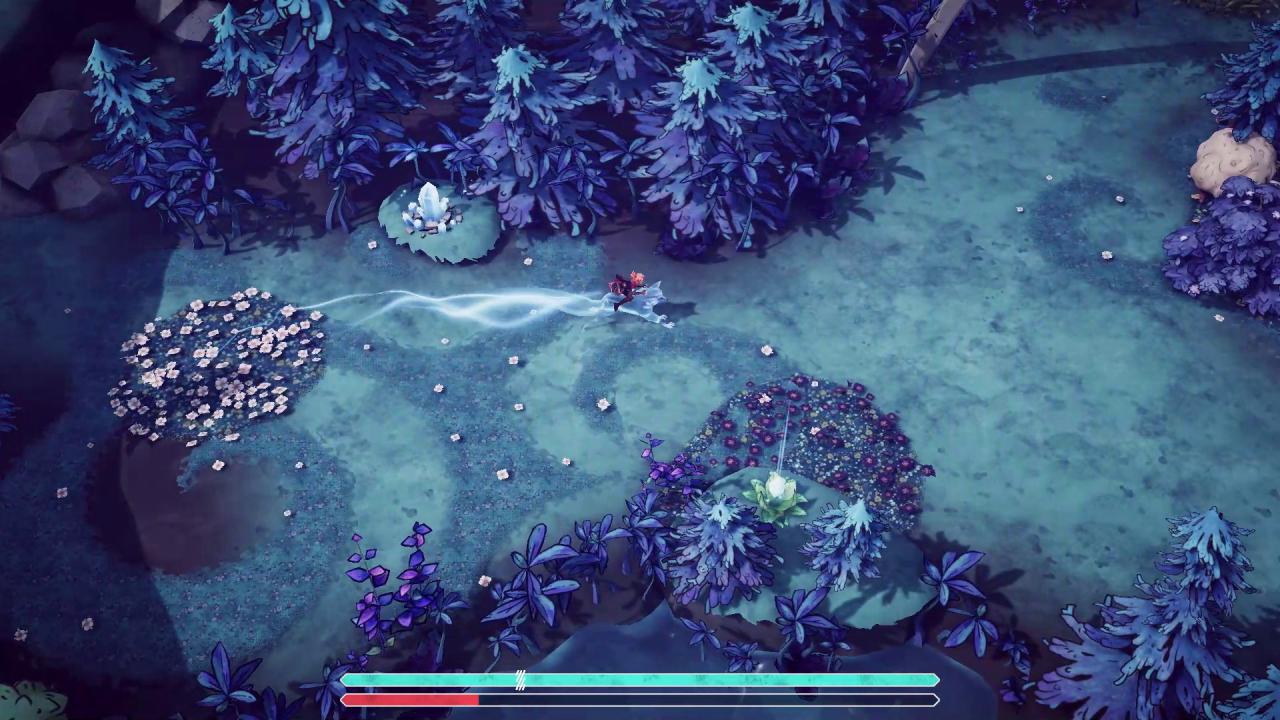
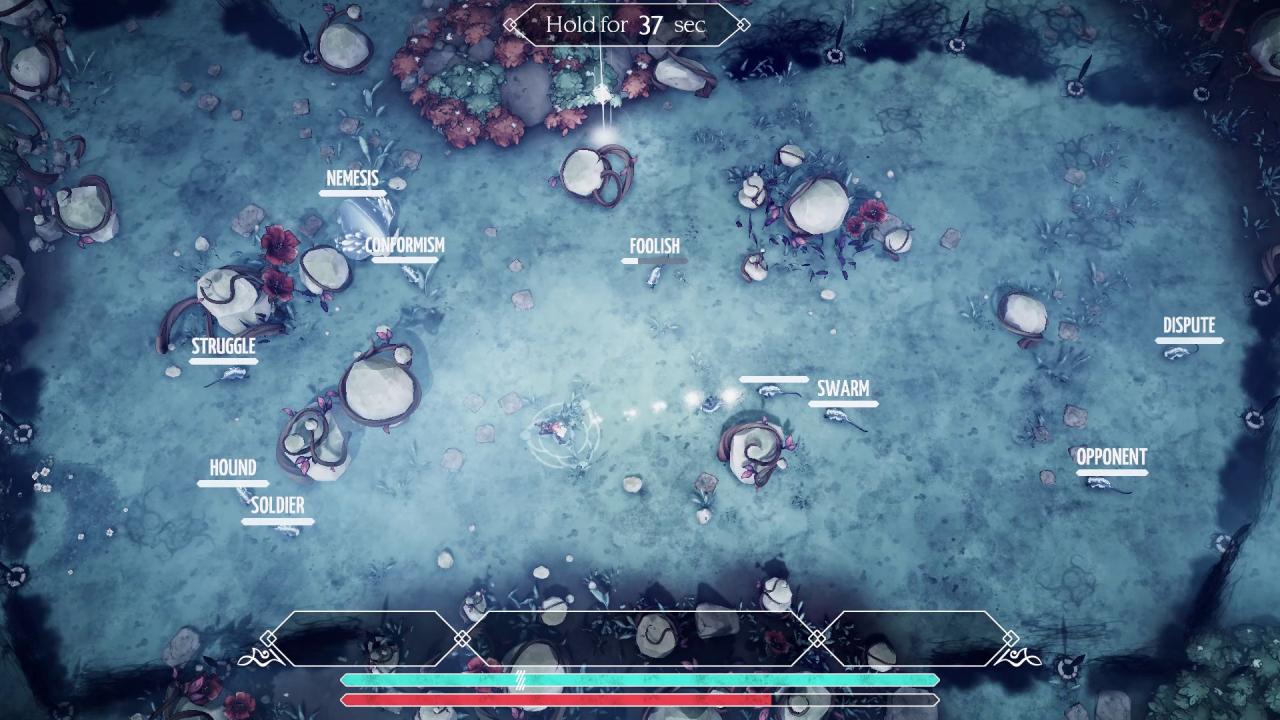
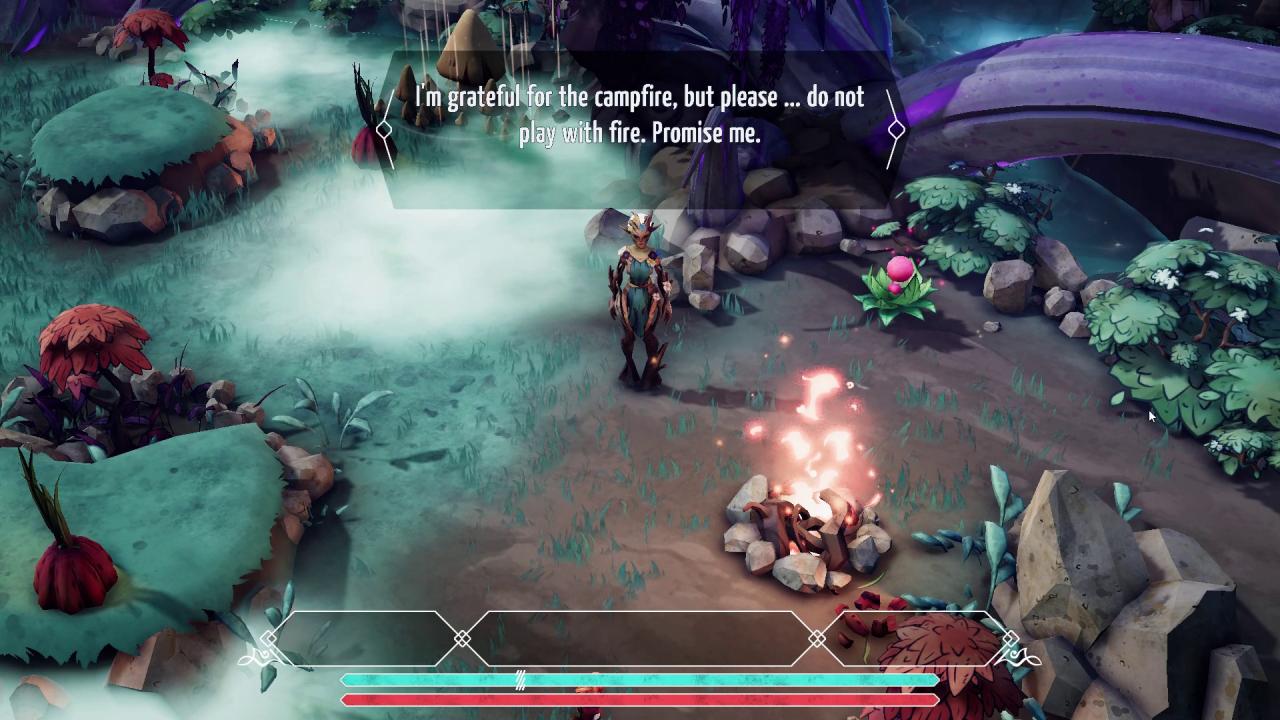
Since time immemorial the Archivists have studied and cataloged the mysteries of the planet, observing its changes and holding to our vow of neutrality. Yet from the Ancestral Forest to the Blue Desert, the world is suffering. The Tree of Life sings the Final Song and we can feel it in our flesh: the world is dying. We bear witness, but we cannot interfere. We contemplate in silence. Nanotale - Typing Chronicles is an atmospheric typing adventure RPG set in a colorful vibrant world. Follow Rosalind, a novice Archivist, as she journeys out into a valley to collect plant and rock samples for further analysis. The valley is peaceful. War is a thing of the distant past. Nothing can go wrong with such a casual task... can it? Features Explore a vibrant 3D fantasy world: play as the Archivist Rosalind on her journey to the very edges of the planet. More than just typing: Talk to other characters, solve mysterious puzzles, unleash magic powers and defeat enemies in epic magical fights Everything with keyboard: from movements, combats to even menus, control everything with a keyboard More features to be announced

Nanotale - Typing Chronicles screenshotNanotale - Typing Chronicles screenshotNanotale - Typing Chronicles screenshotNanotale - Typing Chronicles screenshotNanotale - Typing Chronicles screenshotNanotale - Typing Chronicles screenshot

How to redeem

  1. 1Check that your Steam account can receive gifts in the listed region.
  2. 2Open the confirmed order and follow the supplier’s gift-delivery instructions.
  3. 3Accept the gift on the required platform account and add it to your library.

Supplier instructions

Go to: http://store.steampowered.com/ and download STEAM client Click "Install Steam" (from the upper right corner) Install and start application, login with your Account name and Password (create one if you don't have). Please follow these instructions to activate a new retail purchase on Steam: Launch Steam and log into your Steam account. Click the Games Menu. Choose Activate a Product on Steam... Follow the onscreen instructions to complete the process. After successful code verification go to the "MY GAMES" tab and start downloading.

You might also like