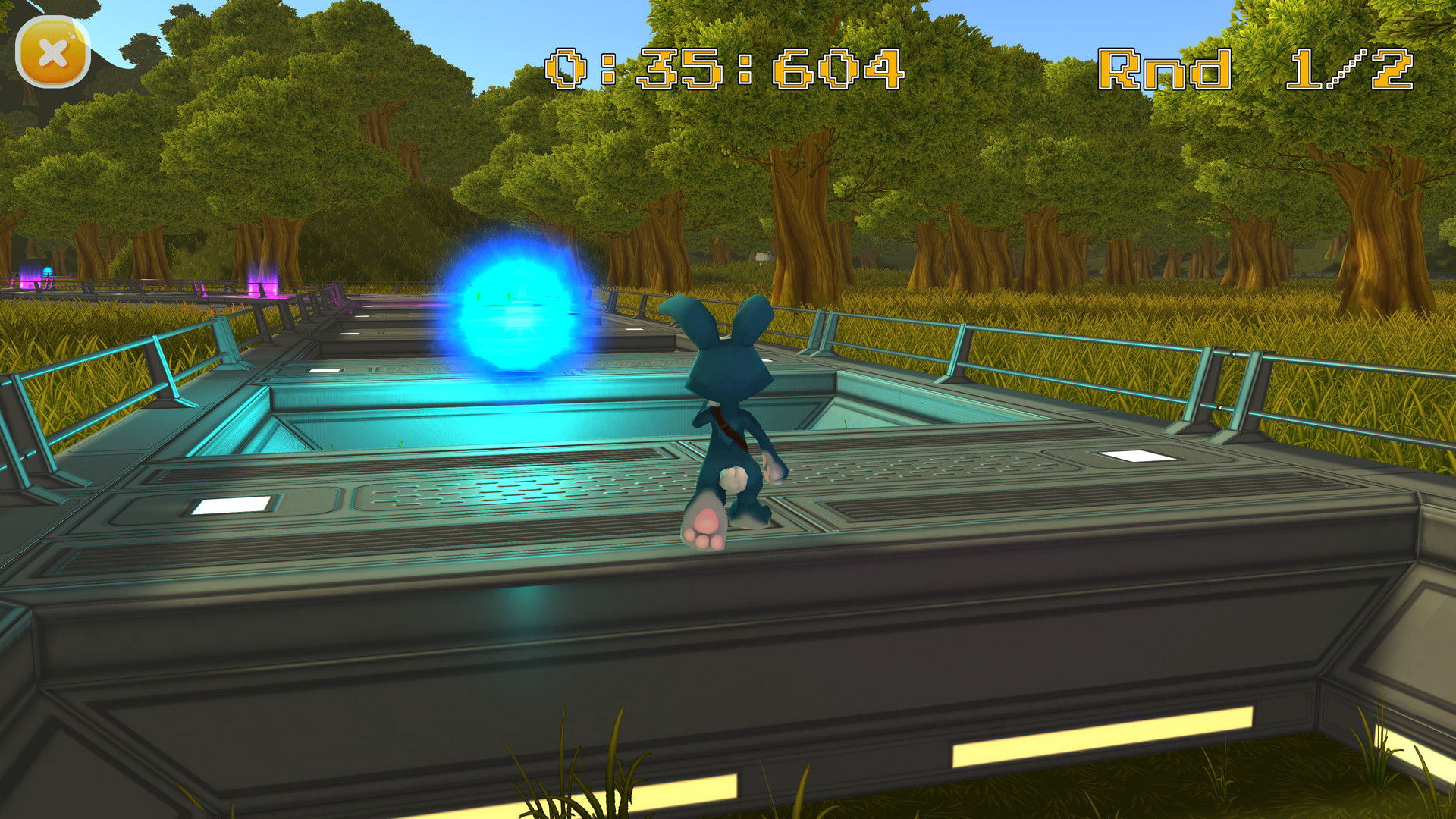
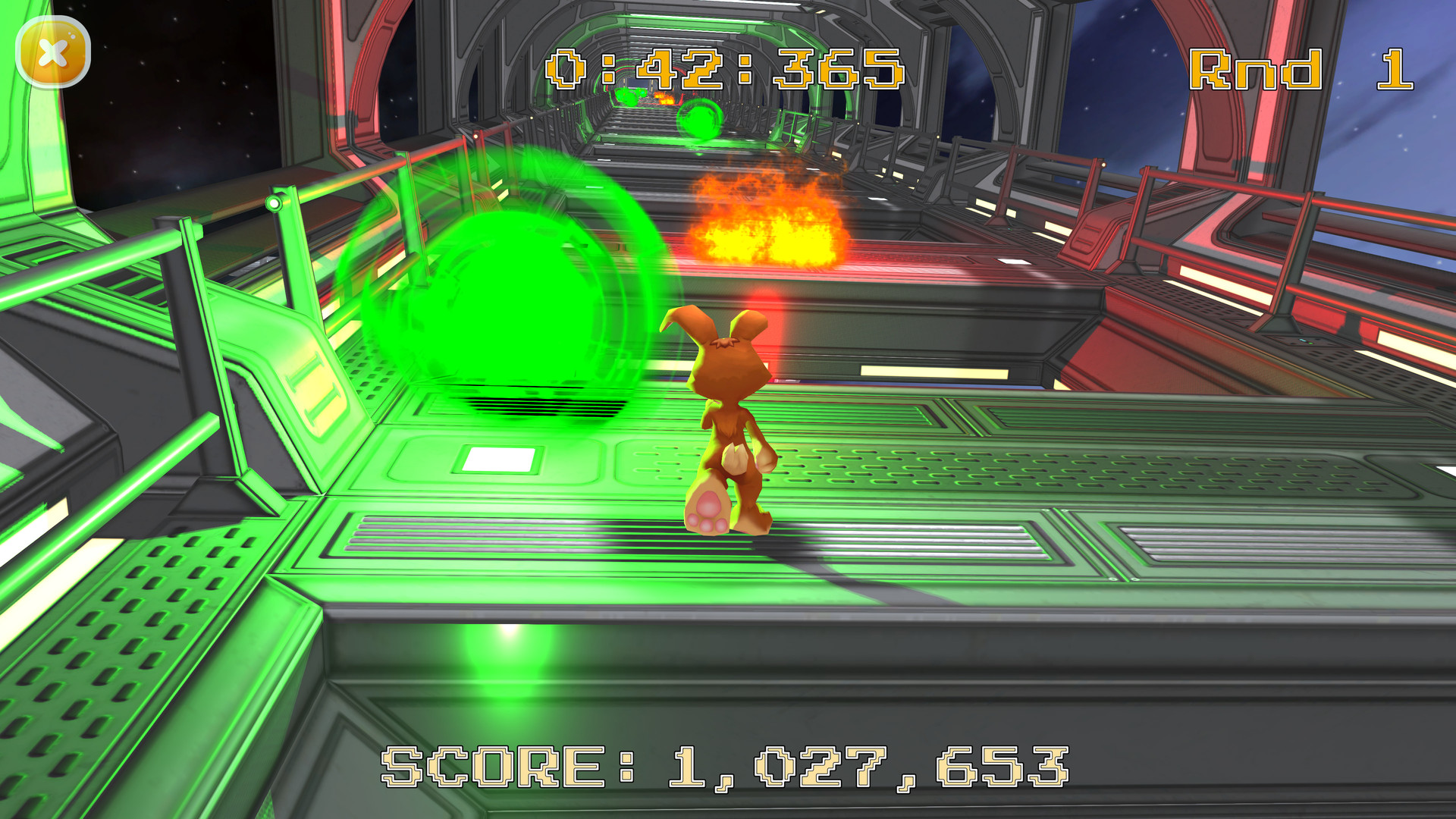
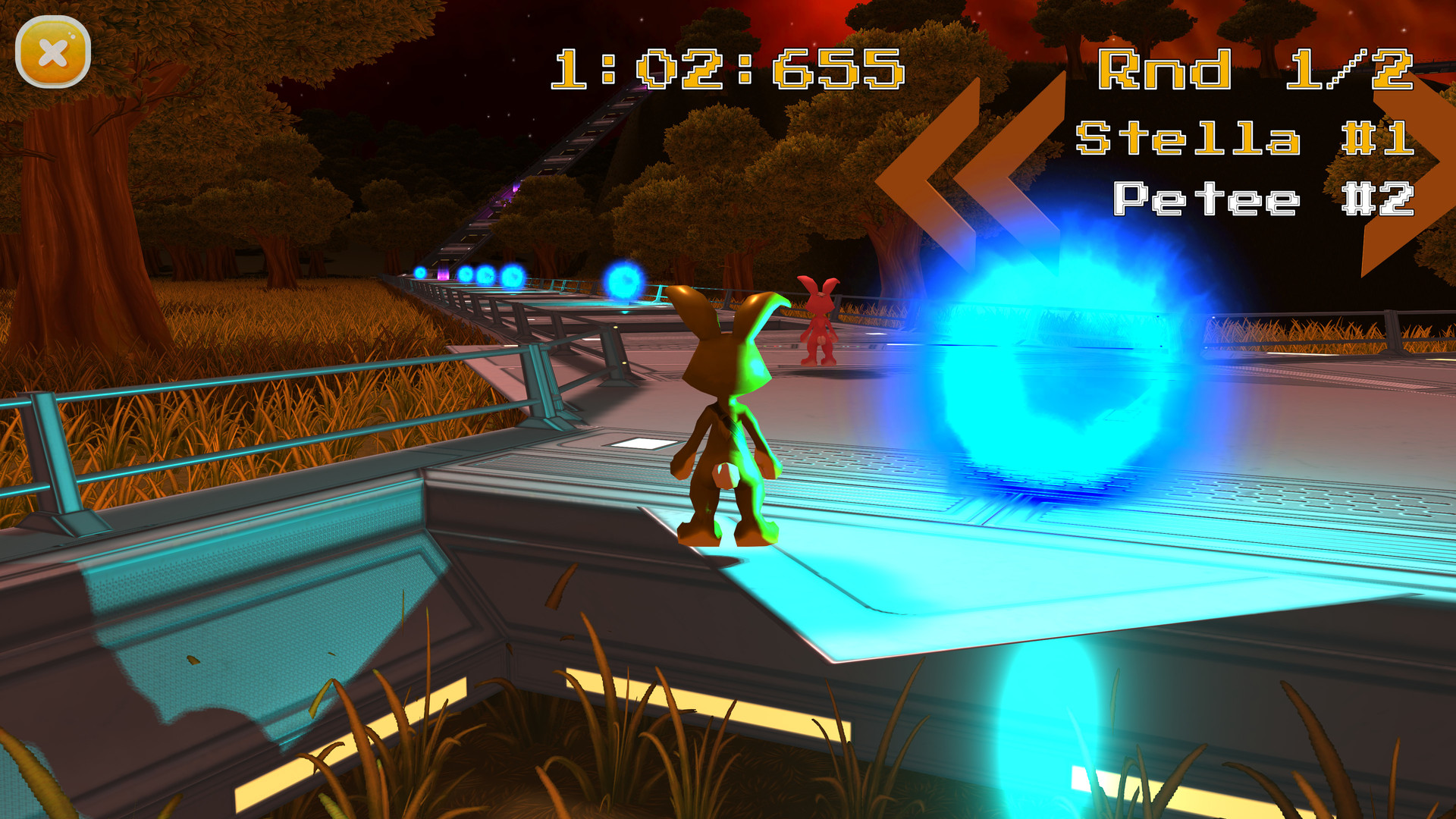
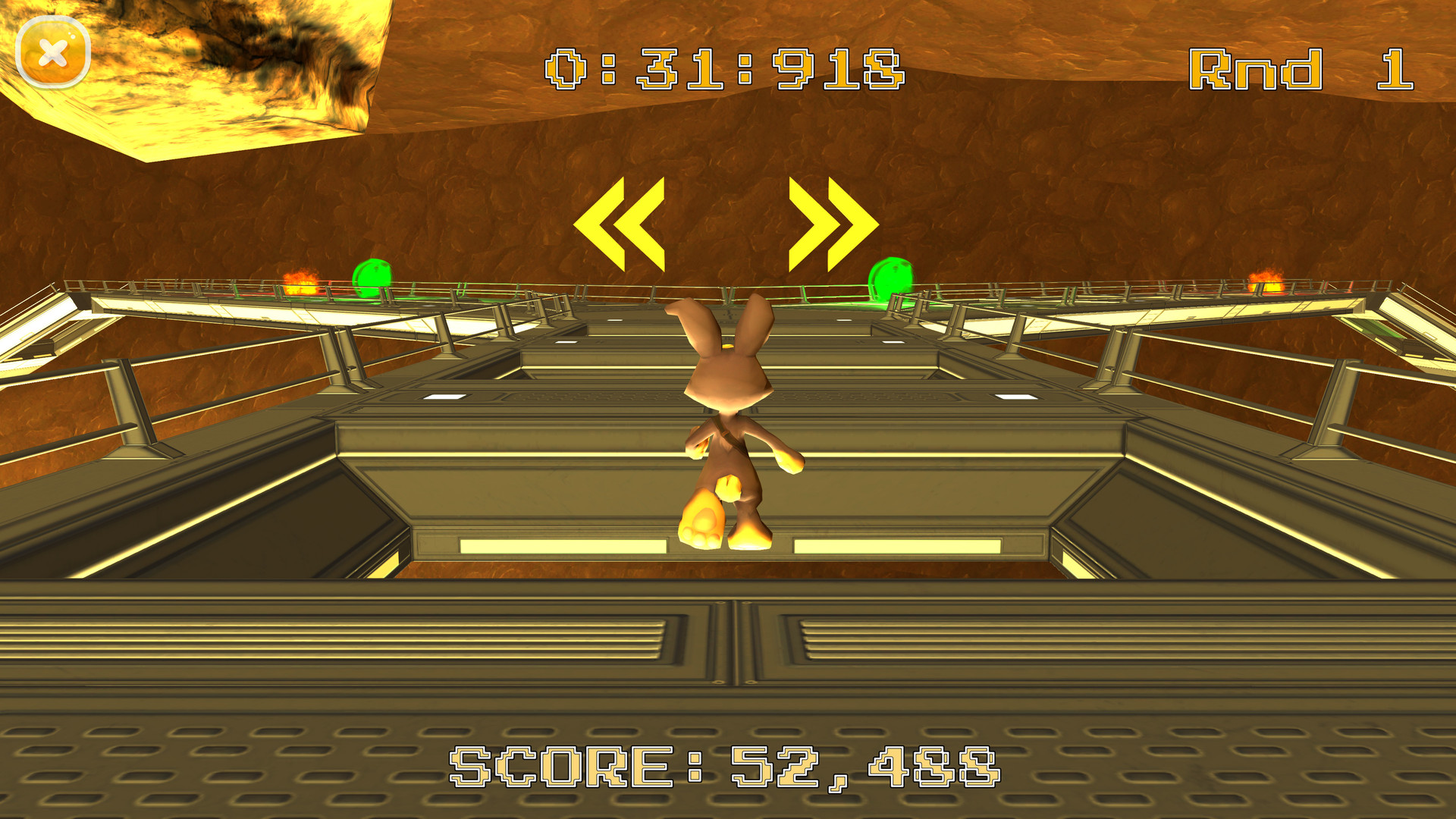
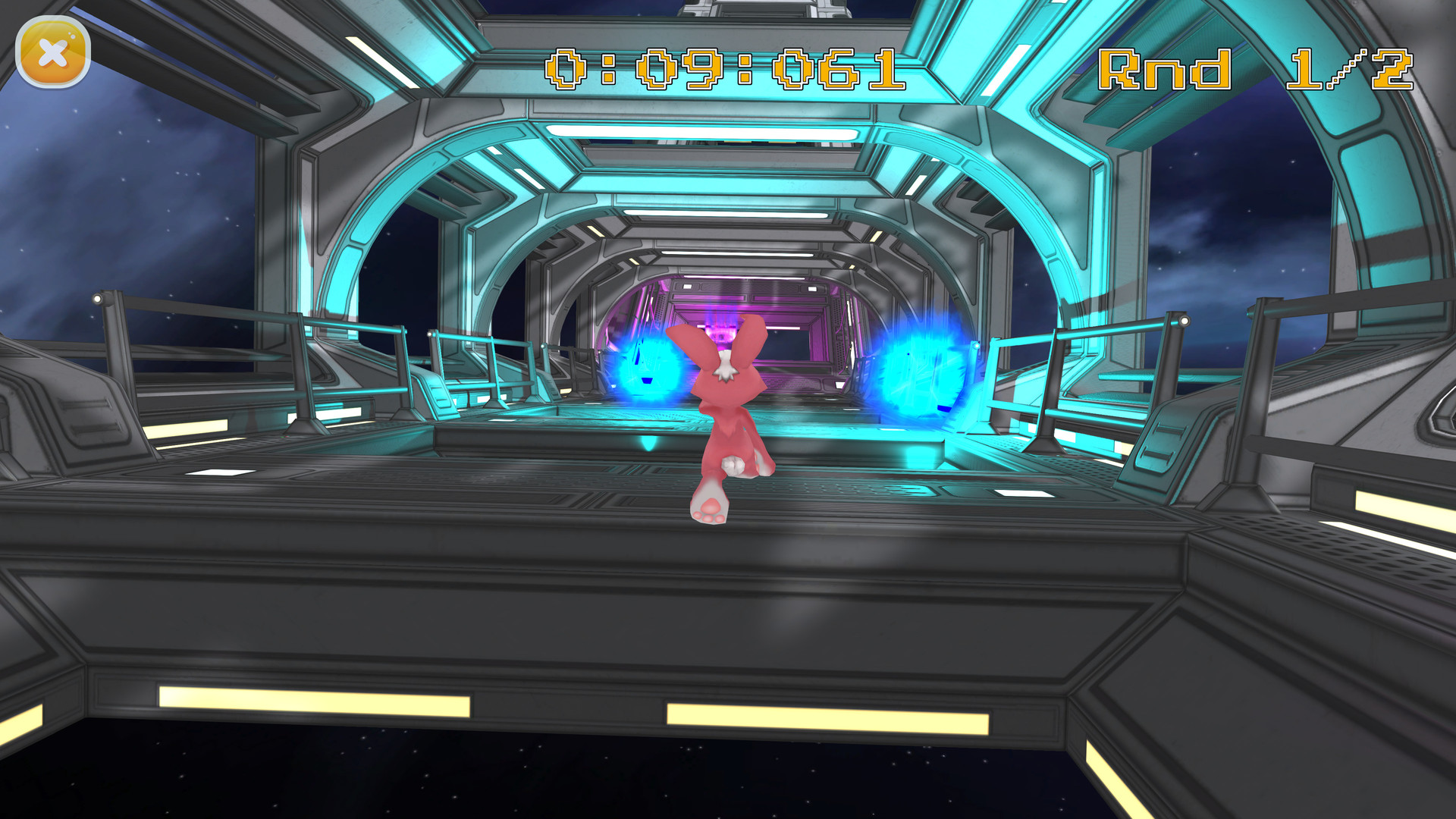
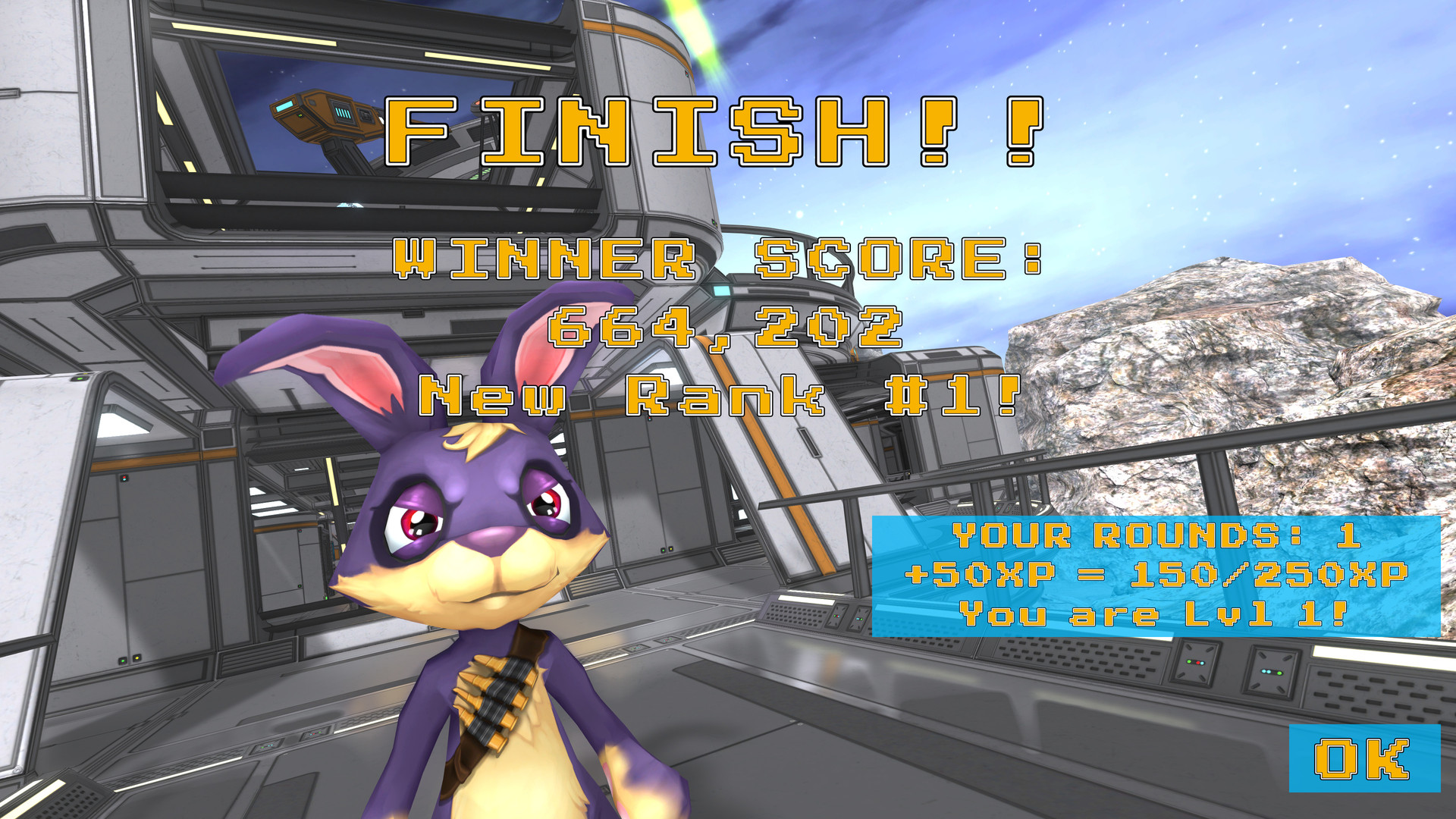
Run for your life - and for glory!A superfast 3D third-person cartoon racing game where you run as one of 19 unique rabbits in 4 beautiful settings and 8 complex levels in singleplayer high score- or time trial-mode, or even in LAN multiplayer versus other players cross-platform on Windows, Linux and Android.Features19 unique, colorful rabbits8 individually handcrafted racing track levels4 unique environmental settings3 game modes: high score, time trial, time trial multiplayer4 difficulties4 different input methods: keyboard, gamepad, touch, and motion/accelerometersuper fast-paced fun gameplayrelaxing AND exciting, depending on your personal playstyle and goalsindividual player profiles with name, appearance, and XP gathered throughout playsextensive high score leaderboard (local) for endless self-improvement + replay-abilitysingleplayer and LAN multiplayercross-platform play on Windows, Linux, AndroidWindows and Linux versions includedgraphics settings options to support low- and highend computers equally wellNew in Version v1.01:Added 4 all new rabbits!!Added OpenGL fallback for Windows!Added Robin splash screen on startup instead of default!Added displaying host IP address in lobby room!Added same-version-check for network play!Improved demo version call to action dialogs + links!Fixed time warning sound: correctly disabled when sounds disabled!