Get 10% back in Relic Coins on every order
Wolflord - Werewolf Online cover

SteamGlobal· Key

Wolflord - Werewolf Online

€0.29

+€0.03 cashback eligibility in Relic Coins

Check before you play

Platform
Steam
Region
Global
Product type
Key
Developer
LizardFactory
Publisher
LizardFactory
Supplier release date
2019-08-31
Genres
Indie, RPG, Strategy

About this product

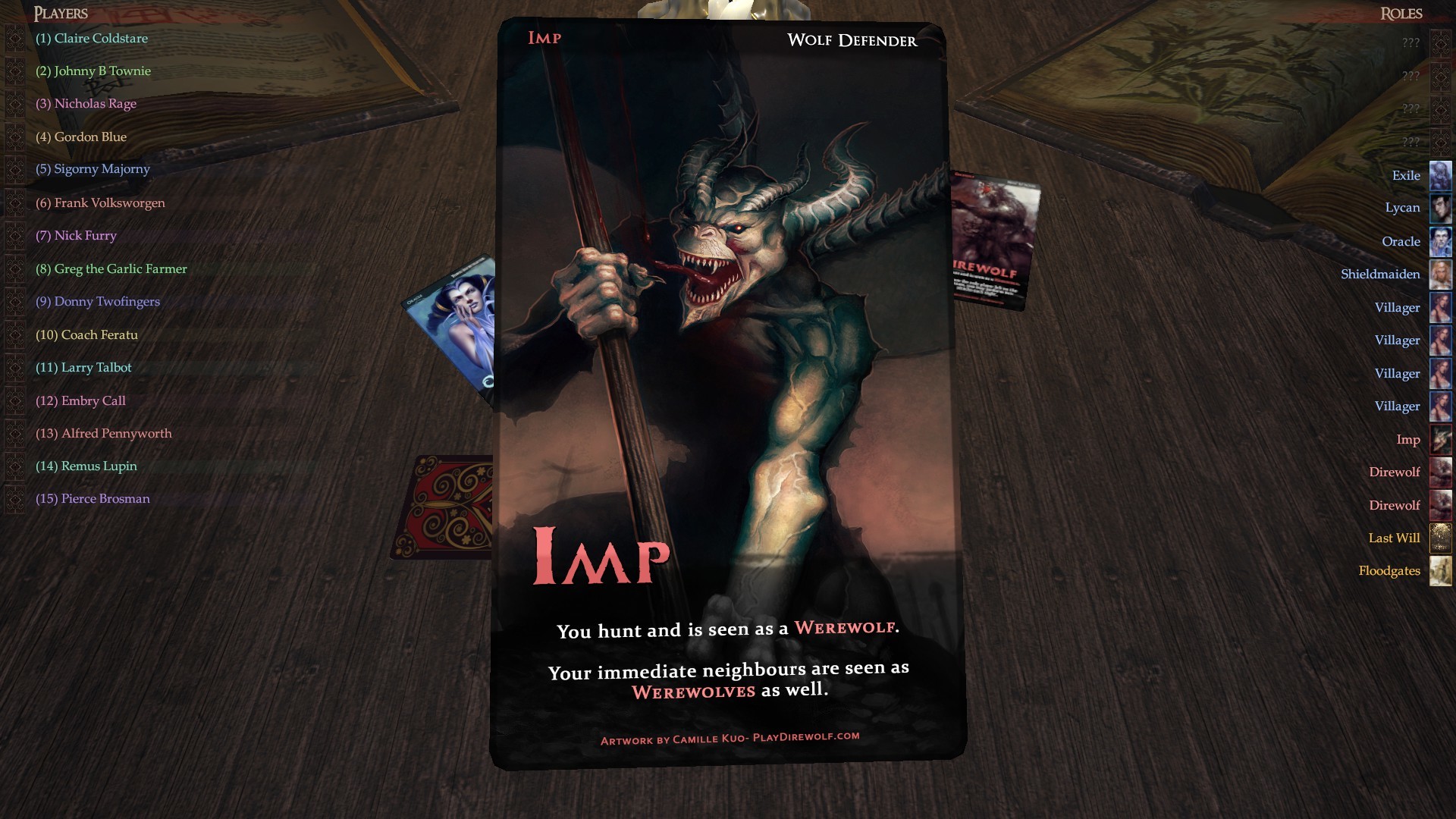
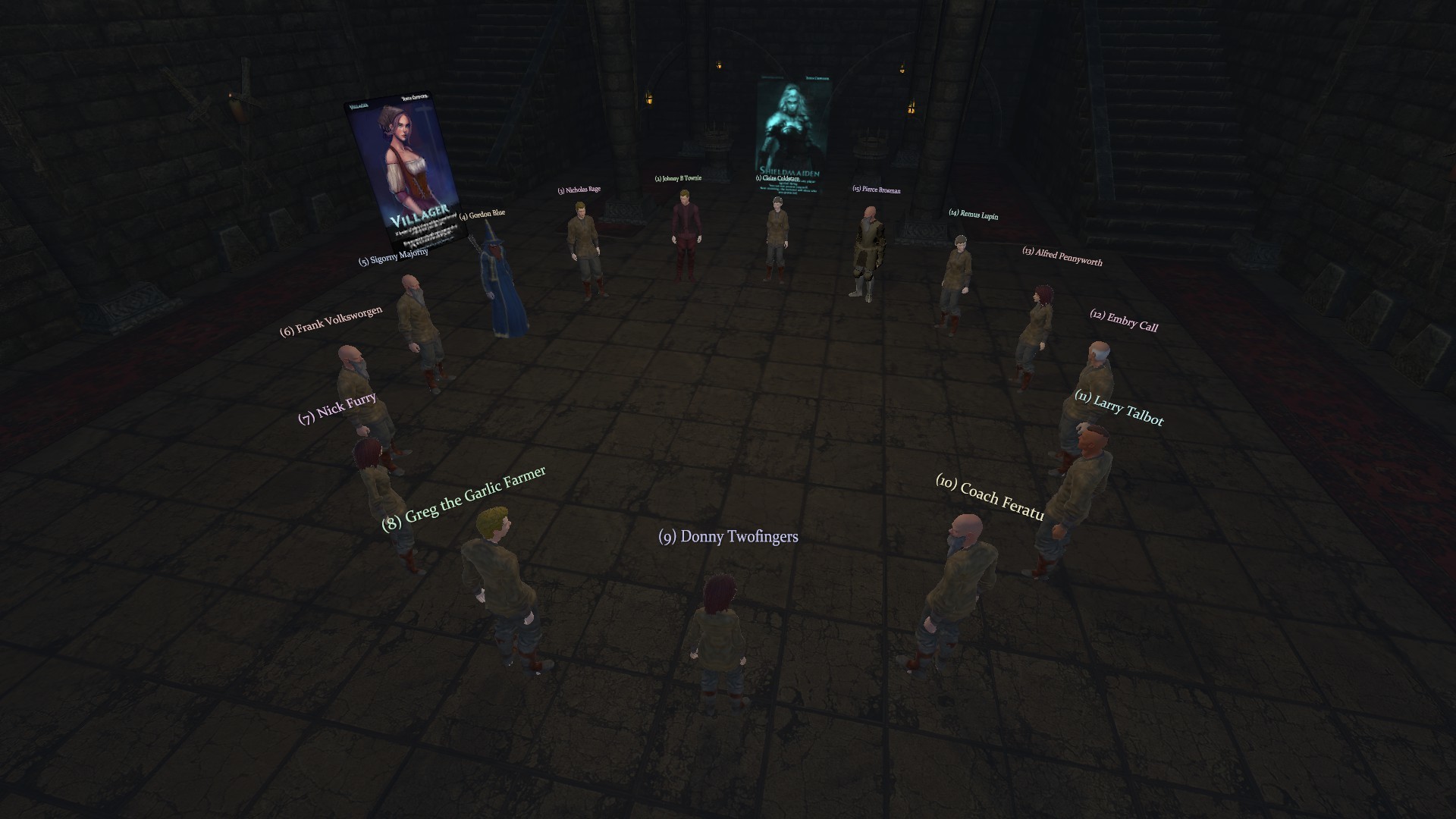
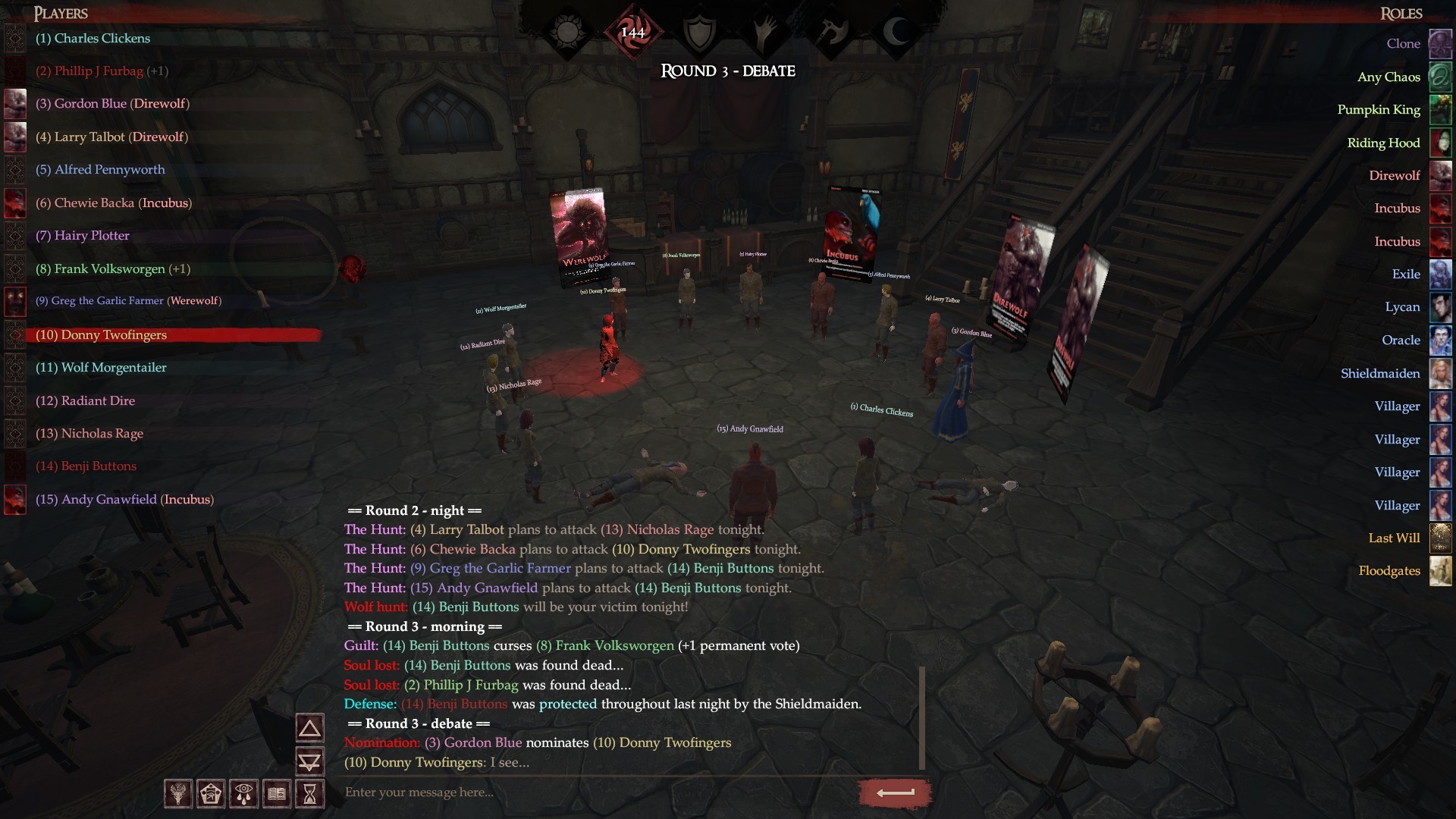
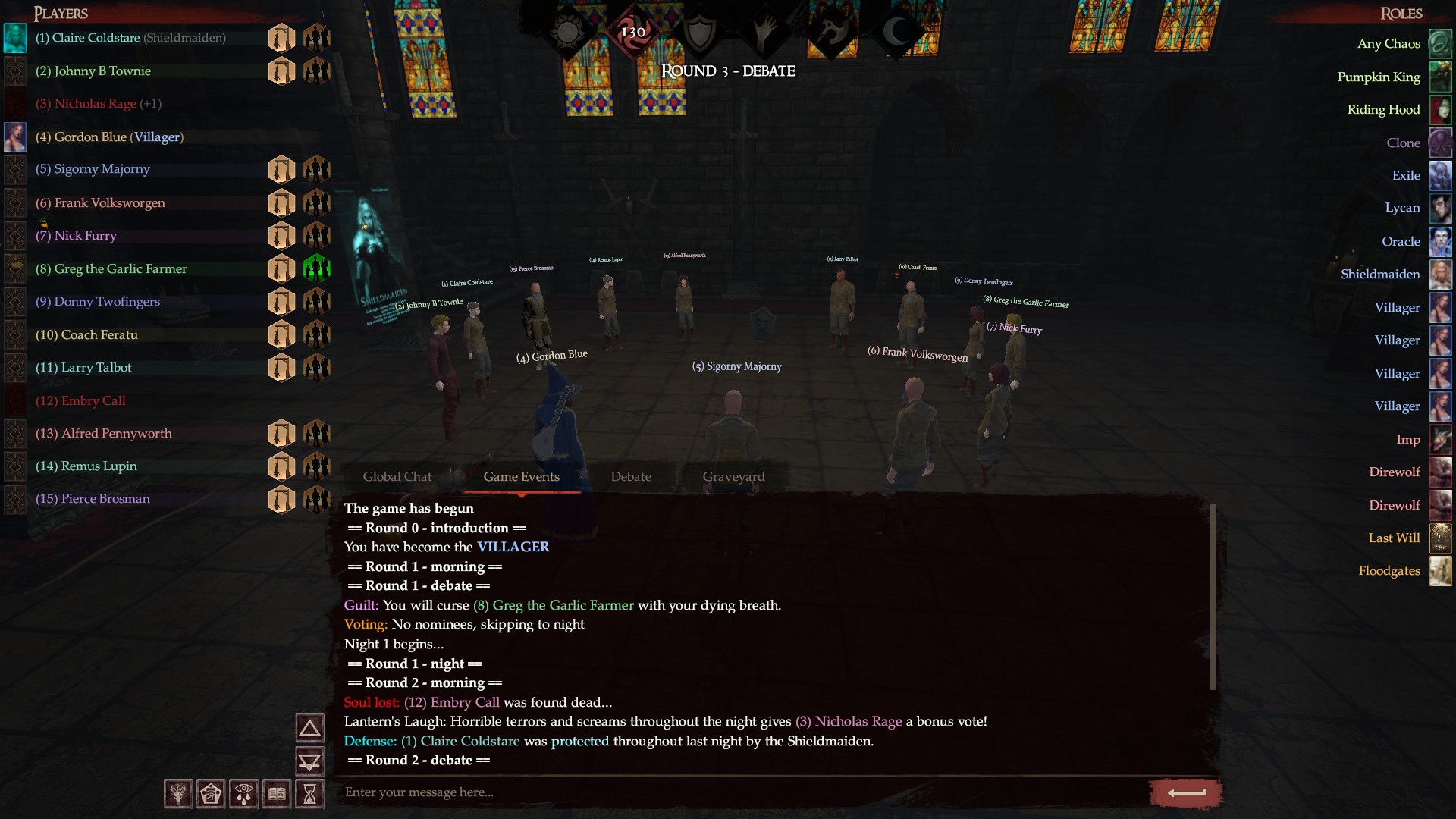
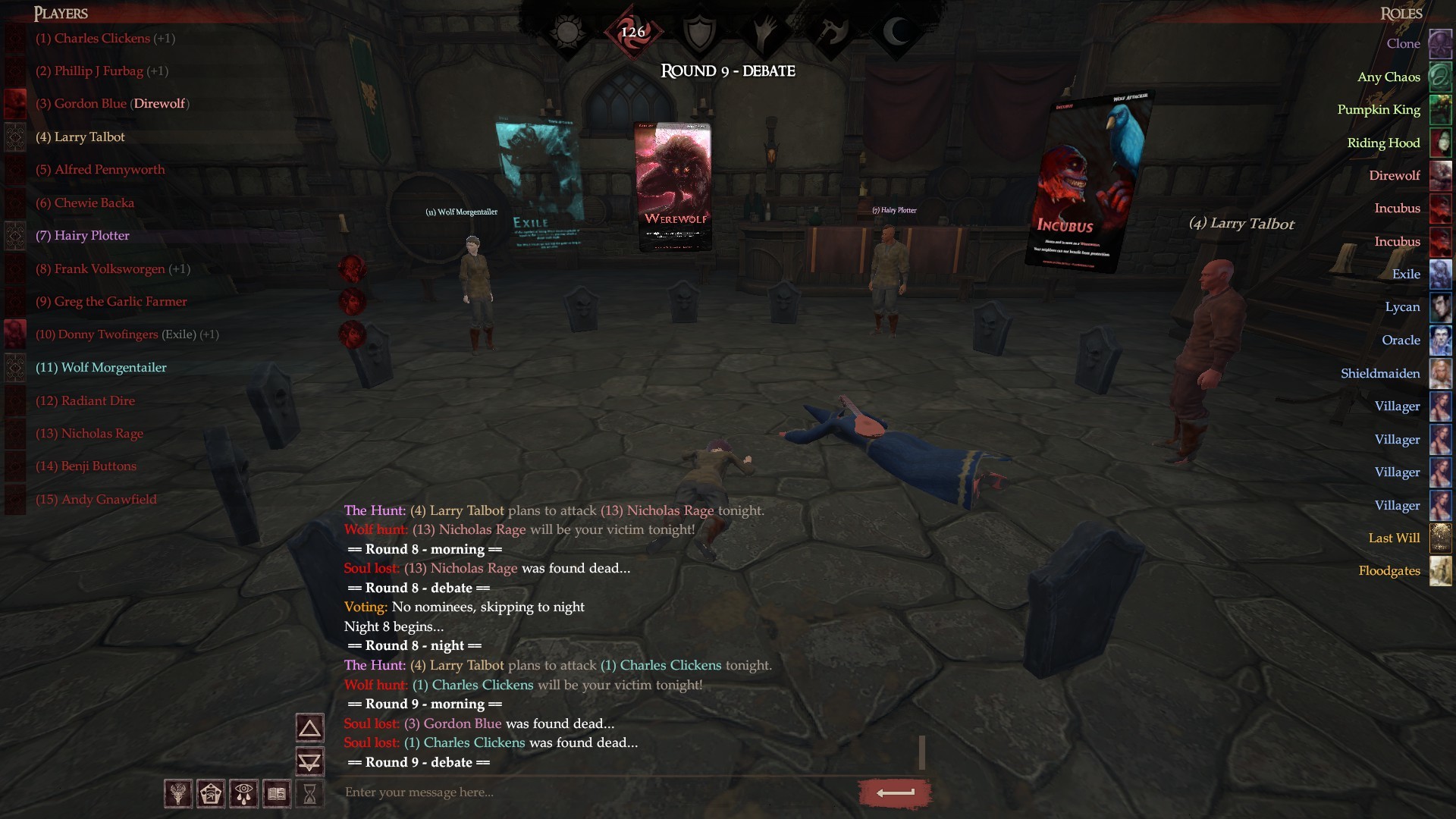
A terrible curse has spread to our fair city. A curse that if left unchecked, will threaten us all. The nights have grown long, and with it, hordes of evil creatures come with it. Werewolves, demons, skeletons, ghouls, and they all want just one thing. To feast on our flesh and take over our souls.But we will not stand for this! We will band together and root out this evil. Together we will unmask whoever is behind this, and put a stop to this menace.GameplayWolflord is a multiplayer online intrigue game, where you will be matched with other players and put in small groups, where it is vital to your survival that you eliminate the evildoers among you. Or, if luck will have it and you draw an evil card yourself, work with your secret team to take control of the game.Lies, deception, evaluation and careful speech is key components to the game of Wolflord.HeritageWolflord is a modern take on the classic Mafia/Werewolf game genre that have existed as party games since the 80s.CharityWe donate 10% of all game proceedings to the Colorado Wolf Sanctuary.


Wolflord - Werewolf Online screenshotWolflord - Werewolf Online screenshotWolflord - Werewolf Online screenshotWolflord - Werewolf Online screenshotWolflord - Werewolf Online screenshotWolflord - Werewolf Online screenshot

How to redeem

  1. 1Check your Steam account and the listed region before purchasing.
  2. 2Find your code and supplier activation instructions in your confirmed order.
  3. 3Open the redeem-code section on Steam, enter the code and follow the platform’s prompts.

Supplier instructions

Go to: http://store.steampowered.com/ and download STEAM client Click "Install Steam" (from the upper right corner) Install and start application, login with your Account name and Password (create one if you don't have). Please follow these instructions to activate a new retail purchase on Steam: Launch Steam and log into your Steam account. Click the Games Menu. Choose Activate a Product on Steam... Follow the onscreen instructions to complete the process. After successful code verification go to the "LIBRARY" tab and start downloading.

You might also like