Get 10% back in Relic Coins on every order
Colored Shapes cover

SteamGlobal· Key

Colored Shapes

€0.82

+€0.08 cashback eligibility in Relic Coins

Check before you play

Platform
Steam
Region
Global
Product type
Key
Developer
Dnovel
Publisher
Dnovel
Supplier release date
2020-11-03
Genres
Action, Adventure, Casual, Indie

About this product

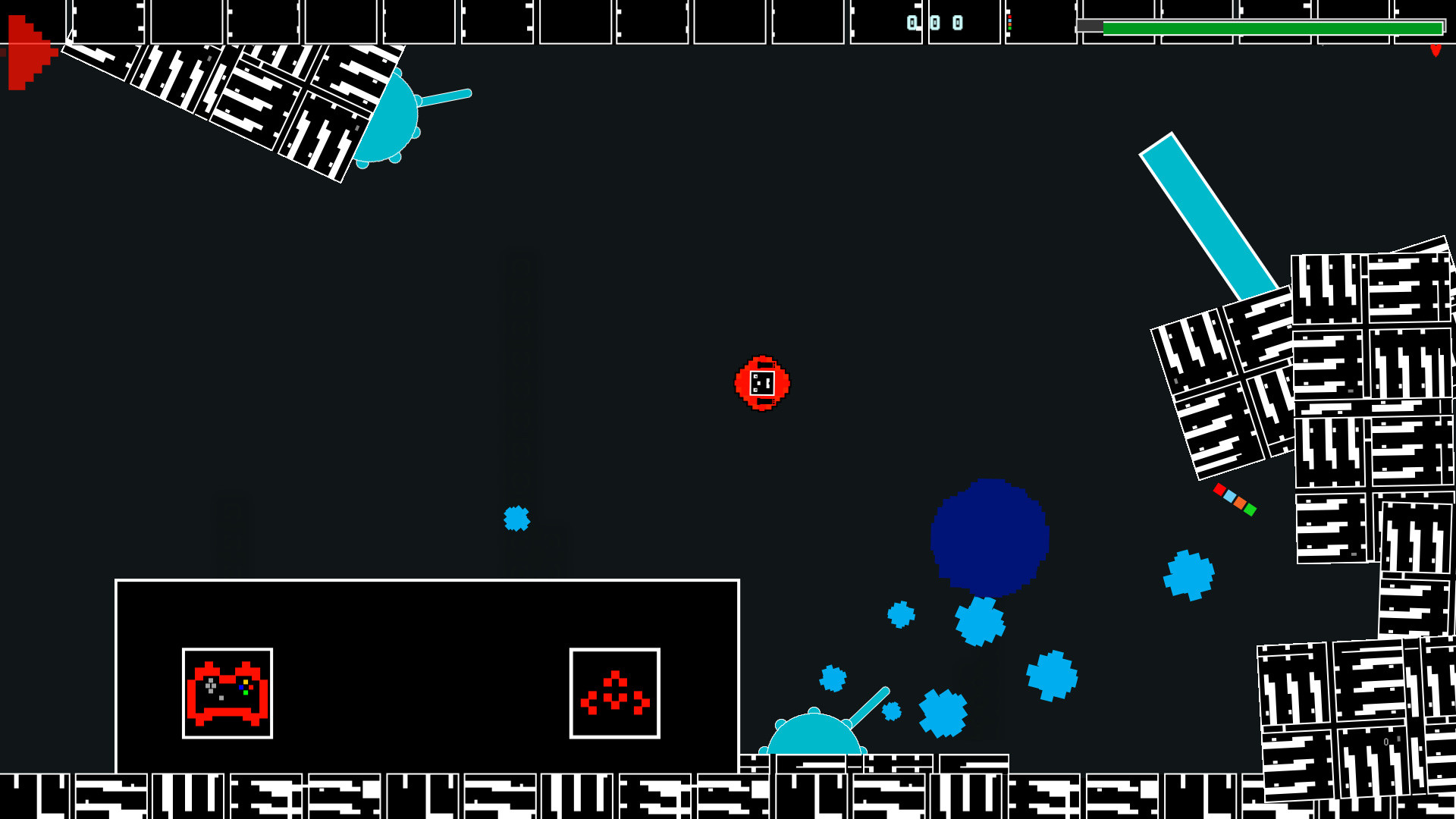
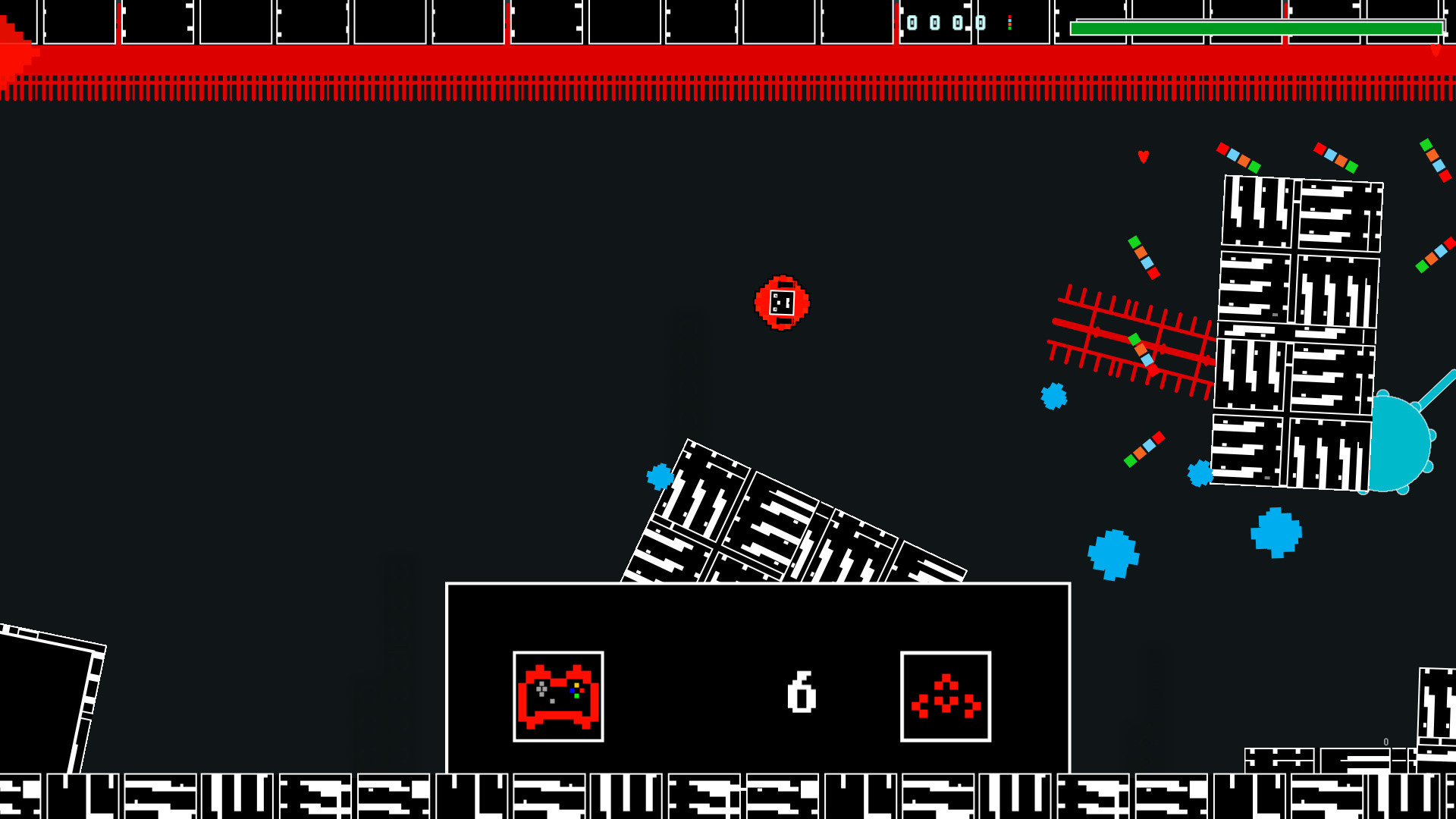
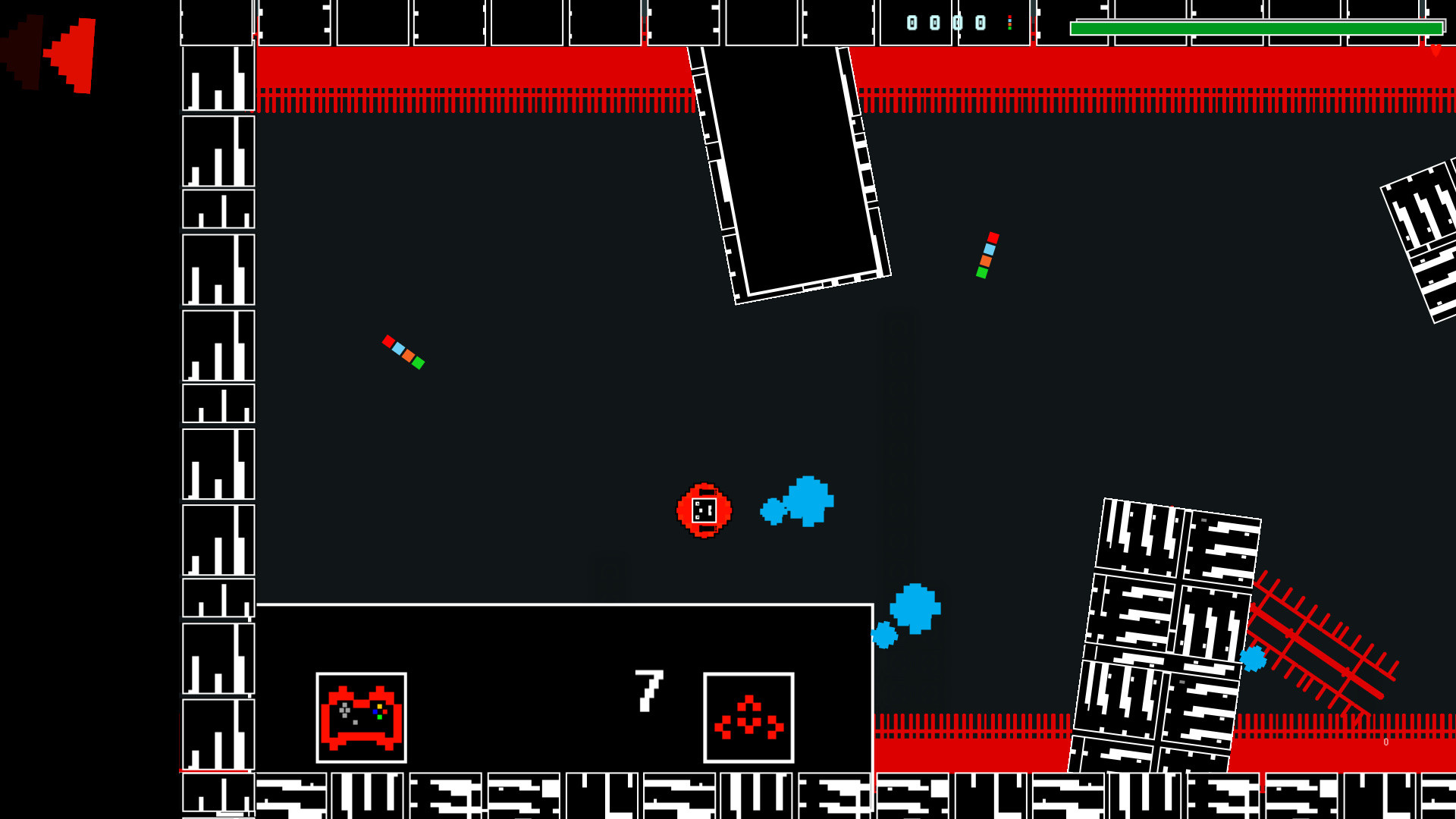
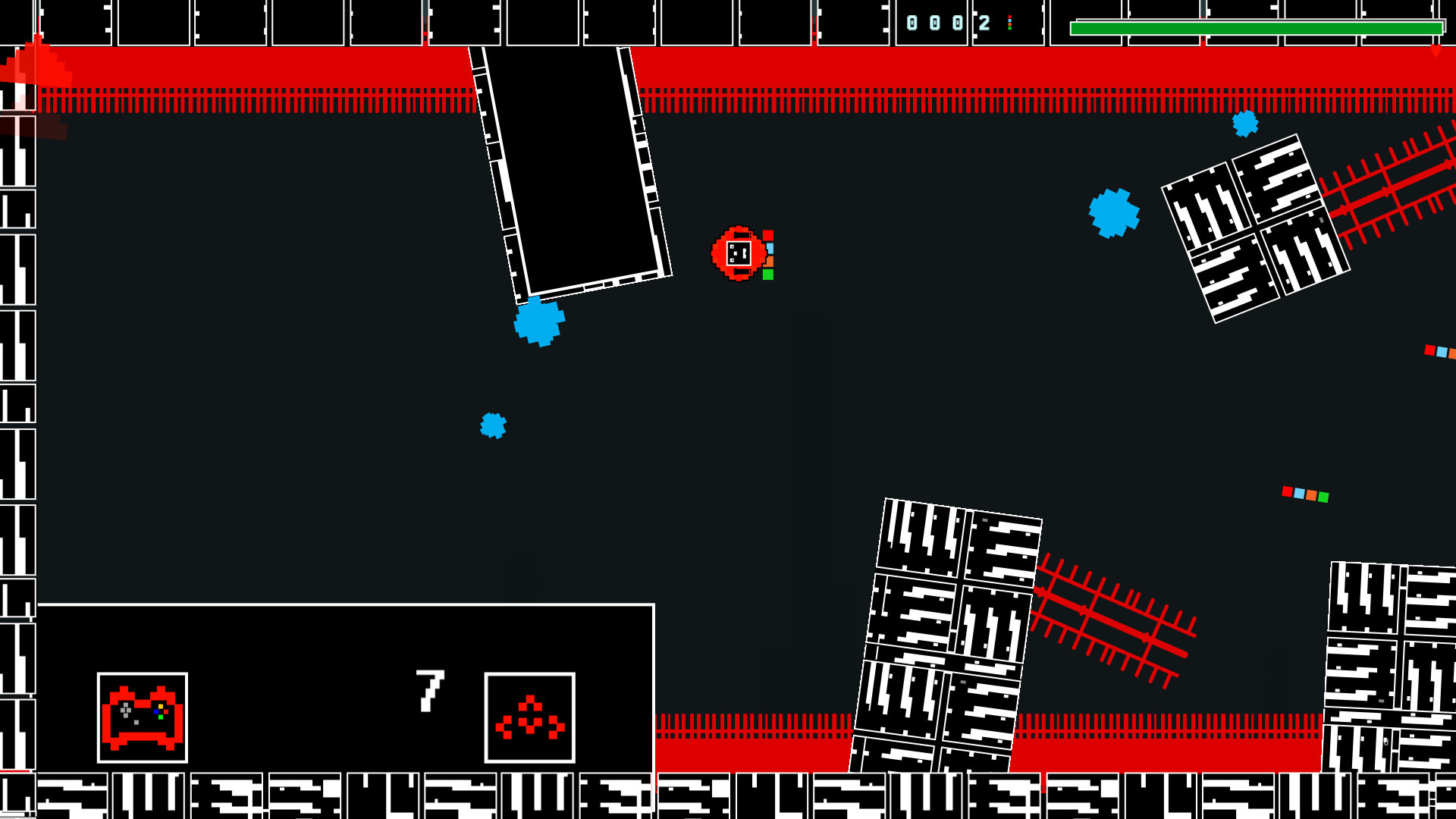
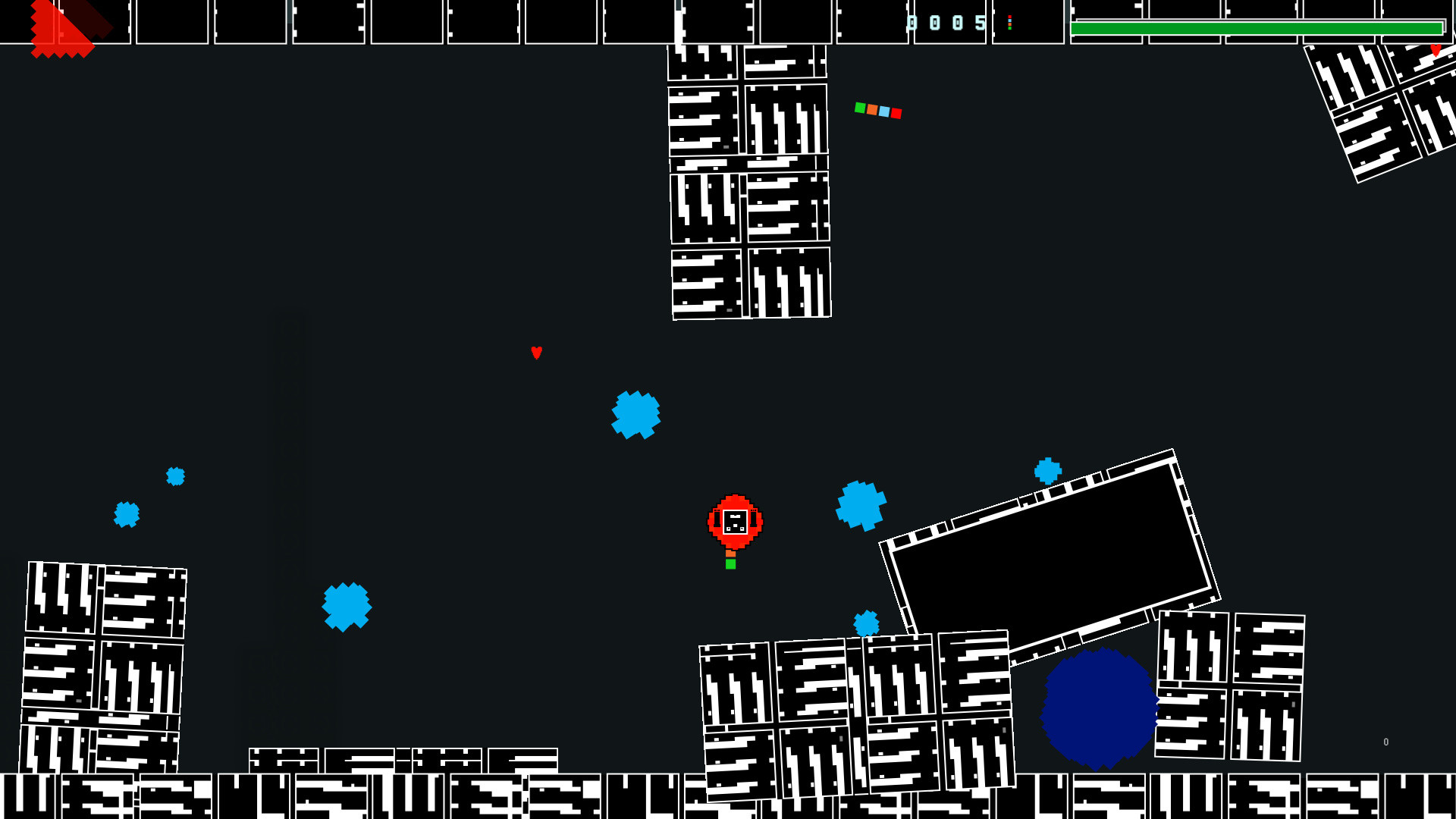
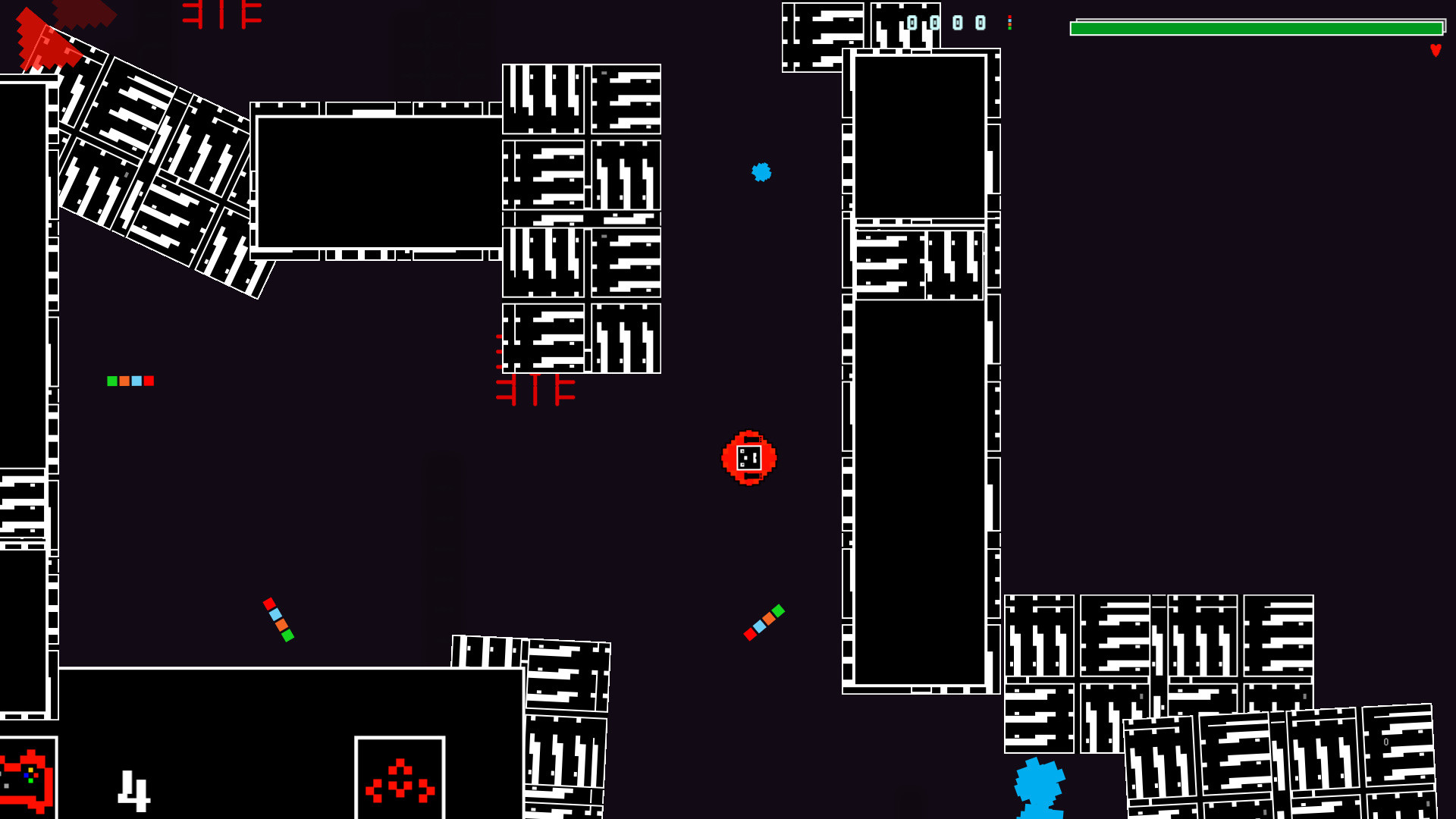
In the game, you do not control the main character, but you can direct him in different directions by switching gravity with the up, down, left and right keys. Together with the main character, there are various colored objects on the level, both helping and interfering with the passage of the game.To open the doors, use round key balls of the same color as the door.To pass the level, collect three colored squares, the amount required to pass through the teleport is indicated near the teleport.Use geometry and objects on the level to unblock passages and open doors, small objects have less mass, and large objects can block the main character, but you can always change the gravity and get out from under the blockage. Main character! In the game, you control a red circle named "Mr. Red", it does not look like a circle, but he considers himself very round. Mister red is very durable, because his ancestors are titanium and a meteorite shard. For a million years, he evolved, but he was still able to move himself. Your task is to direct a very strong and fearless hero "Mr. Red", and no, do not think that he is a communist, he just sunbathes a lot in the sun. Game features: Changing gravity Physics Pixel graphics Convenient management Achievements Bright main character Doors and locks

Colored Shapes screenshotColored Shapes screenshotColored Shapes screenshotColored Shapes screenshotColored Shapes screenshotColored Shapes screenshot

How to redeem

  1. 1Check your Steam account and the listed region before purchasing.
  2. 2Find your code and supplier activation instructions in your confirmed order.
  3. 3Open the redeem-code section on Steam, enter the code and follow the platform’s prompts.

Supplier instructions

Go to: http://store.steampowered.com/ and download STEAM client Click "Install Steam" (from the upper right corner) Install and start application, login with your Account name and Password (create one if you don't have). Please follow these instructions to activate a new retail purchase on Steam: Launch Steam and log into your Steam account. Click the Games Menu. Choose Activate a Product on Steam... Follow the onscreen instructions to complete the process. After successful code verification go to the "LIBRARY" tab and start downloading.

You might also like