
SteamGlobal· Key
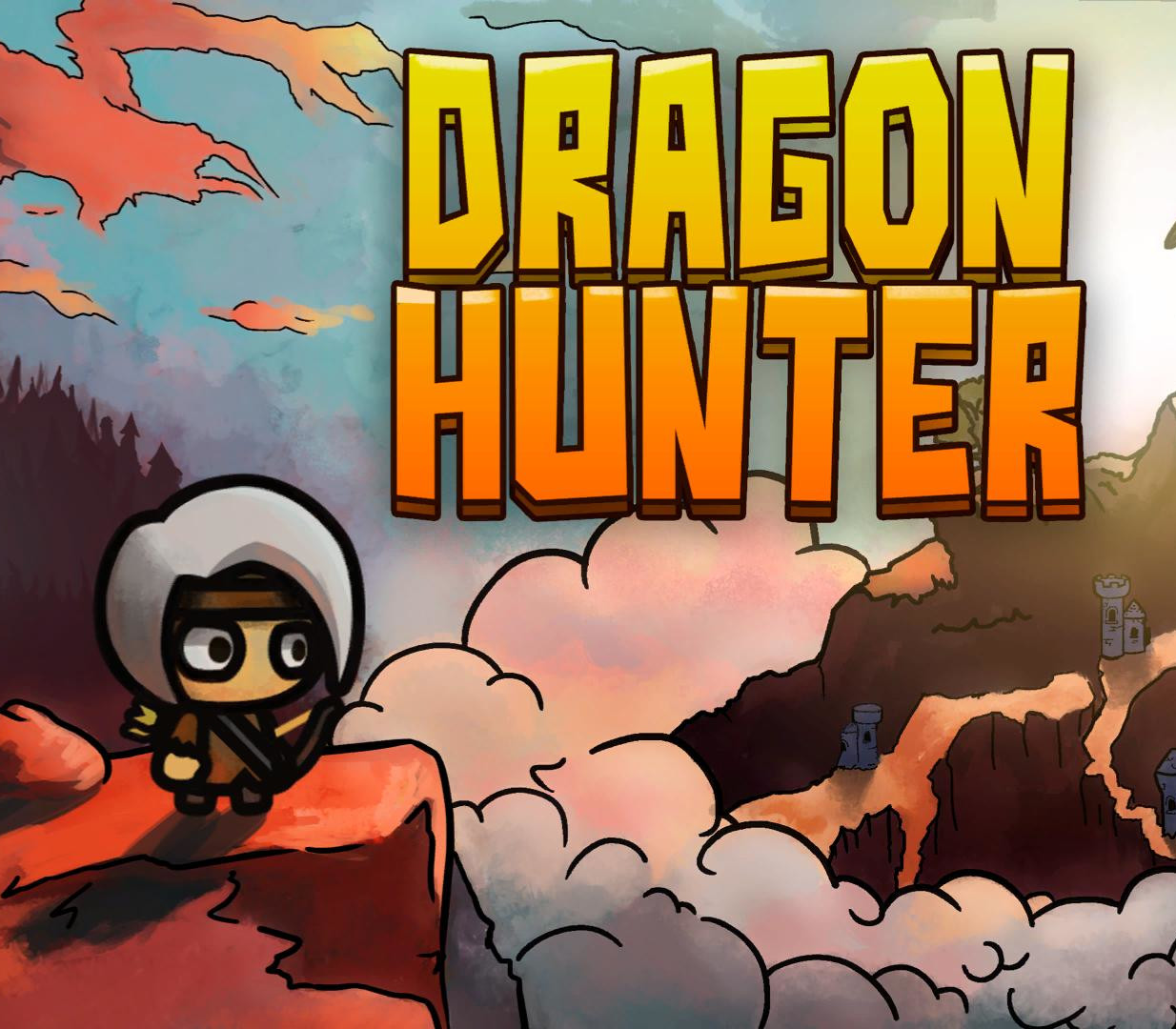
Dragon Hunter
€1.04
+€0.10 cashback eligibility in Relic Coins
Check before you play
- Platform
- Steam
- Region
- Global
- Product type
- Key
- Developer
- For Kids
- Publisher
- For Kids
- Supplier release date
- 2017-12-21
- Genres
- Casual, Indie
SteamGlobal· Key
€1.04
+€0.10 cashback eligibility in Relic Coins
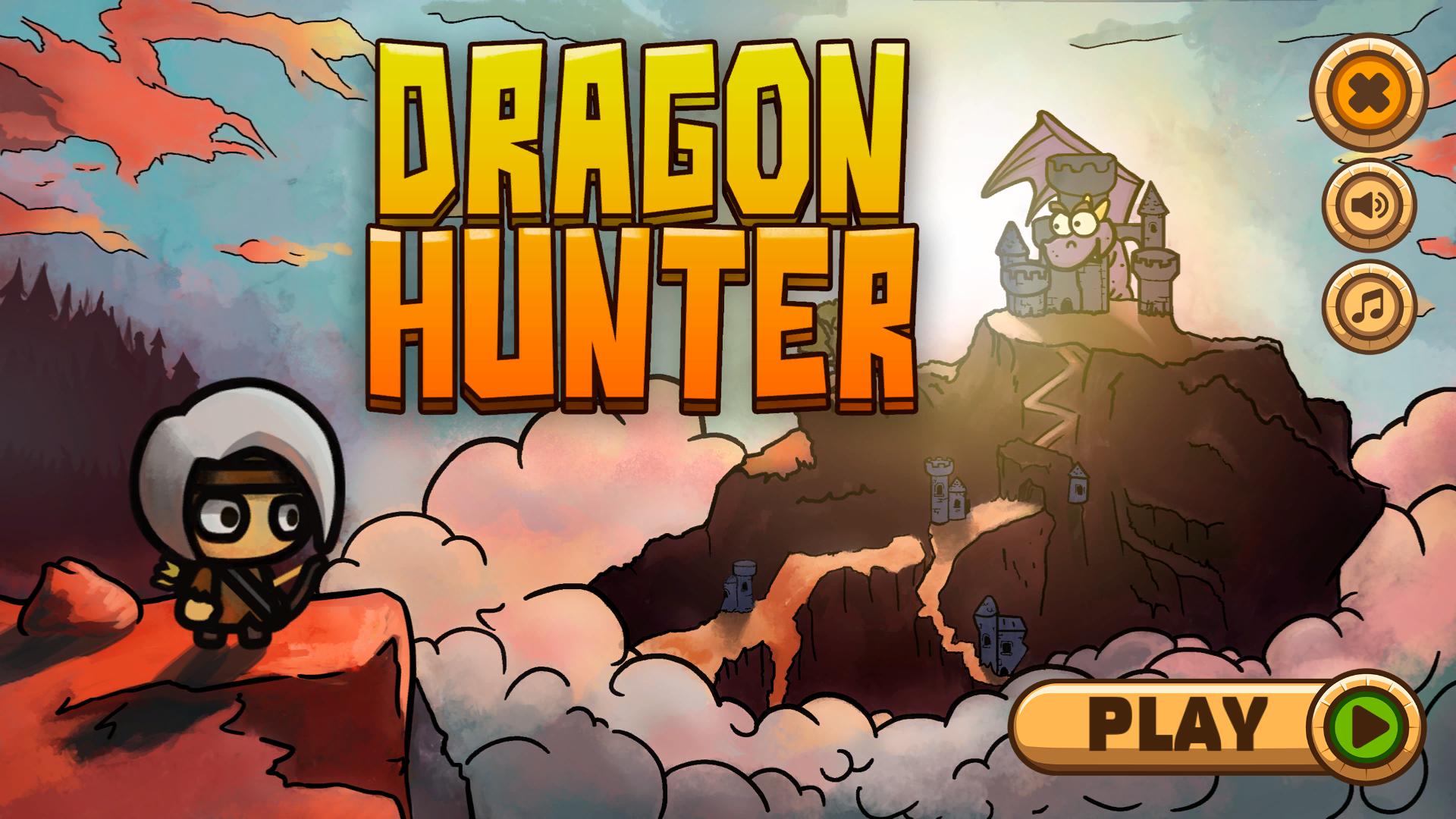
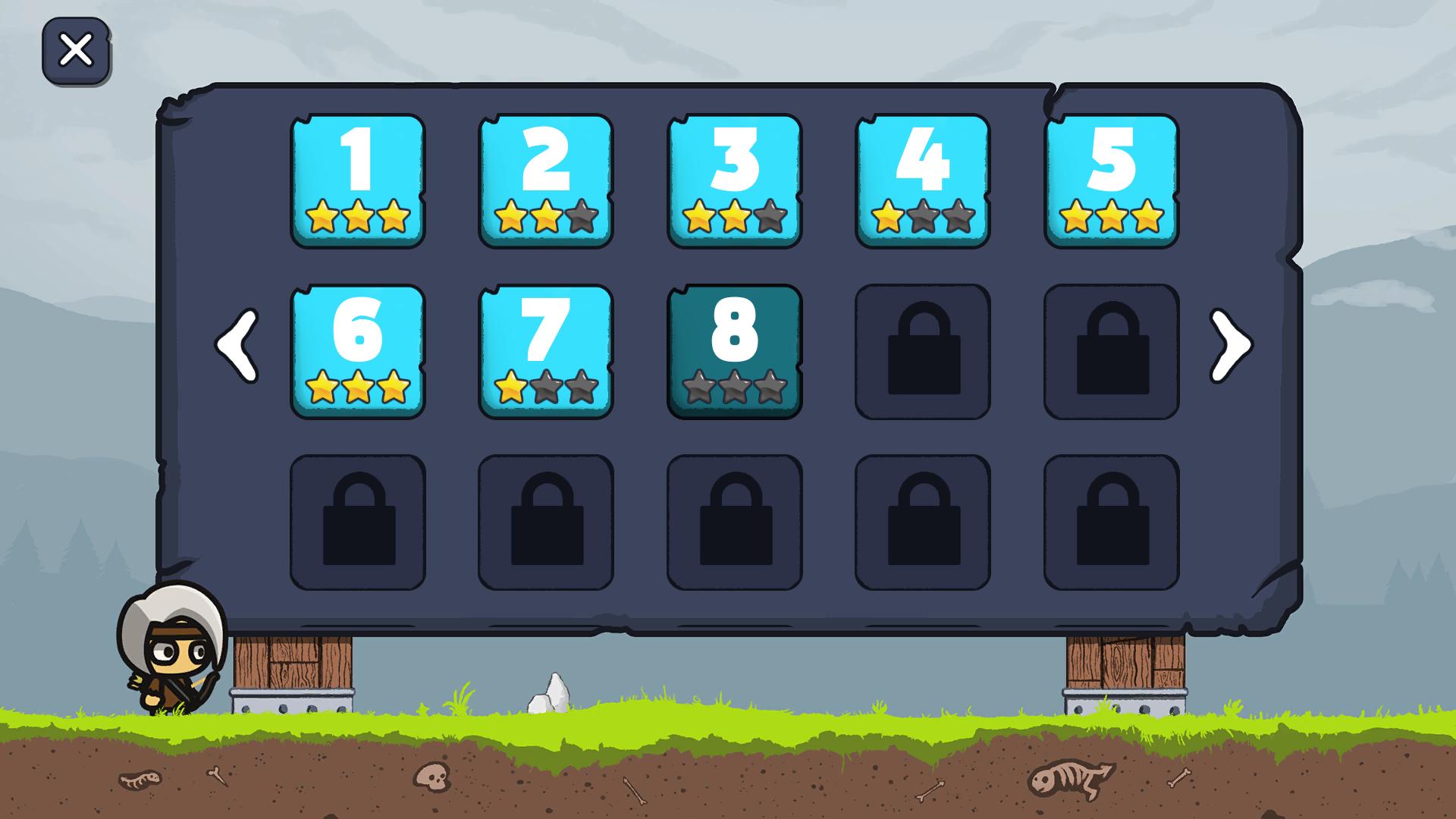
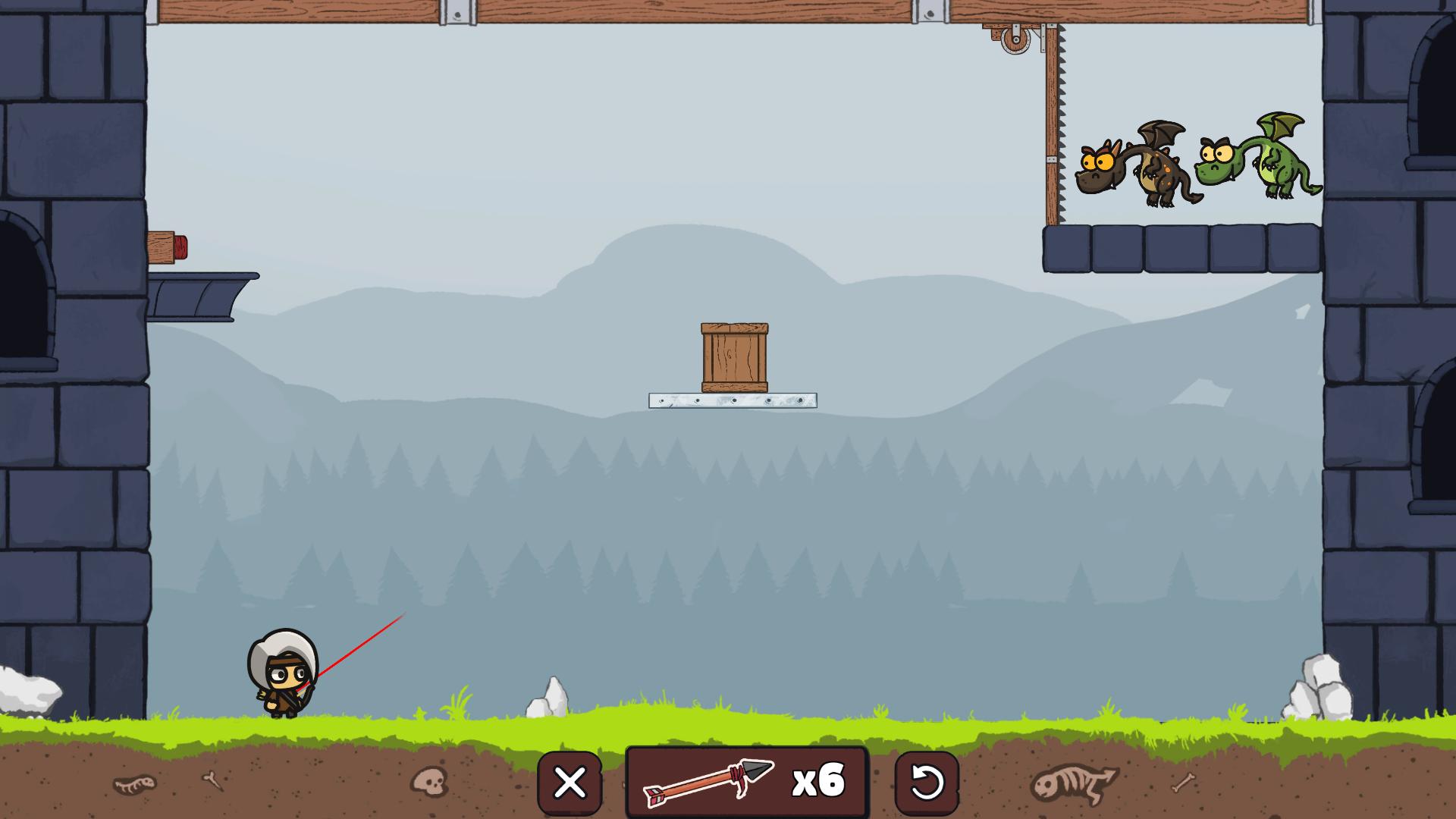
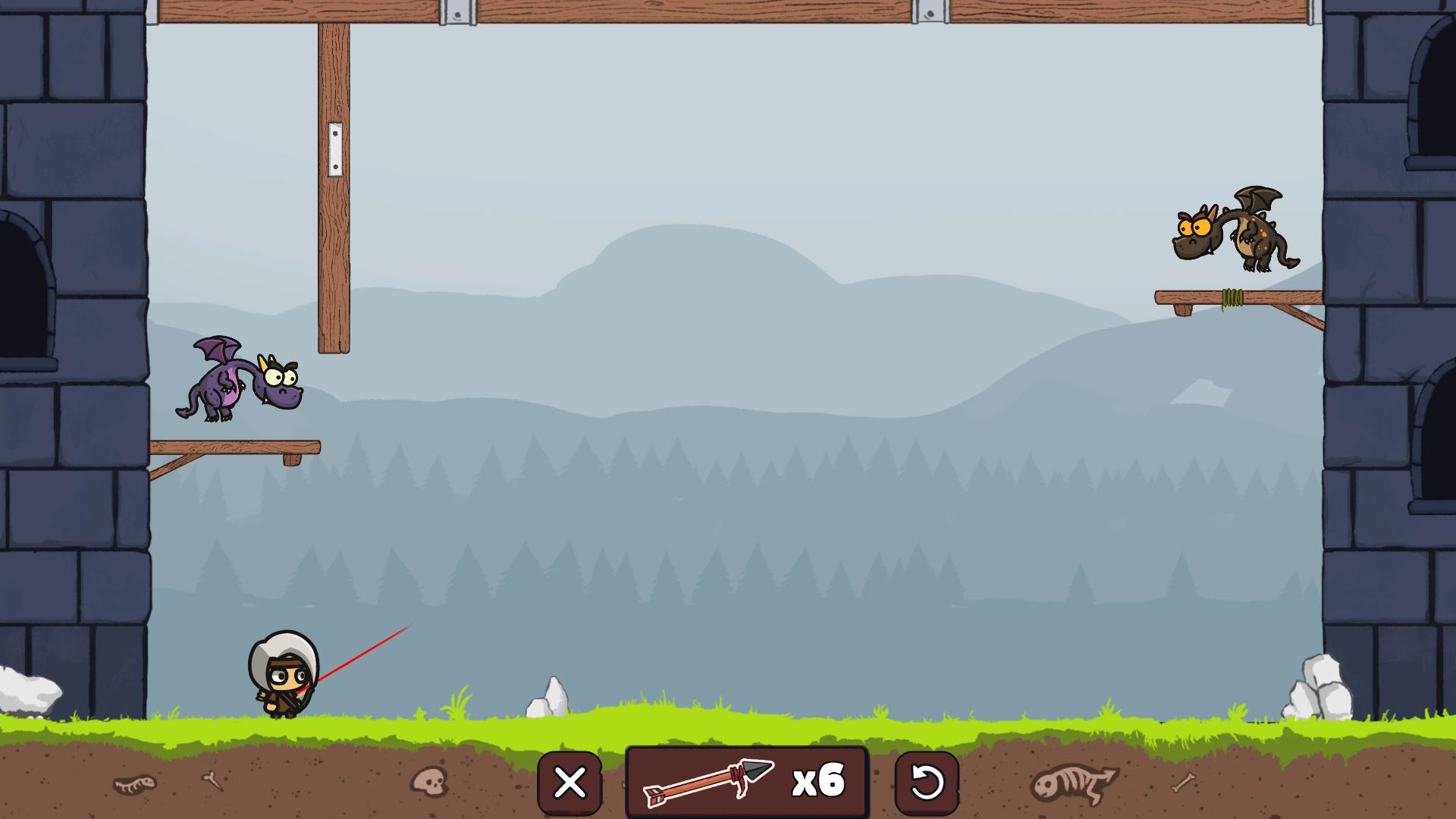
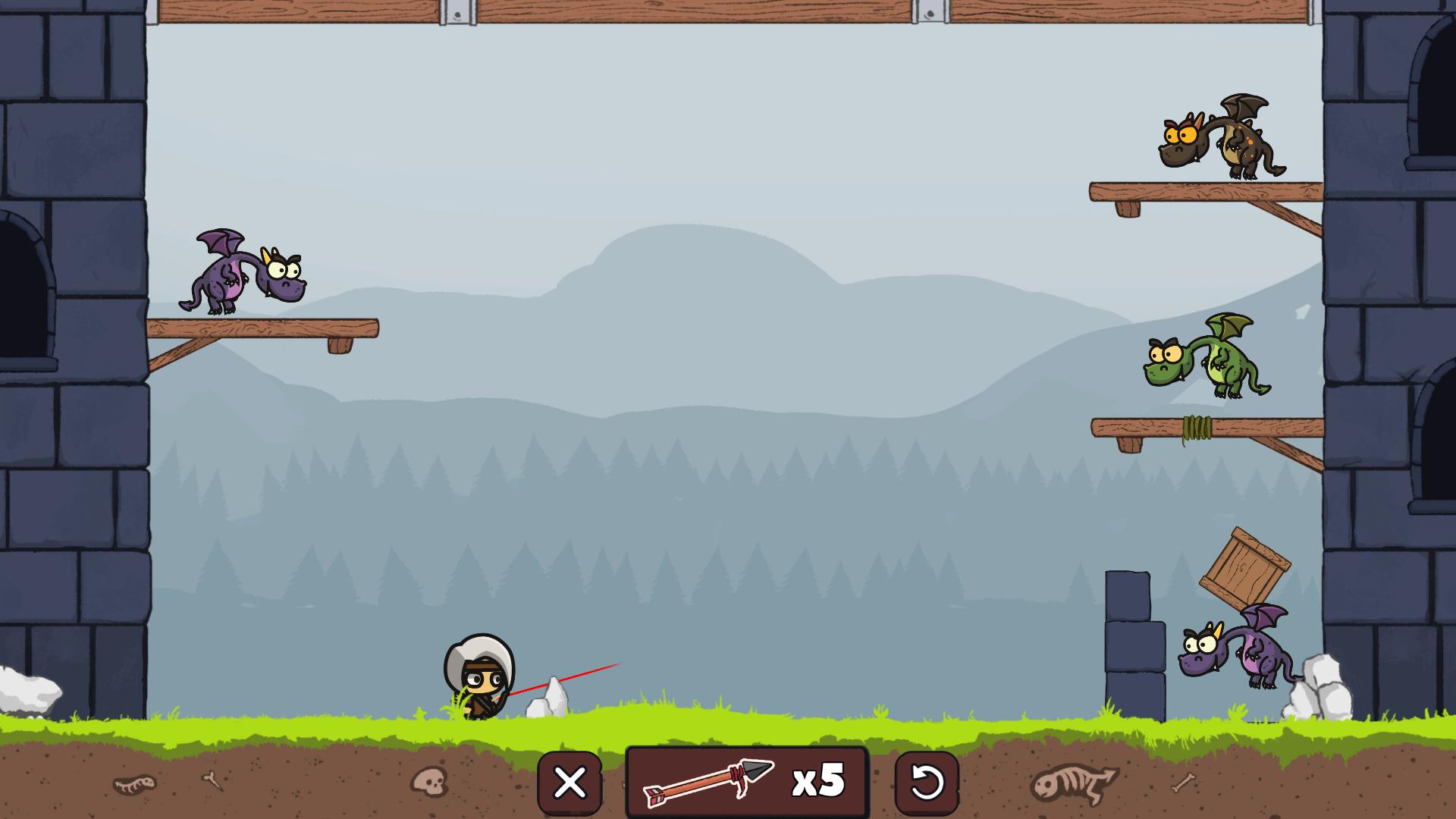
In this unique puzzle game, your goal is to shoot dragons placed on various location cards. The problem is, you won't always have a clear sight of where those vile fire-breathing creatures are, and you must figure out the right angle the arrows will have to fly in to land a successful hit.The dusk of mankind is upon us. With your trustworthy bow and arrows at your disposal, you must fight the endless numbers of vicious, maliciously grinning dragons that invaded the land. The entire fate of the world is in your hands! The inhabitants count on your accuracy and courage, as this battle will require a considerable amount of valour and eliminate the dragons perched in different, often remote places, precision as well. You have to defeat all the dragons from level to level, carefully calculating the degree you will have to shoot arrows at in order to hit the targets. You will have to take care of arrows as well - the supply is limited and every miss could be devastating! Features: Beautiful visuals A large number of fascinating and dissimilar levels The true experience of being a real dragon hunter Countless achievements for you to collect Compatibility on multiple platforms (Windows, Mac, Linux)
Go to: http://store.steampowered.com/ and download STEAM client Click "Install Steam" (from the upper right corner) Install and start application, login with your Account name and Password (create one if you don't have). Please follow these instructions to activate a new retail purchase on Steam: Launch Steam and log into your Steam account. Click the Games Menu. Choose Activate a Product on Steam... Follow the onscreen instructions to complete the process. After successful code verification go to the "LIBRARY" tab and start downloading.