Get 10% back in Relic Coins on every order
Darkest Dungeon AU cover

Xbox OneAustralia· Key

Darkest Dungeon AU

€17.00

+€1.70 cashback eligibility in Relic Coins

Check before you play

Platform
Xbox One
Region
Australia
Product type
Key
Developer
Red Hook Studios
Publisher
Red Hook Studios
Supplier release date
2016-01-19
Genres
Strategy, RPG, Indie

About this product

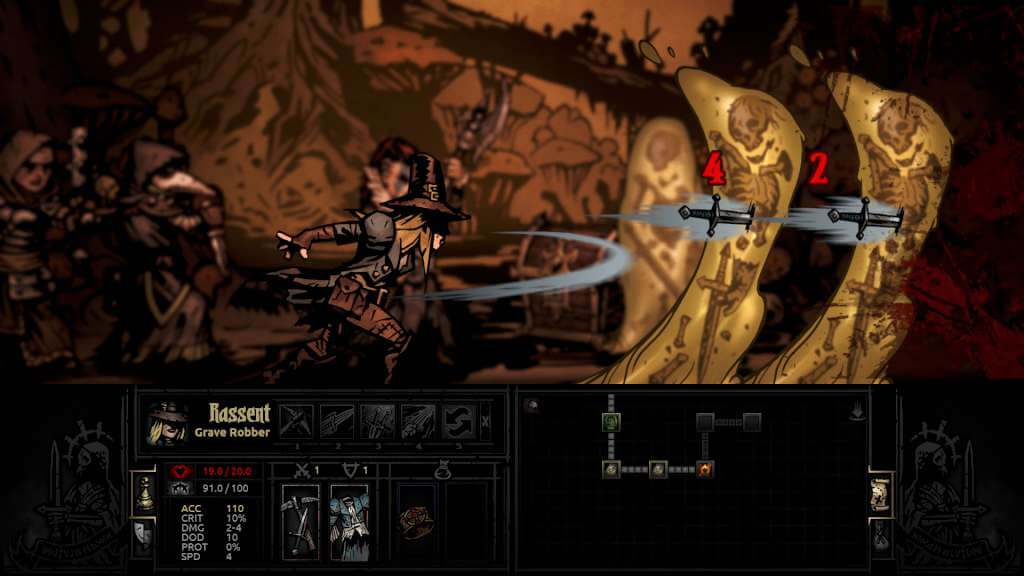
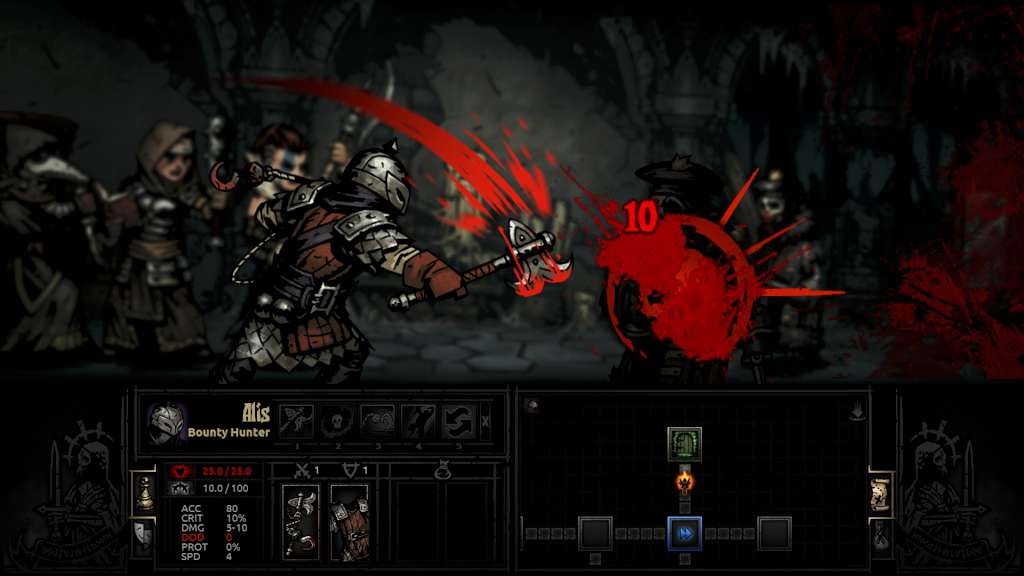
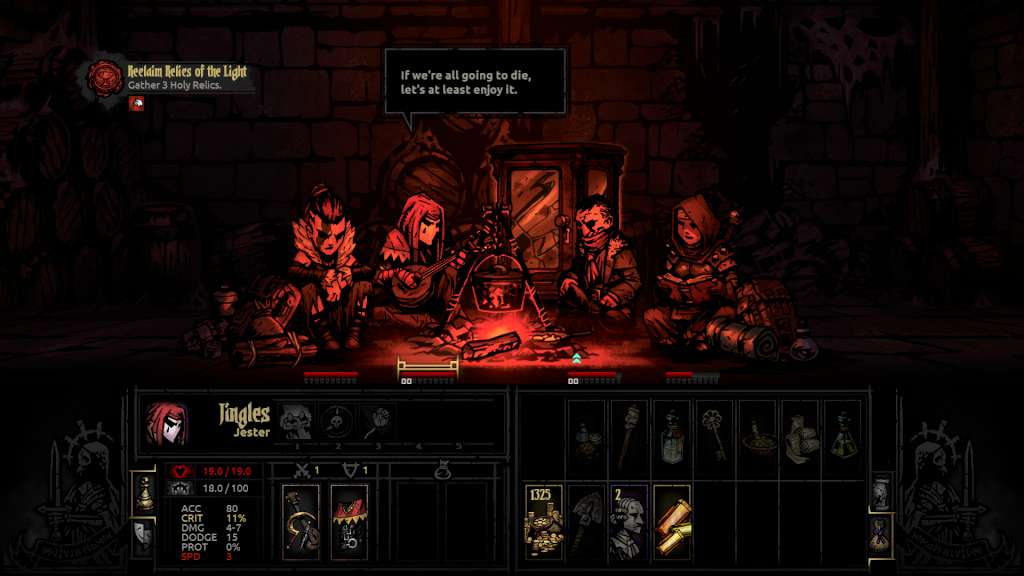
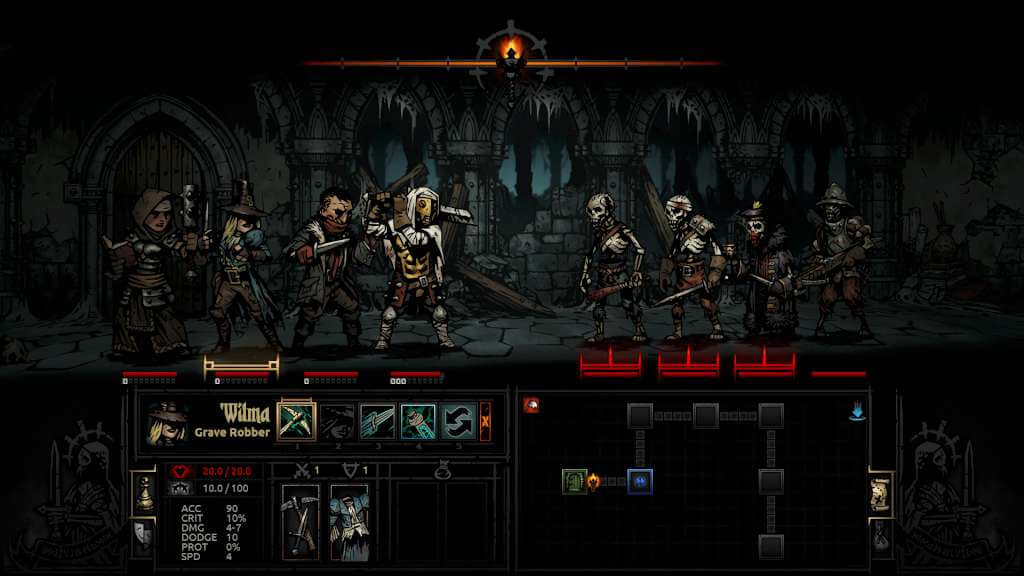
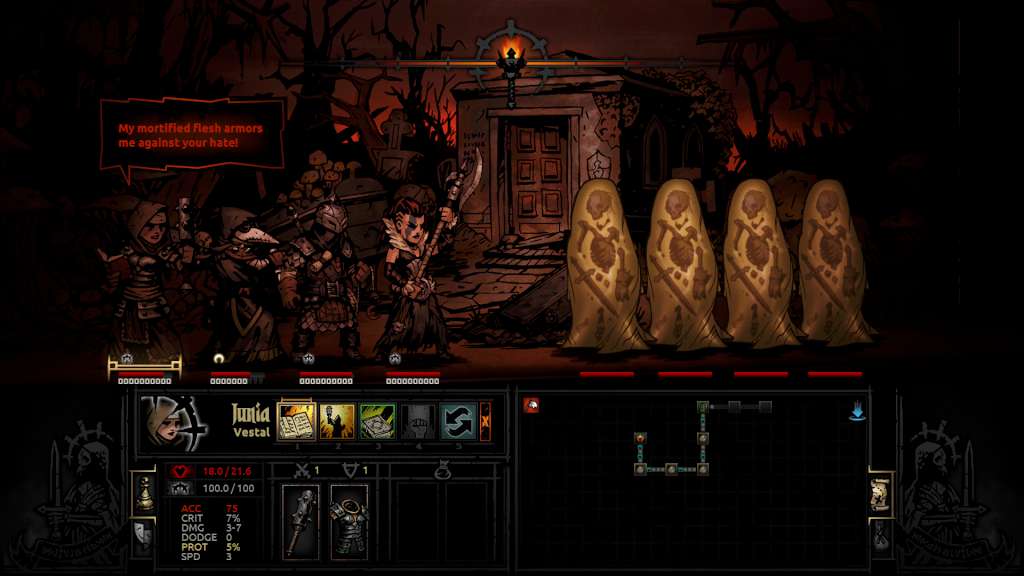
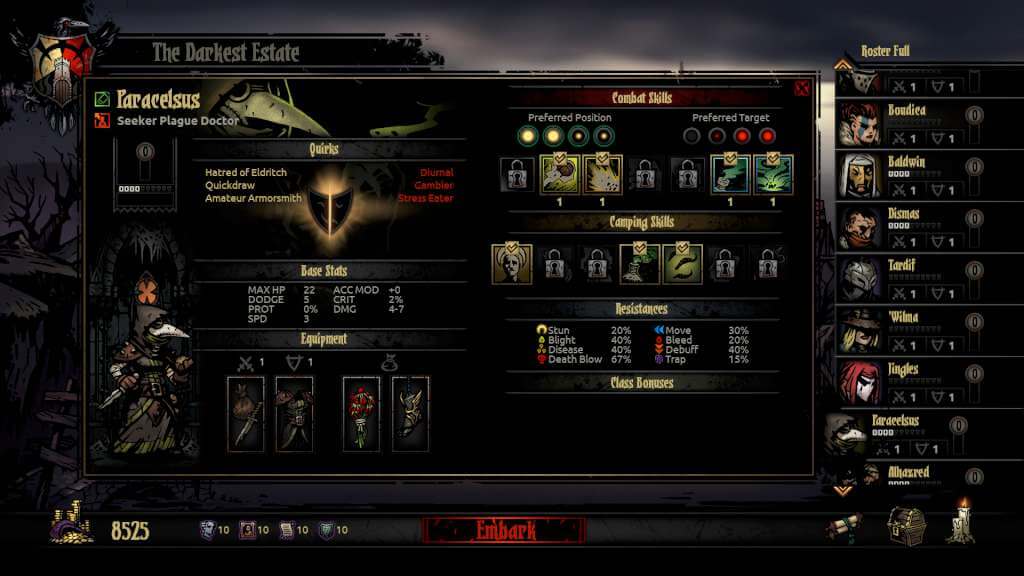
Darkest Dungeon is a challenging gothic roguelike turn-based RPG about the psychological stresses of adventuring.Reclaim Your Ancestor's Estate Recruit, train, and lead a team of flawed heroes through twisted forests, forgotten warrens, ruined crypts, and beyond. You'll battle not only unimaginable foes, but stress, famine, disease, and the ever-encroaching dark. Uncover strange mysteries, and pit the heroes against an array of fearsome monsters with an innovative strategic turn-based combat system. Core Features The Affliction System – battle not only monsters, but stress! Contend with paranoia, masochism, fear, irrationality, and a host of gameplay-meaningful quirks! Striking hand-drawn gothic crowquill art style Innovative turn-based combat pits you against a host of diabolical monsters Ten (and counting!) playable hero classes, including Plague Doctor, Hellion, and even the Leper! Camp to heal wounds or deliver inspiring speeches. Rest your weary, shell-shocked characters in town at the Tavern or the Abbey to keep their stress in check. Classic CRPG and roguelike features, including meaningful permadeath, procedural dungeons, and incredible replay

Darkest Dungeon AU screenshotDarkest Dungeon AU screenshotDarkest Dungeon AU screenshotDarkest Dungeon AU screenshotDarkest Dungeon AU screenshotDarkest Dungeon AU screenshot

How to redeem

  1. 1Check your Xbox One account and the listed region before purchasing.
  2. 2Find your code and supplier activation instructions in your confirmed order.
  3. 3Open the redeem-code section on Xbox One, enter the code and follow the platform’s prompts.

Supplier instructions

Go to: http://store.steampowered.com/ and download STEAM client Click "Install Steam" (from the upper right corner) Install and start application, login with your Account name and Password (create one if you don't have). Please follow these instructions to activate a new retail purchase on Steam: Launch Steam and log into your Steam account. Click the Games Menu. Choose Activate a Product on Steam... Follow the onscreen instructions to complete the process. After successful code verification go to the "MY GAMES" tab and start downloading.

You might also like