

OtherGlobal· Key
Parallels Desktop 27 Standard for Mac (1 Year / 1 Mac)
€40.70
+€4.07 cashback eligibility in Relic Coins
Check before you play
- Region
- Global
- Product type
- Key
- Genres
- Software
OtherGlobal· Key
€40.70
+€4.07 cashback eligibility in Relic Coins
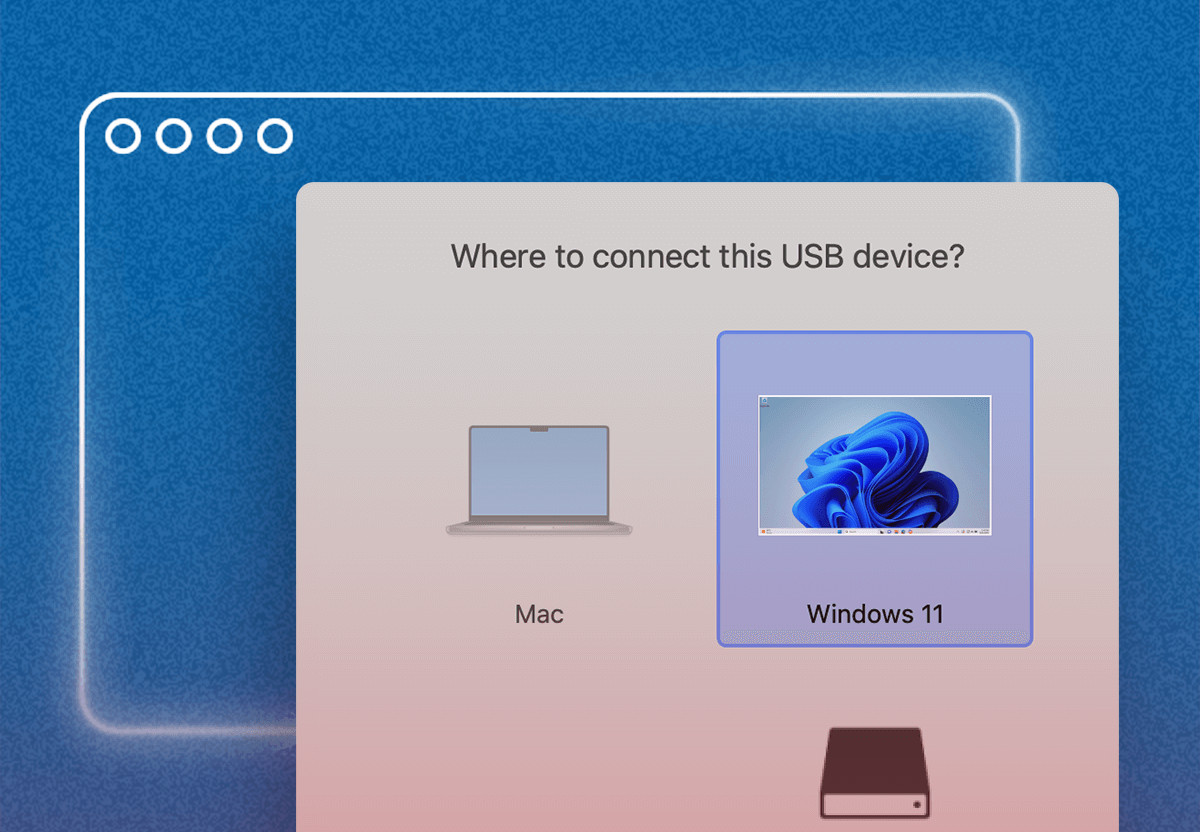
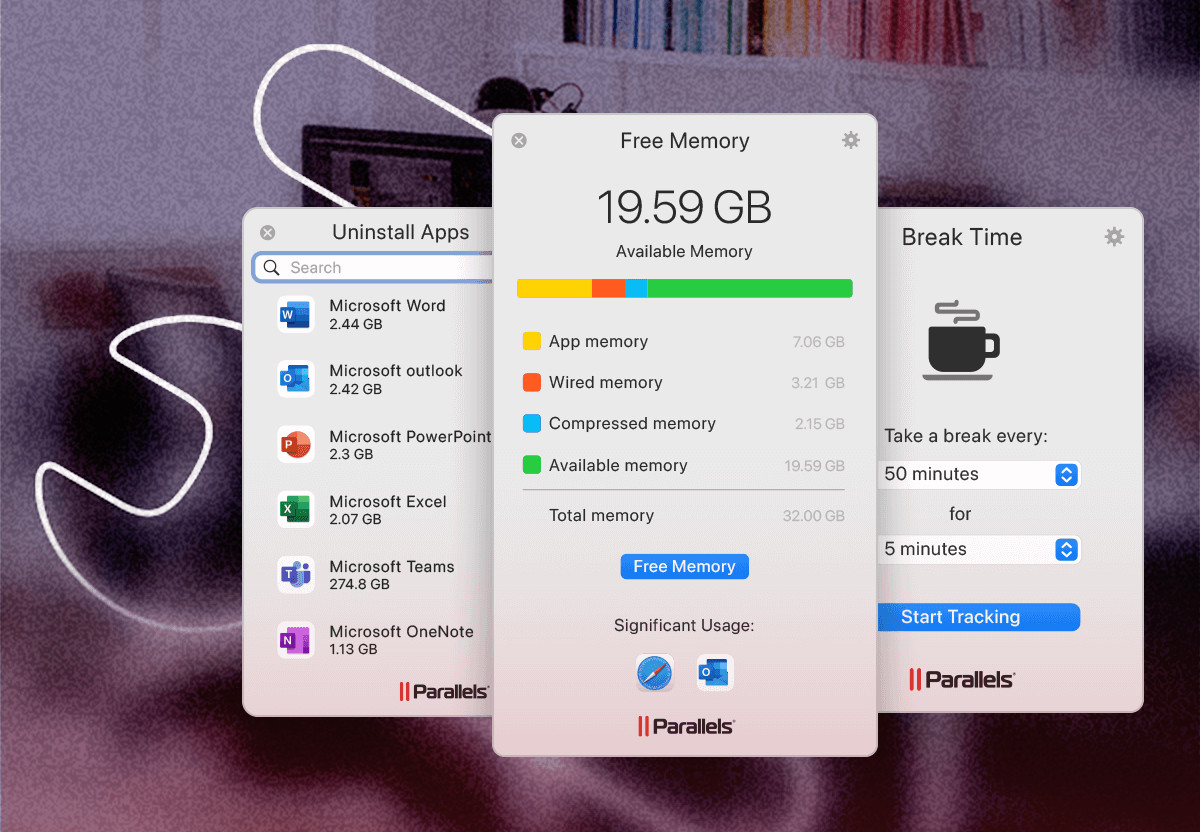
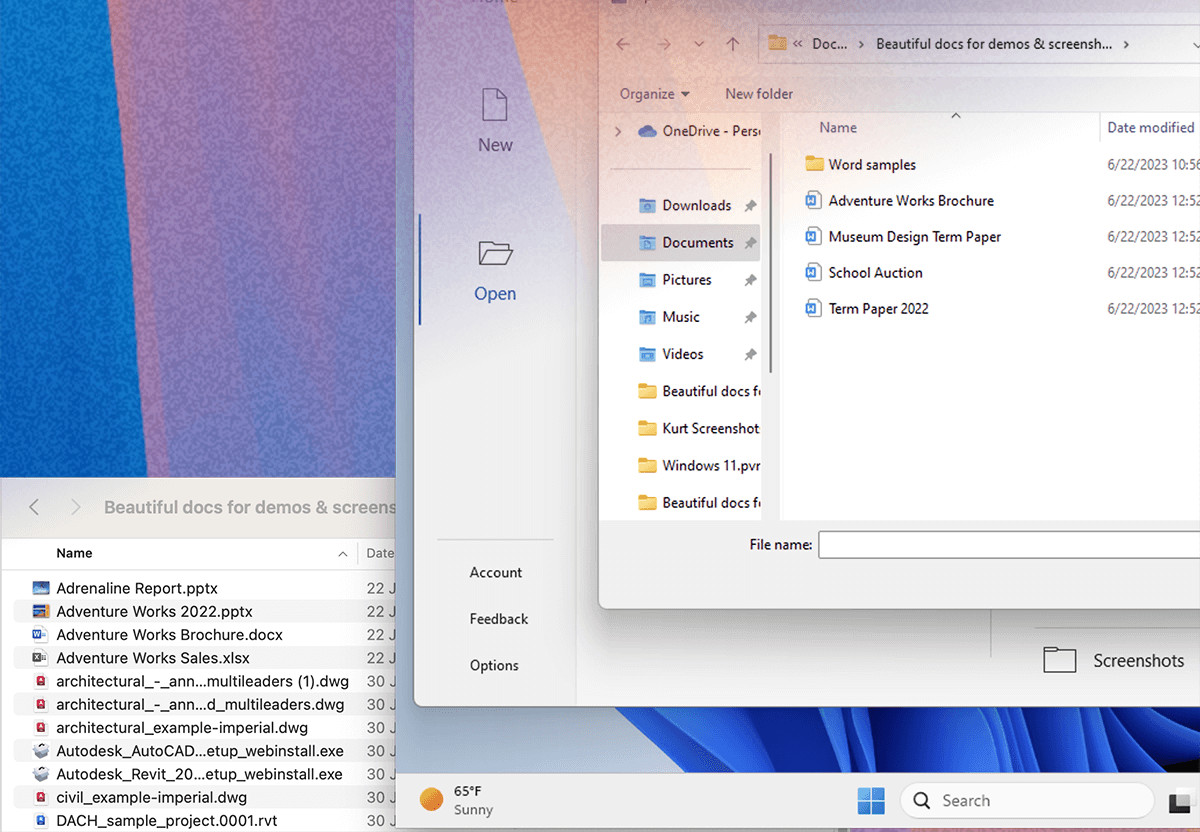
Run Windows applications on your Mac effortlessly. Easy. Powerful. Seamless. Parallels Desktop for Mac Maximize your Mac's potential by running Windows and Windows applications on a virtual machine. Access over 200, 000 apps to work, study and play effortlessly. Choose your view Make Windows invisible while still using its applications in Coherence mode or if you're new to Mac you can set Windows in full screen. (Mac and Windows apps open at the same time) Drag and drop files and images between Windows and Mac apps Open files on Finder with Windows Play many classic Windows-exclusive games on your Mac Standard Edition: Covers core virtualization—running Windows and Linux on Mac—sufficient for everyday use without the advanced developer features.
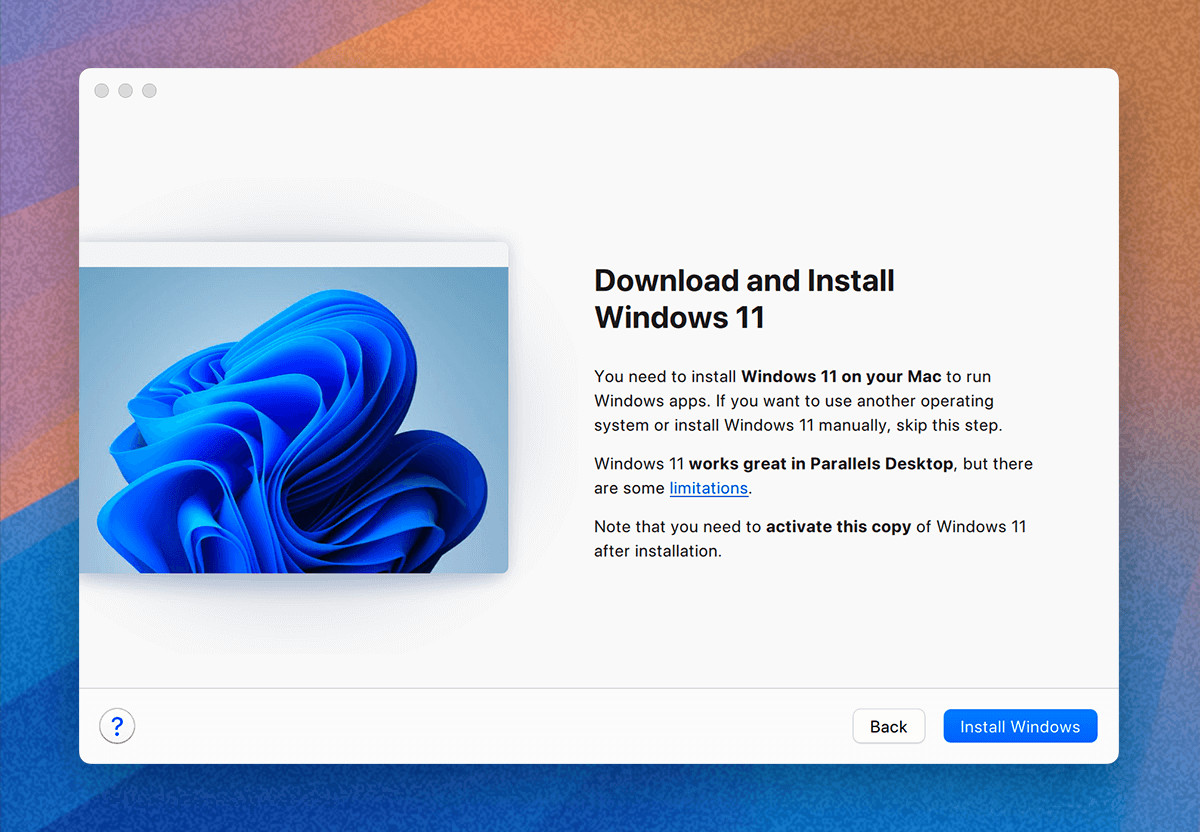
Go https://www.parallels.com/eu/products/desktop/trial/ to enter and submit your email address, so you can receive the software download link. Open Parallels Desktop: Launch the application. If this is your first time opening it, you will be prompted to activate it. Sign In to Your Parallels Account: Enter Your Product Activation Key: Activate the Software: Enter your Product Activation Key in the provided field and click "Activate". If you have an upgrade license, you will need to enter both the upgrade key and a key from a previous version. Complete Activation: Once the activation is successful, you can start using Parallels Desktop 26