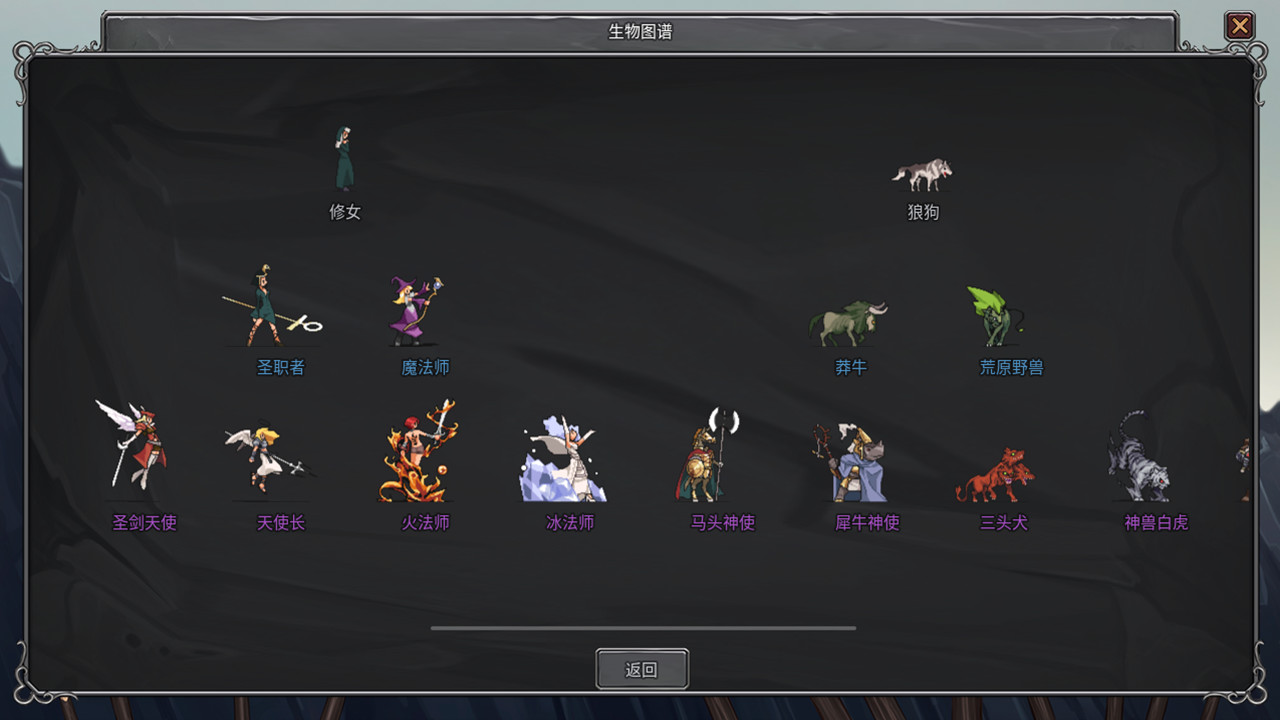
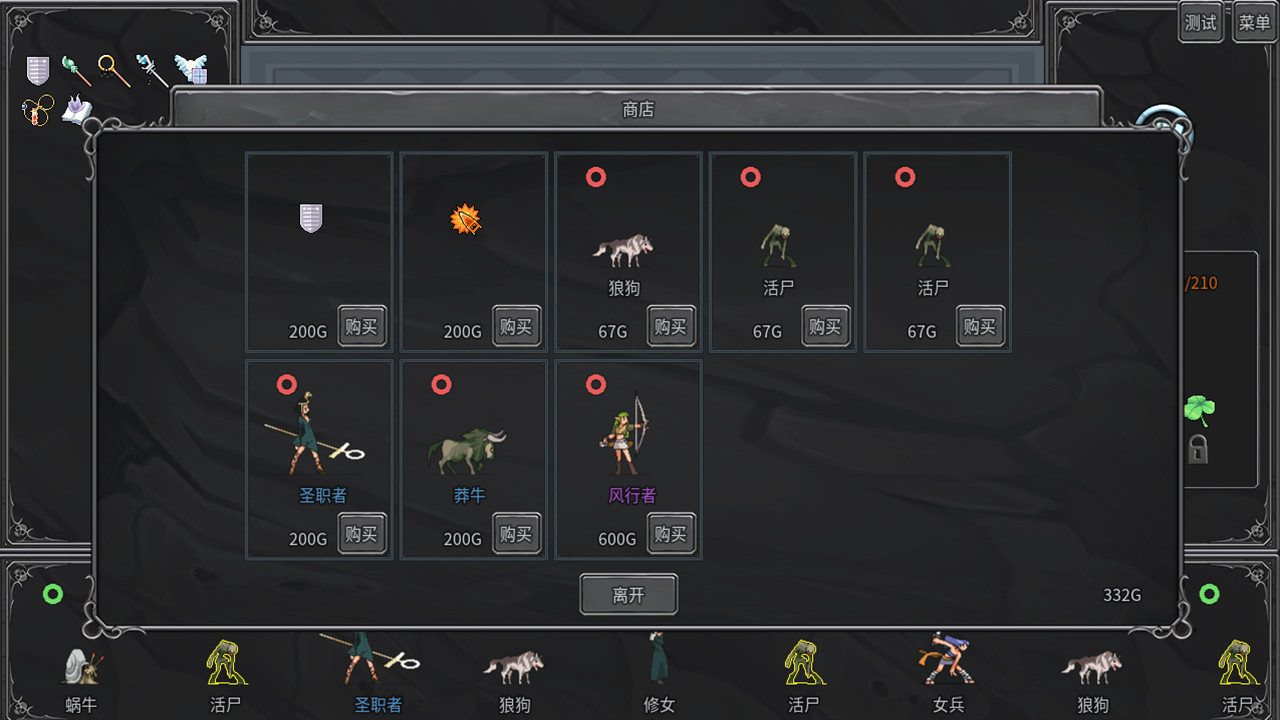
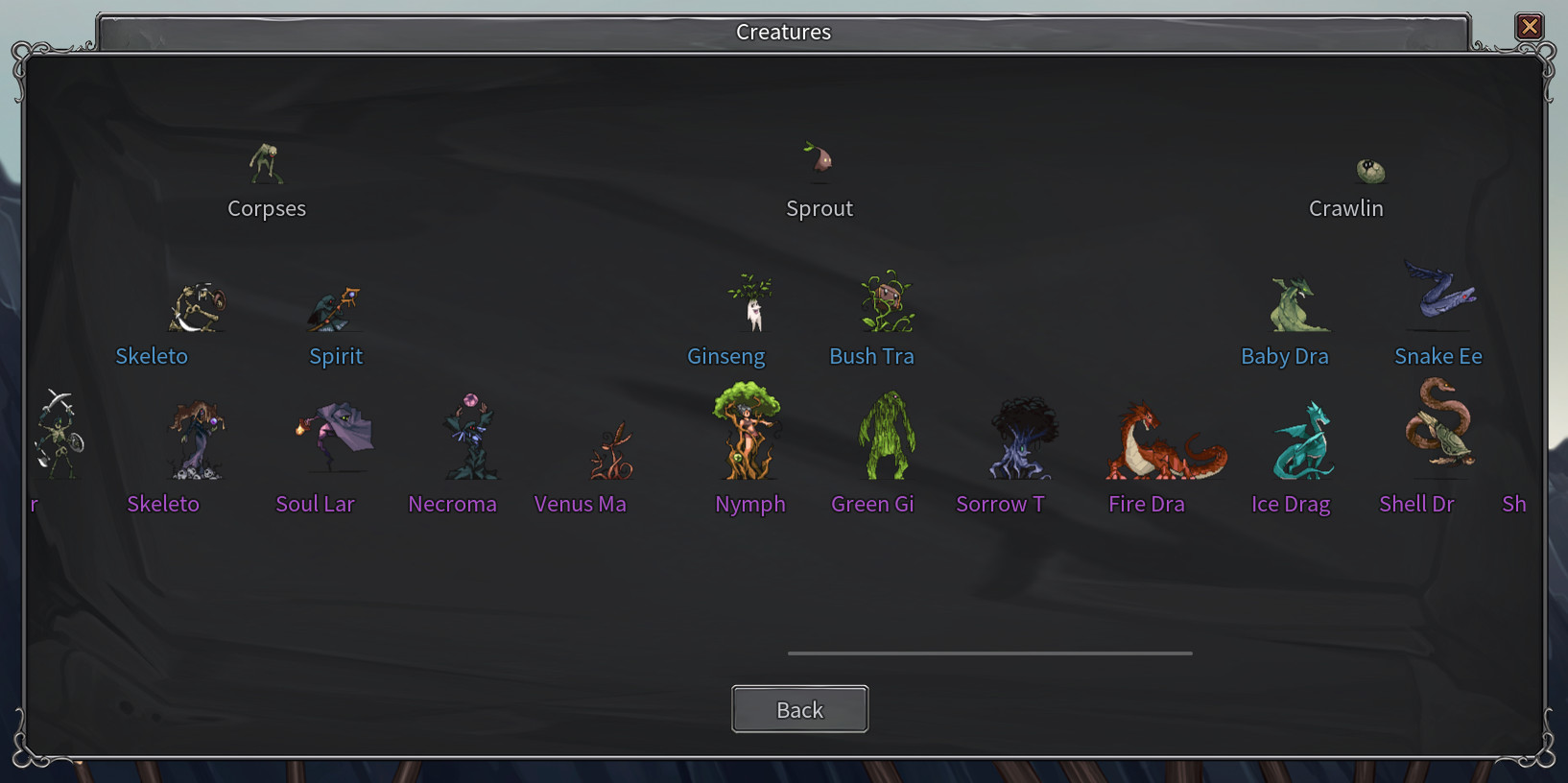
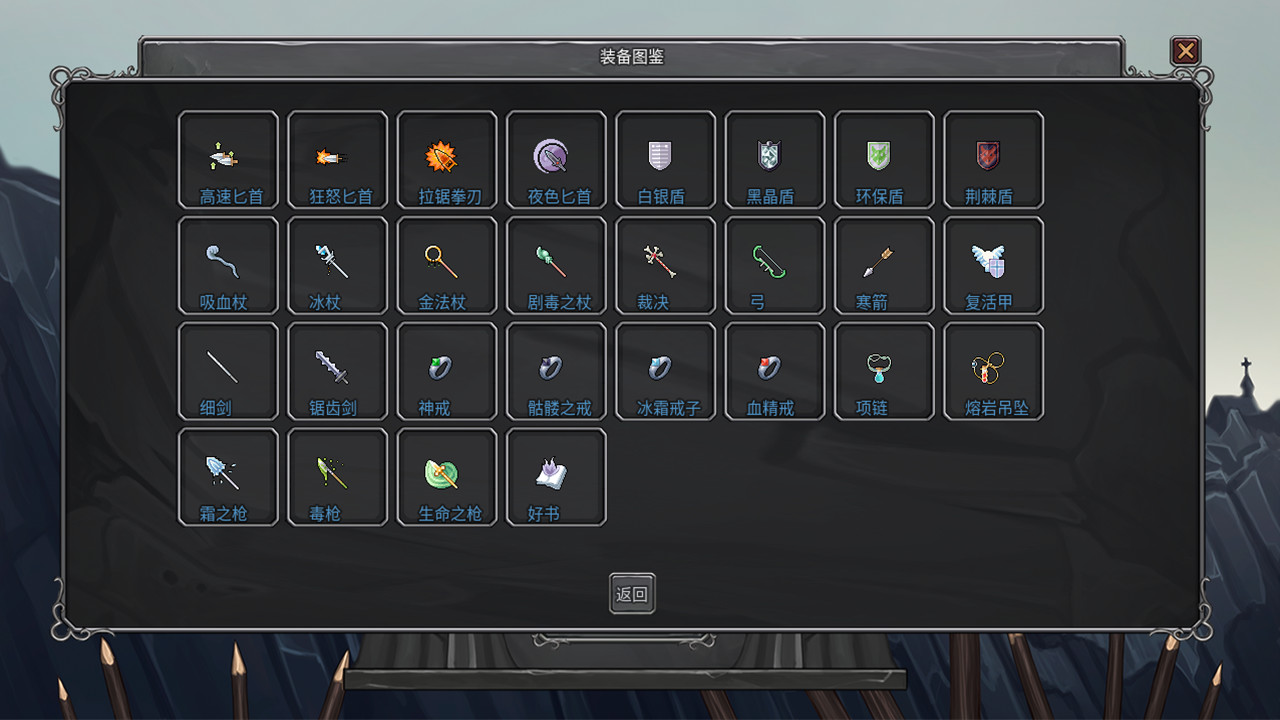
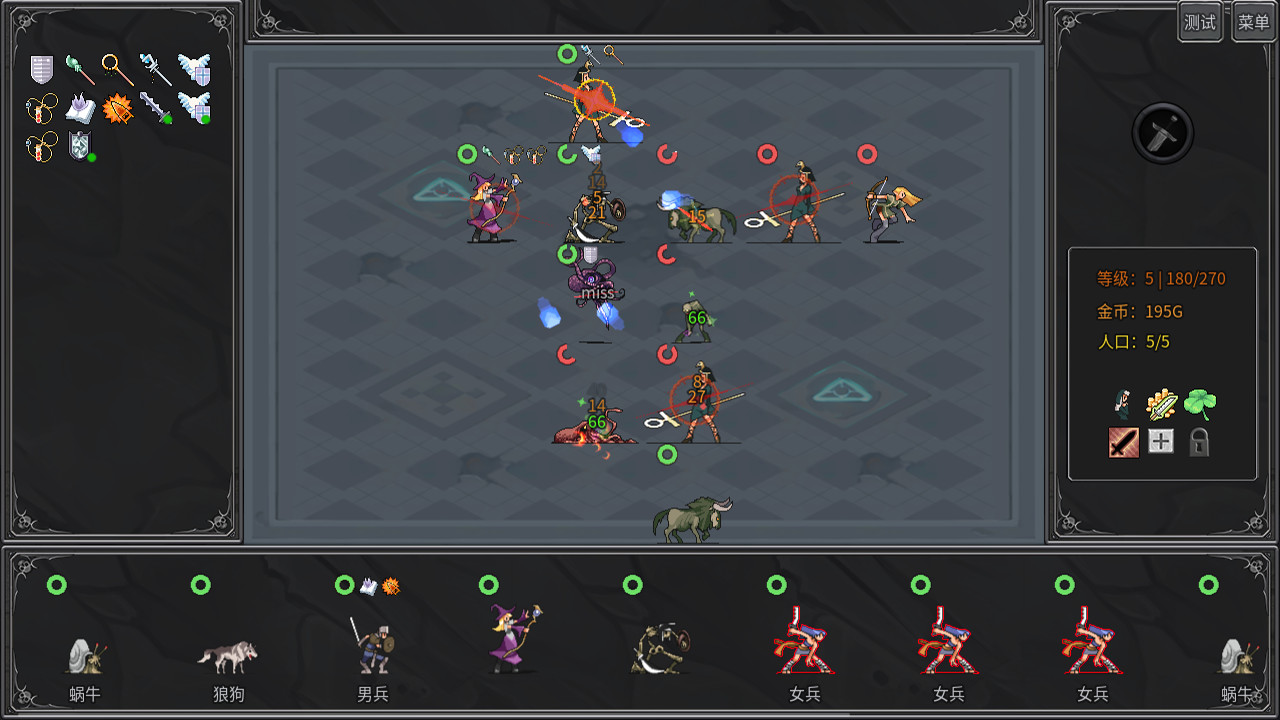
The legendary creature released by aplusgame (APG) is an independent game with rich playing methods such as roguelike + self-propelled chess + strategy. You can collect various fantasy creatures and form different team lineups. These creatures have various talents and skills, cooperate with different equipment to strengthen the battle, and can also evolve into different biological types, branches and levels. You can also expand the bio mod to increase gameplay and let all kinds of magical and interesting creatures join the game.FeaturesCreaturesAll creatures have their own evolutionary trees, which retain their previous abilities and acquire new ones after evolution. Each unique capability is scripted, not just numerical. Different factions of creatures can be combined according to your tactics. Each of the same three creatures can evolve into higher-level creatures. You can evolve creatures of different factions according to your own lineup requirements, including soldiers, mages, shields, assassins, archers, therapists, etc.Gear and talentEach biological character can also wear three pieces of equipment with unique effects. Different equipment will produce various chain synergy effects with the biological character's own passive skills and talents. You need to configure different equipment according to different skills and talents, and then cooperate with the changing lineup to have a surprise effect.ModIn the official version, the Creative Workshop (MOD) will be opened. Players can create their own creatures, equipment, talents, etc. With a simple API and a biological picture, you can easily realize your own wonderful and even spooky biological idea DIY.