Get 10% back in Relic Coins on every order
Movavi Screen Recorder 21 cover

SteamGlobal· Key

Movavi Screen Recorder 21

€41.56

+€4.16 cashback eligibility in Relic Coins

Check before you play

Platform
Steam
Region
Global
Product type
Key
Developer
Movavi Software
Publisher
Movavi Software
Supplier release date
2021-04-05
Genres
Software

About this product

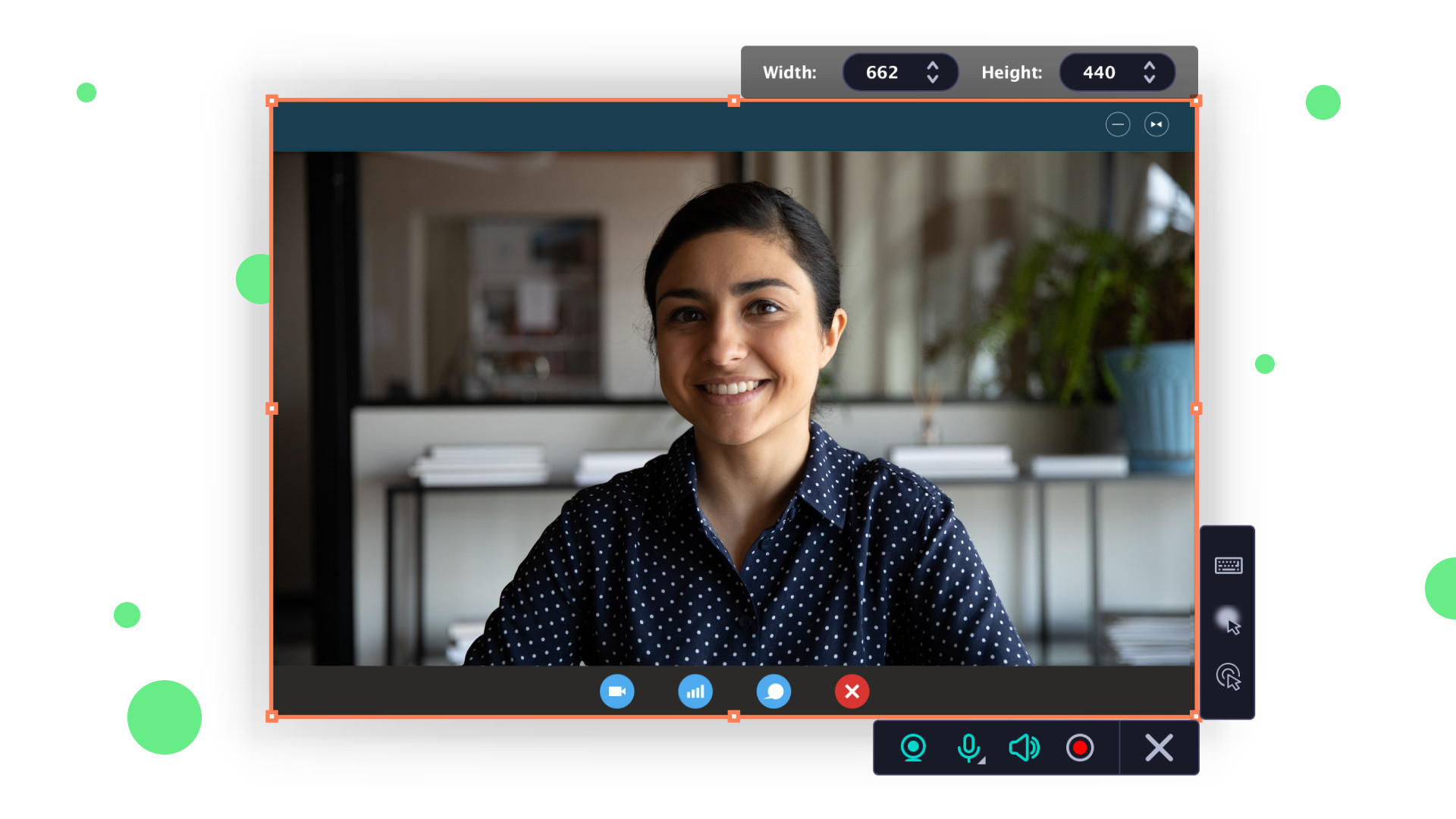
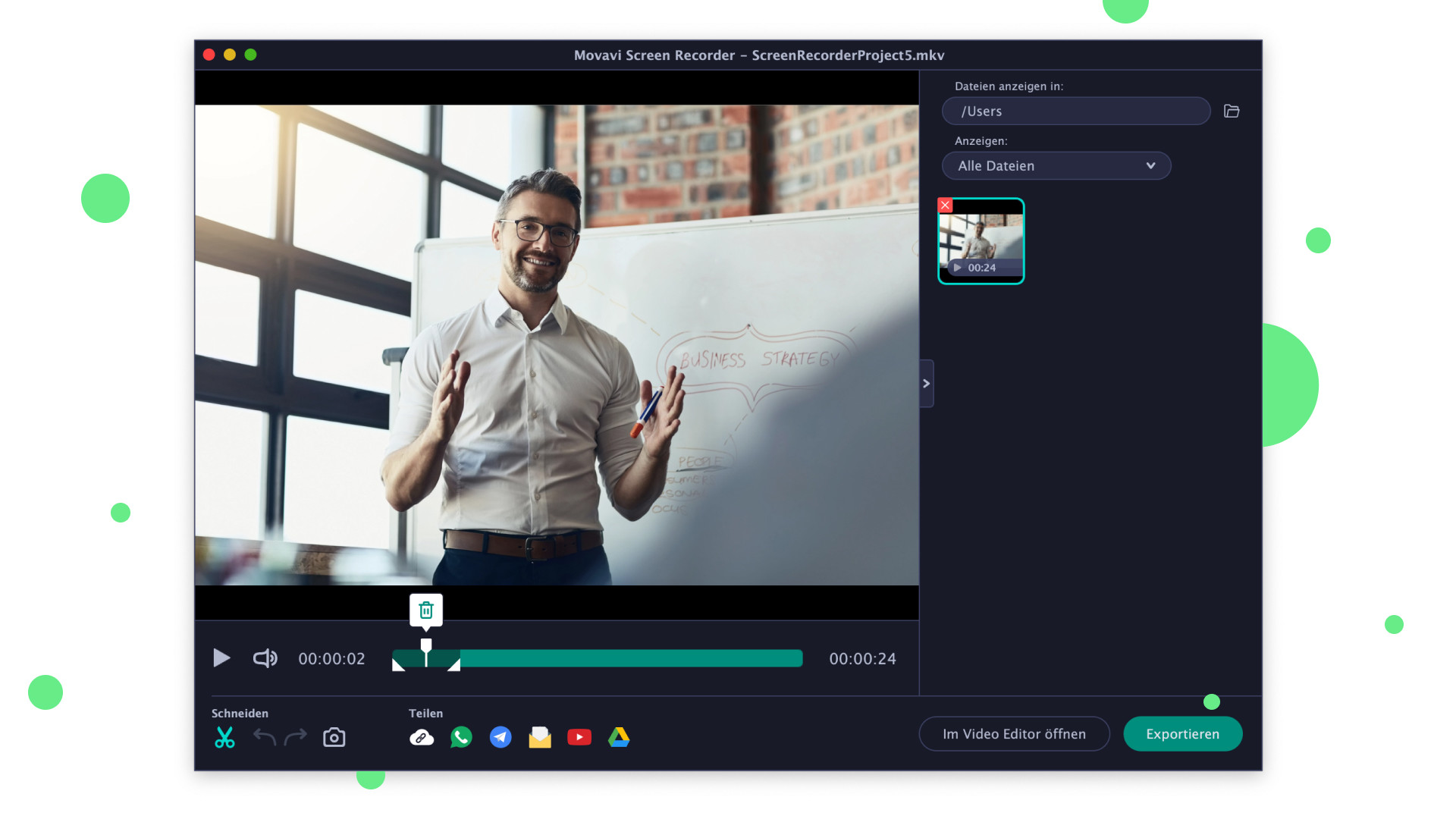
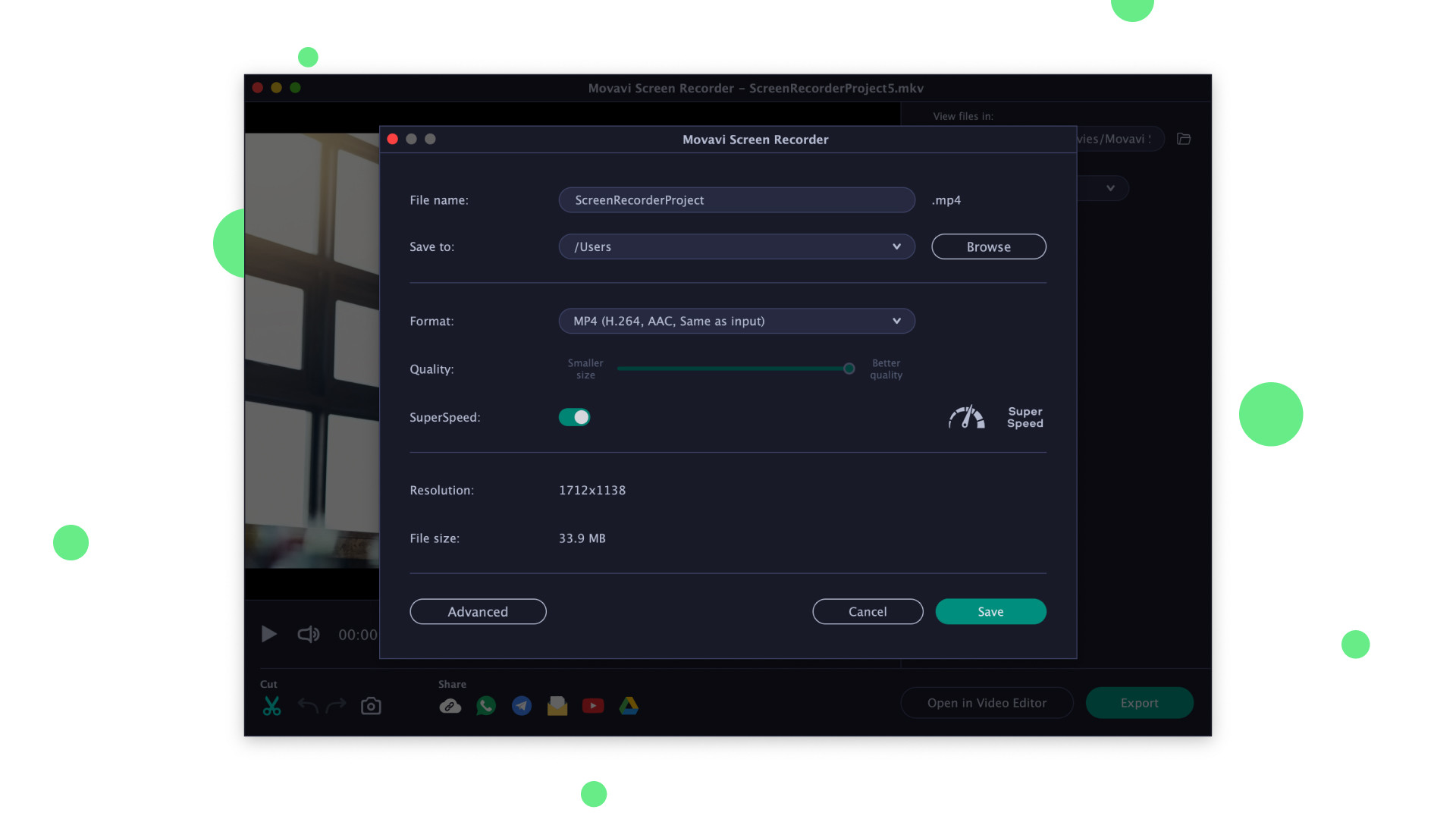
Movavi Screen Recorder will make it easier to work and study remotely. The program can save any desktop activity. You can capture program workflow, Skype and Zoom calls, even images from a webcam in Full HD, and save the output in any popular format. Share the results on YouTube, upload to Google Drive, or send via WhatsApp and Telegram. Record your desktop Save program workflow, Skype calls, and YouTube videos. Choose Full-Screen mode or select any part of the screen to capture Record videos from your desktop and webcam simultaneously to include your reactions Capture multiple video streams in one pass Save images from webcam and audio as separate files Record audio from two different sources Create a schedule to record streams: choose the date and time and the program will capture your screen automatically Show keystrokes and highlight cursor movements Draw on your video and screenshots while recording to: highlight details and add comments Save your projects Delete unwanted segments before saving your video Choose SuperSpeed mode for ultra-fast saving. The quality of your files will be unaffected Share screenshots via WhatsApp and Telegram Save videos in popular formats like: AVI, MP4, MOV, GIF, and more Save screenshots in JPEG, BMP, or PNG Upload your files to YouTube or Google Drive

Movavi Screen Recorder 21 screenshotMovavi Screen Recorder 21 screenshotMovavi Screen Recorder 21 screenshotMovavi Screen Recorder 21 screenshotMovavi Screen Recorder 21 screenshot

How to redeem

  1. 1Check your Steam account and the listed region before purchasing.
  2. 2Find your code and supplier activation instructions in your confirmed order.
  3. 3Open the redeem-code section on Steam, enter the code and follow the platform’s prompts.

Supplier instructions

Go to: http://store.steampowered.com/ and download STEAM client Click "Install Steam" (from the upper right corner) Install and start application, login with your Account name and Password (create one if you don't have). Please follow these instructions to activate a new retail purchase on Steam: Launch Steam and log into your Steam account. Click the Games Menu. Choose Activate a Product on Steam... Follow the onscreen instructions to complete the process. After successful code verification go to the "LIBRARY" tab and start downloading.

You might also like