Get 10% back in Relic Coins on every order
Darkwood cover

SteamGlobal· Gift

Darkwood

€18.68

+€1.87 cashback eligibility in Relic Coins

Check before you play

Platform
Steam
Region
Global
Product type
Gift
Developer
Acid Wizard Studio
Publisher
Crunching Koalas
Supplier release date
2014-07-24
Genres
Action, Adventure, RPG

About this product

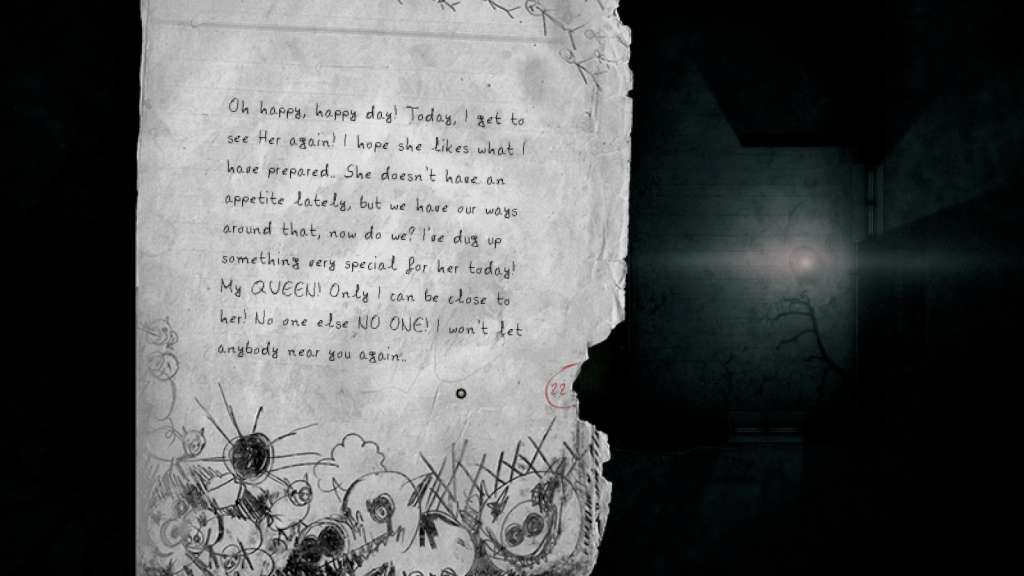
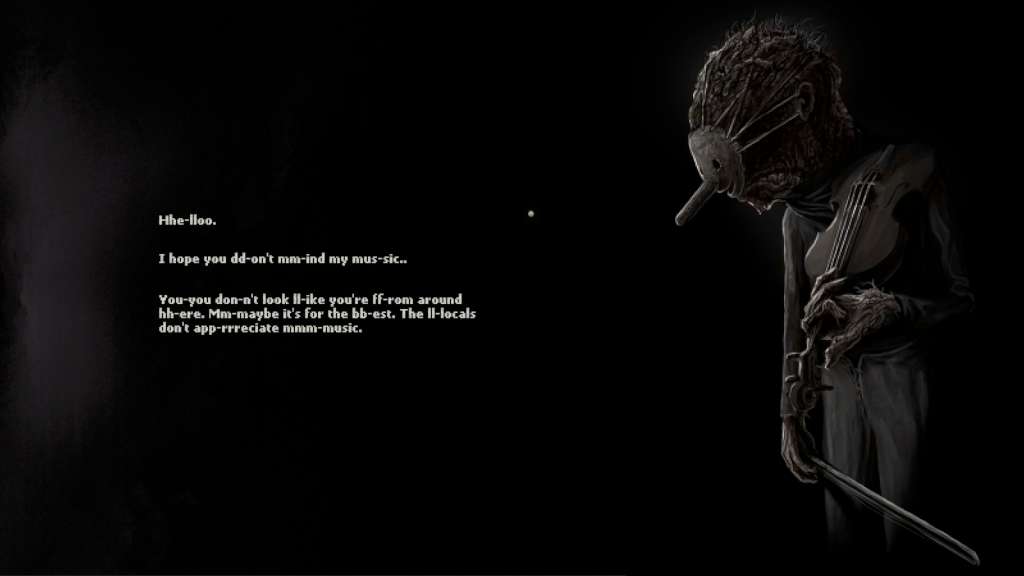
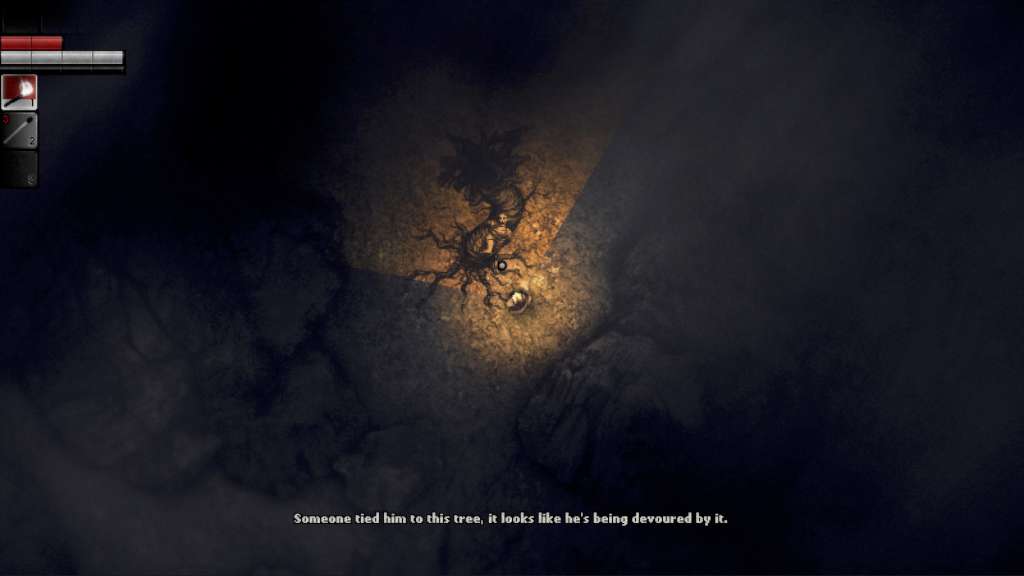
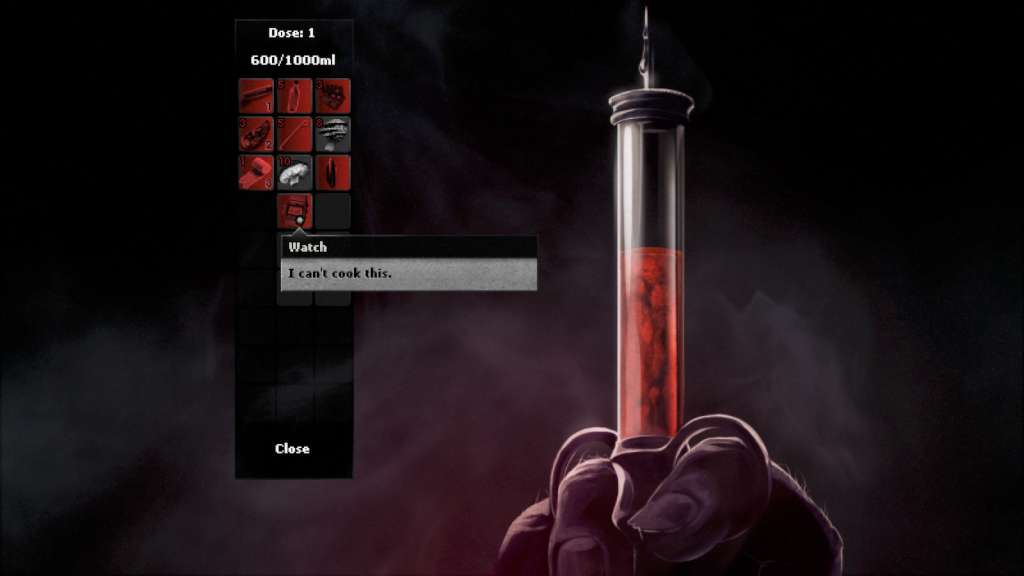
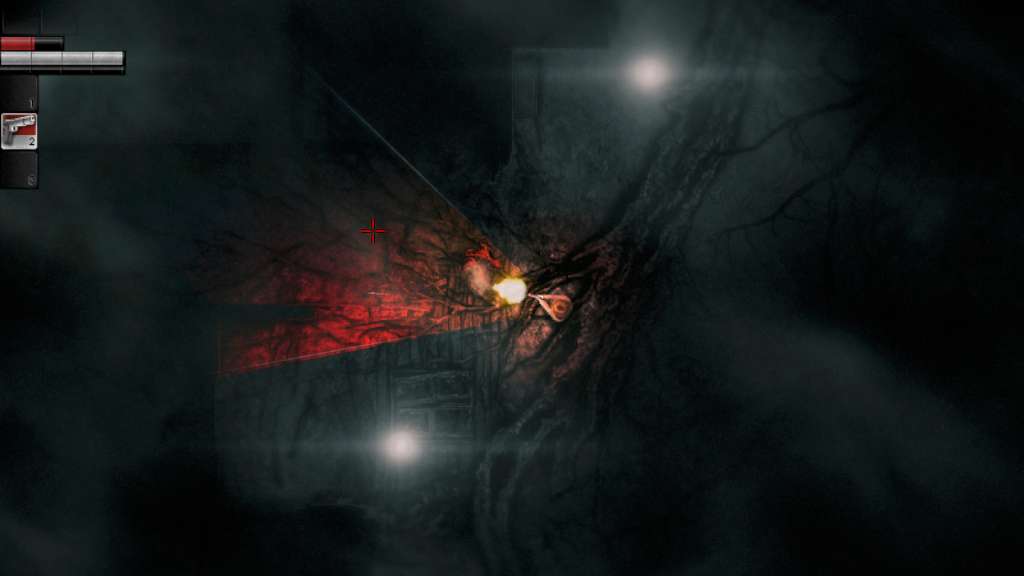
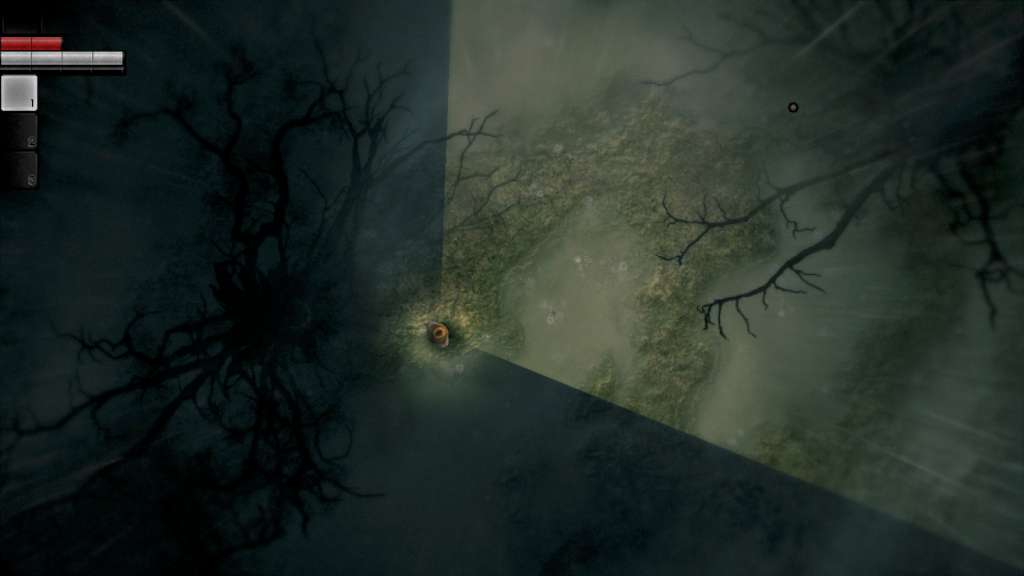
Darkwood provides a new perspective on survival horror. Scavenge and explore the rich, ever-changing free-roam world by day, then hunker down in your hideout and pray for the morning light. Features Survival horror from a top-down perspective that is terrifying to play. No hand holding or quest markers. Test your skills and figure things out on your own! By day explore the randomly generated, ever-sinister woods, scavenge for materials, craft weapons and discover new secrets. By night find shelter, barricade, set up traps and hide or defend yourself from the horrors that lurk in the dark. Gain skills and perks by extracting a strange essence from mutated fauna and flora and injecting it into your bloodstream. Watch out for unexpected consequences… Make decisions that impact the world of Darkwood, its inhabitants and the story you experience. Meet eerie characters, learn their stories and decide their fate. And remember - don’t trust anyone. As nights go by, the lines between reality and nightmarish fantasies begin to blur. Are you ready to step into Darkwood?

Darkwood screenshotDarkwood screenshotDarkwood screenshotDarkwood screenshotDarkwood screenshotDarkwood screenshot

How to redeem

  1. 1Check that your Steam account can receive gifts in the listed region.
  2. 2Open the confirmed order and follow the supplier’s gift-delivery instructions.
  3. 3Accept the gift on the required platform account and add it to your library.

Supplier instructions

"Please remember that we are NOT responsible for any problems that may arise from purchasing and using Steam Gifts. You are doing it at your own risk. "Please note, that due to recent Valve https://support.steampowered.com/kb_article.php?ref=1327-WUJX-5722 Steam Gifts for games that are covered by VAC ban program can no longer be added to Inventory. Make sure that you are logged in to the proper account before entering the link as Steam Gifts can be only added to your library or rejected. How do I use a Steam gift given to me? If you do not already have Steam, download and install Steam http://store.steampowered.com/about/. Once you have Steam installed, you will be prompted to create an account or login to an existing Steam account. If you do not have an account, please create one. You will receive an e-mail containing a link that will open Steam allowing you to redeem your gift. After clicking the link, you will receive a notification at the top right corner in the Steam client informing that you have a new gift.

You might also like