Get 10% back in Relic Coins on every order
Car Mechanic Simulator 2018 cover

Steam Europe - All Countries· Key

Car Mechanic Simulator 2018

€2.10

+€0.21 cashback eligibility in Relic Coins

Check before you play

Platform
Steam
Region
Europe - All Countries
Product type
Key
Developer
Red Dot Games
Publisher
PlayWay S.A.
Supplier release date
2017-07-25
Genres
Racing, Simulation

About this product

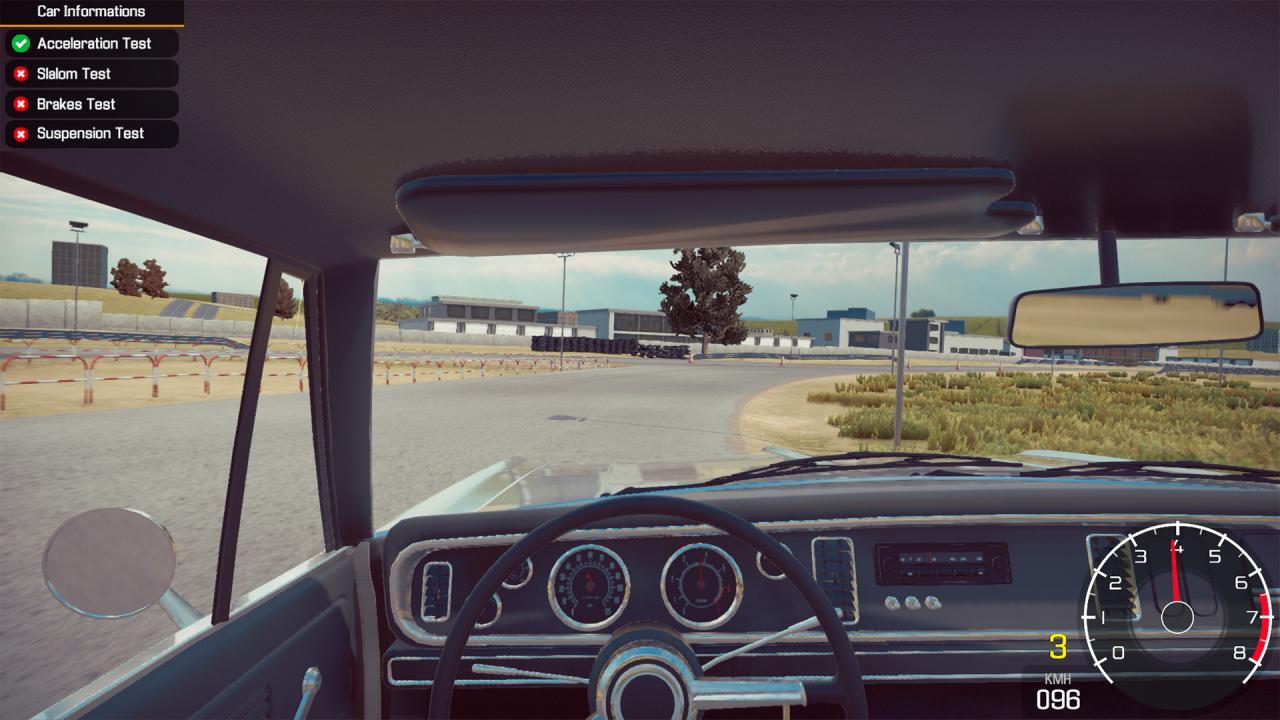
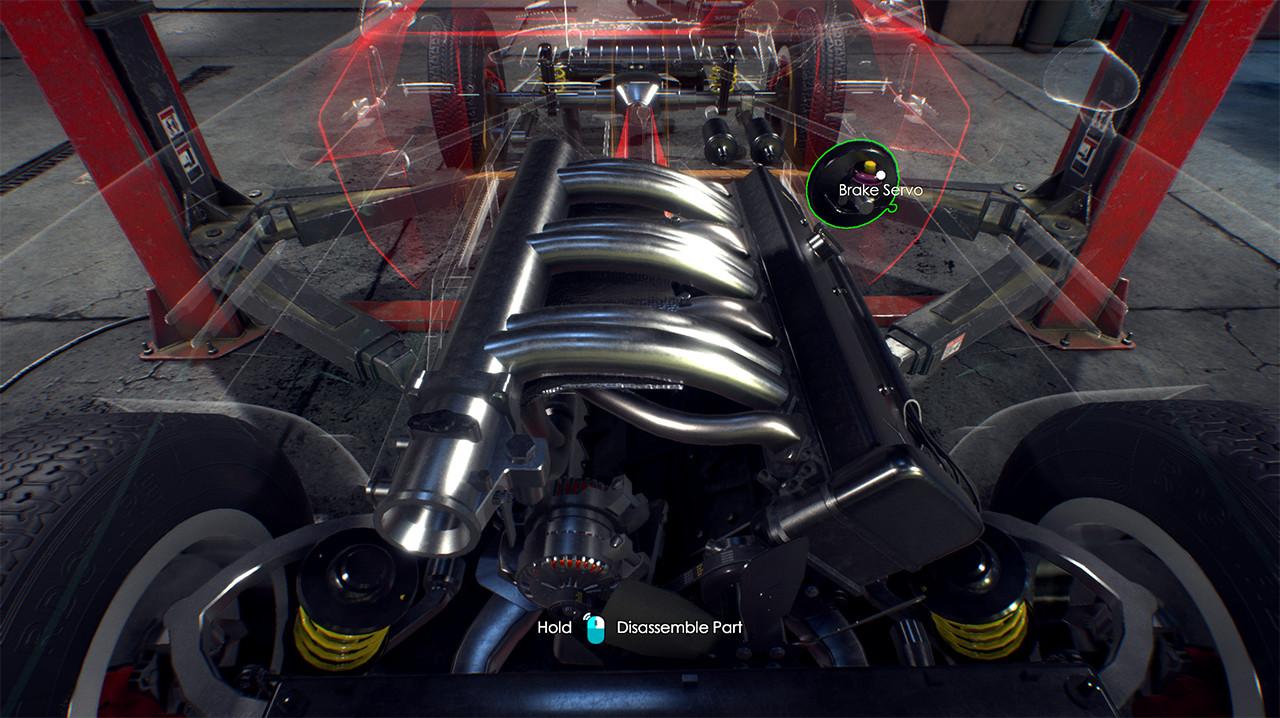
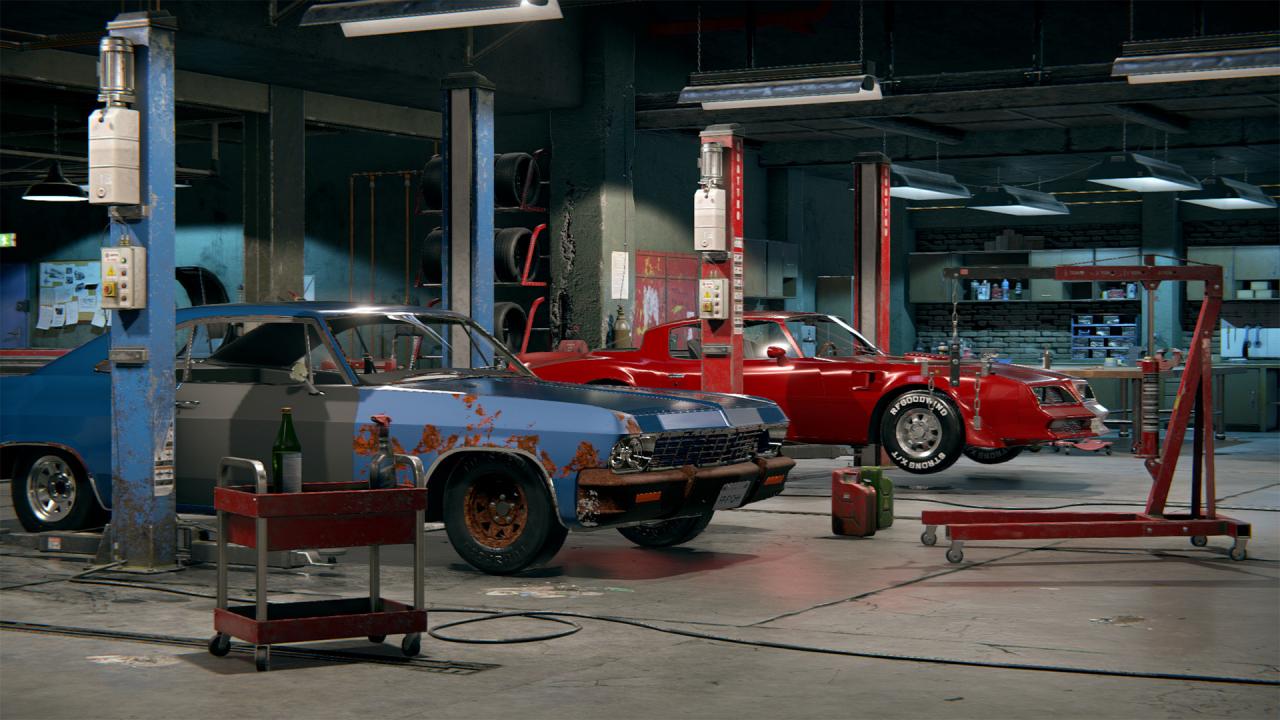
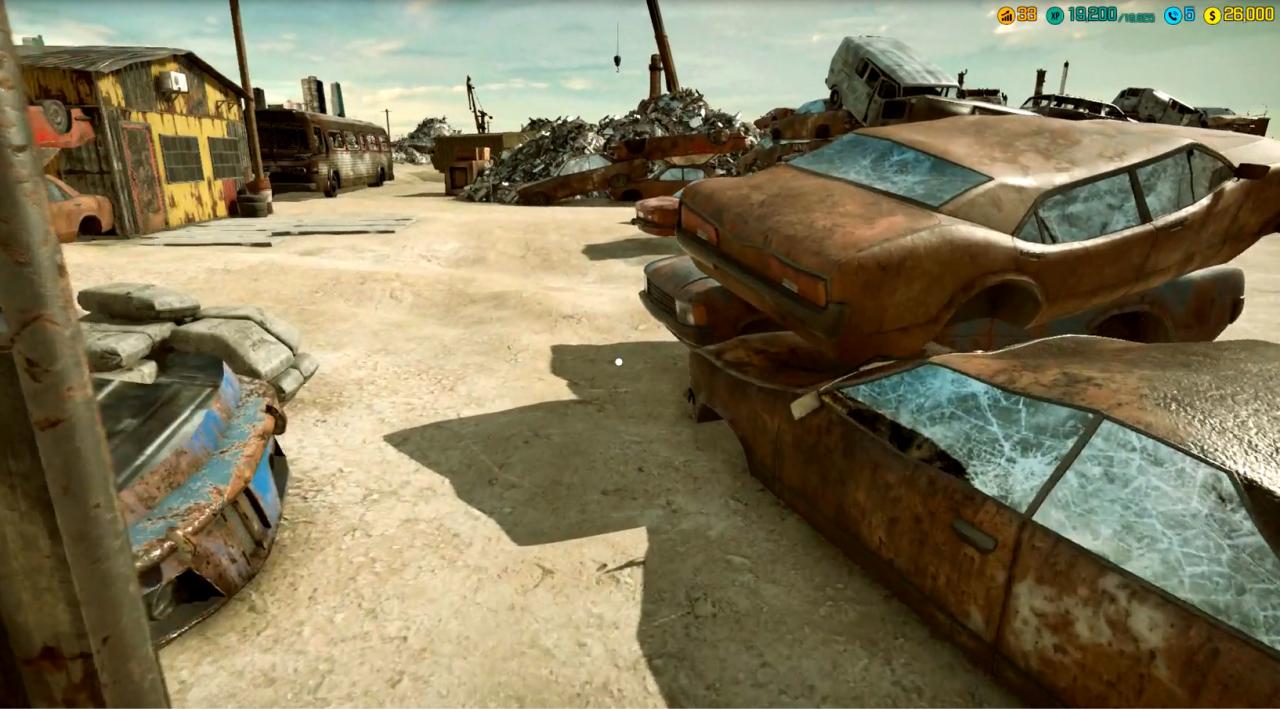
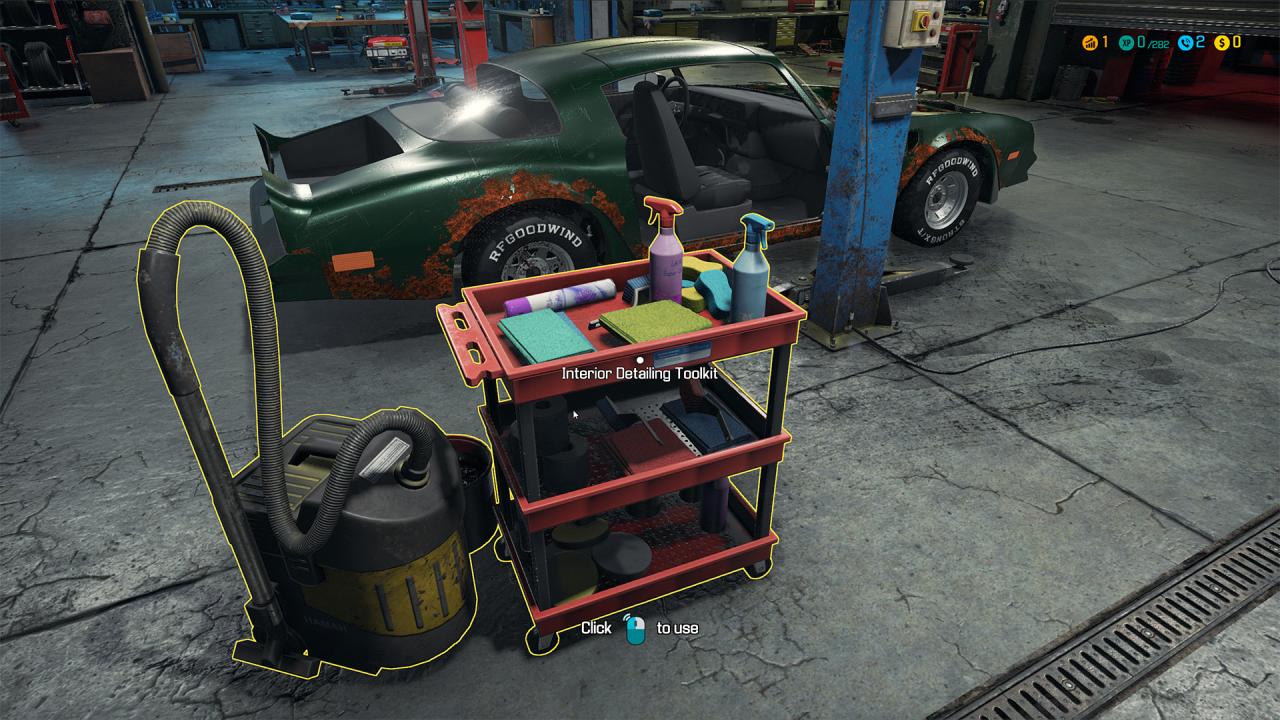
Car Mechanic Simulator 2018 challenges players to repair, paint, tune and drive cars.Find classic, unique cars in the new Barn Find module and Junkyard module. You can even add your self-made car in the Car Editor.Build and expand your repair service empire in this incredibly detailed and highly realistic simulation game, where attention to car detail is astonishing.All this with new, photorealistic graphics. Featuring more cars (40+), more tools (10+), more options and more parts (1000+) than ever before. It’s time to roll up your sleeves and get to work! Car Mechanic Simulator 2018 also includes car auctions where old cars are available for resale or purchased for your collection. With the inclusion of photo-mode, you can take stunning before and after photos, and the game’s infinite number of randomly generated missions will keep you more than busy (and dirty). Each mission offers its own unique challenge of varying difficulty and time constraints to meet. If additional and extra tools are needed, they available for purchase. You can eventually upgrade your garage to include specific equipment such as lacquer sprayer or a parts warehouse.

Car Mechanic Simulator 2018 screenshotCar Mechanic Simulator 2018 screenshotCar Mechanic Simulator 2018 screenshotCar Mechanic Simulator 2018 screenshotCar Mechanic Simulator 2018 screenshot

How to redeem

  1. 1Check your Steam account and the listed region before purchasing.
  2. 2Find your code and supplier activation instructions in your confirmed order.
  3. 3Open the redeem-code section on Steam, enter the code and follow the platform’s prompts.

Supplier instructions

Go to: http://store.steampowered.com/ and download STEAM client Click "Install Steam" (from the upper right corner) Install and start application, login with your Account name and Password (create one if you don't have). Please follow these instructions to activate a new retail purchase on Steam: Launch Steam and log into your Steam account. Click the Games Menu. Choose Activate a Product on Steam... Follow the onscreen instructions to complete the process. After successful code verification go to the "MY GAMES" tab and start downloading.

You might also like