

SteamGlobal· Key
Micron
€0.82
+€0.08 cashback eligibility in Relic Coins
Check before you play
- Platform
- Steam
- Region
- Global
- Product type
- Key
- Developer
- Apparition Games
- Publisher
- Apparition Games
- Supplier release date
- 2014-07-24
- Genres
- Indie, Puzzle
SteamGlobal· Key
€0.82
+€0.08 cashback eligibility in Relic Coins
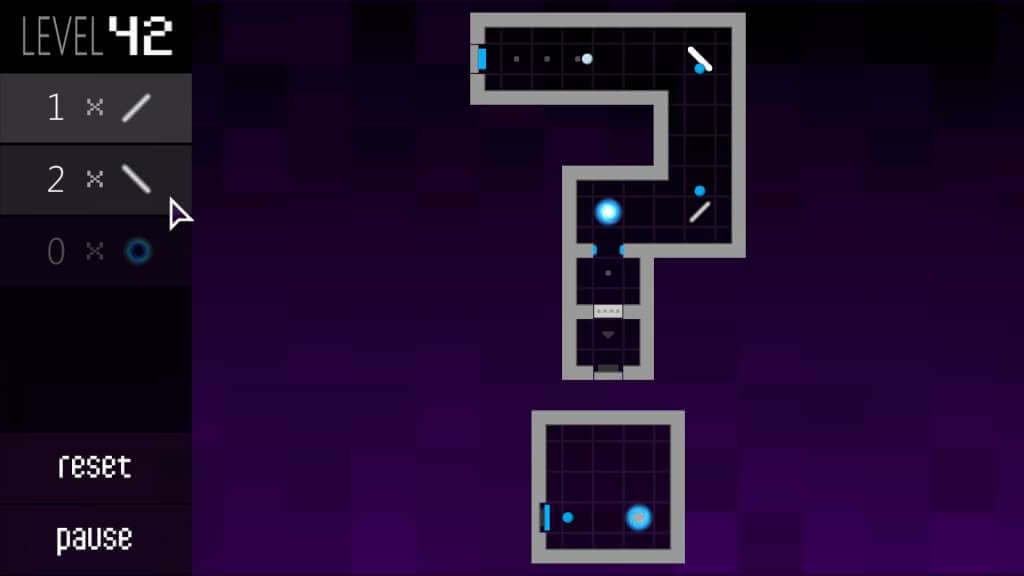
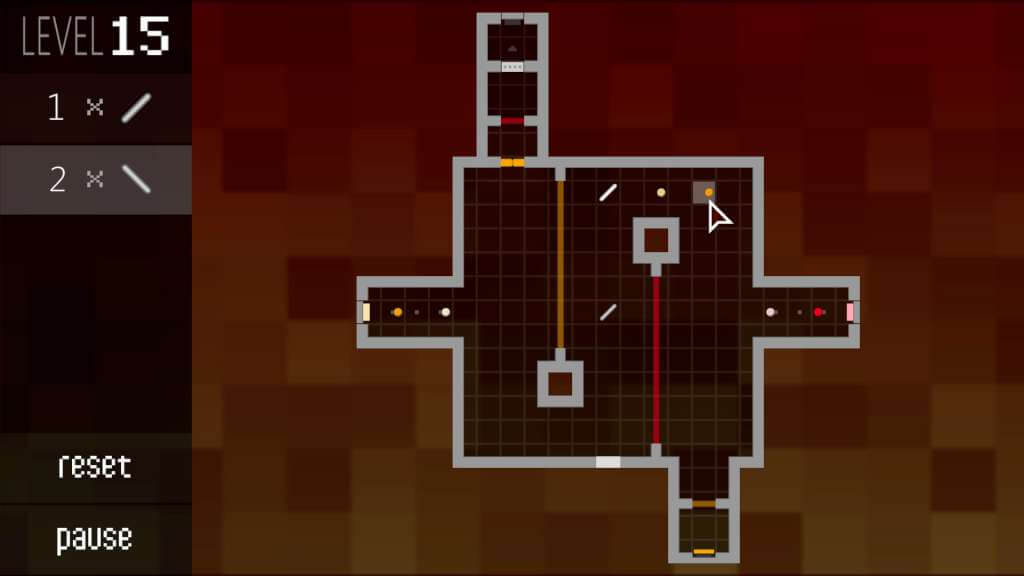
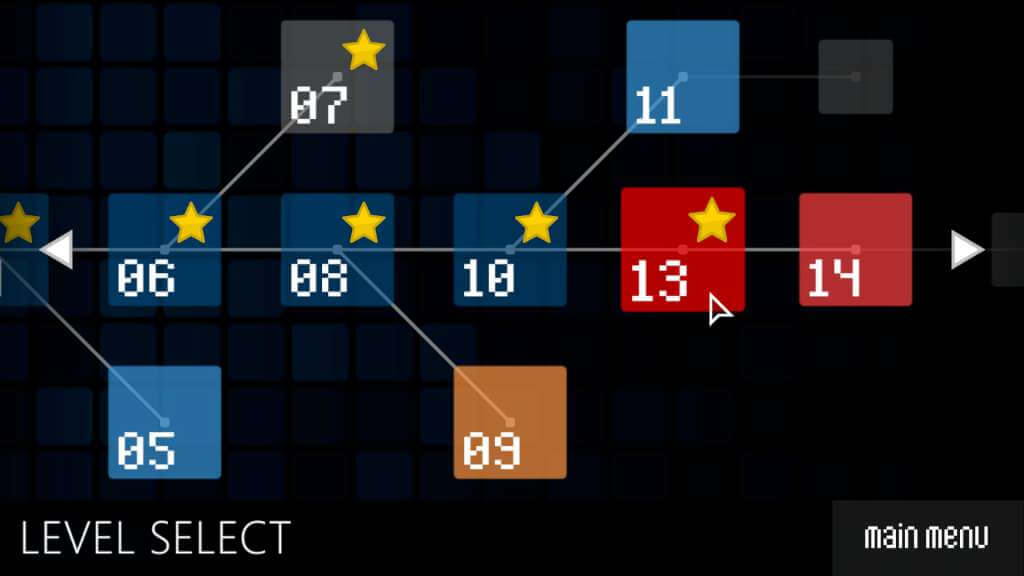
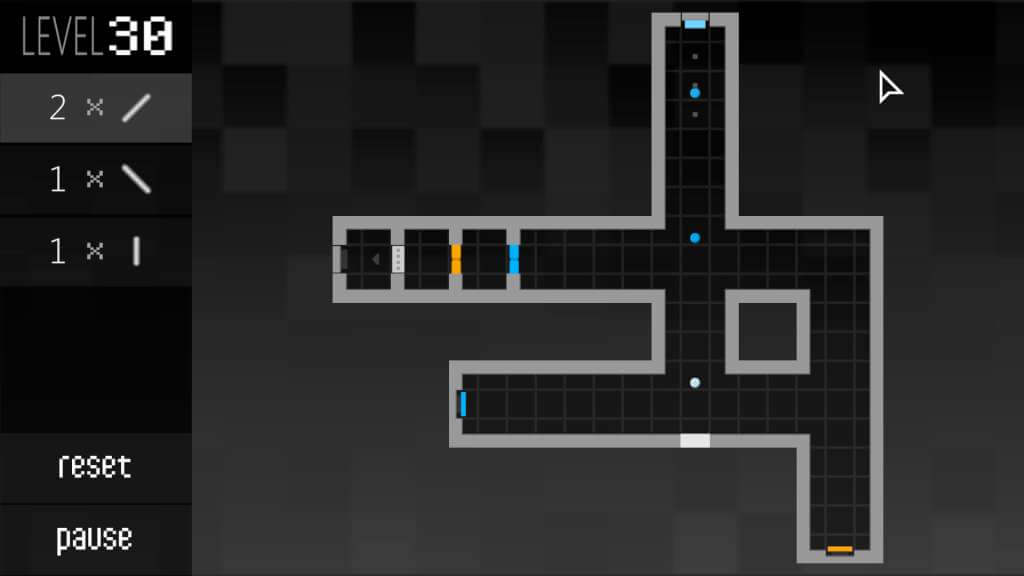
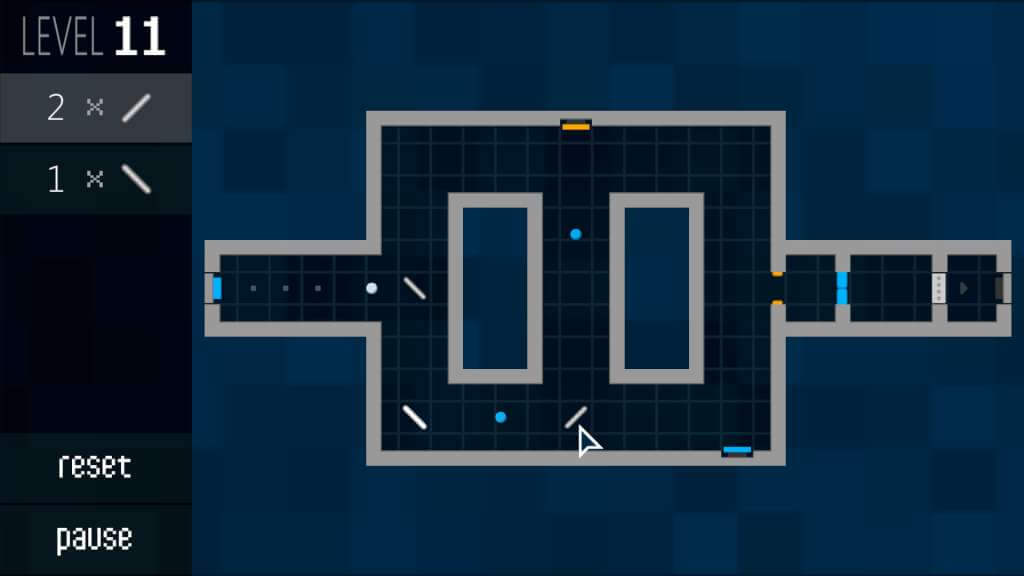
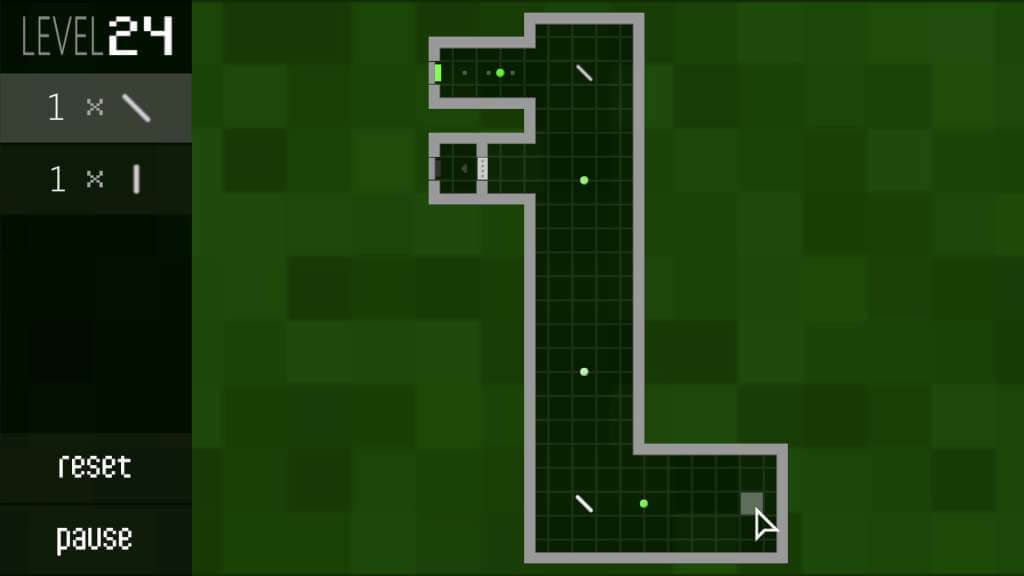
Micron is a unique fusion of puzzle and rhythm gameplay. Place pieces on the board to deflect bullets of energy that fire to the beat. Guide the bullets to the exit through 51 challenging levels — and 12 bonus levels — featuring a variety of distinctive soundscapes. Your solutions create the music. Award-Winning Design Micron began as a game created for Kongregate's 'Project Eden: Experience the Music' game contest, in which it won 2nd place. The judges included Tetsuya Mizuguchi, creator of REZ and LUMINES, and representatives from Ubisoft, Gamespot, and Kongregate.“Classic visual like the Famicon but experiencing the process of sound effects evolving into the music felt really good. The harder the game, the more exciting the music gets — this was blended perfectly.” — Tetsuya Mizuguchi Features Test your puzzle-solving skills with 63 levels Experience 7 level themes each with unique music and sounds Play levels created by the community on the Steam Workshop Create your own levels with the included level editor (Windows only) Control the game with a mouse, keyboard, or controller — also works on touchscreens Supports controller vibration for the Xbox 360 controller (Windows only)
Go to: http://store.steampowered.com/ and download STEAM client Click "Install Steam" (from the upper right corner) Install and start application, login with your Account name and Password (create one if you don't have). Please follow these instructions to activate a new retail purchase on Steam: Launch Steam and log into your Steam account. Click the Games Menu. Choose Activate a Product on Steam... Follow the onscreen instructions to complete the process. After successful code verification go to the "MY GAMES" tab and start downloading.