Get 10% back in Relic Coins on every order
Go Home Dinosaurs! cover

SteamGlobal· Key

Go Home Dinosaurs!

€0.27

+€0.03 cashback eligibility in Relic Coins

Check before you play

Platform
Steam
Region
Global
Product type
Key
Developer
Fire Hose Games
Publisher
Fire Hose Games
Supplier release date
2013-03-14
Genres
Strategy, Indie, Casual

About this product

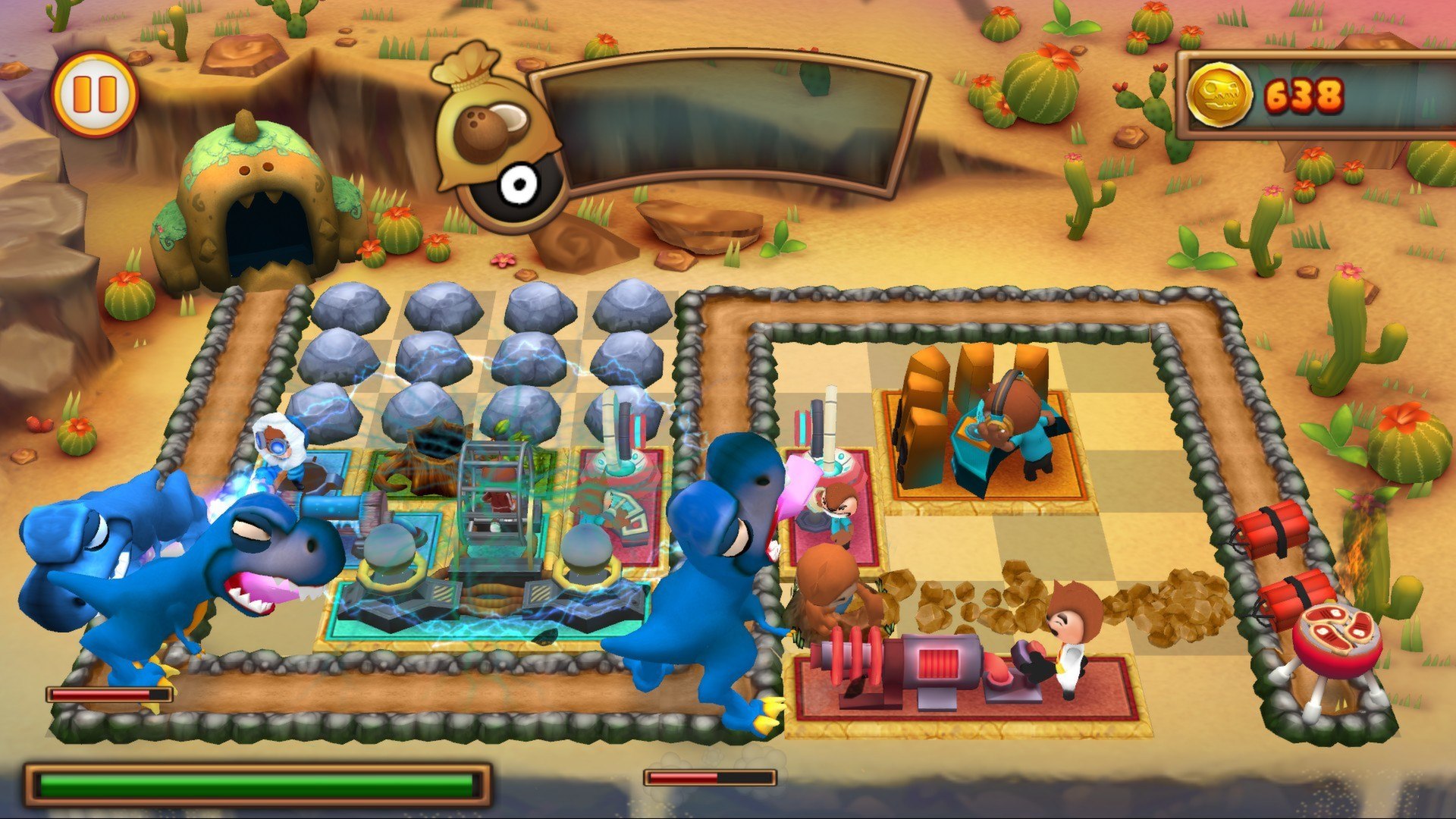
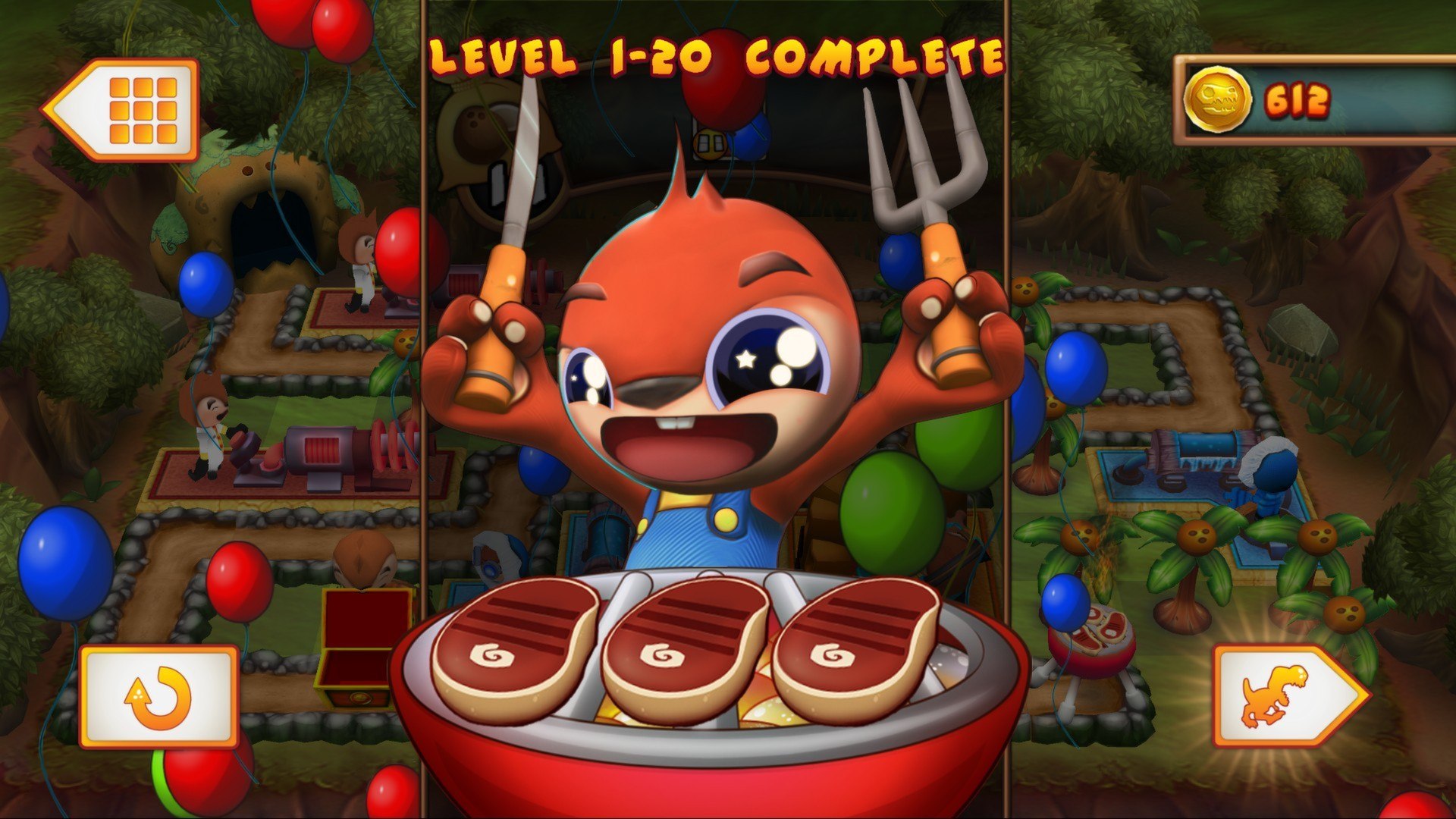
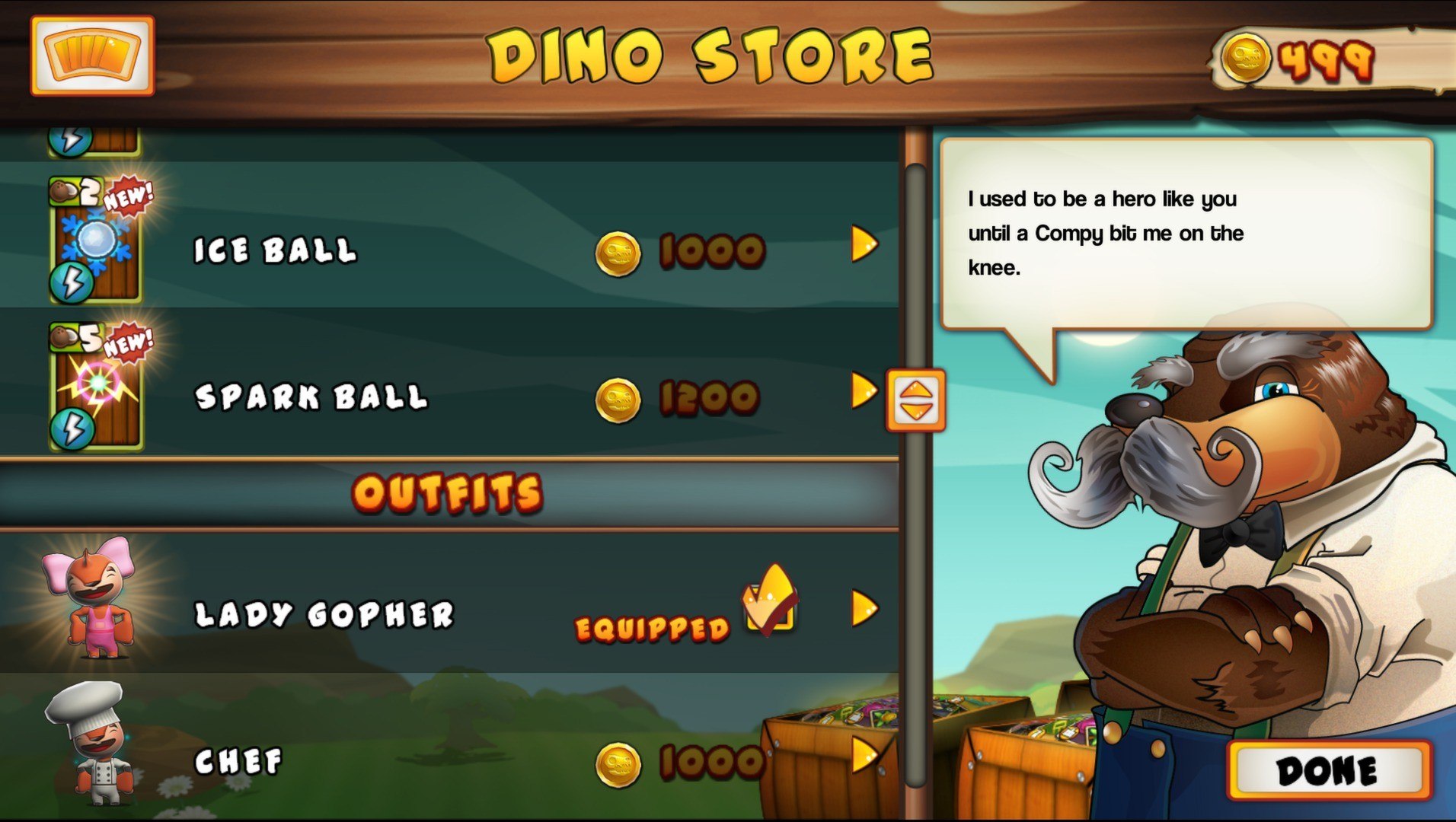
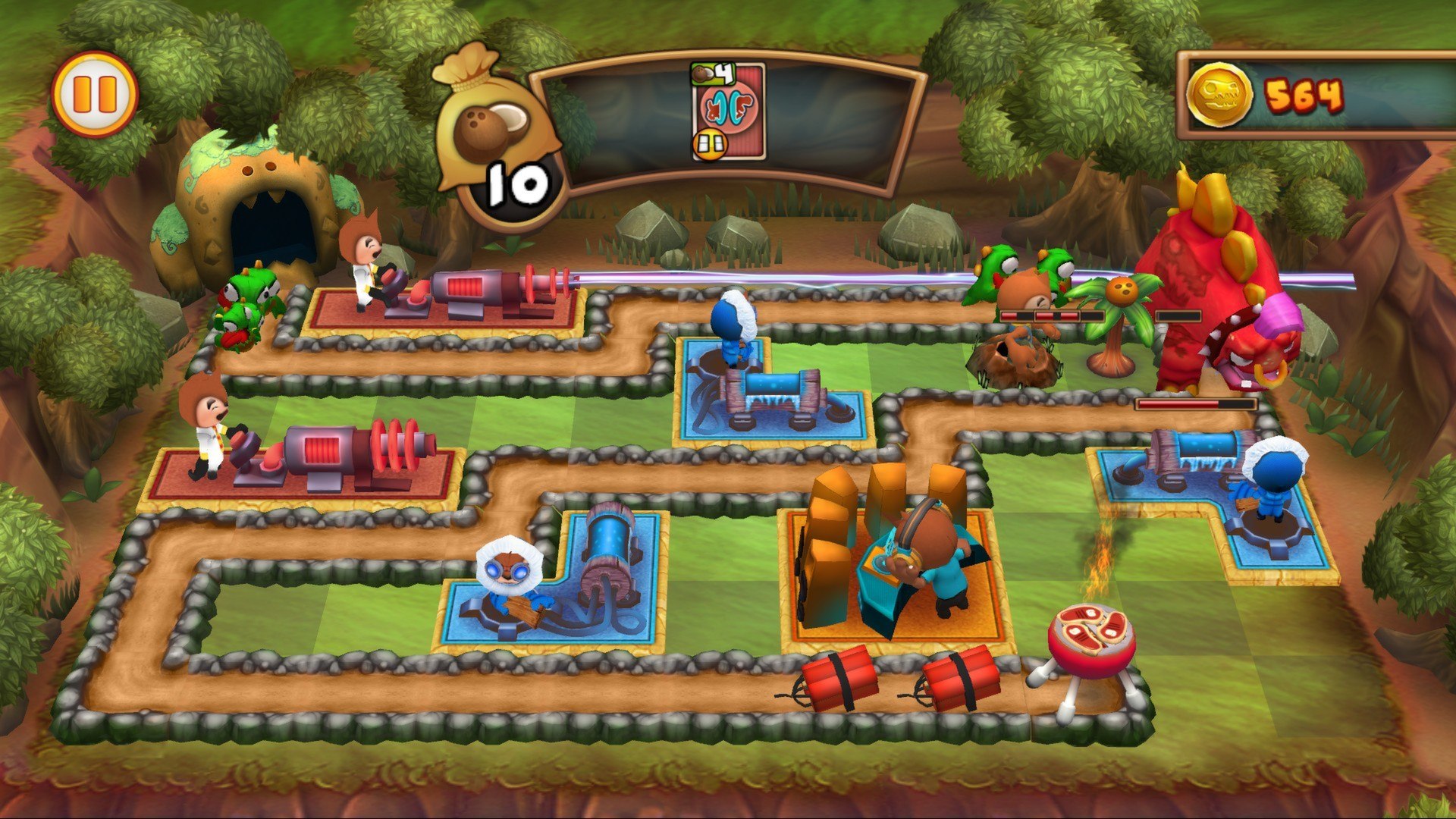
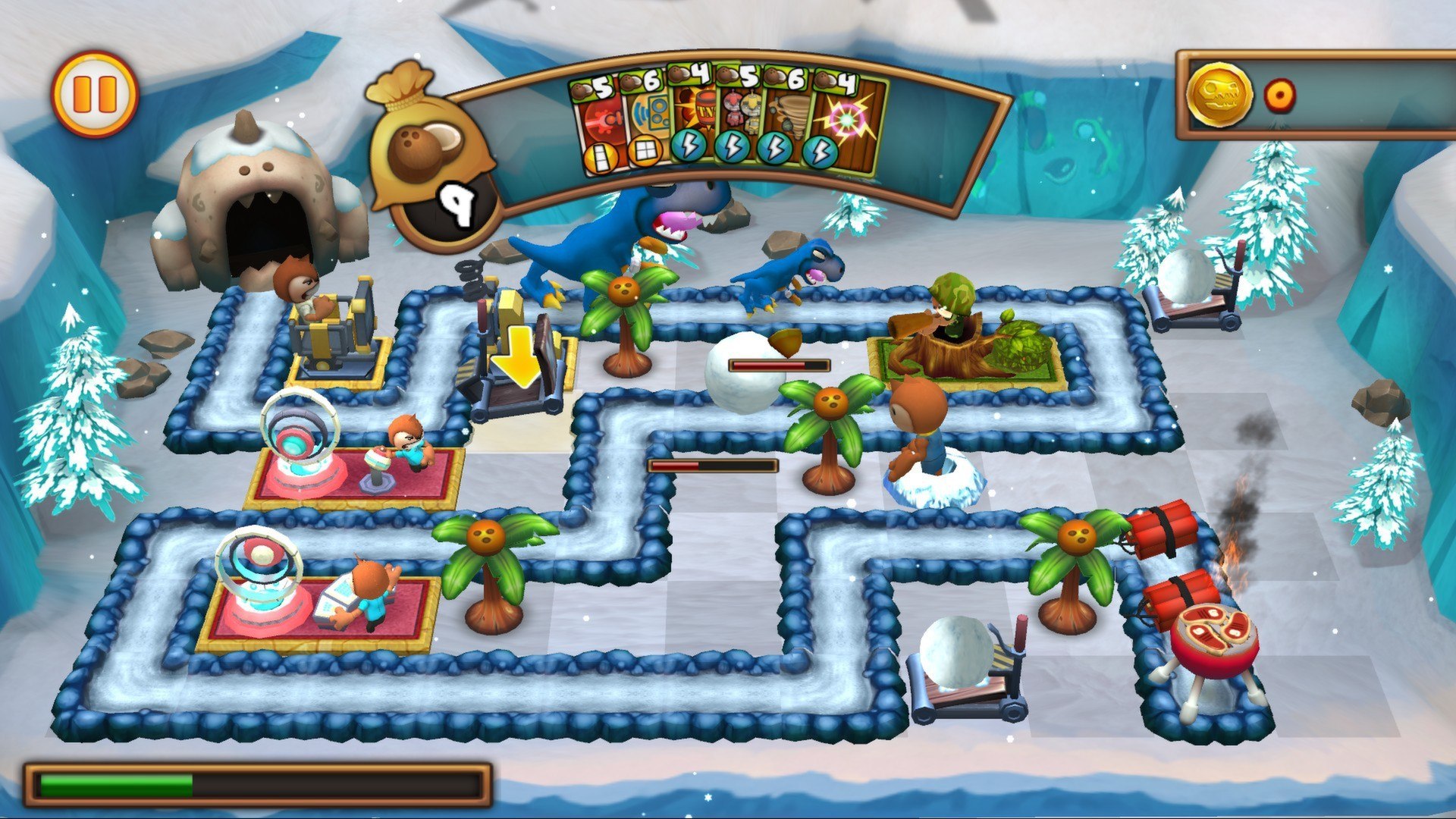
Todd Rex wants steak. Todd Rex wants YOUR steak. Are you gonna let him take it? No way! Go Home, Dinosaurs! Prevent hordes of marauding Dinos from crashing your party in the world’s premier BBQ defense simulator! Unlock powerful towers that act like little weaponized puzzle pieces. Take control of a rock-throwing, coconut-gathering gopher and build your battlefield to keep those Dinos at bay. With adorable characters, intense strategy, and mouse-only controls Go Home Dinosaurs is accessible enough for kids and challenging enough for adults. It's a game truly everyone will love! Features Highly innovative, bar-setting tower defense gameplay A beautiful, vibrant 3D world and adorable characters 60 levels of Dino brawling action spread across three worlds! 18 collectible cards that feature a colorful cast of characters, including DJ G04, a trio of robot buddies, and a Meteor-summoning Mad Scientist! Adorable Dinos with individual traits and personalities Insane boss levels! Challenging strategic gameplay involving fitting together colorful, puzzle piece shaped defenses Carefully pick your defenses before each level Purchase costumes and powerups for your gopher with coins you earn beating levels (no IAP) Don't like steaks? Change them out in Veggie Mode!

Go Home Dinosaurs! screenshotGo Home Dinosaurs! screenshotGo Home Dinosaurs! screenshotGo Home Dinosaurs! screenshotGo Home Dinosaurs! screenshot

How to redeem

  1. 1Check your Steam account and the listed region before purchasing.
  2. 2Find your code and supplier activation instructions in your confirmed order.
  3. 3Open the redeem-code section on Steam, enter the code and follow the platform’s prompts.

Supplier instructions

Go to: http://store.steampowered.com/ and download STEAM client Click "Install Steam" (from the upper right corner) Install and start application, login with your Account name and Password (create one if you don't have). Please follow these instructions to activate a new retail purchase on Steam: Launch Steam and log into your Steam account. Click the Games Menu. Choose Activate a Product on Steam... Follow the onscreen instructions to complete the process. After successful code verification go to the "MY GAMES" tab and start downloading.

You might also like