Get 10% back in Relic Coins on every order
Growing Pains cover

SteamGlobal· Key

Growing Pains

€1.40

+€0.14 cashback eligibility in Relic Coins

Check before you play

Platform
Steam
Region
Global
Product type
Key
Developer
Smudged Cat Games Ltd
Publisher
Smudged Cat Games Ltd
Supplier release date
2014-05-28
Genres
Indie

About this product

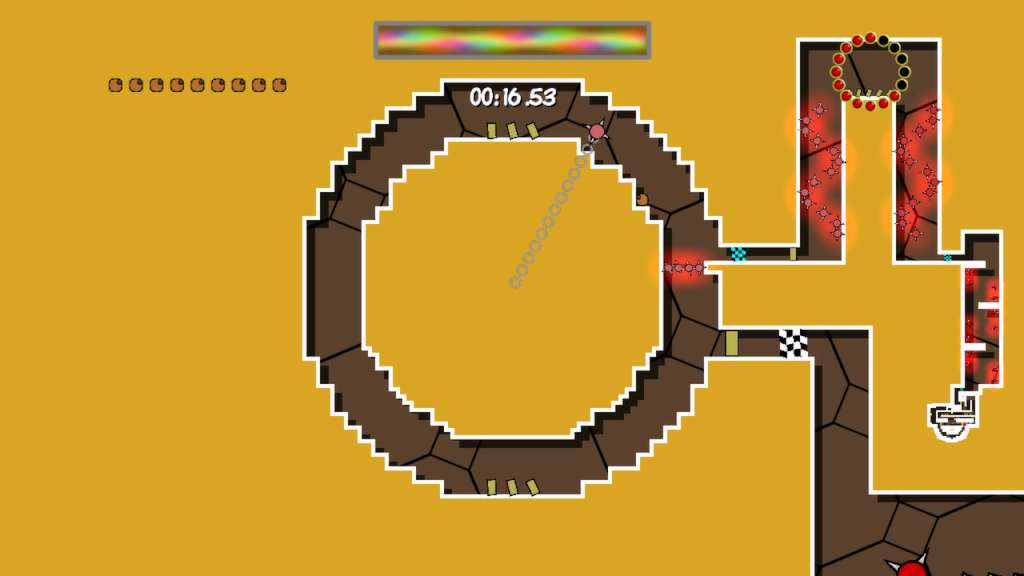
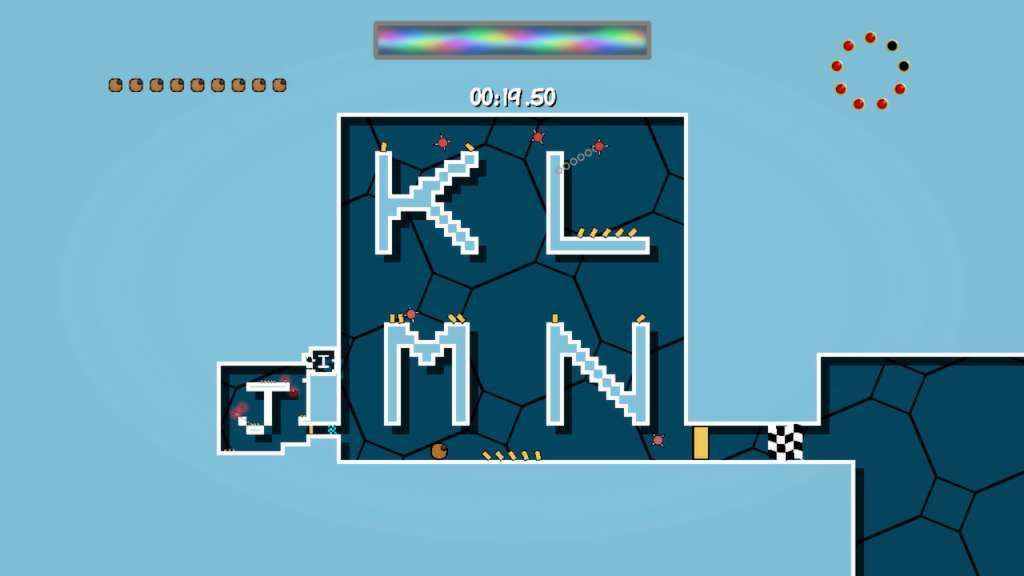
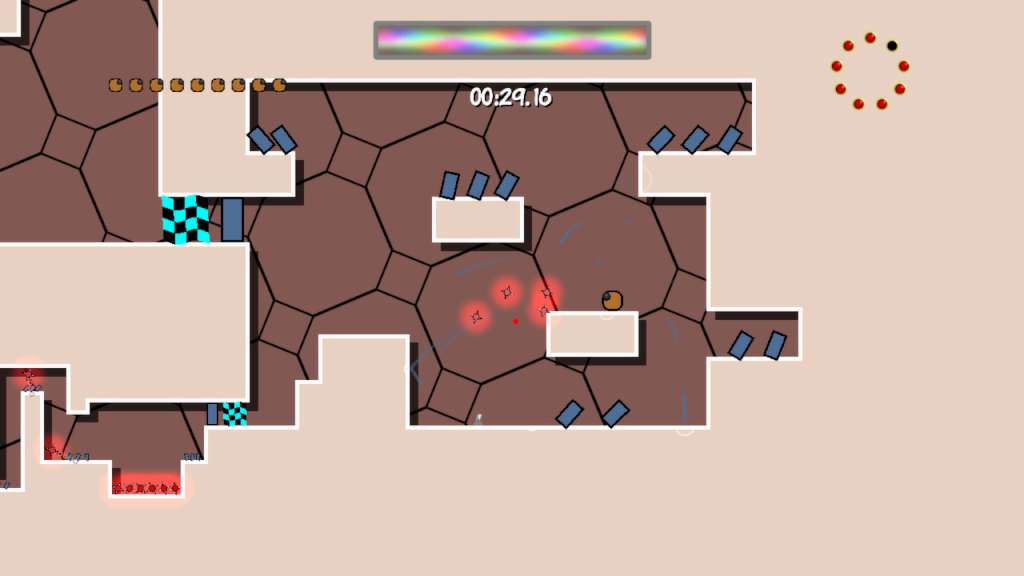
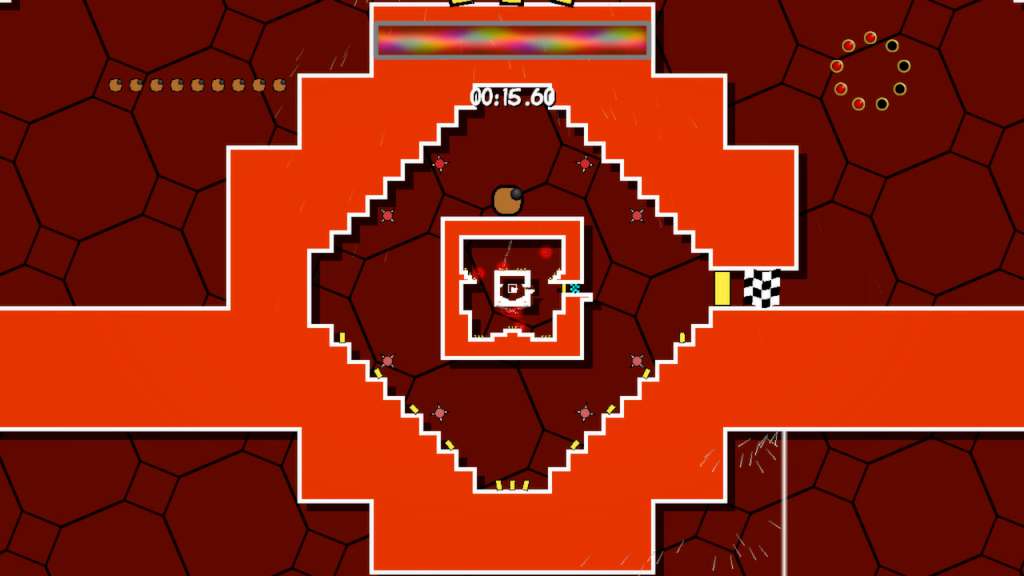
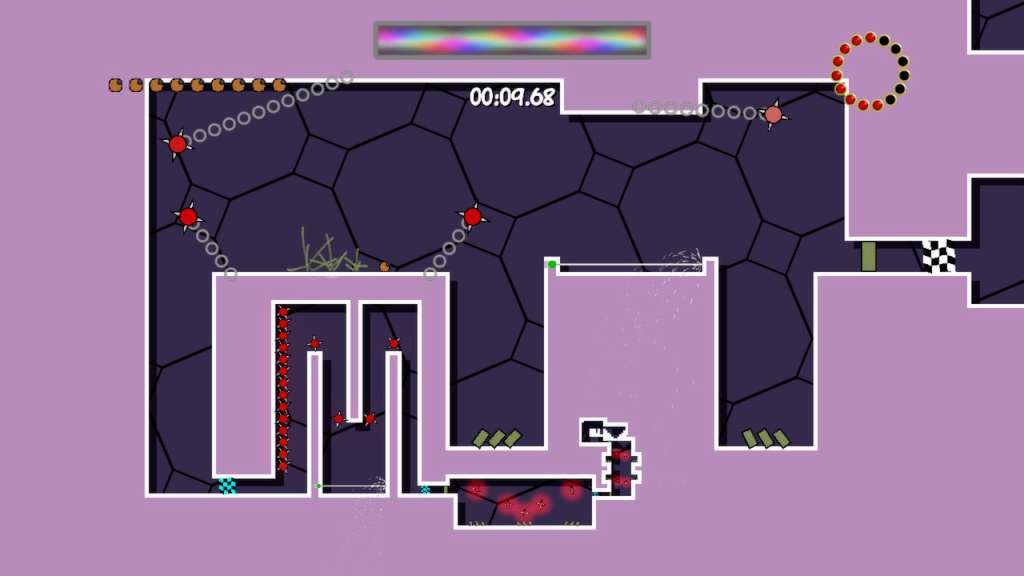
Growing pains is a fast and furious platformer which gives the genre a shake up with psychedelic graphics, a thumping soundtrack and an ingenious twist that you’ve never seen before. The "Vessel" which you control continually grows and expands leaving you in a permanent race to clear the area and escape before you get too big and find your butt wedged in a tight spot. Combine this with tight controls and levels crammed with devious traps and you've got a heart-pounding race guaranteed to leave you with sweaty palms and a sense of overwhelming satisfaction when you reach the goal. Growing Pains features 9 massive levels each with 3 difficulty levels that radically change how each level plays out. This is the kind of game that makes you want to show everyone your skills so all the leaderboards include replays, allowing you to compare high scores against your friends and the rest of the world. This is a game you can really grow into!

Growing Pains screenshotGrowing Pains screenshotGrowing Pains screenshotGrowing Pains screenshotGrowing Pains screenshot

How to redeem

  1. 1Check your Steam account and the listed region before purchasing.
  2. 2Find your code and supplier activation instructions in your confirmed order.
  3. 3Open the redeem-code section on Steam, enter the code and follow the platform’s prompts.

Supplier instructions

Go to: http://store.steampowered.com/ and download STEAM client Click "Install Steam" (from the upper right corner) Install and start application, login with your Account name and Password (create one if you don't have). Please follow these instructions to activate a new retail purchase on Steam: Launch Steam and log into your Steam account. Click the Games Menu. Choose Activate a Product on Steam... Follow the onscreen instructions to complete the process. After successful code verification go to the "MY GAMES" tab and start downloading.

You might also like