Get 10% back in Relic Coins on every order
Age of Empires III: Definitive Edition - Civilization DLC cover

SteamGlobal· DLC

Age of Empires III: Definitive Edition - Civilization DLC

€1.27

+€0.13 cashback eligibility in Relic Coins

Check before you play

Platform
Steam
Region
Global
Product type
DLC

Check the required base game and edition before purchasing this add-on.

Developer
Tantalus Media
Publisher
Xbox Game Studios
Supplier release date
2021-04-13
Genres
Strategy

About this product

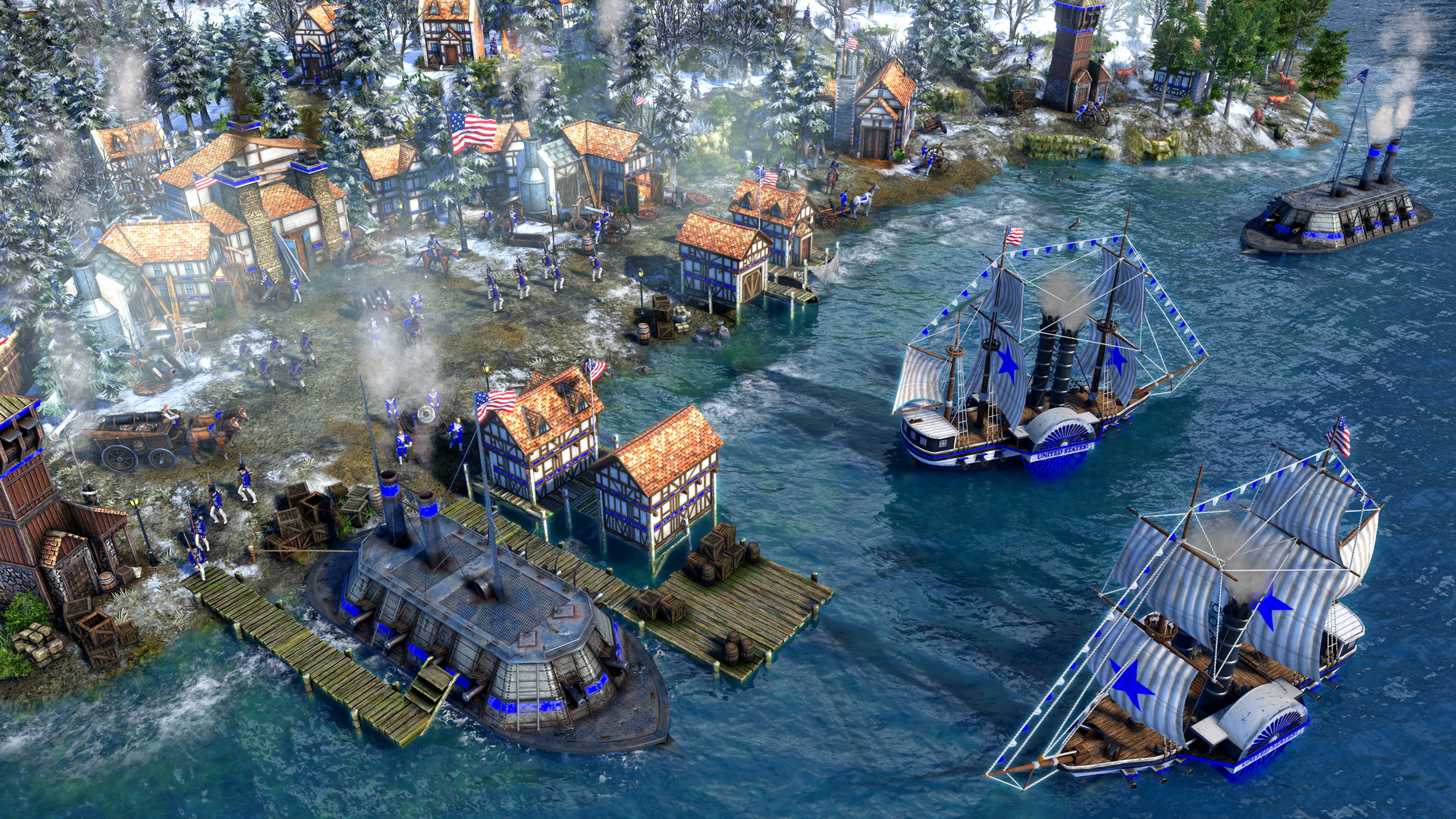
This content brings the United States as a playable civilization to Age of Empires III: Definitive Edition for the very first time. The United States civilization provides a broad range of new content, including: a unique Explorer & Home City, 9 units, 2 buildings, and Home City shipment cards specific to the United States. In addition, a brand-new Age up mechanic allows the advancement of the civilization by choosing from different States, which provides special shipment cards and bonuses that conform to every playstyle. * For a limited time only, the USA Civ can also be unlocked in-game by completing the 50 States special challenge.

Age of Empires III: Definitive Edition - Civilization DLC screenshotAge of Empires III: Definitive Edition - Civilization DLC screenshotAge of Empires III: Definitive Edition - Civilization DLC screenshotAge of Empires III: Definitive Edition - Civilization DLC screenshotAge of Empires III: Definitive Edition - Civilization DLC screenshot

How to redeem

  1. 1Check the required base game, platform and edition before purchasing.
  2. 2Find the code or supplier activation instructions in your confirmed order.
  3. 3Redeem on Steam using the supplied instructions, then install the add-on with the compatible base game.

Supplier instructions

Go to: http://store.steampowered.com/ and download STEAM client Click "Install Steam" (from the upper right corner) Install and start application, login with your Account name and Password (create one if you don't have). Please follow these instructions to activate a new retail purchase on Steam: Launch Steam and log into your Steam account. Click the Games Menu. Choose Activate a Product on Steam... Follow the onscreen instructions to complete the process. After successful code verification go to the "MY GAMES" tab and start downloading.

You might also like