

OtherRest of the world· Key
Kaspersky Security Cloud Personal 2021 (1 Year / 3 Devices)
€31.77
+€3.18 cashback eligibility in Relic Coins
Check before you play
- Region
- Rest of the world
- Product type
- Key
- Genres
- Software
OtherRest of the world· Key
€31.77
+€3.18 cashback eligibility in Relic Coins
Your gateway to all our best protection Get our best apps & features under one account 6 premium products & apps for Windows, macOS, Android & iOS – all in one place & packed with 100s of features Includes antivirus, anti-ransomware, mobile security, password management, VPN* & parental controls Plus privacy tools, data leak detection, Home Wi-Fi security & payment protection – all easy to manage remotely Benefit from personalized protection Find out if your private accounts data is leaked & get advice on what to do next Get notified in real time if an unknown app attempts to connect to your webcam or mic* Plus get personalized alerts & warnings sent straight to your devices to keep you safe *PC, Mac, Android Boost the performance of your devices Take advantage of cloud-based security that keeps your devices fast and easy to use Predict & fix issues with your hard drive by viewing metrics that report on its health Manage storage space and battery life on your Android devices with specially built tools
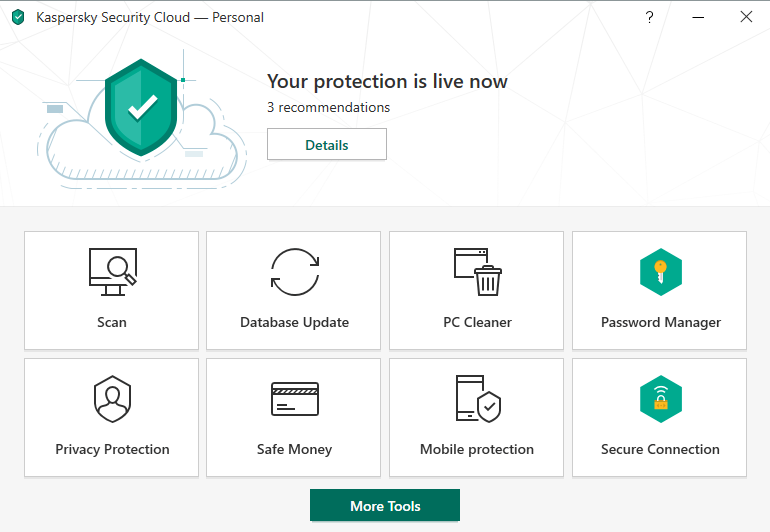
In order to download and activate your software, please follow these steps: Download the latest version of Kaspersky Security Cloud trial.s.kaspersky-labs.com/registered/1ktad0dhvsydpkhhkvje/e5de70ab/startup_14631.exe; Use the activation code provided in your order; Choose ‘Activate the application' option and enter the activation code in the appropriate field; Use the ‘License’ button on the lower right corner of the main program window to get information on the license number, activation status, and license validity period.