Get 10% back in Relic Coins on every order
Final Fantasy XV Royal Edition cover

Xbox OneUnited States· Key

Final Fantasy XV Royal Edition

€25.40

+€2.54 cashback eligibility in Relic Coins

Check before you play

Platform
Xbox One
Region
United States
Product type
Key
Developer
Square Enix Business Division 2
Publisher
Square Enix
Supplier release date
2018-03-06
Genres
Adventure, RPG, MMO

About this product

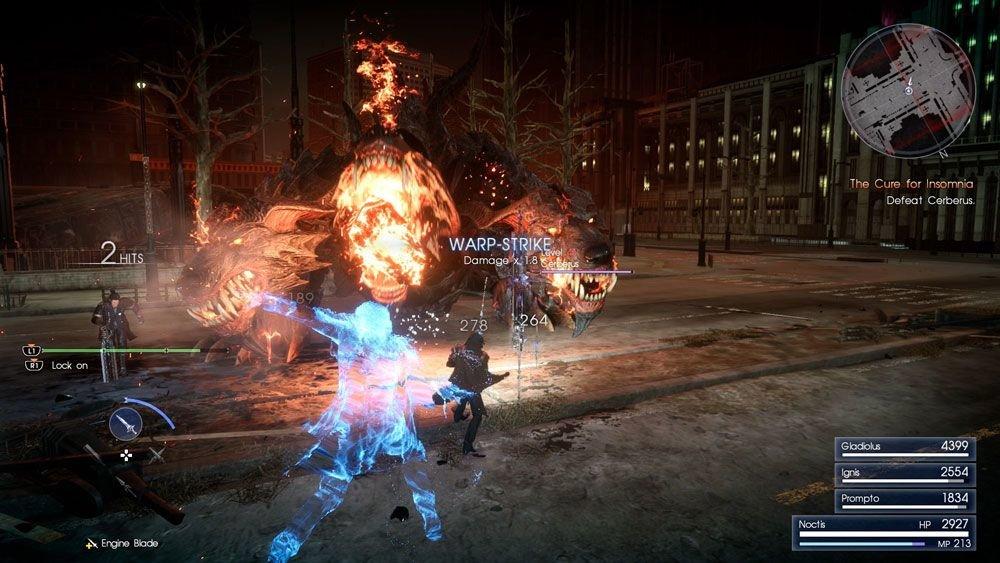
Includes: The critically acclaimed game – FINAL FANTASY XV. An all-new dungeon - Insomnia City Ruins: Expanded Map New features such as first person mode, new gear, and new bosses. All season pass content – Episode Gladiolus, Episode Prompto, Multiplayer Expansion: Comrades, and Episode Ignis. Armiger Unleashed – after you collect all 13 royal arms, a more action-oriented mode of the Armiger is unlocked Royal Vessel – the boat from FFXV is now a controllable vehicle. The same body of water (between Cape Caem and Altissia) can now be freely explored. Over a dozen pieces of DLC, including weapons, Regalia cars skins, and item sets. FINAL FANTASY XV ROYAL EDITION brings the acclaimed epic to new heights, packed with add-on content and new features. Join Prince Noctis and his closest friends as they fight against the empire in an effort to take back their fallen kingdom.

Final Fantasy XV Royal Edition screenshotFinal Fantasy XV Royal Edition screenshotFinal Fantasy XV Royal Edition screenshotFinal Fantasy XV Royal Edition screenshotFinal Fantasy XV Royal Edition screenshotFinal Fantasy XV Royal Edition screenshot

How to redeem

  1. 1Check your Xbox One account and the listed region before purchasing.
  2. 2Find your code and supplier activation instructions in your confirmed order.
  3. 3Open the redeem-code section on Xbox One, enter the code and follow the platform’s prompts.

Supplier instructions

In order to redeem Playstation Network Code please follow instruction below: Go to http://www.SonyEntertainmentNetwork.com Click "Manage Account" and sign in with your Sign-In ID(E-mail Address) and Password. Click on "Redeem Prepaid Card". Enter the code printed on the voucher or PlayStation Network Card and click "Continue". If the code is valid, you will be presented with a description of what the code will deliver to your account. Press "Redeem..." button to add the item or funds to your account.

You might also like