Get 10% back in Relic Coins on every order
Gachi Dungeon Master cover

SteamGlobal· Key

Gachi Dungeon Master

€172.32

+€17.23 cashback eligibility in Relic Coins

Check before you play

Platform
Steam
Region
Global
Product type
Key
Developer
Slippy Floor
Publisher
Slippy Floor
Supplier release date
2021-03-26
Genres
Action, Simulation, Sport, Fighting, Co-op

About this product

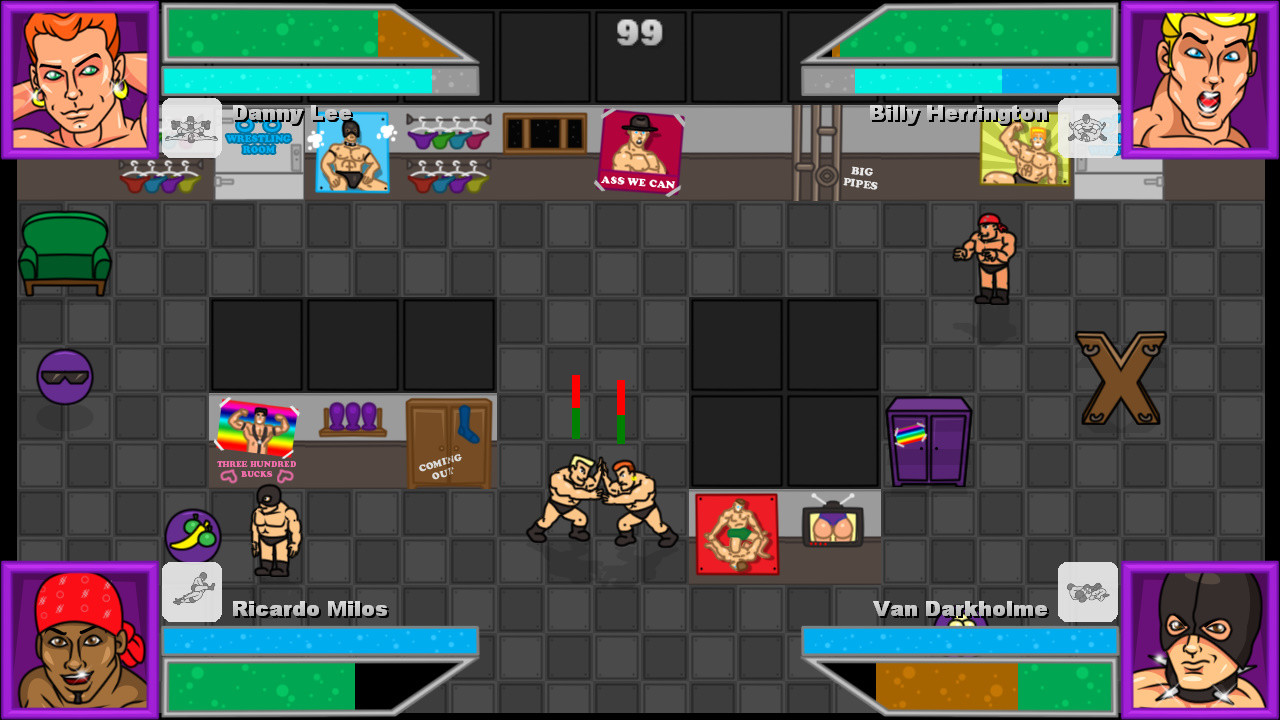
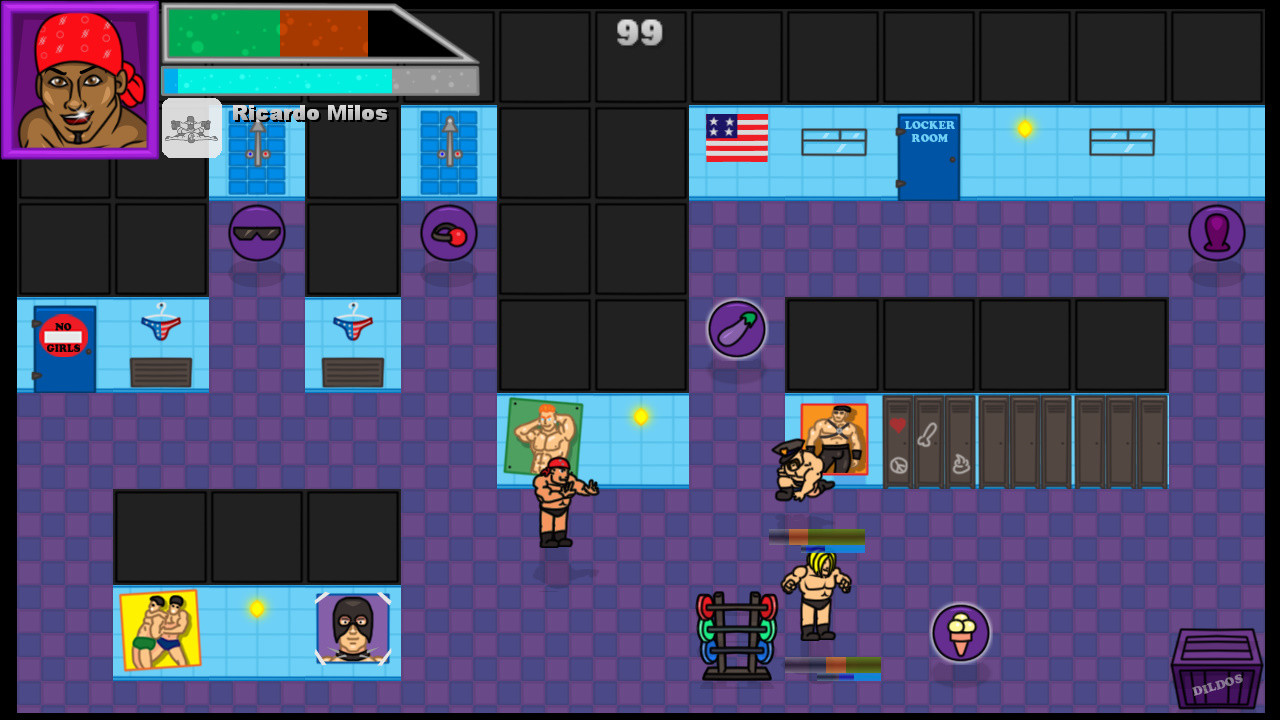
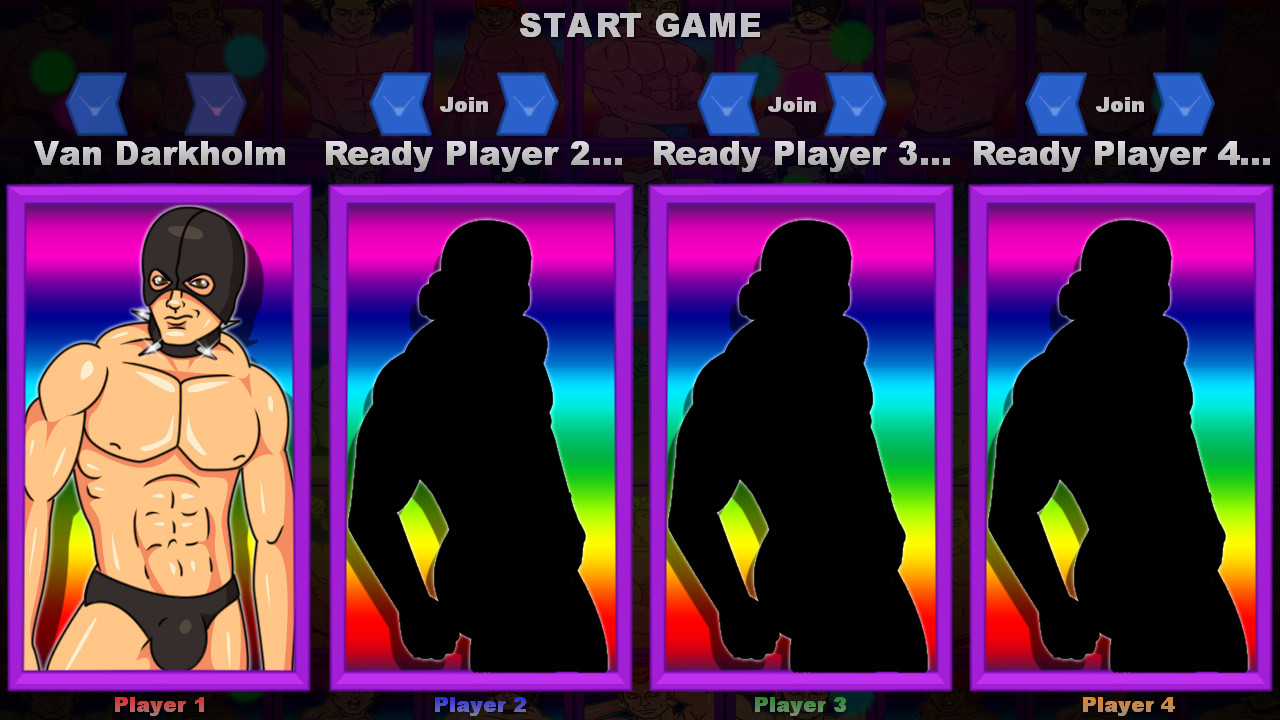
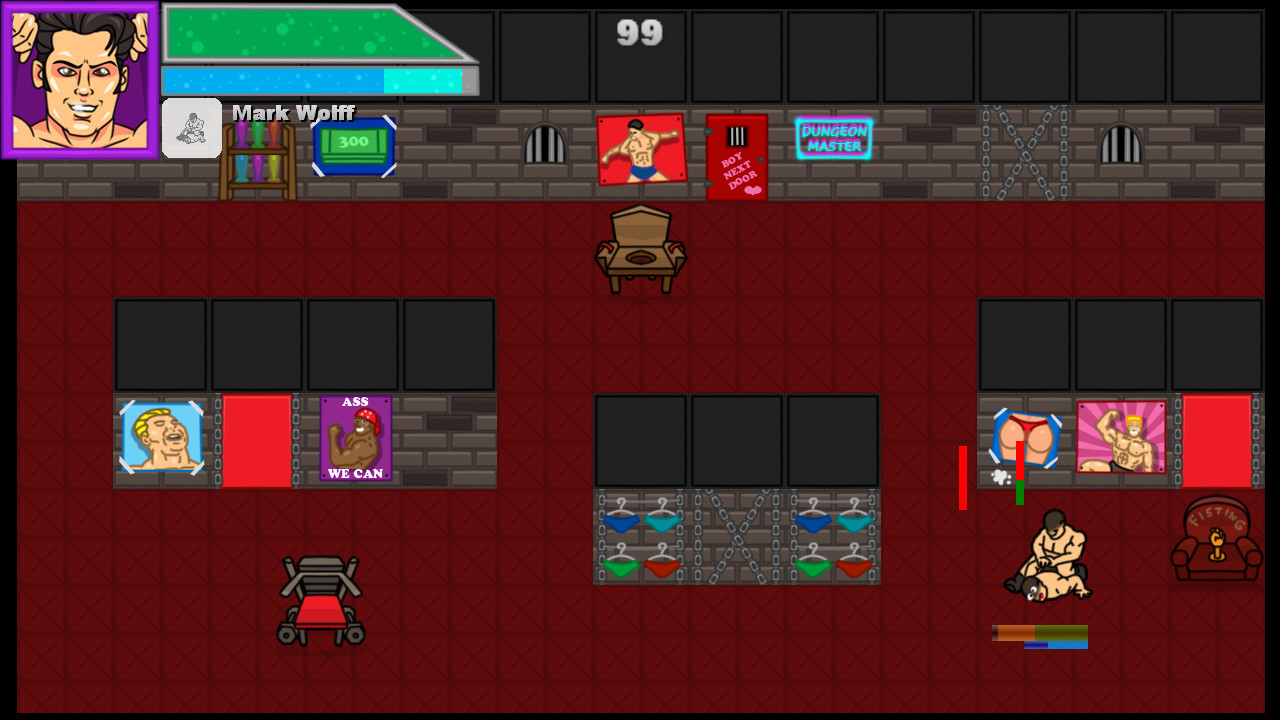
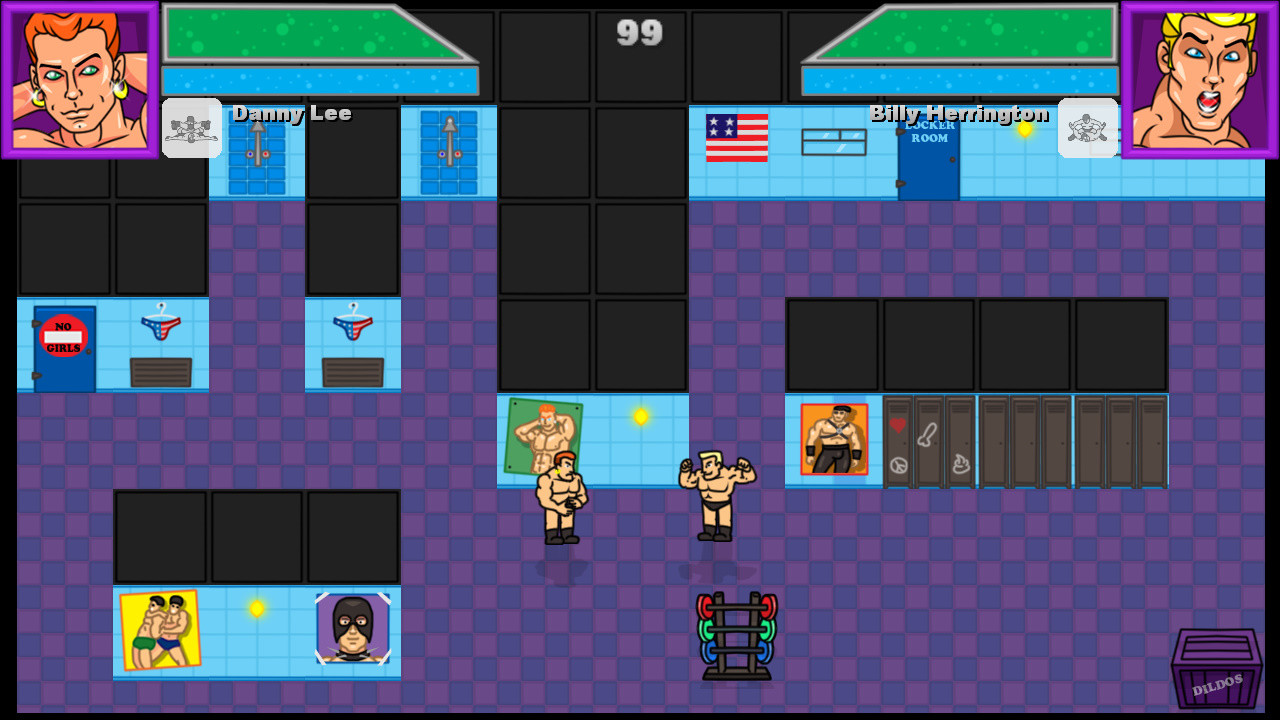
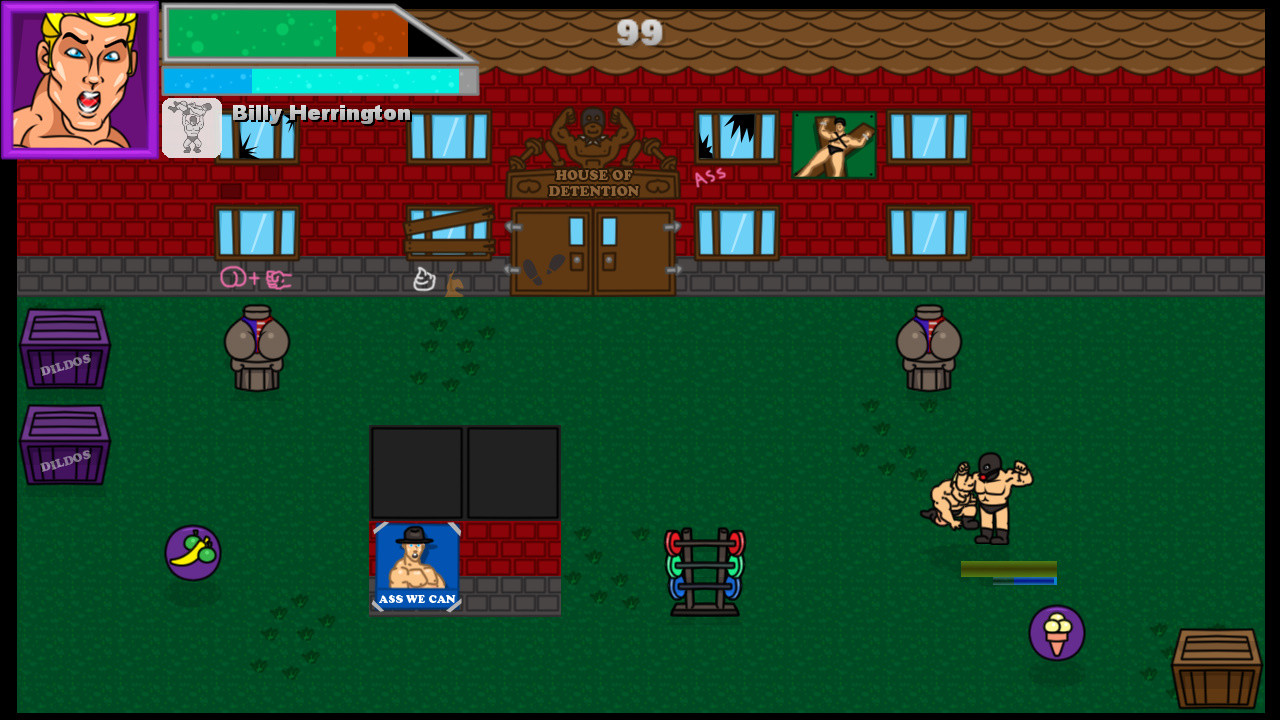
Real "Dungeon Master" is back in a furious fighting game!Take on the role of one of the five legendary hachimuchi icons and enter the arena. Each character is distinguished by their own grips and strikes. Someone falls with his ass right on the face of the opponent, and someone gracefully wringes the opponent's hands.The game features several game modes, each of which supports up to 4 players. You can even play online using "Steam Remote Play". At the same time, your friend does not need to have a copy of the game. Versus - in this mode you can customize all the game parameters you need. Emerging bonuses, stamina, etc. Real Gachi - Fight alone or with friends against a strong and resilient boss! Boss of the Gym - is a cooperative survival game. Opponents will appear on the map, and each time they will be stronger and stronger. How long can you hold out? Features 5 unique characters with their own unique moves; 3 game modes, there are both cooperative and competitive; 4 different locations, many of which will be familiar to you; Possibility of local play for up to 4 players or online using Steam Remote Play; Signature gachi sound;

Gachi Dungeon Master screenshotGachi Dungeon Master screenshotGachi Dungeon Master screenshotGachi Dungeon Master screenshotGachi Dungeon Master screenshotGachi Dungeon Master screenshot

How to redeem

  1. 1Check your Steam account and the listed region before purchasing.
  2. 2Find your code and supplier activation instructions in your confirmed order.
  3. 3Open the redeem-code section on Steam, enter the code and follow the platform’s prompts.

Supplier instructions

Go to: http://store.steampowered.com/ and download STEAM client Click "Install Steam" (from the upper right corner) Install and start application, login with your Account name and Password (create one if you don't have). Please follow these instructions to activate a new retail purchase on Steam: Launch Steam and log into your Steam account. Click the Games Menu. Choose Activate a Product on Steam... Follow the onscreen instructions to complete the process. After successful code verification go to the "LIBRARY" tab and start downloading.

You might also like