

SteamGlobal· Key
Defender's Quest: Valley of the Forgotten
€5.16
+€0.52 cashback eligibility in Relic Coins
Check before you play
- Platform
- Steam
- Region
- Global
- Product type
- Key
- Supplier release date
- 2012-10-30
- Genres
- Strategy, RPG, Indie
SteamGlobal· Key
€5.16
+€0.52 cashback eligibility in Relic Coins
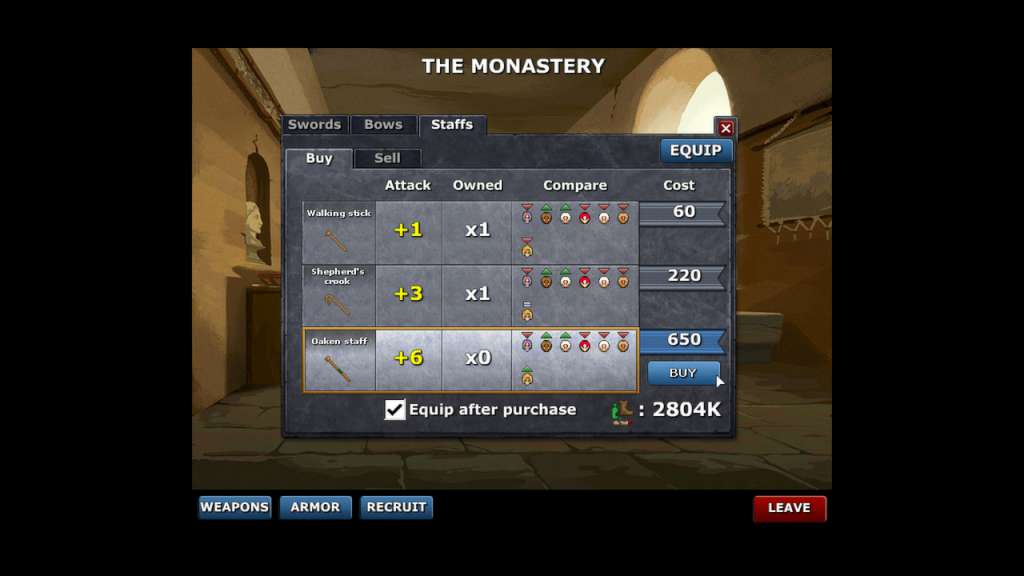
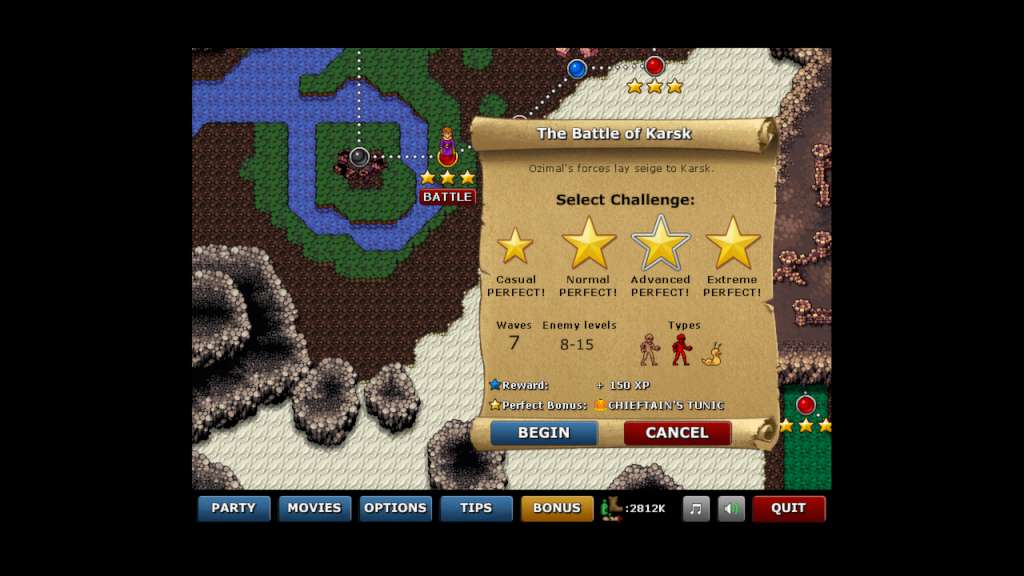
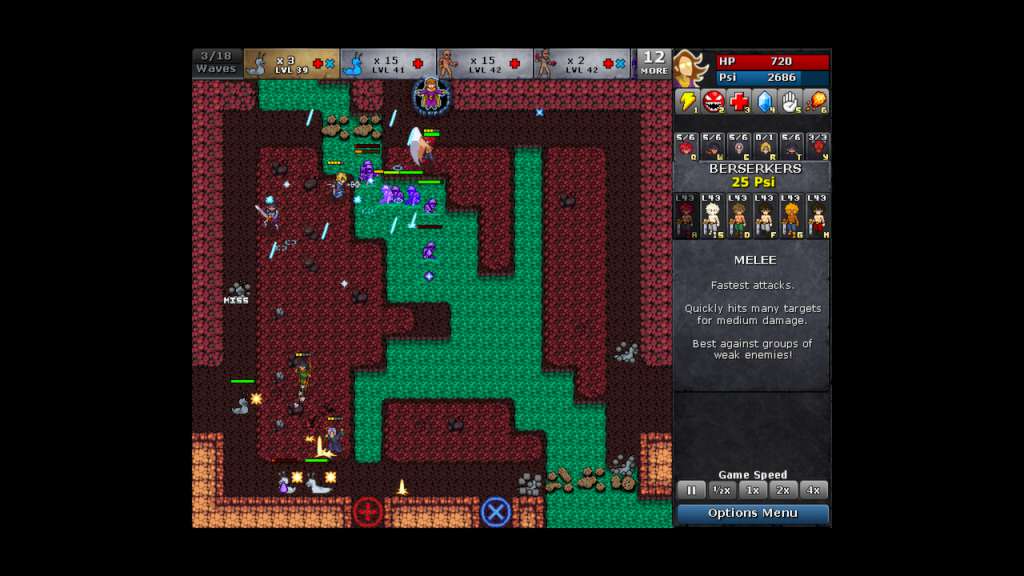
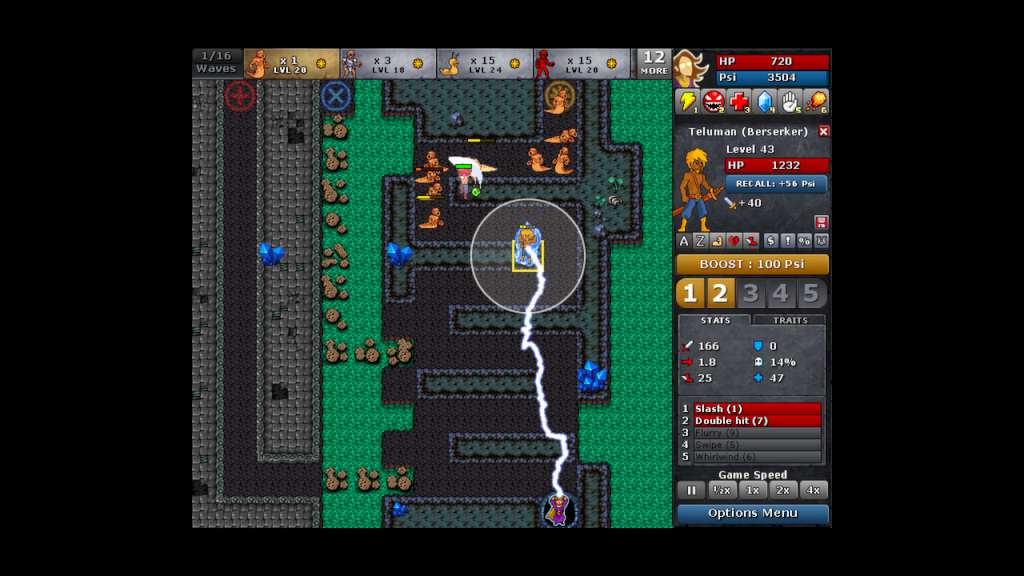
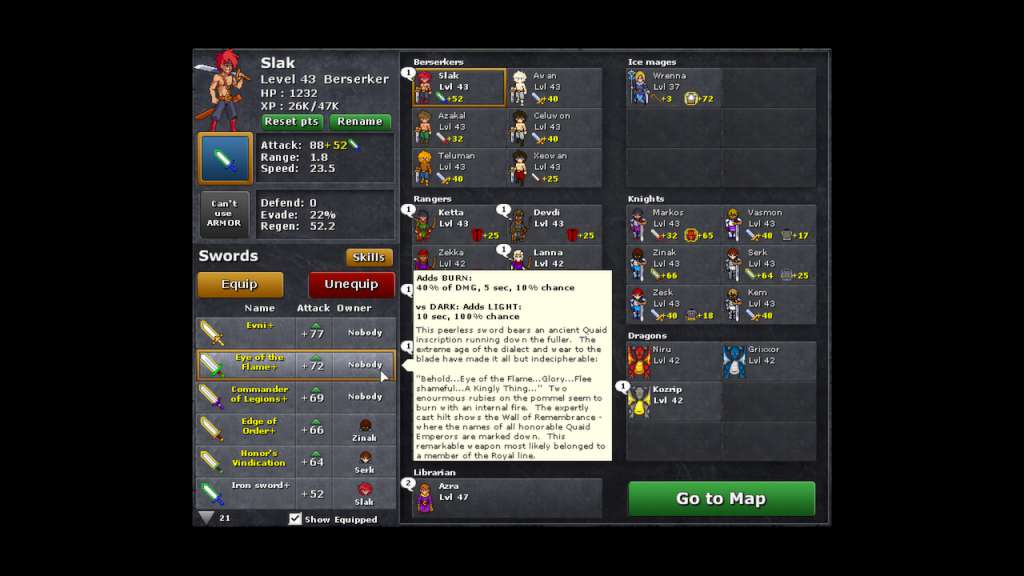
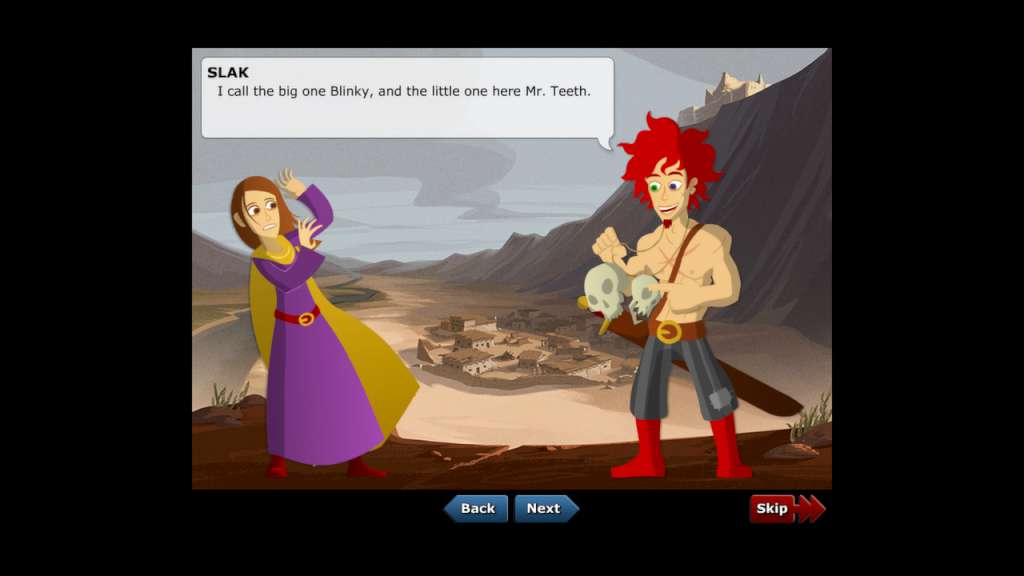
Defender's Quest is a Tower-Defense/RPG Hybrid (Think Final Fantasy Tactics meets Tower Defense). Defender's Quest tightly focuses on three things: tactical depth, customization, and story. That means no random encounters, no spikey-haired emo kids, no forced time sinks, and no tedious, repetitive battles. Features The battle system builds off of tower defense, with individual characters taking the place of towers. Each character levels-up, learns skills, and equips gear individually, allowing the player to customize their battle experience and strategy. The overall game structure is similar to "tactical" RPG's, but with a real-time battle system. Game speed is adjustable, and commands can even be issued while the game is paused. It also features an engaging, character-driven story written by an actual English major! The story strives to be fast-paced, snappy, and always relevant to gameplay. Events and dialogue explain things as they become relevant to the player, minimizing exposition. Finally, it's got options and accessibility settings out the wazoo, so that you can have the best possible experience!
Go to: http://store.steampowered.com/ and download STEAM client Click "Install Steam" (from the upper right corner) Install and start application, login with your Account name and Password (create one if you don't have). Please follow these instructions to activate a new retail purchase on Steam: Launch Steam and log into your Steam account. Click the Games Menu. Choose Activate a Product on Steam... Follow the onscreen instructions to complete the process. After successful code verification go to the "MY GAMES" tab and start downloading.