Get 10% back in Relic Coins on every order
Planet Coaster: Complete the Collection Bundle cover

SteamGlobal· Key

Planet Coaster: Complete the Collection Bundle

€39.15

+€3.92 cashback eligibility in Relic Coins

Check before you play

Platform
Steam
Region
Global
Product type
Key
Developer
Frontier Developments
Publisher
Frontier Developments
Supplier release date
2016-11-17
Genres
Action, Adventure, Casual, Simulation, Strategy

About this product

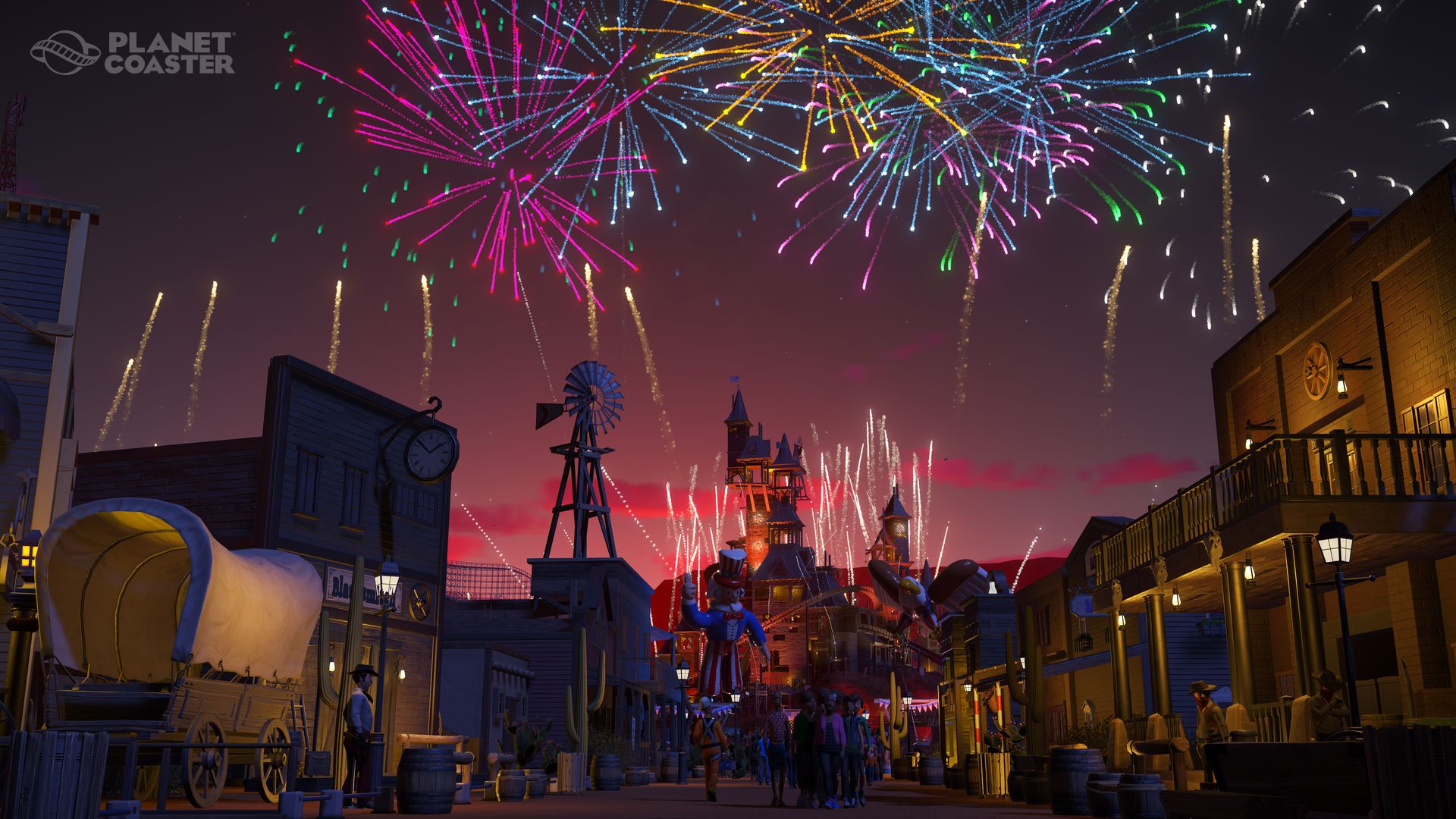
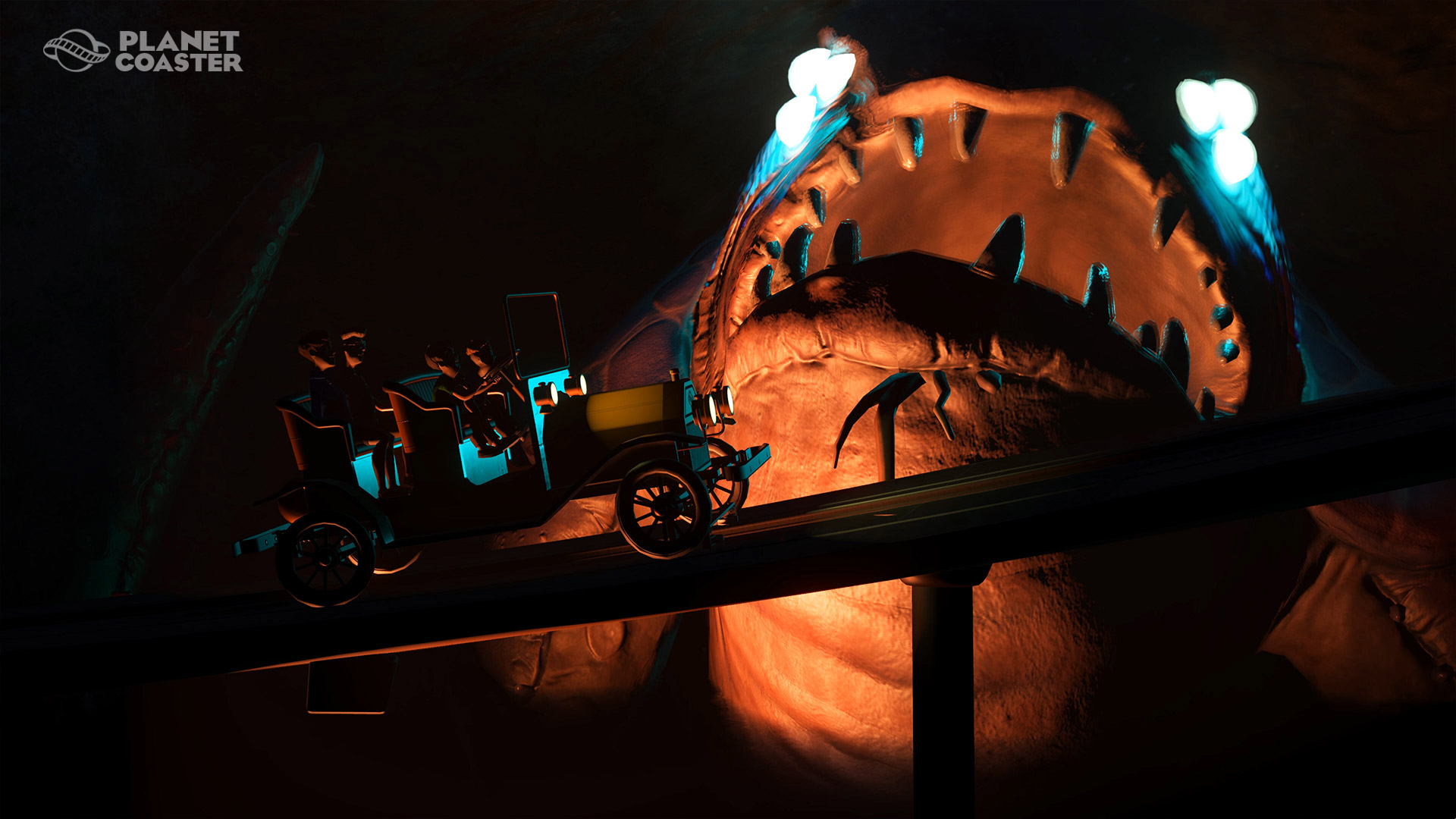
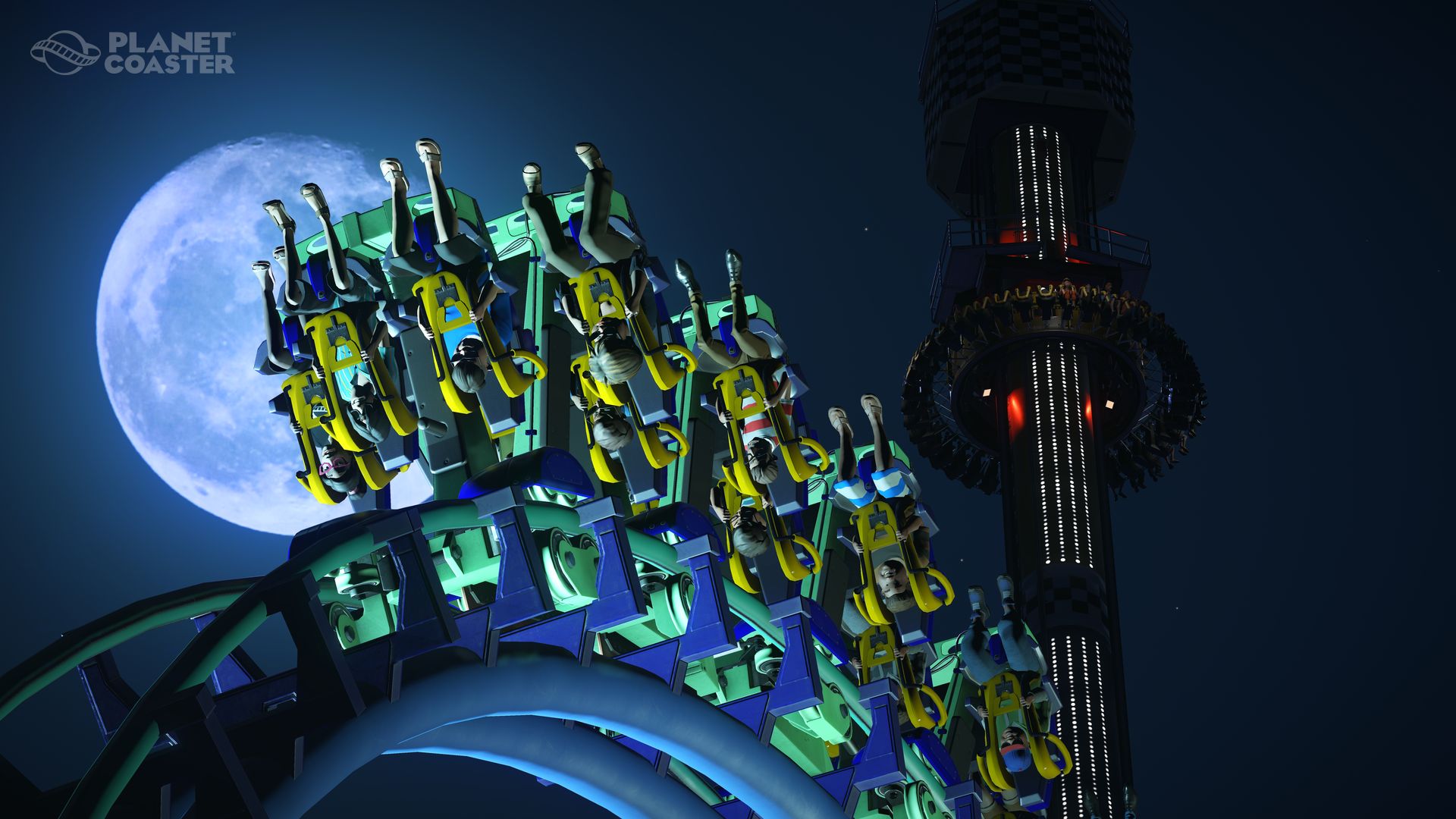
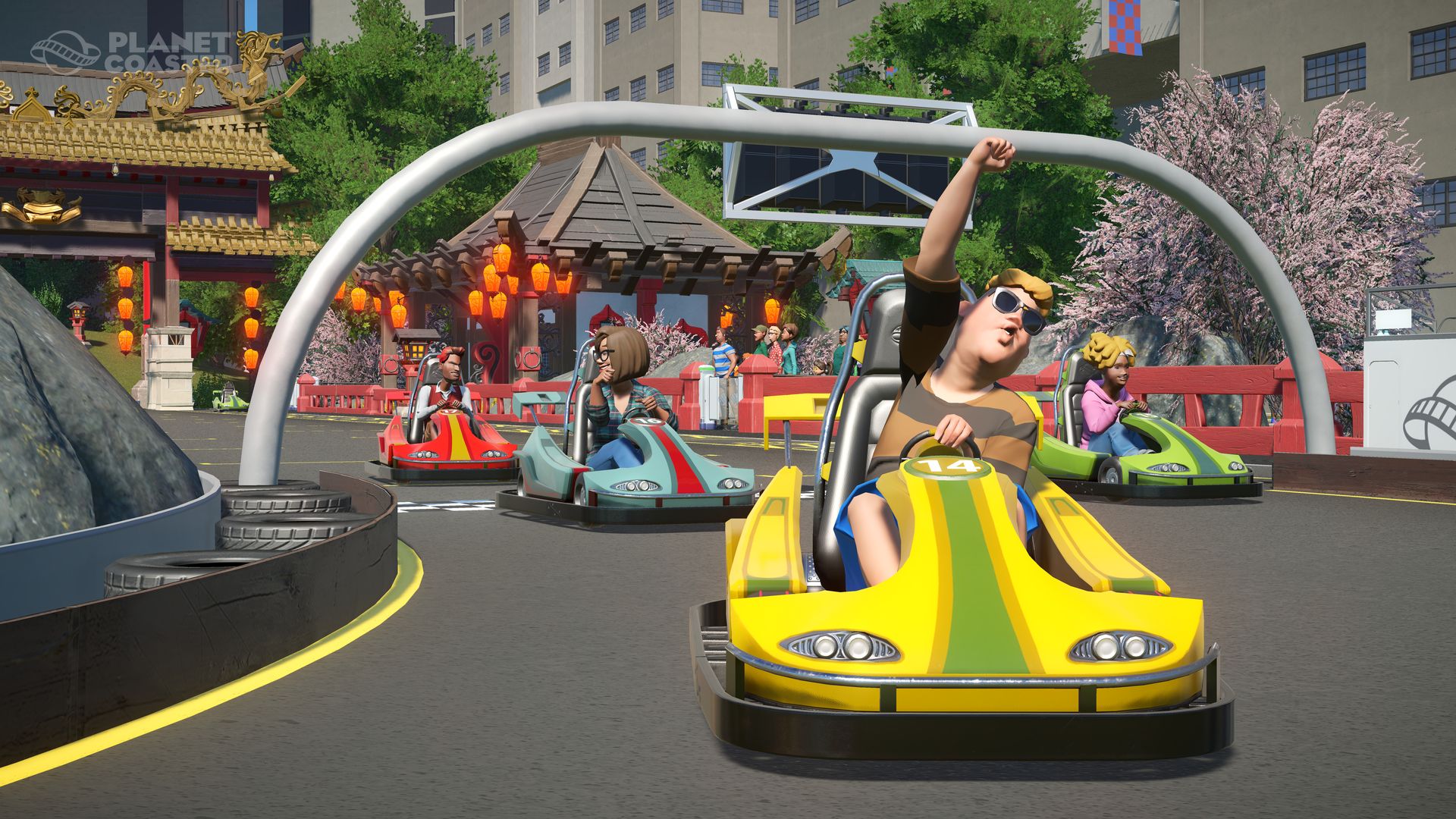
Surprise, delight and thrill crowds as you build the theme park of your dreams. Build and design incredible coaster parks with unparalleled attention to detail and manage your park in a truly living world.Get the full experience with the Planet Coaster: Complete the Collection. This includes the full game as well as all the Planet Coaster DLC! Excite and fascinate your guests like never before, with a plethora of content to expand your coaster park empire. This bundle includes: base game Planet Coaster - The Munsters Munster Koach Construction Kit Planet Coaster - Knight Rider K.I.T.T. Construction Kit Planet Coaster - Back to the Future™ Time Machine Construction Kit Planet Coaster - Spooky Pack Planet Coaster - Adventure Pack Planet Coaster - Studios Pack Planet Coaster - Vintage Pack Planet Coaster - World's Fair Pack Planet Coaster - Magnificent Rides Collection Planet Coaster - Classic Rides Collection

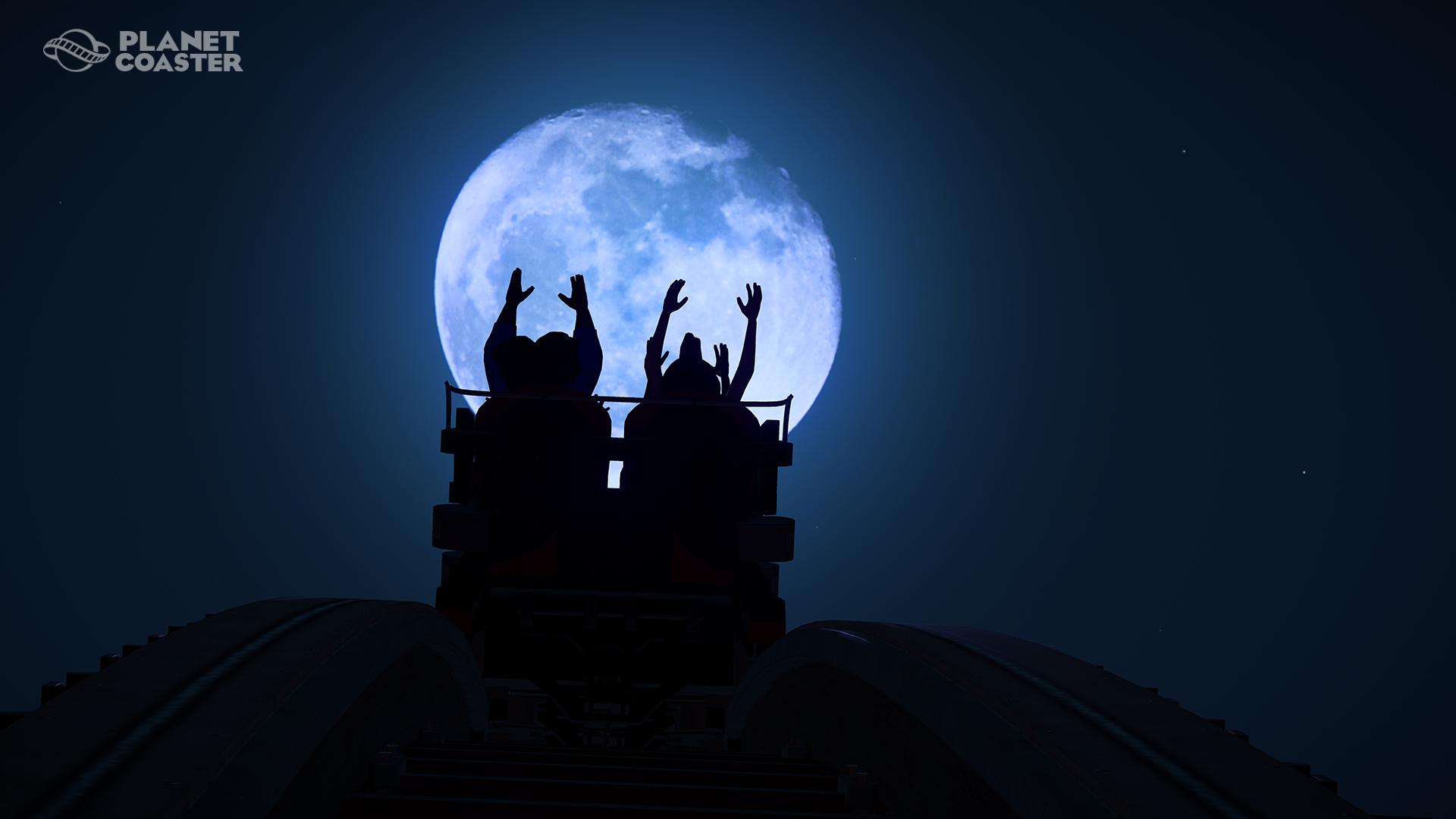
Planet Coaster: Complete the Collection Bundle screenshotPlanet Coaster: Complete the Collection Bundle screenshotPlanet Coaster: Complete the Collection Bundle screenshotPlanet Coaster: Complete the Collection Bundle screenshotPlanet Coaster: Complete the Collection Bundle screenshotPlanet Coaster: Complete the Collection Bundle screenshot

How to redeem

  1. 1Check your Steam account and the listed region before purchasing.
  2. 2Find your code and supplier activation instructions in your confirmed order.
  3. 3Open the redeem-code section on Steam, enter the code and follow the platform’s prompts.

Supplier instructions

Go to: http://store.steampowered.com/ and download STEAM client Click "Install Steam" (from the upper right corner) Install and start application, login with your Account name and Password (create one if you don't have). Please follow these instructions to activate a new retail purchase on Steam: Launch Steam and log into your Steam account. Click the Games Menu. Choose Activate a Product on Steam... Follow the onscreen instructions to complete the process. After successful code verification go to the "LIBRARY" tab and start downloading.

You might also like