

SteamGlobal· Key
Residue: Final Cut
€1.13
+€0.11 cashback eligibility in Relic Coins
Check before you play
- Platform
- Steam
- Region
- Global
- Product type
- Key
- Developer
- The Working Parts
- Publisher
- The Working Parts
- Genres
- Adventure
SteamGlobal· Key
€1.13
+€0.11 cashback eligibility in Relic Coins
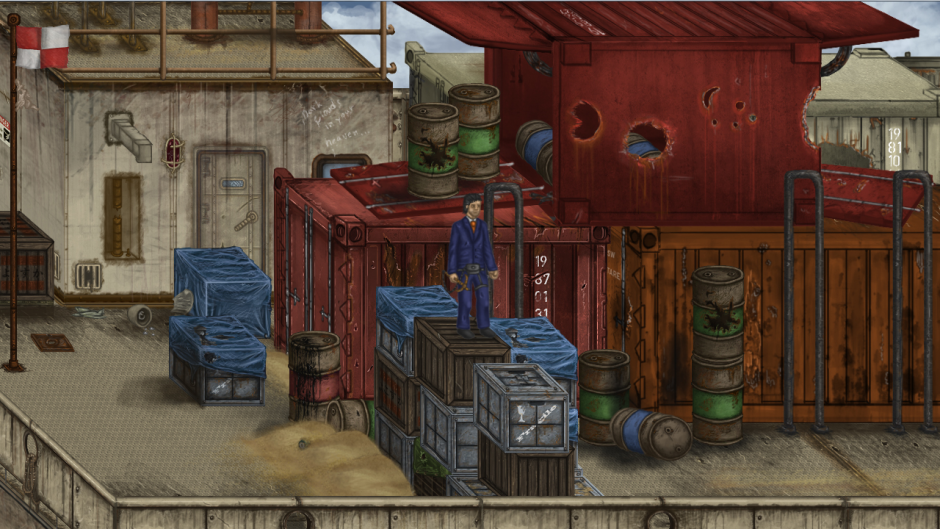
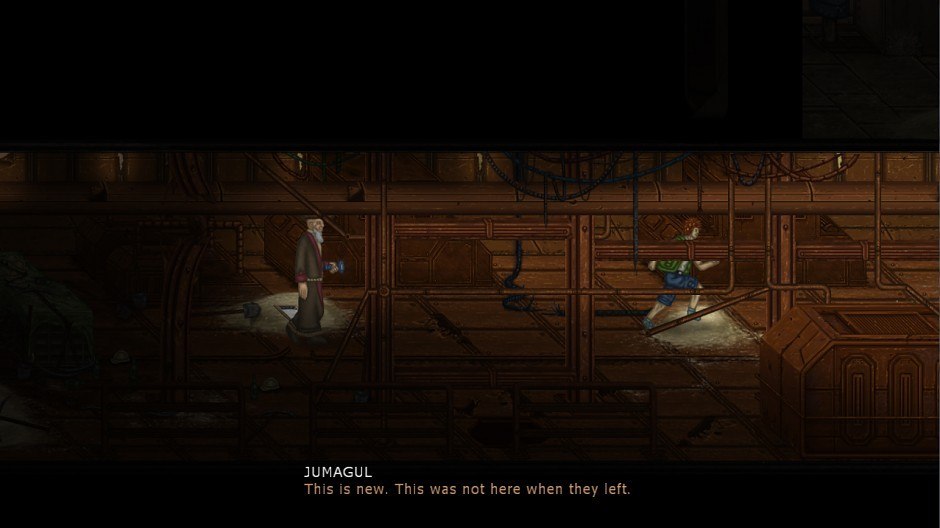
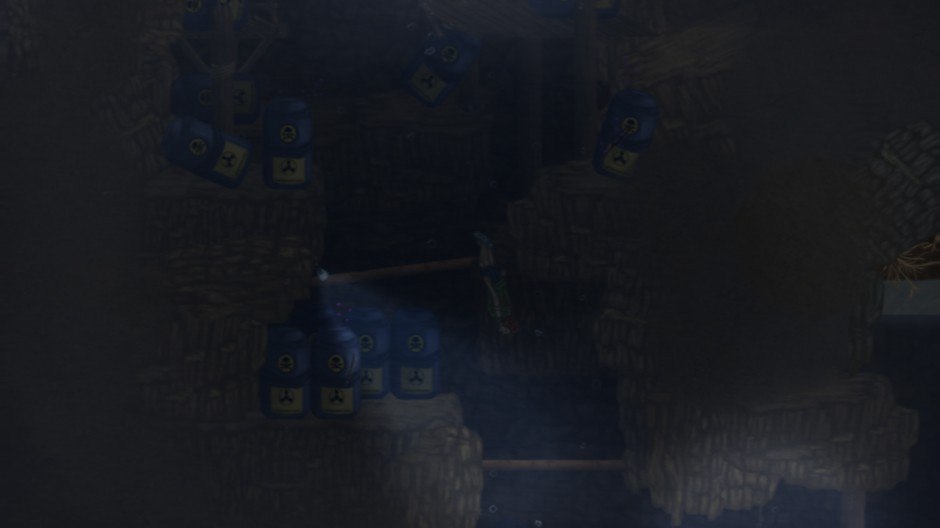
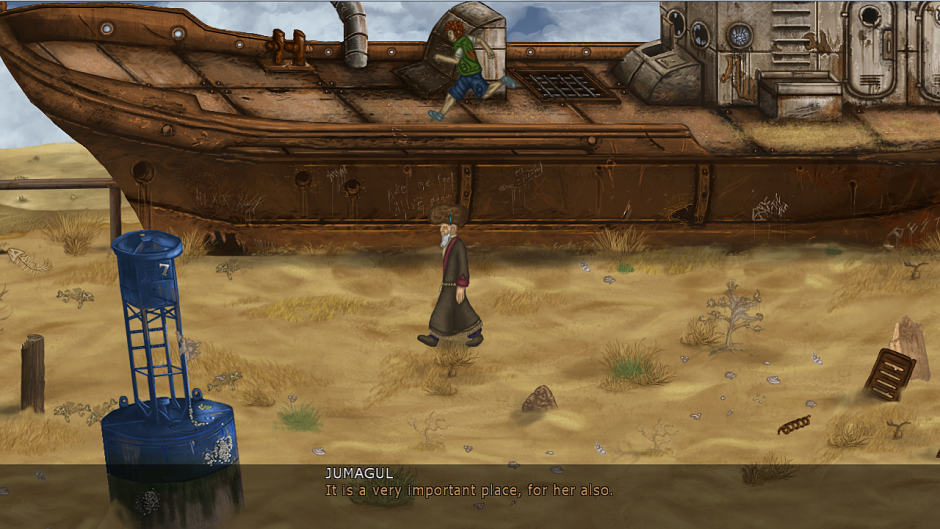
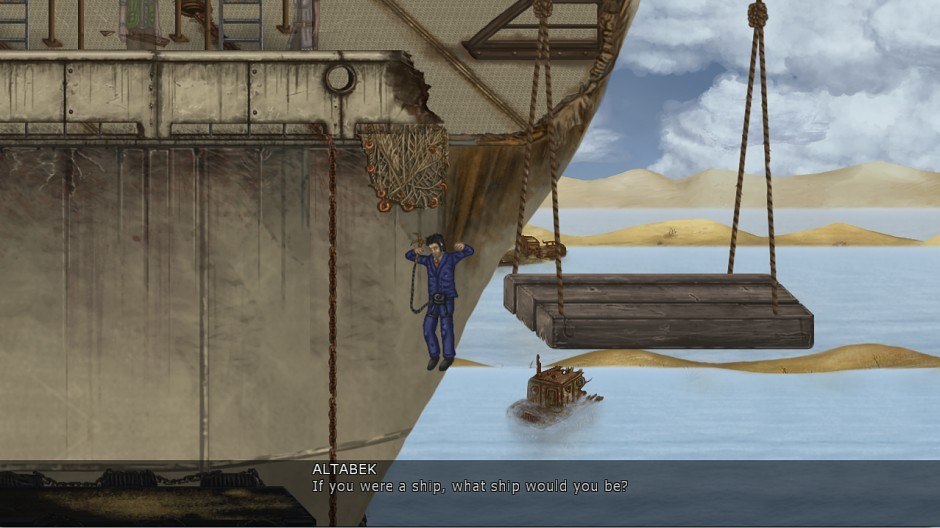
Residue: Final Cut Steam Key Platform: Steam Languages: EN/FR/DE/JP/PL/RU/SE Release Date: 1 Aug 2014 Product Description Residue is a story-driven 2D platform adventure in which you control three characters with different abilities, exploring an abandoned excavation site in the remains of the Aral Sea in present-day Uzbekistan. Once the fourth largest lake in the world, the Aral Sea is now an arid wasteland, a victim of decades of Soviet cotton irrigation. To some, it is the prime example for humanity to stay out of nature's business. To others, it's a world waiting to be saved. Features Real-world setting: The vanished Aral Sea in Central Asia, peppered with artifacts of an all too real history. A world imagined: Eerily detailed, vibrant HD art, closely based on photos from the Aral Sea and filled with secrets. Something to say: Experience a non-violent, thought-provoking, fully voiced story concerning the cost of saving worlds, without giving up control. Exploration: Explore an interconnected game world using three characters with very different abilities. Variety, variety, variety: From climbing to exploring to diving to navigating pitch-black corridors, integrating new gameplay elements at every turn. Captivating Soundtrack: With many vocal tracks and an ethnic vibe, composed and produced by Joel Bille System Requirements OS: Windows XP Processor: 2 GHz Memory: 2 GB RAM Graphics: NVIDIA GeForce GT 240M or better DirectX: Version 9.0c Hard Drive: 700 MB available space
Go to: http://store.steampowered.com/ and download STEAM client Click "Install Steam" (from the upper right corner) Install and start application, login with your Account name and Password (create one if you don't have). Please follow these instructions to activate a new retail purchase on Steam: Launch Steam and log into your Steam account. Click the Games Menu. Choose Activate a Product on Steam... Follow the onscreen instructions to complete the process. After successful code verification go to the "MY GAMES" tab and start downloading.