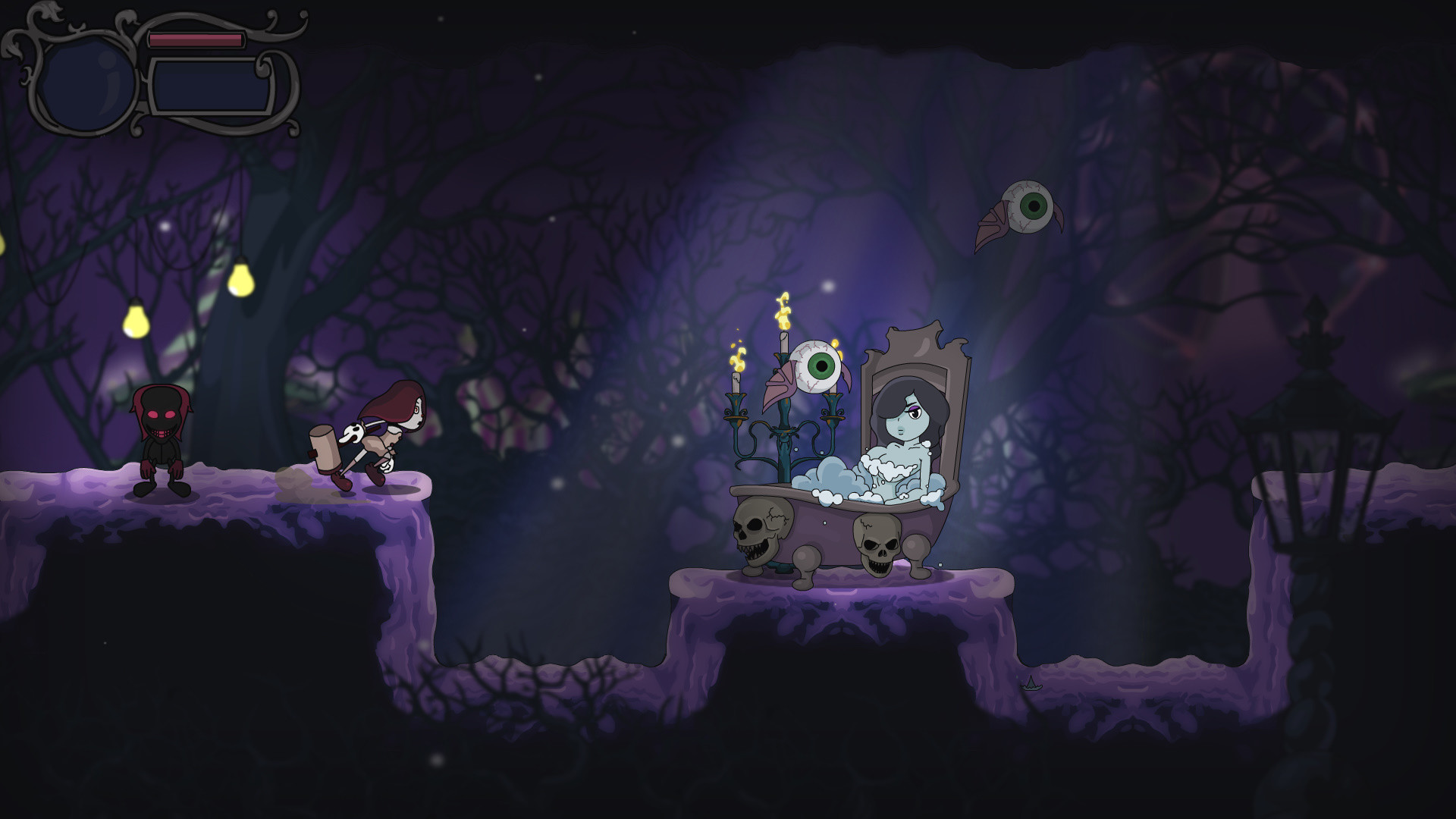
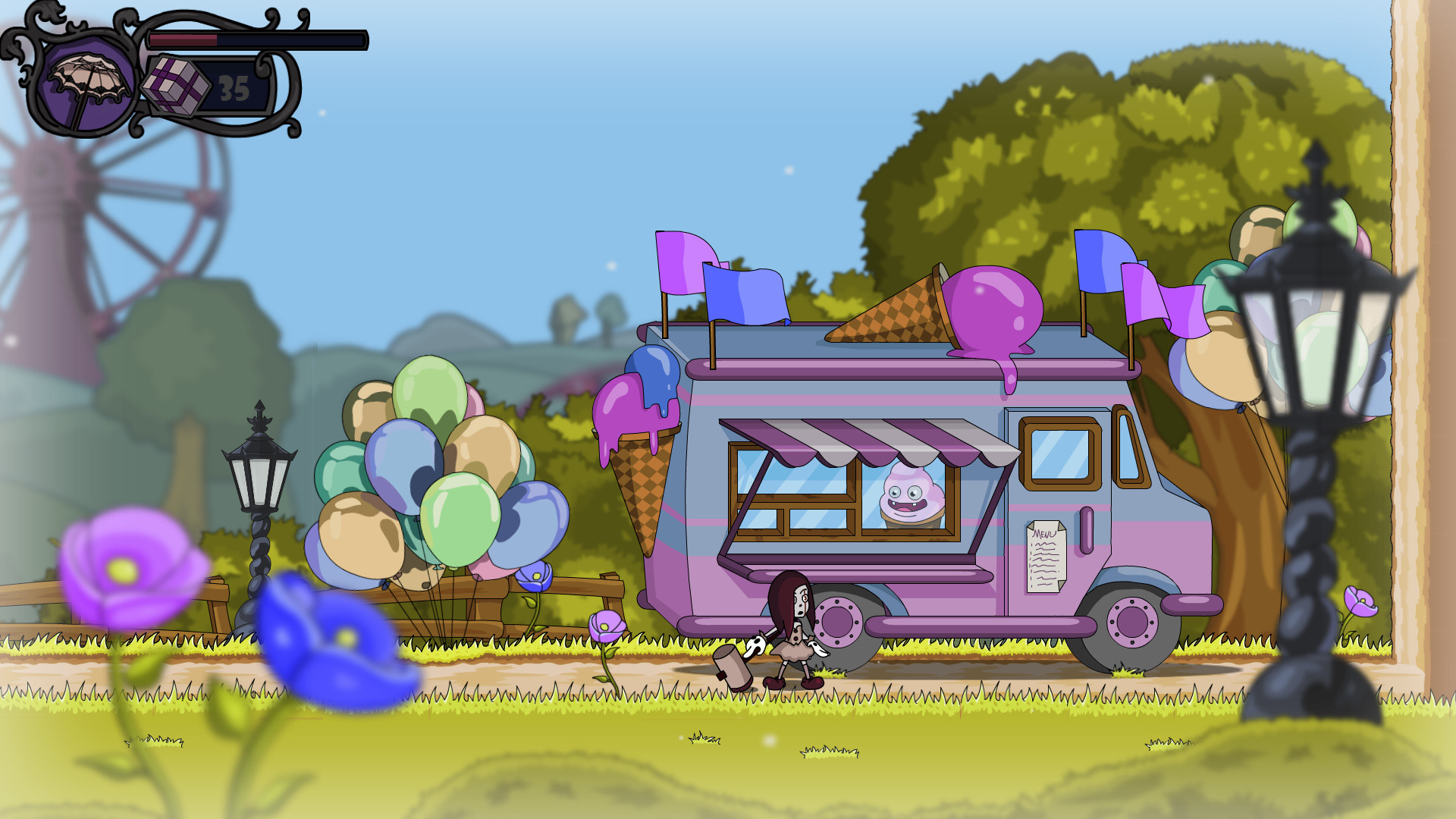
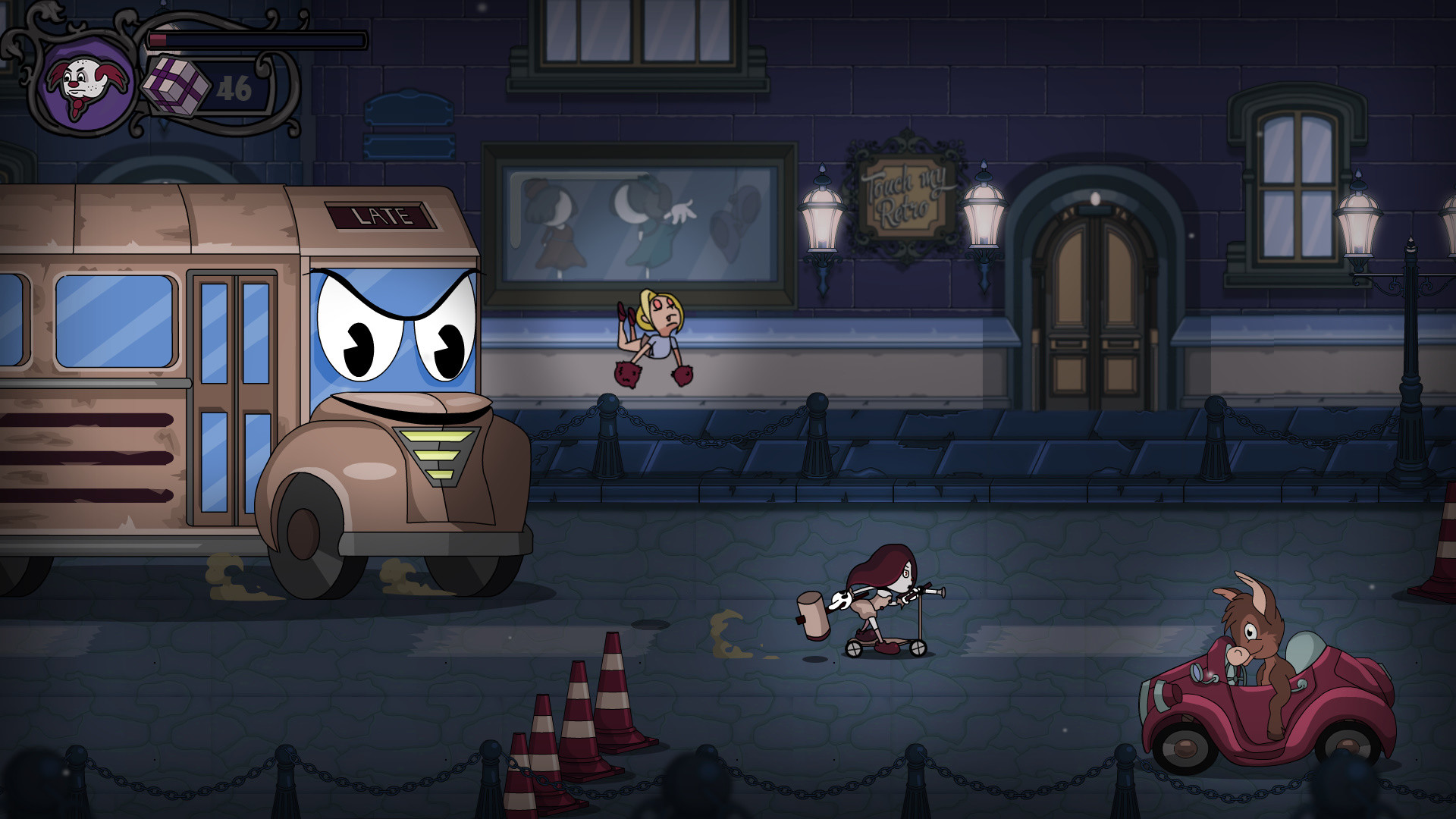
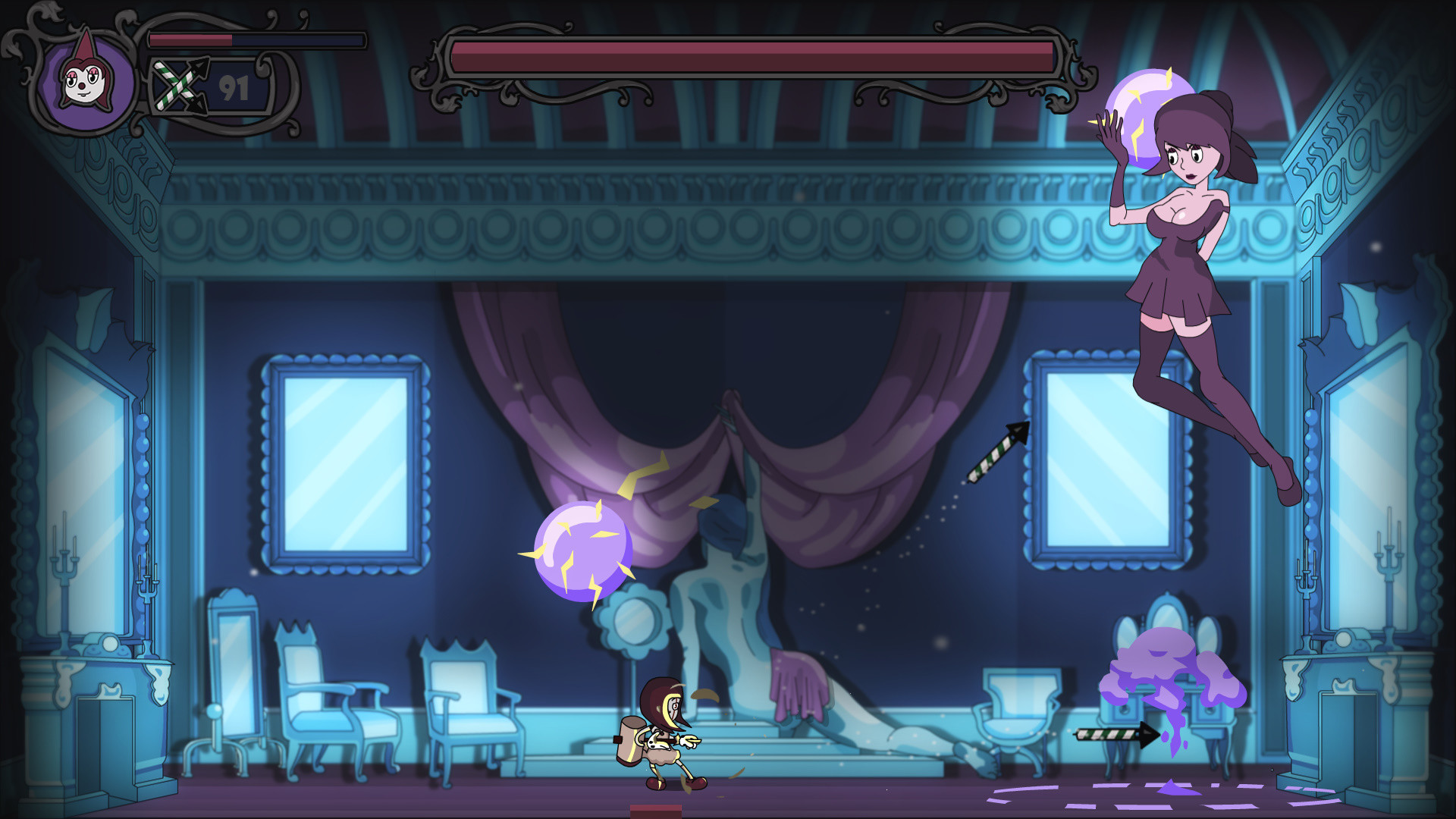
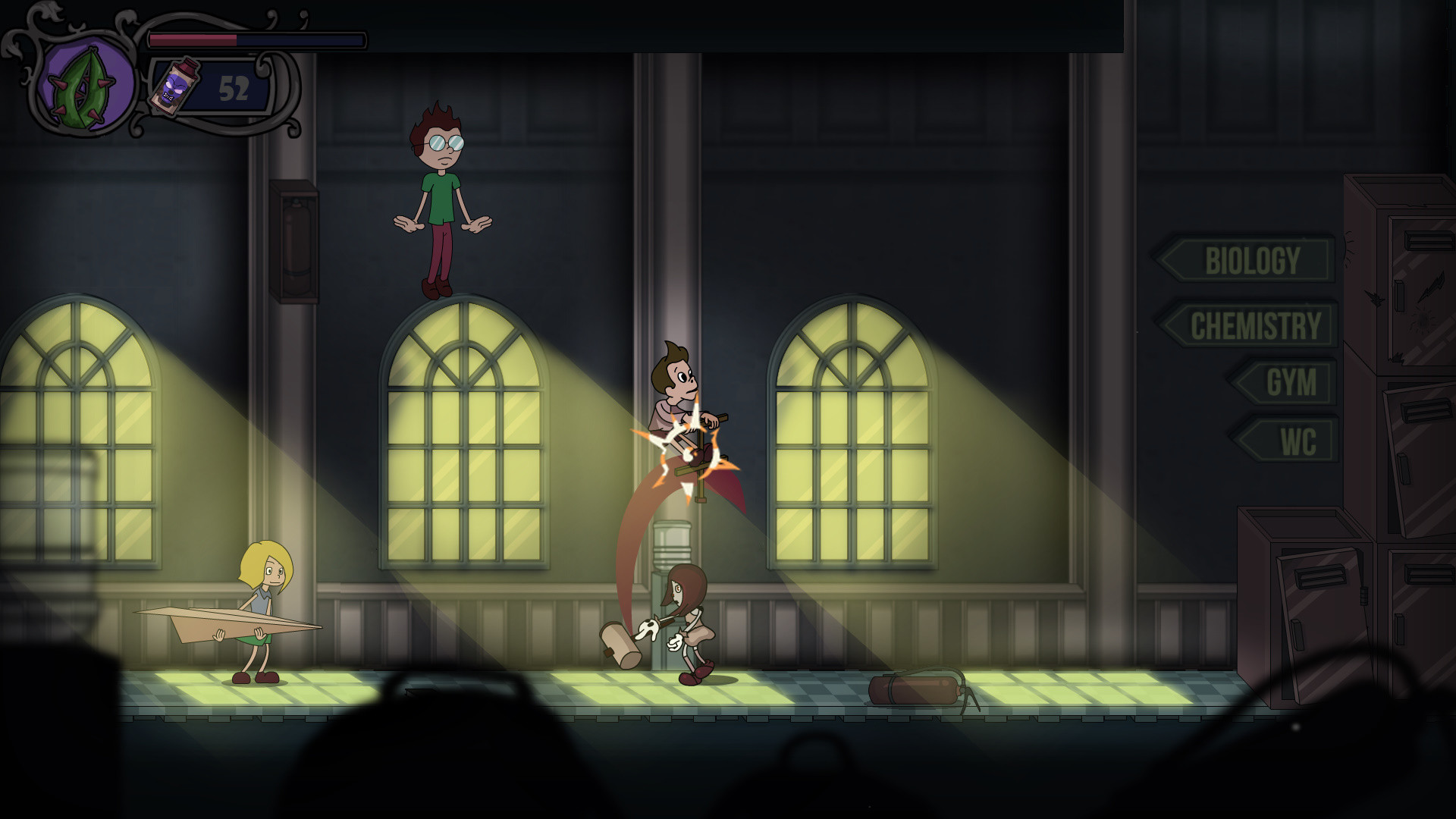
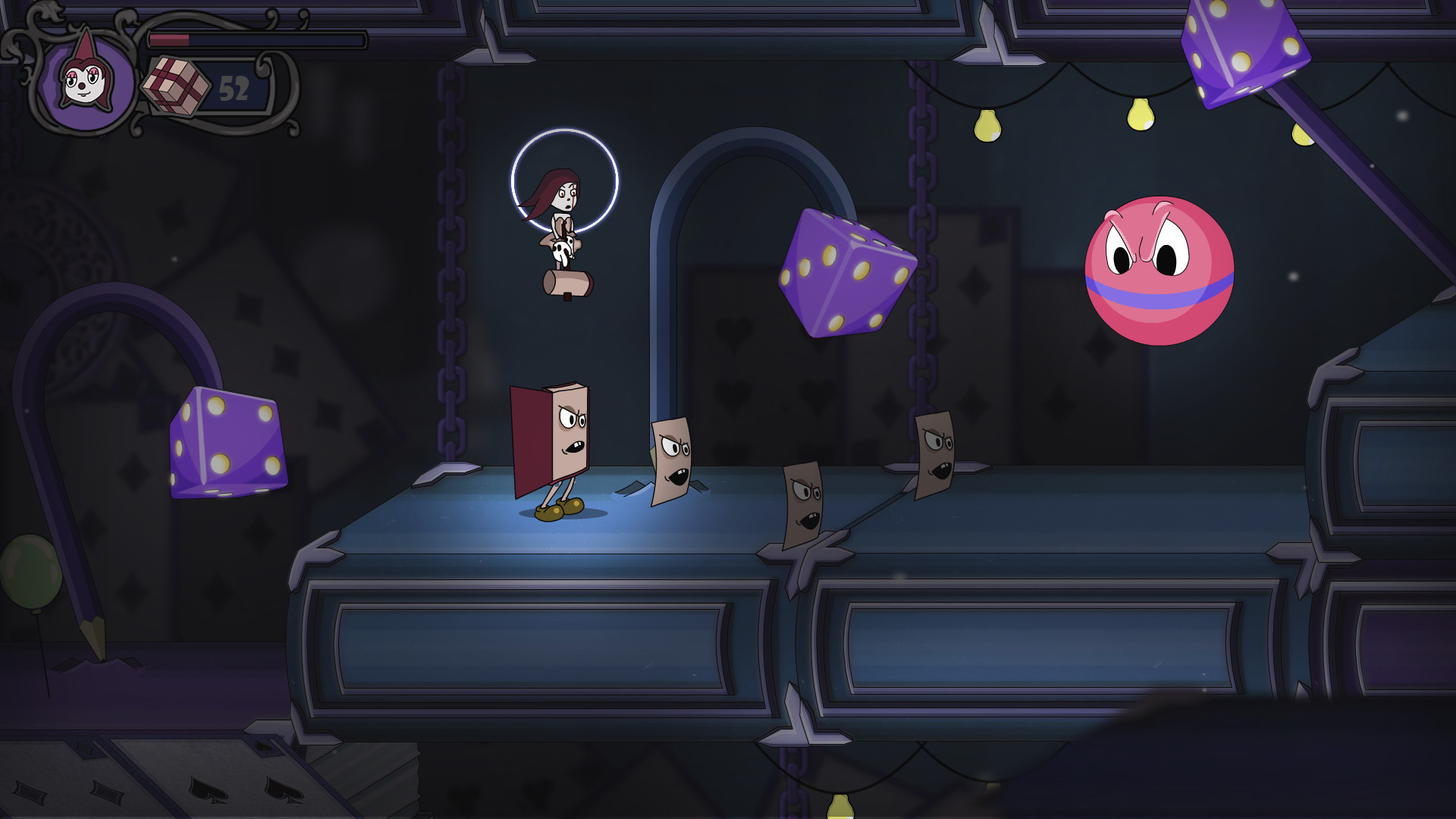
Fearmonium is a psychedelic metroidvania where suspense intertwines with humour. Beginning the game as an unpleasant memory, you must progress and become a true phobia by breaking through all boundaries to uncover the most hidden corners of Max's mind.The whole game will unfold in the inner world of a boy who once saw several clowns at a fair. Their images secured by support of Depression are making their way into the depths of his consciousness through the nightmare, meeting Max’s memories on their way, anxieties and bright images. Will the clowns be able to supplant all objective fears of Max and take the place of his main horror? A huge map of Max’s consciousness, woven from abstract images and half-forgotten memories; Classic and hand-drawn frame-by-frame animation; Dynamic battles with combo attacks and a variety of unique abilities; Information about the process of the formation of new phobias and the nature of human consciousness; Memorable enemies, whose images reflect what Max saw in the real world; The answer to the question: does a phobia always cause irreparable harm, or can its presence change life for better? The game is developed by one person - Slava Gris, inspired by music from Expecte Amour. Fearmonium is a mix of skills of self-taught artist who has received the master's degree of Psychology.