Get 10% back in Relic Coins on every order
Monster Hunter Stories 2: Wings of Ruin Switch cover

NintendoNorth America· Key

Monster Hunter Stories 2: Wings of Ruin Switch

€33.59

+€3.36 cashback eligibility in Relic Coins

Check before you play

Platform
Nintendo
Region
North America
Product type
Key
Developer
Capcom
Publisher
Capcom
Supplier release date
2021-07-09
Genres
Adventure, RPG, Anime

About this product

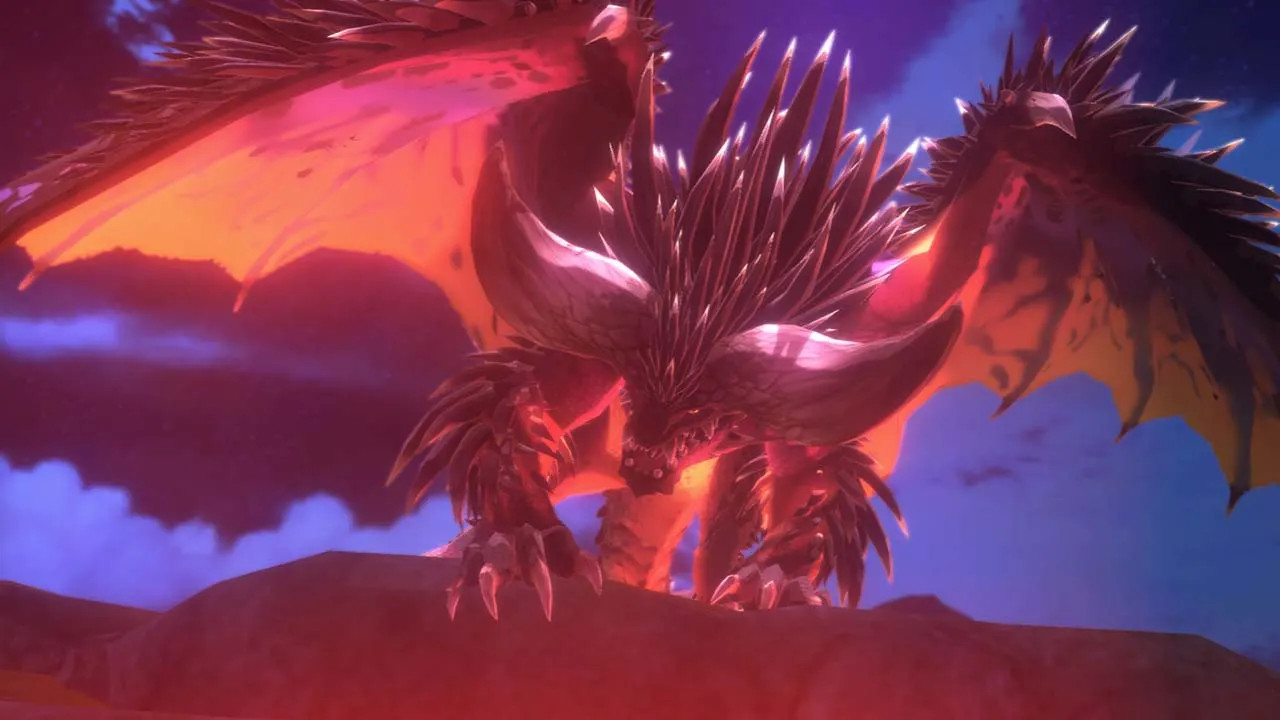
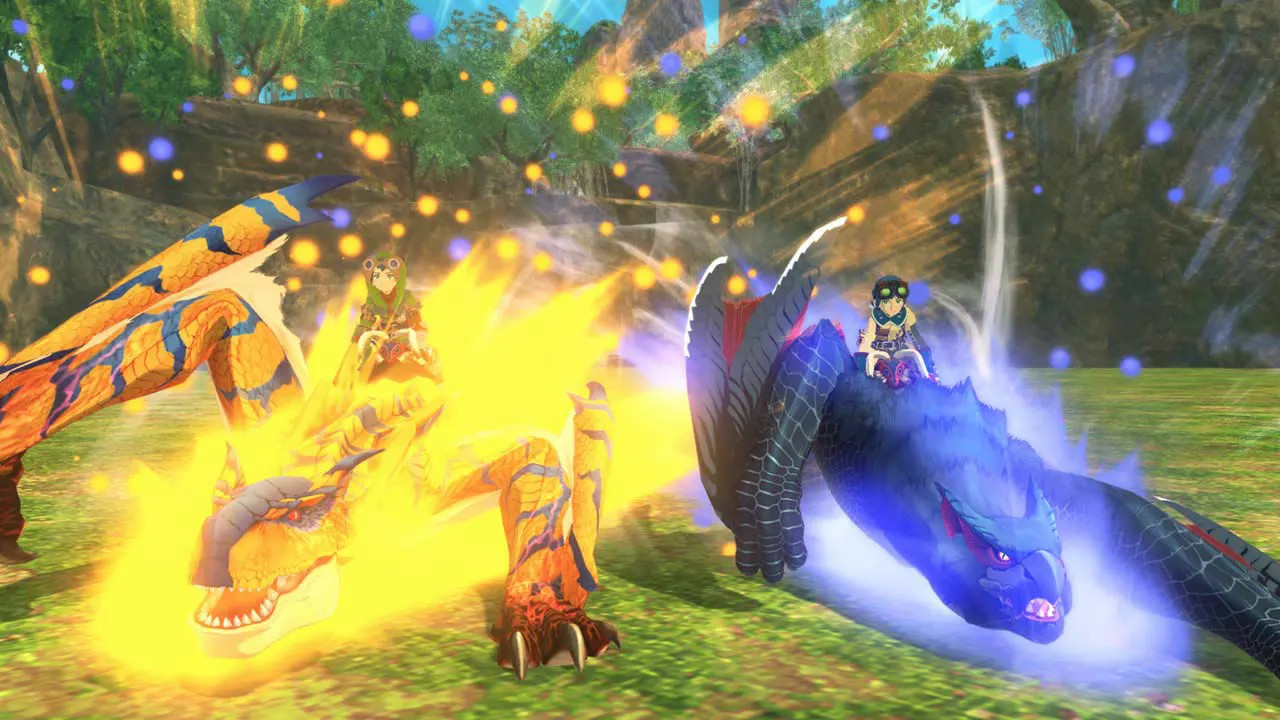
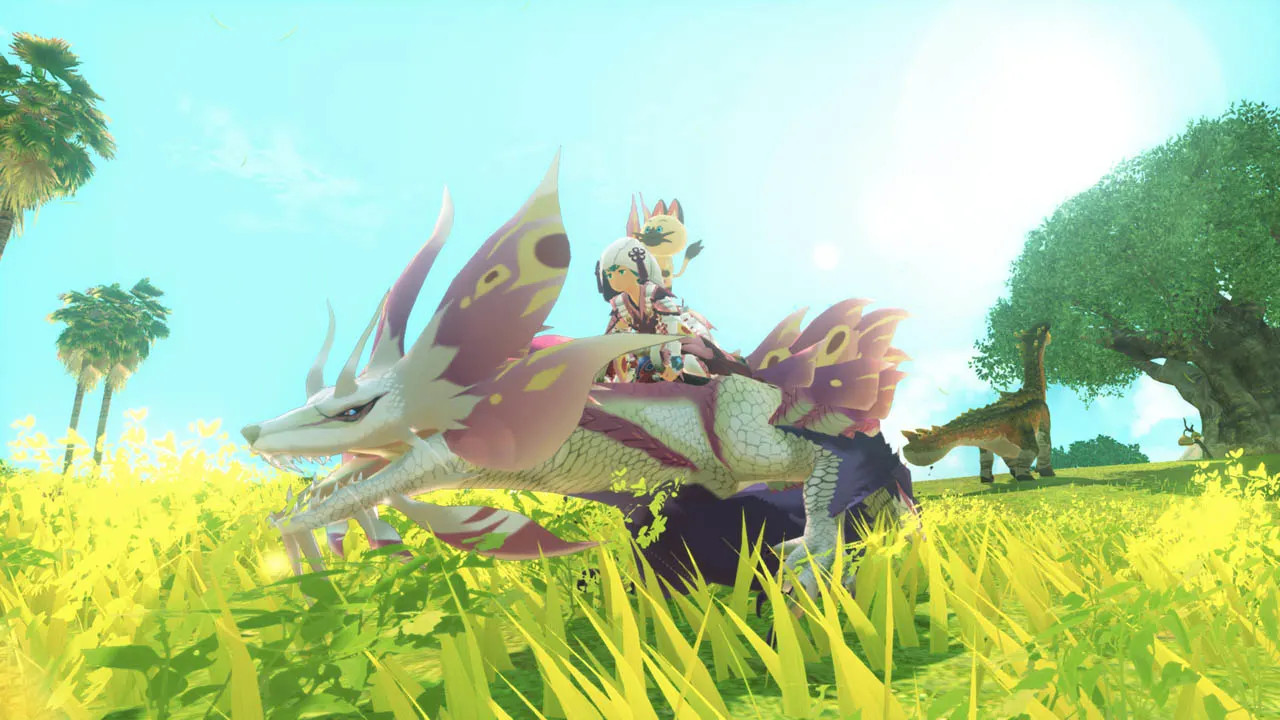
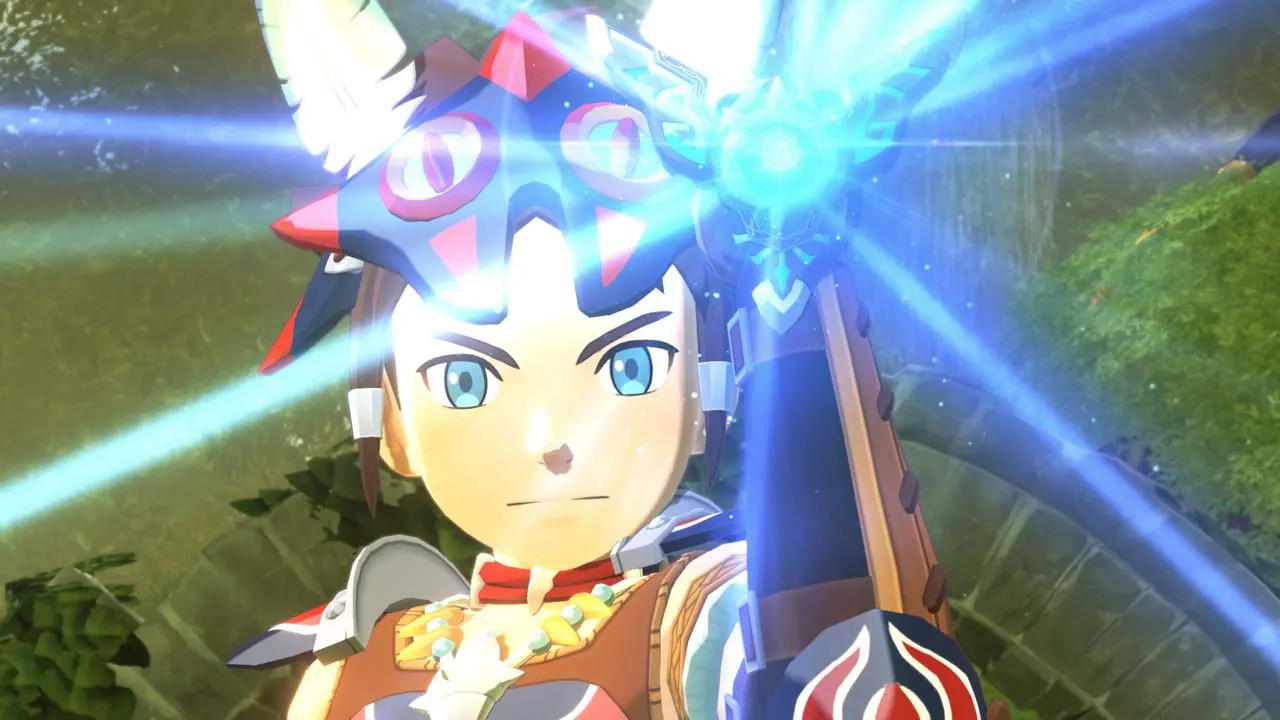
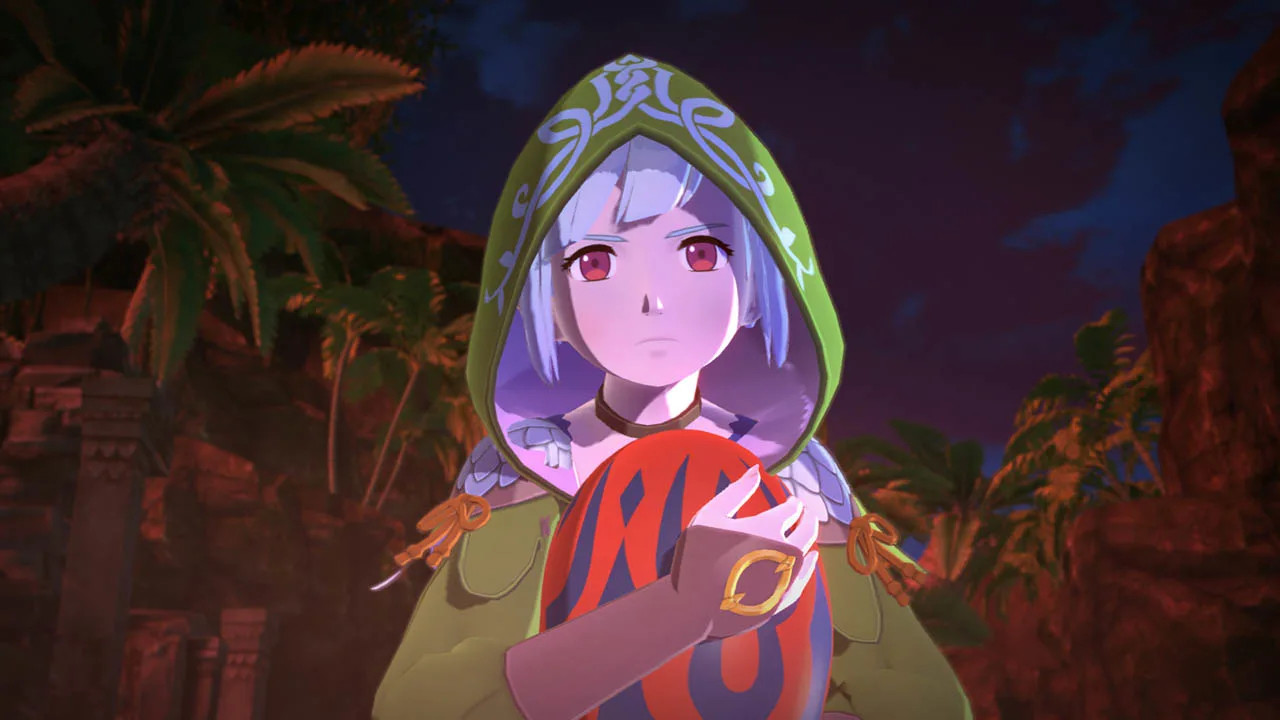
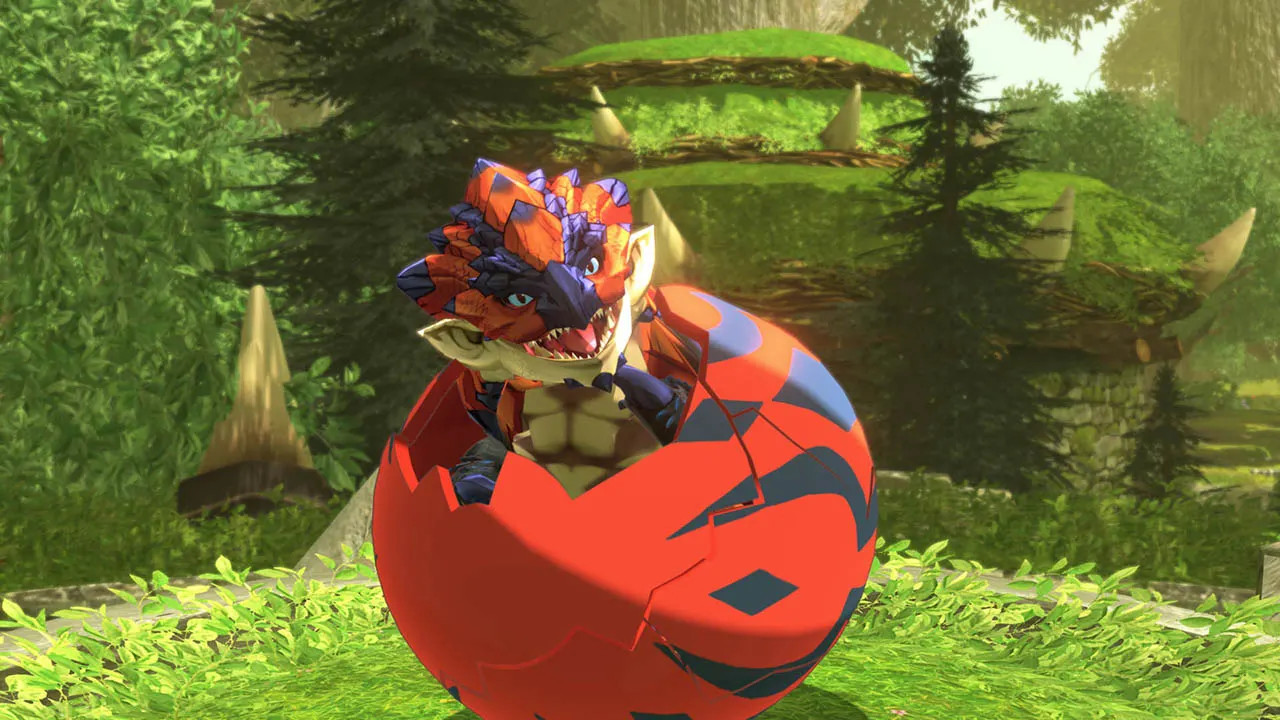
Monster Hunter's turn-based RPG series returns with its second installment! Will your special bond with these monsters bring hope or destruction? A new adventure awaits you in this second installment of the turn-based RPG series set in the world of Monster Hunter! Become a Rider and form bonds with friendly monsters known as Monsties to fight alongside them as you take part in an epic story. You play as the grandson of Red, a legendary Rider. The story begins with a fateful encounter with Ena, a Wyverian girl who has been entrusted with an egg with the potential to hatch into a legendary Rathalos which could wreak havoc if awakened to its destructive power. Embark on a journey which will test the bonds of friendship in a changing world, and discover the truth behind the legends of old.

Monster Hunter Stories 2: Wings of Ruin Switch screenshotMonster Hunter Stories 2: Wings of Ruin Switch screenshotMonster Hunter Stories 2: Wings of Ruin Switch screenshotMonster Hunter Stories 2: Wings of Ruin Switch screenshotMonster Hunter Stories 2: Wings of Ruin Switch screenshotMonster Hunter Stories 2: Wings of Ruin Switch screenshot

How to redeem

  1. 1Check your Nintendo account and the listed region before purchasing.
  2. 2Find your code and supplier activation instructions in your confirmed order.
  3. 3Open the redeem-code section on Nintendo, enter the code and follow the platform’s prompts.

Supplier instructions

Select “Nintendo eShop” on the HOME Menu to launch the Nintendo eShop. Select the account you want to use. Select “Enter Code” on the left side of the screen. Enter the 16-character download code.Any letters and symbols not used with prepaid codes (i.e. O, I, Z, commas, hyphens, etc.) will be disabled from the on-screen keyboard. Select “Send” to confirm. The game will begin downloading once the code is confirmed.The game icon will appear on the HOME menu, with a download status bar. The status bar will disappear once the game download is complete.

You might also like