Get 10% back in Relic Coins on every order
Xenoblade Chronicles Definitive Edition cover

Nintendo SwitchUnited States· Key

Xenoblade Chronicles Definitive Edition

€76.65

+€7.67 cashback eligibility in Relic Coins

Check before you play

Platform
Nintendo Switch
Region
United States
Product type
Key
Developer
Monolith Soft
Publisher
Nintendo
Supplier release date
2020-05-29
Genres
RPG, Anime

About this product

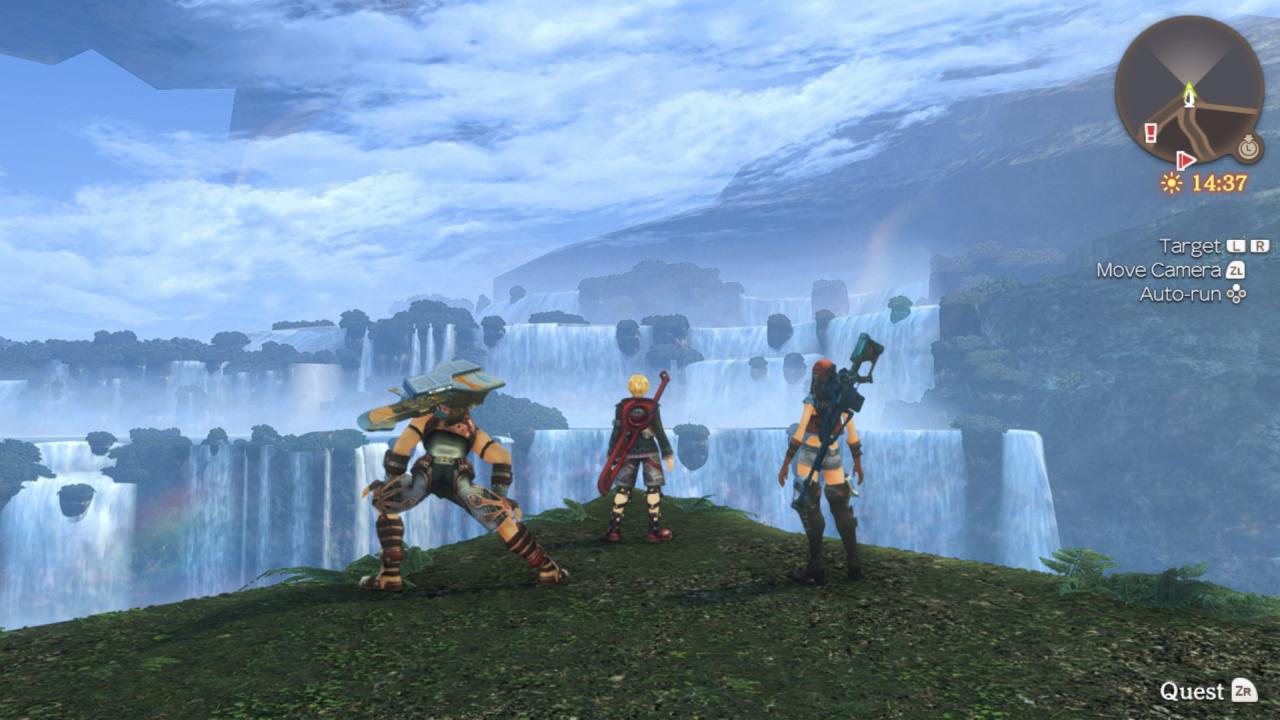
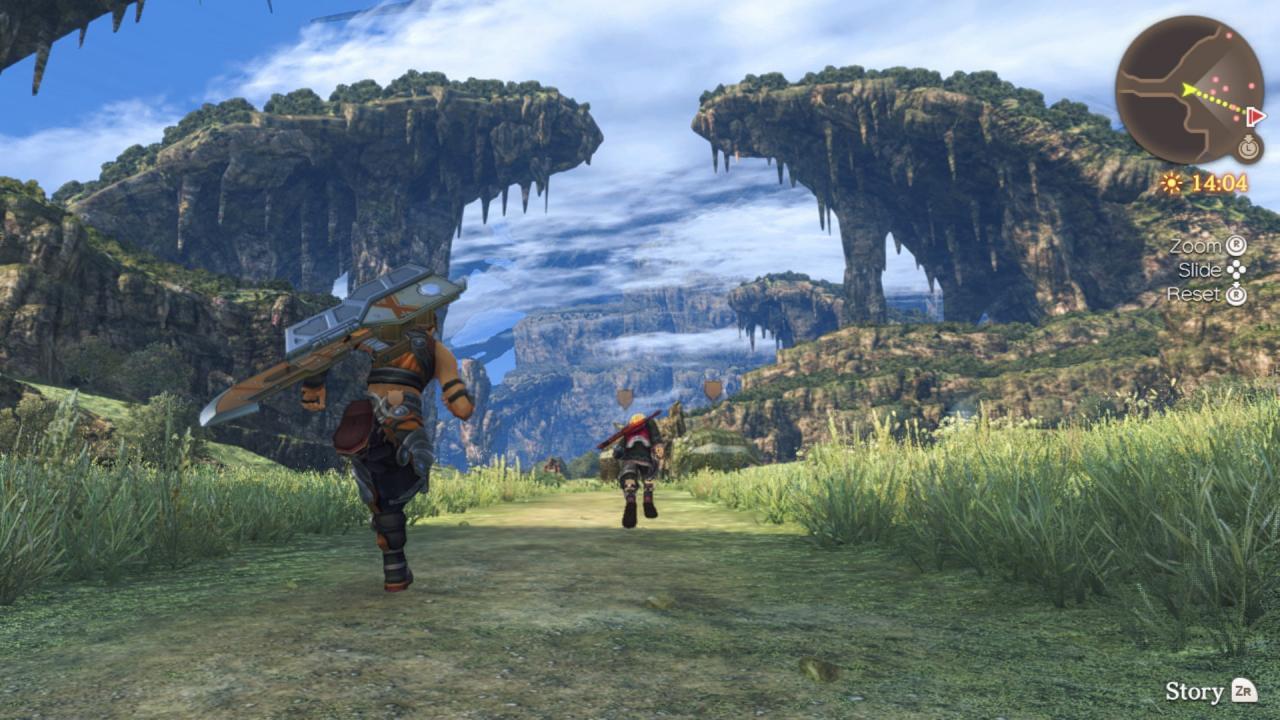
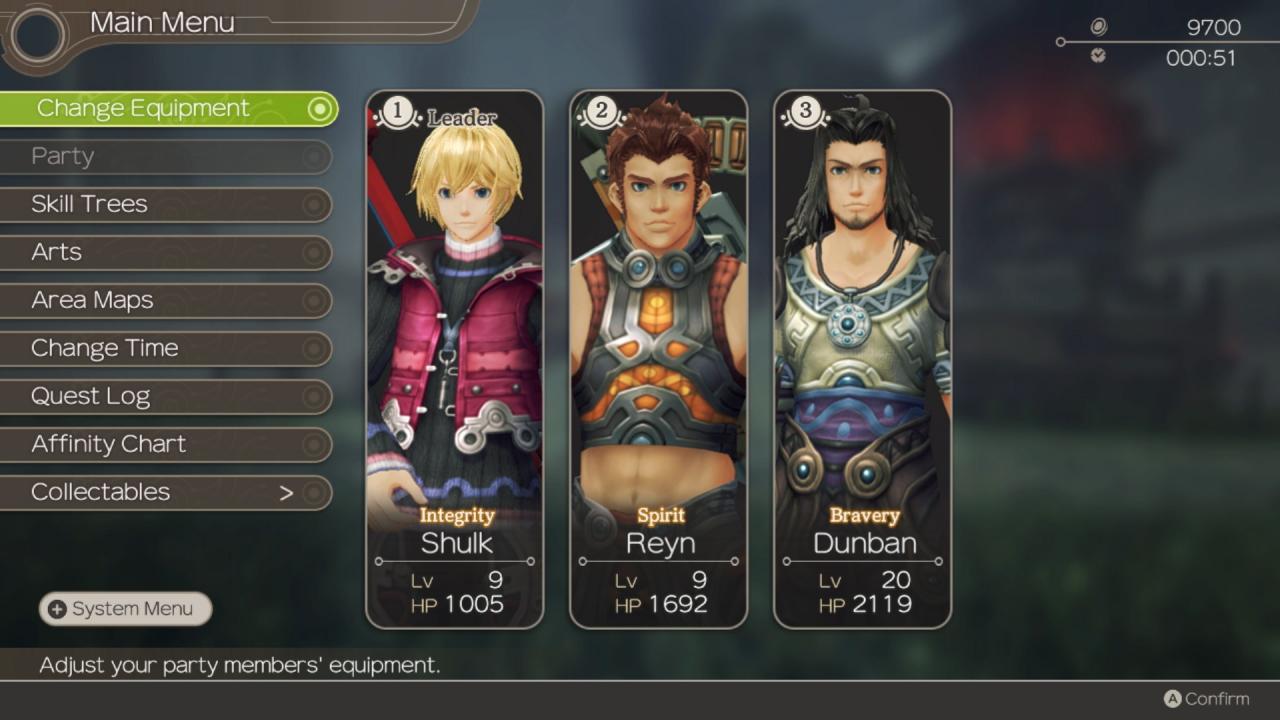
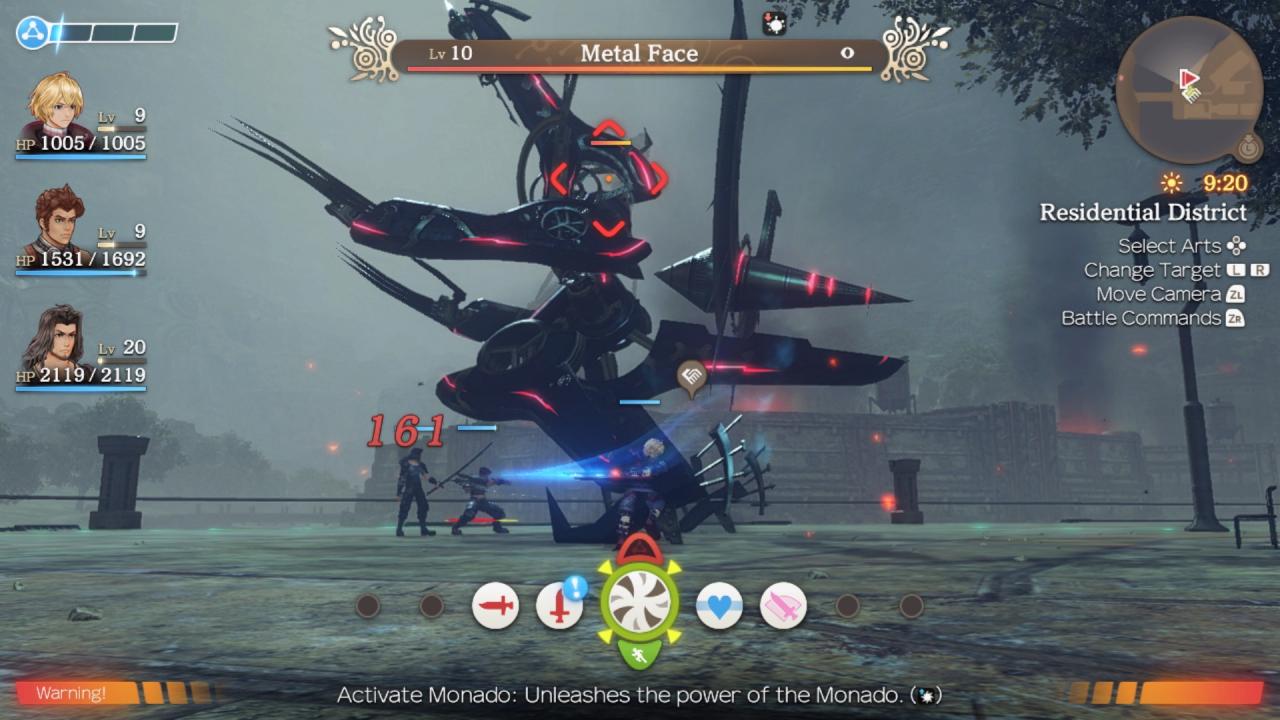
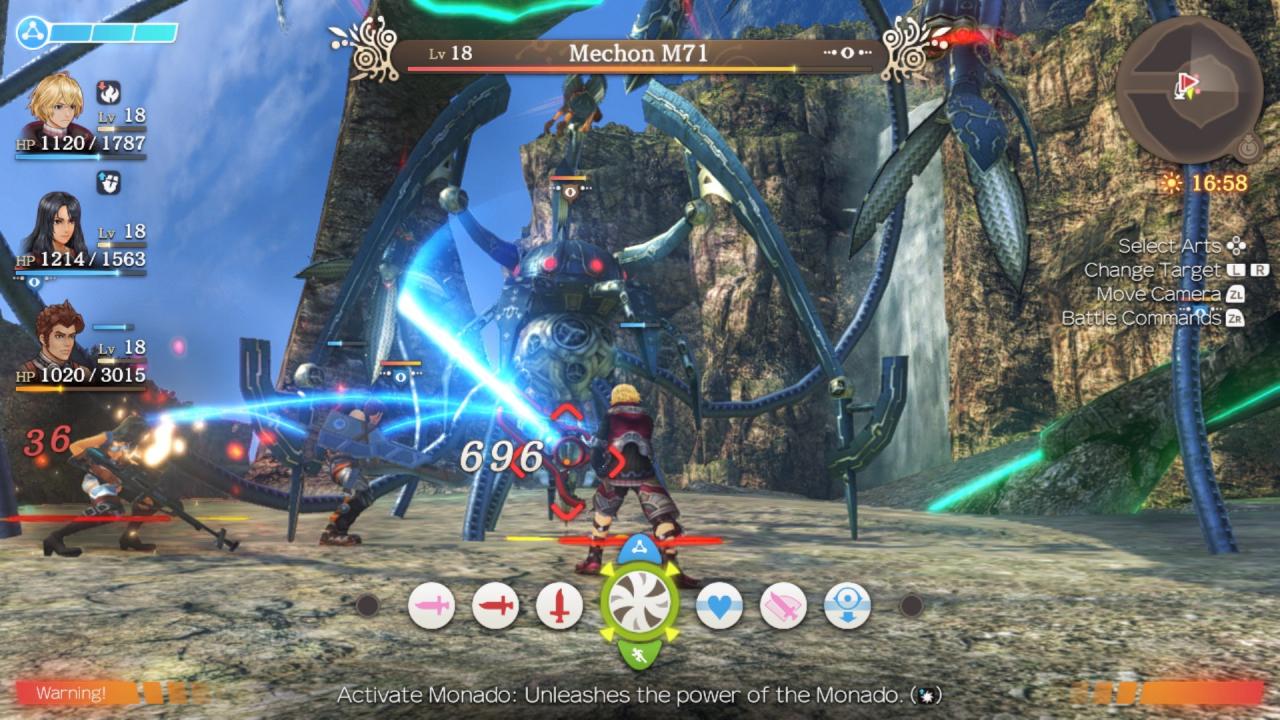
Join the fight between man and machine in the definitive edition of this critically-acclaimed RPG! Discover the origins of Shulk as he and his companions clash against a seemingly-unstoppable mechanical menace. Wield a future-seeing blade, chain together attacks, and carefully position your party members in strategic, real-time combat as you journey across a massive world.During an attack from the mechanical invaders known as the Mechon, Shulk discovers that he can tap into the full power of a mysterious blade known as the Monado. With the mighty Monado in hand, Shulk sets out to defeat the Mechon once and for all.In addition to the Mechon, you’ll run into wildlife that ranges from docile to deadly. Keep an eye on what attracts monsters’ attention to avoid unwanted conflict…or try your hand at bringing down an ultra-powerful Unique Monster.Upgrade your party as you progress through the adventure by selecting equipment, enhancing weapon skills, and using benefit-granting gems. Put your dependable companions to work by filling the party gauge to trigger a Chain Attack and attack enemies in quick succession!

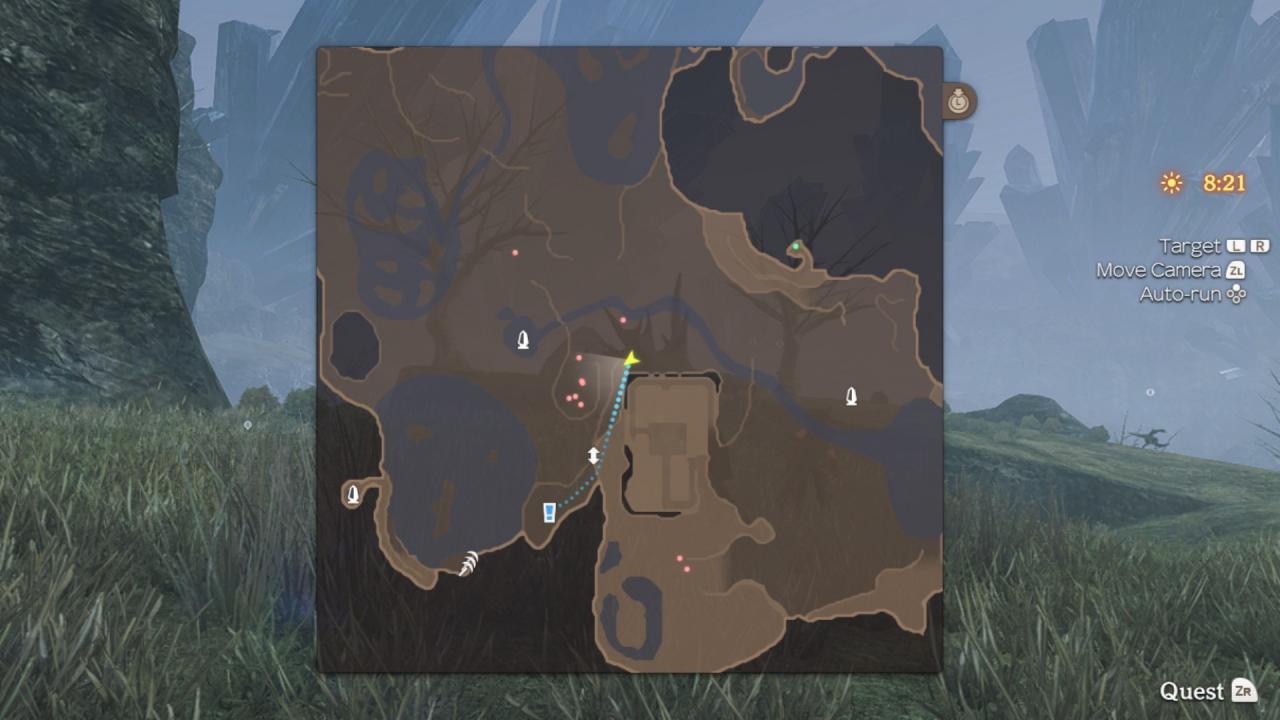
Xenoblade Chronicles Definitive Edition screenshotXenoblade Chronicles Definitive Edition screenshotXenoblade Chronicles Definitive Edition screenshotXenoblade Chronicles Definitive Edition screenshotXenoblade Chronicles Definitive Edition screenshotXenoblade Chronicles Definitive Edition screenshot

How to redeem

  1. 1Check your Nintendo Switch account and the listed region before purchasing.
  2. 2Find your code and supplier activation instructions in your confirmed order.
  3. 3Open the redeem-code section on Nintendo Switch, enter the code and follow the platform’s prompts.

Supplier instructions

Select “Nintendo eShop” on the HOME Menu to launch the Nintendo eShop. Select the account you want to use. Select “Enter Code” on the left side of the screen. Enter the 16-character download code.Any letters and symbols not used with prepaid codes (i.e. O, I, Z, commas, hyphens, etc.) will be disabled from the on-screen keyboard. Select “Send” to confirm. The game will begin downloading once the code is confirmed.The game icon will appear on the HOME menu, with a download status bar. The status bar will disappear once the game download is complete.

You might also like