Get 10% back in Relic Coins on every order
Tropico 5 - Gone Green DLC cover

Steam Europe - All Countries· DLC

Tropico 5 - Gone Green DLC

€0.47

+€0.05 cashback eligibility in Relic Coins

Check before you play

Platform
Steam
Region
Europe - All Countries
Product type
DLC

Check the required base game and edition before purchasing this add-on.

Developer
Haemimont Games
Publisher
Kalypso Media
Supplier release date
2015-02-12
Genres
Strategy, RPG, Simulation

About this product

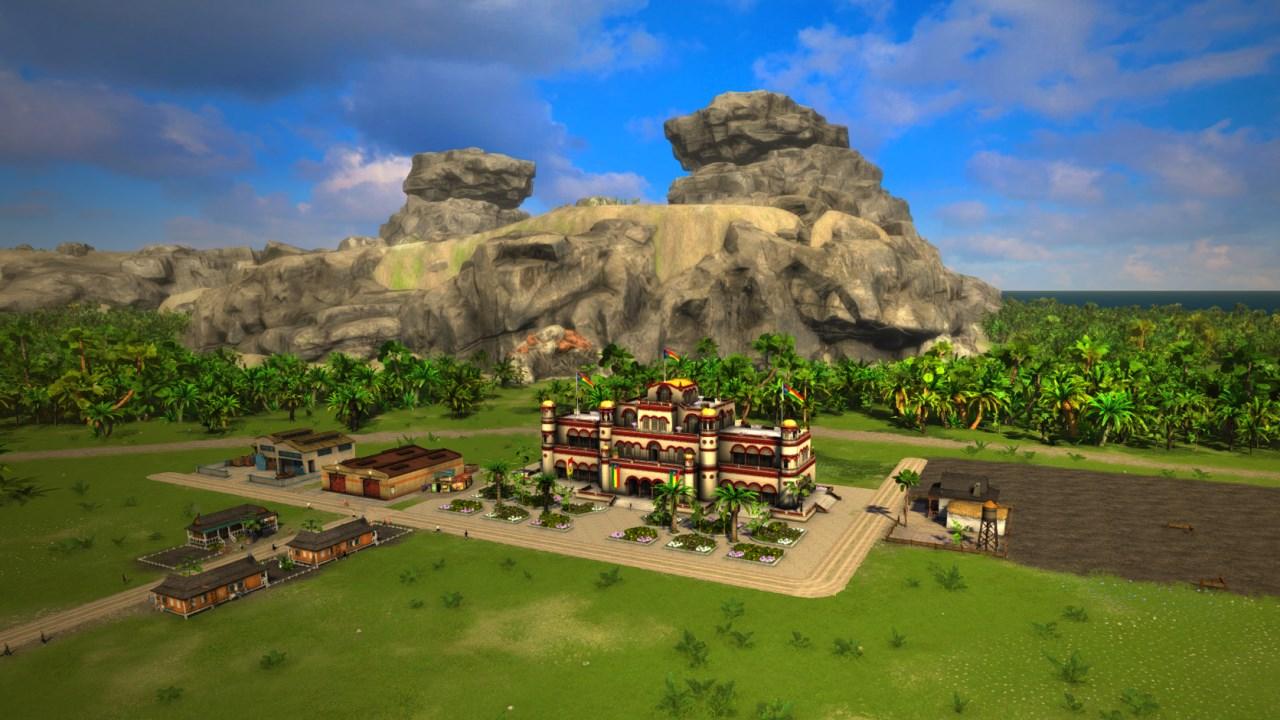
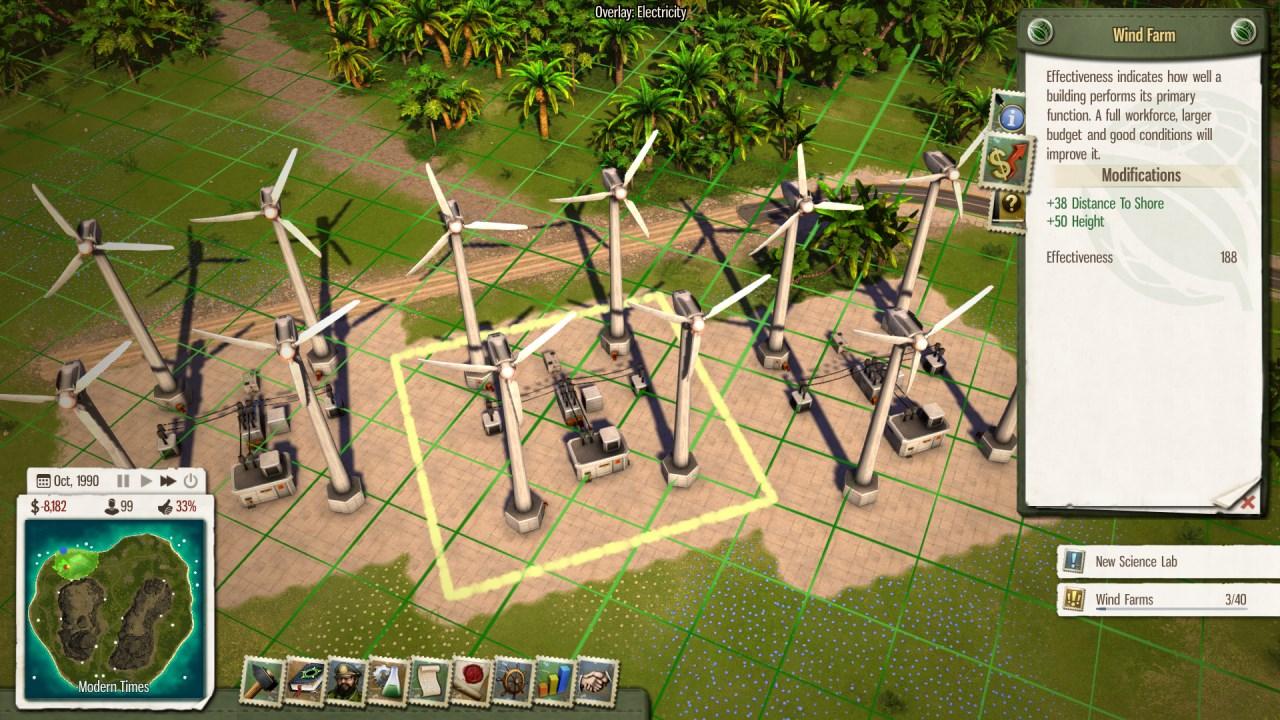
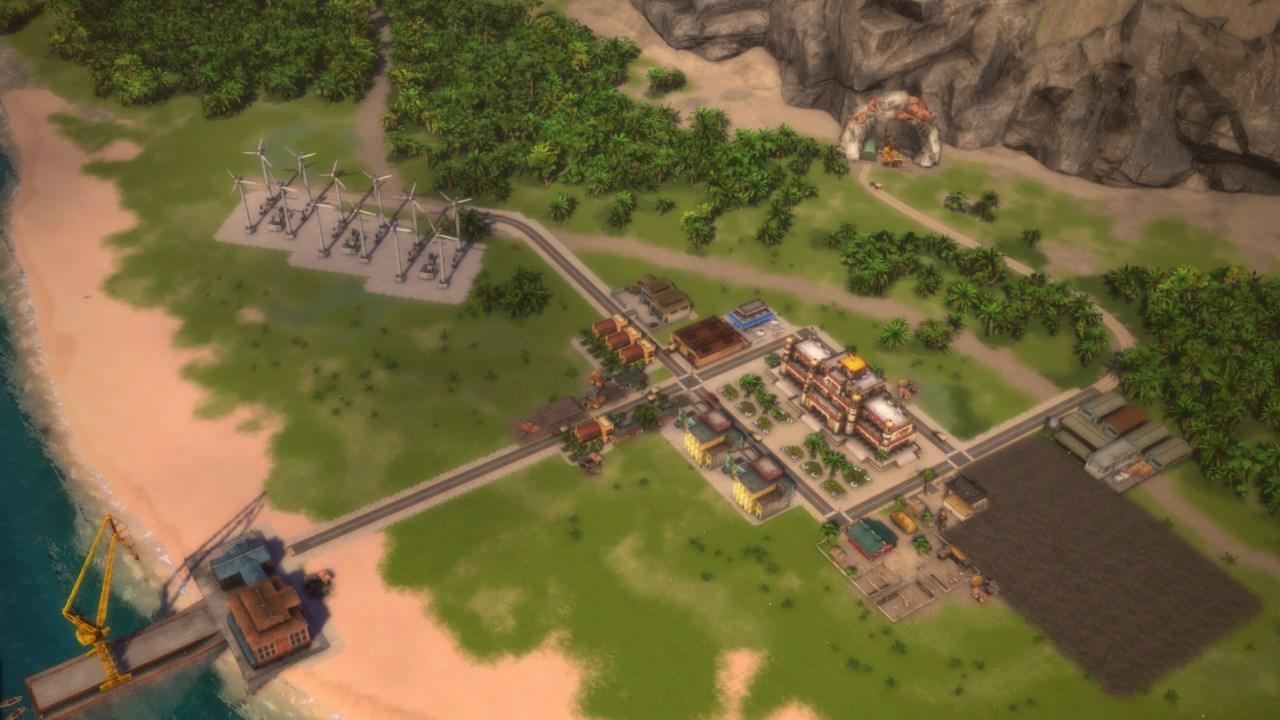
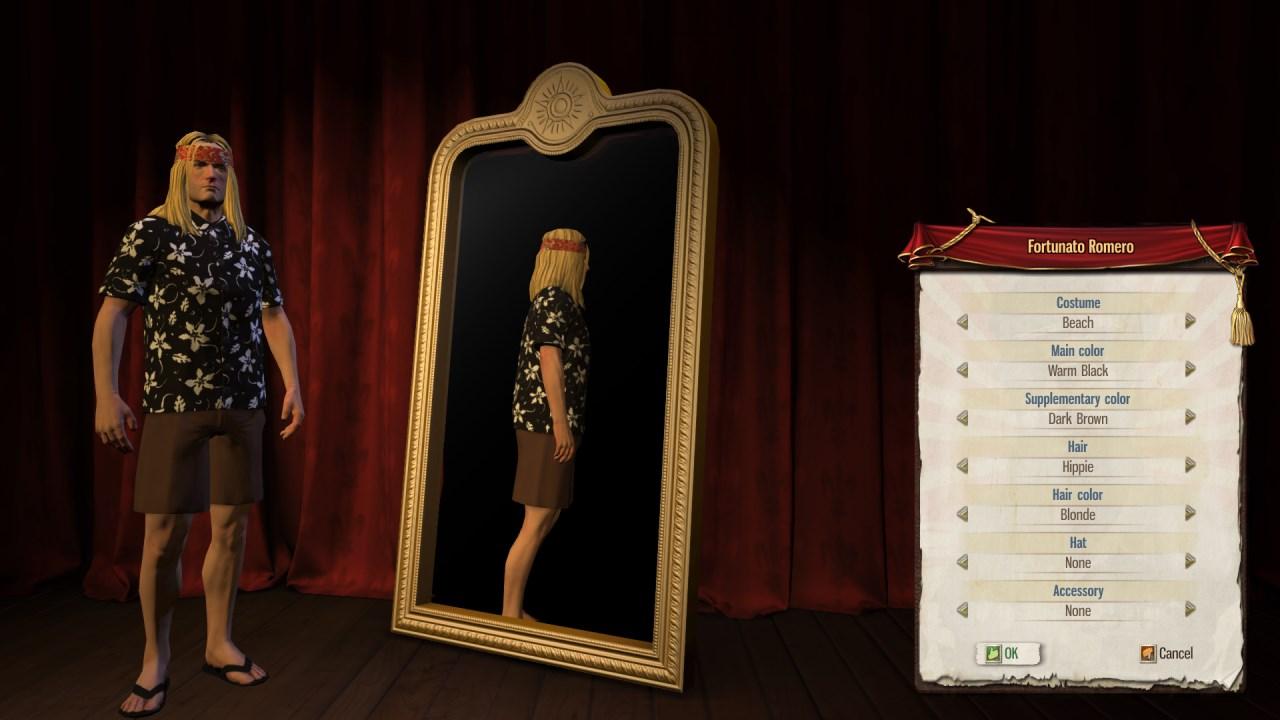
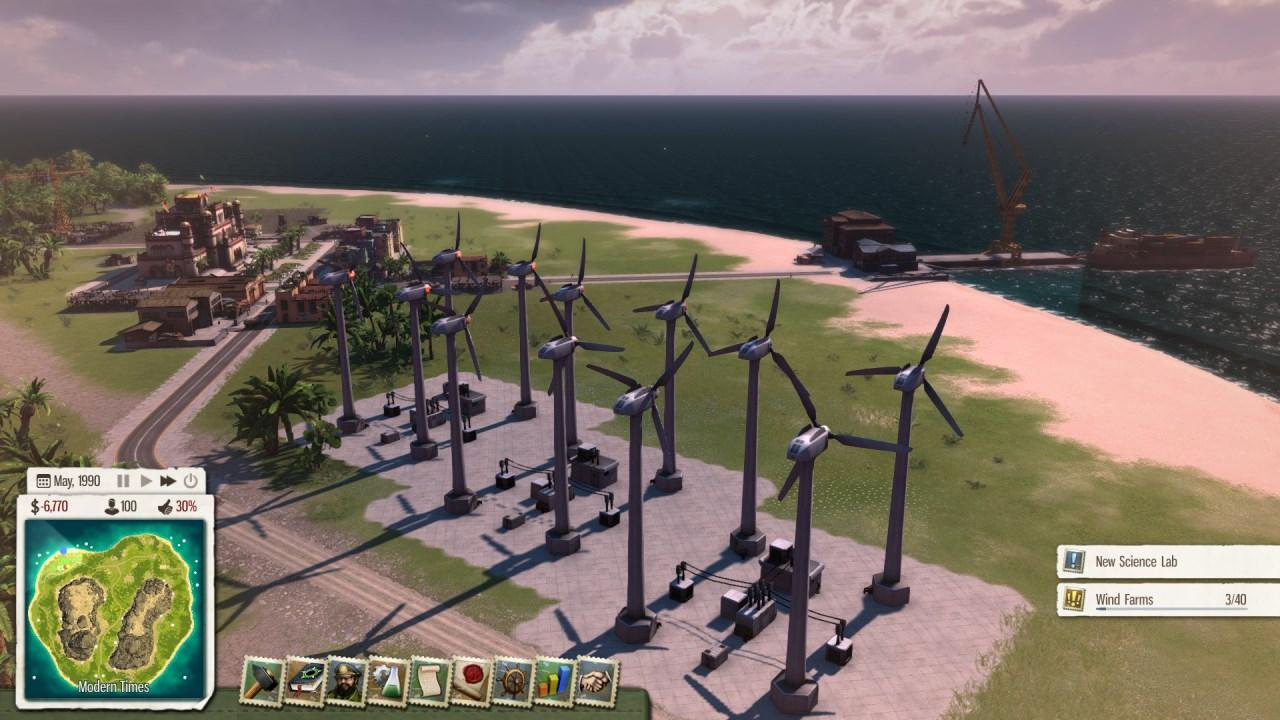
It’s an endless struggle trying to please the people of Tropico – and this time El Presidente needs to go green in order to get out of trouble. Of course, this is all to protect the funds of his Swiss bank account – which are obtained through the simple method of exporting ludicrously large amounts of crude oil to competing superpowers. Help El Prez promote a better image of the island by building 100% eco-friendly windfarms as a cheap and renewable source of energy and turn Tropico into a positive showcase of modern sustainability. Features New standalone scenario: „Catch the Toucan!“ – Early bird catches the windmill rotor New building: The Windfarm – A clean, renewable source of energy New dynasty avatar accessory: Blend in with the eco-crowd with your new hippie haircut New sandbox map: Isabella New music track and additional voice recordings


Tropico 5 - Gone Green DLC screenshotTropico 5 - Gone Green DLC screenshotTropico 5 - Gone Green DLC screenshotTropico 5 - Gone Green DLC screenshotTropico 5 - Gone Green DLC screenshot

How to redeem

  1. 1Check the required base game, platform and edition before purchasing.
  2. 2Find the code or supplier activation instructions in your confirmed order.
  3. 3Redeem on Steam using the supplied instructions, then install the add-on with the compatible base game.

Supplier instructions

Go to: http://store.steampowered.com/ and download STEAM client Click "Install Steam" (from the upper right corner) Install and start application, login with your Account name and Password (create one if you don't have). Please follow these instructions to activate a new retail purchase on Steam: Launch Steam and log into your Steam account. Click the Games Menu. Choose Activate a Product on Steam... Follow the onscreen instructions to complete the process. After successful code verification go to the "MY GAMES" tab and start downloading.

You might also like