Get 10% back in Relic Coins on every order
Tropico 5 - Surfs Up! DLC cover

Steam Europe - All Countries· DLC

Tropico 5 - Surfs Up! DLC

€0.83

+€0.08 cashback eligibility in Relic Coins

Check before you play

Platform
Steam
Region
Europe - All Countries
Product type
DLC

Check the required base game and edition before purchasing this add-on.

Developer
Haemimont Games
Publisher
Kalypso Media
Supplier release date
2015-01-08
Genres
Strategy, RPG, Simulation

About this product

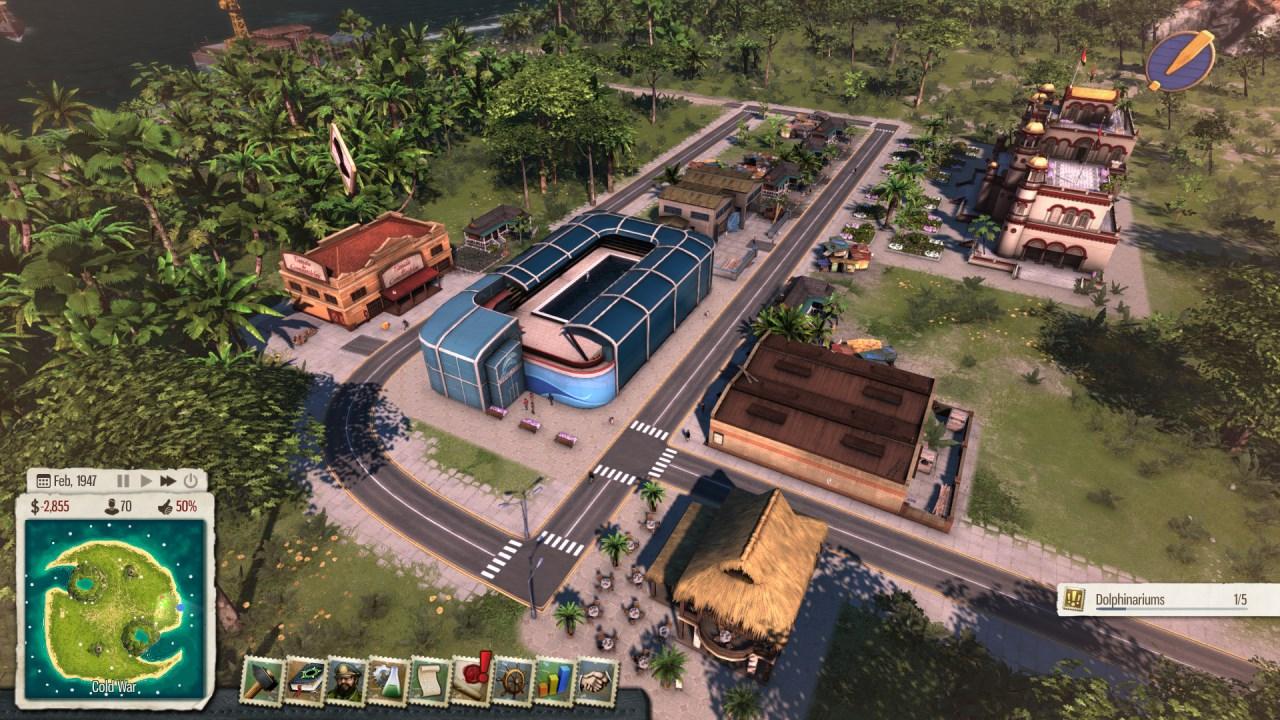
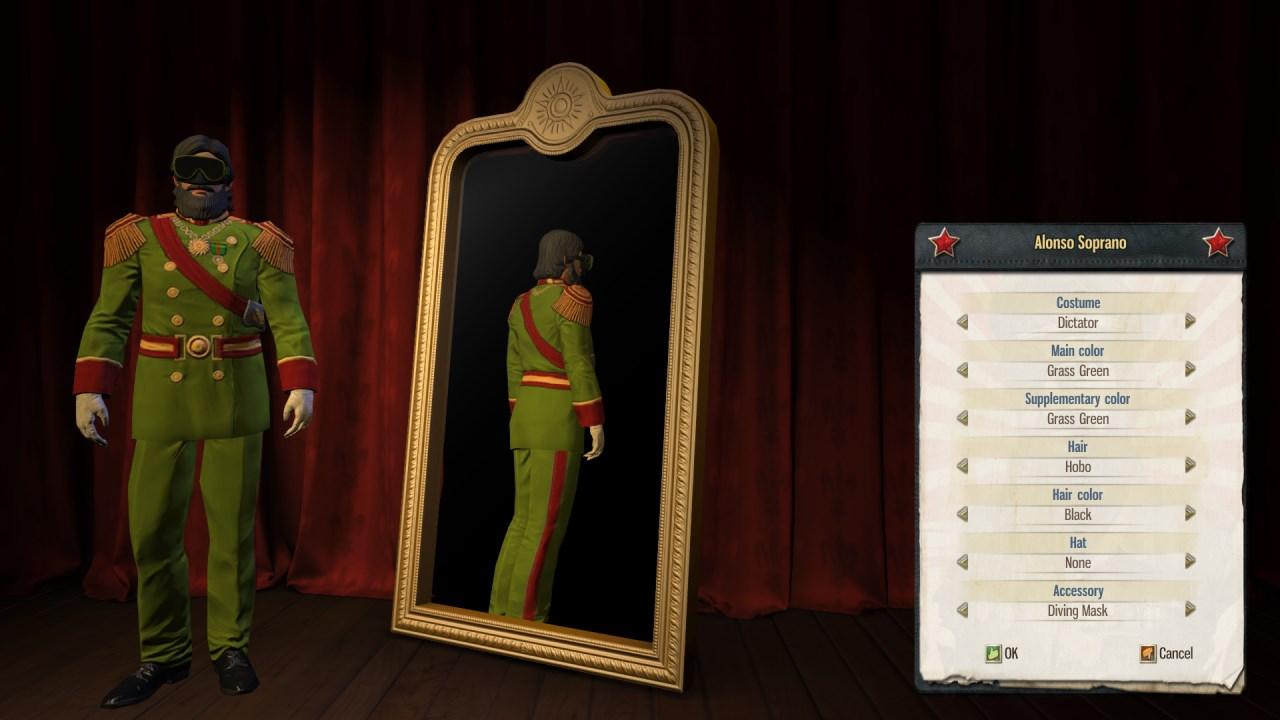
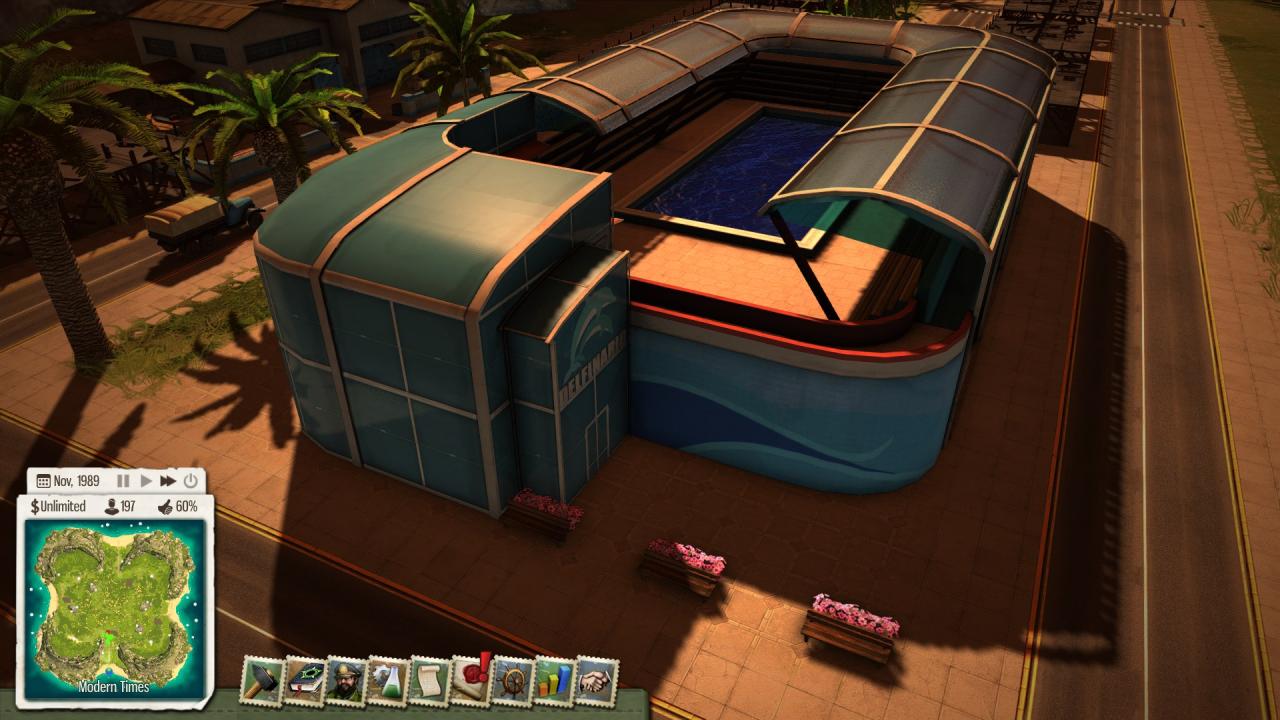
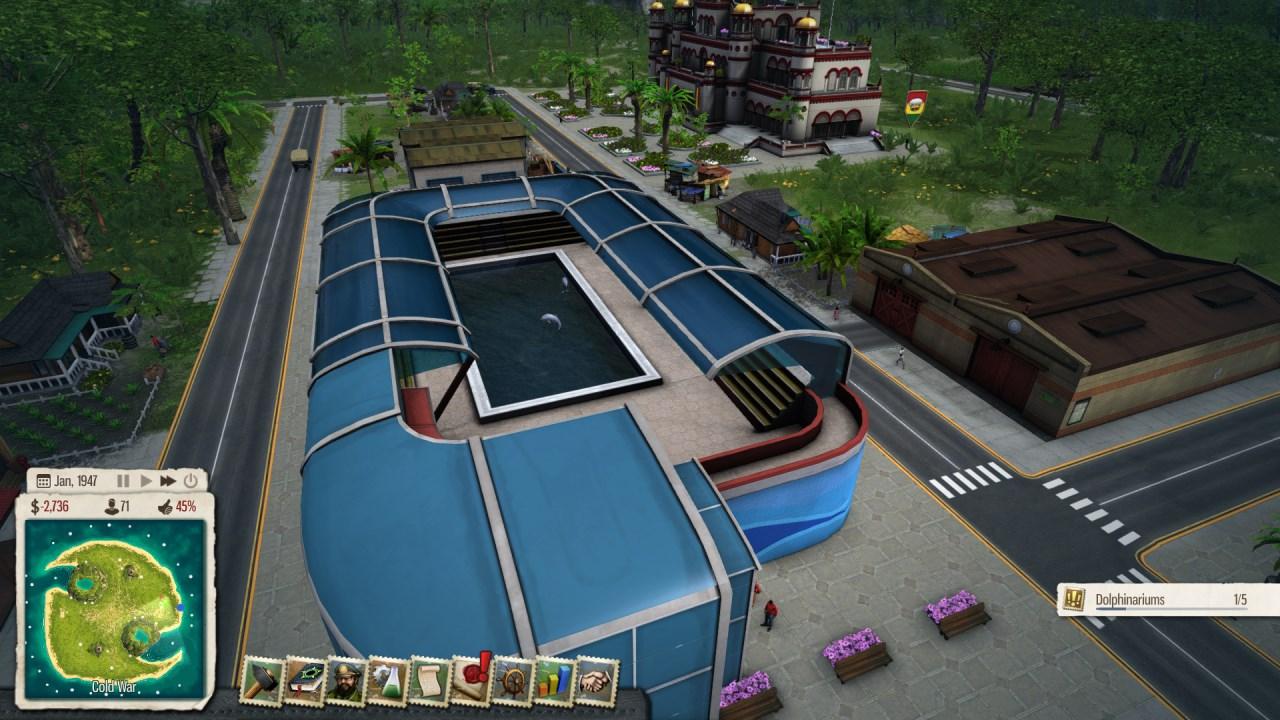
Come with El Presidente on a journey through time and space in the new ‘Surf’s Up!’ DLC for Tropico 5. In the not-too-distant future, Earth is under threat of alien incursion. The only hope for Tropico lies with the wise dolphins of the Pacific Ocean, who hold the power to veto this decision through bureaucracy! The Tropicans of tomorrow have asked El Presidente to utilise the brand new Dolphinarium building in order to attract tourists, make money and save the beautiful sea creatures. Help protect the island from unnecessary space tolls and you might just find the answer to the question of life, the universe and everything. Features New standalone scenario: “Surf’s Up!” – Save the dolphins, save the world New building: The Dolphinarium – Fill your tourists with awe and marvel at the wonders of nature New dynasty avatar accessory: Look like a professional marine-biologist with The Diving Mask New sandbox map: Qualichi New music track and additional voice recordings

Tropico 5 - Surfs Up! DLC screenshotTropico 5 - Surfs Up! DLC screenshotTropico 5 - Surfs Up! DLC screenshotTropico 5 - Surfs Up! DLC screenshotTropico 5 - Surfs Up! DLC screenshot

How to redeem

  1. 1Check the required base game, platform and edition before purchasing.
  2. 2Find the code or supplier activation instructions in your confirmed order.
  3. 3Redeem on Steam using the supplied instructions, then install the add-on with the compatible base game.

Supplier instructions

Go to: http://store.steampowered.com/ and download STEAM client Click "Install Steam" (from the upper right corner) Install and start application, login with your Account name and Password (create one if you don't have). Please follow these instructions to activate a new retail purchase on Steam: Launch Steam and log into your Steam account. Click the Games Menu. Choose Activate a Product on Steam... Follow the onscreen instructions to complete the process. After successful code verification go to the "MY GAMES" tab and start downloading.

You might also like