

SteamGlobal· Key
Road Not Taken
€7.04
+€0.70 cashback eligibility in Relic Coins
Check before you play
- Platform
- Steam
- Region
- Global
- Product type
- Key
- Developer
- Spry Fox
- Publisher
- Spry Fox
- Genres
- Indie
SteamGlobal· Key
€7.04
+€0.70 cashback eligibility in Relic Coins
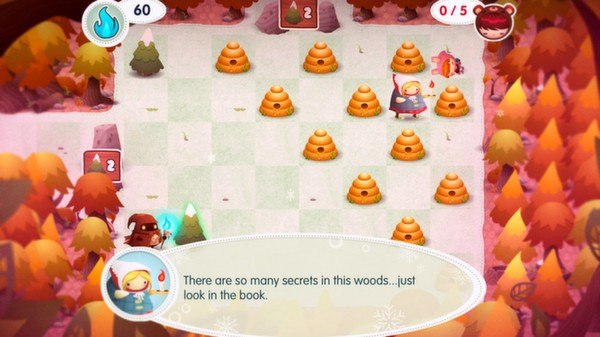
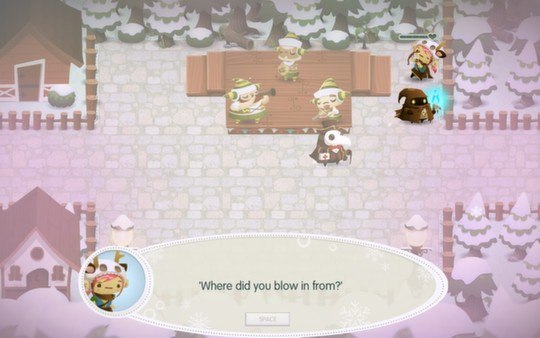
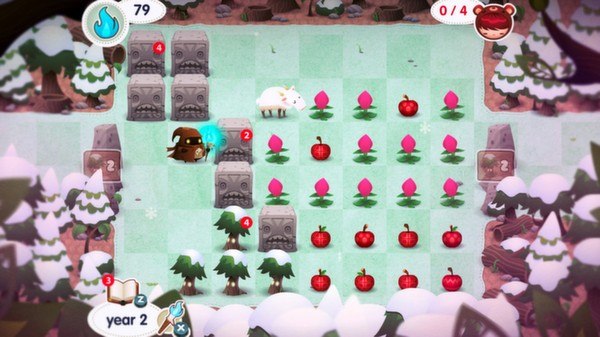
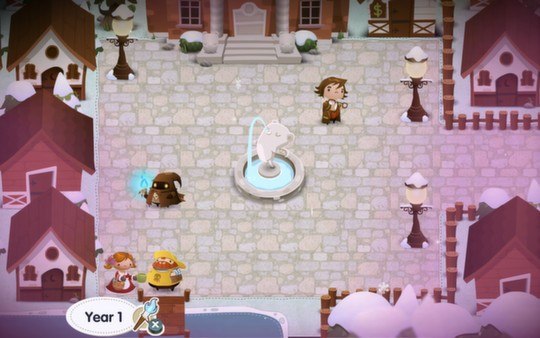
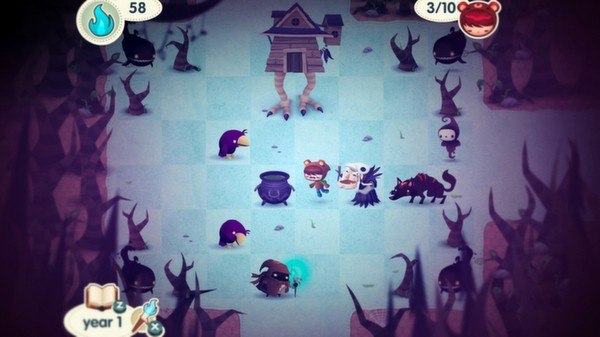
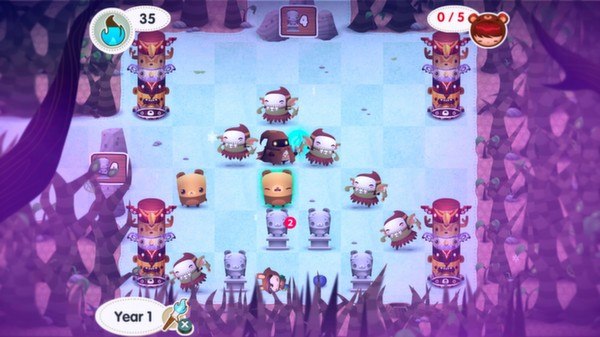
Road Not Taken Steam Key Platform: Steam Languages: EN/FR/IT/DE/ES/JP Release Date: 5 Aug 2014 Product Description Road Not Taken is a roguelike puzzle game about surviving life’s surprises. You play as a ranger adventuring through a vast, unforgiving forest in the aftermath of a brutal winter storm, rescuing children who have lost their way. Randomly generated levels deliver a limitless supply of possibilities to explore and challenges to overcome. Your actions will influence not only your own story, but that of the villagers you hope to befriend and the town you call home. Features No path leads to the same destination in Road Not Taken. The trails you take will change, the relationships you pursue will twist in ways you might not expect, and the narrative you create with every action will be yours to decide. Every playthrough offers new and unusual creatures to encounter, secrets and items to discover, townsfolk to build relationships with, and devilish, hand-crafted puzzle rooms to solve. Brains, Not Brawn Your character has the magical ability to levitate and move objects. You must figure out how to use your talents and tactics to circumvent or defeat a wide variety of dangerous creatures, obstacles, and boss encounters. Get Lost in the Wild Road Not Taken is brought to life with gorgeous 2D artwork, expressively charming sprite design, and an evocative, atmospheric soundtrack. Every puzzle is a challenge of exploration and strategy, testing players to think before taking each step forward. System Requirements OS: Windows XP Memory: 2 GB RAM
Go to: http://store.steampowered.com/ and download STEAM client Click "Install Steam" (from the upper right corner) Install and start application, login with your Account name and Password (create one if you don't have). Please follow these instructions to activate a new retail purchase on Steam: Launch Steam and log into your Steam account. Click the Games Menu. Choose Activate a Product on Steam... Follow the onscreen instructions to complete the process. After successful code verification go to the "MY GAMES" tab and start downloading.