

SteamGlobal· Key
Cloud Chamber
€2.95
+€0.30 cashback eligibility in Relic Coins
Check before you play
- Platform
- Steam
- Region
- Global
- Product type
- Key
- Developer
- Investigate North
- Supplier release date
- 2014-08-07
- Genres
- Adventure, MMO, Indie
SteamGlobal· Key
€2.95
+€0.30 cashback eligibility in Relic Coins
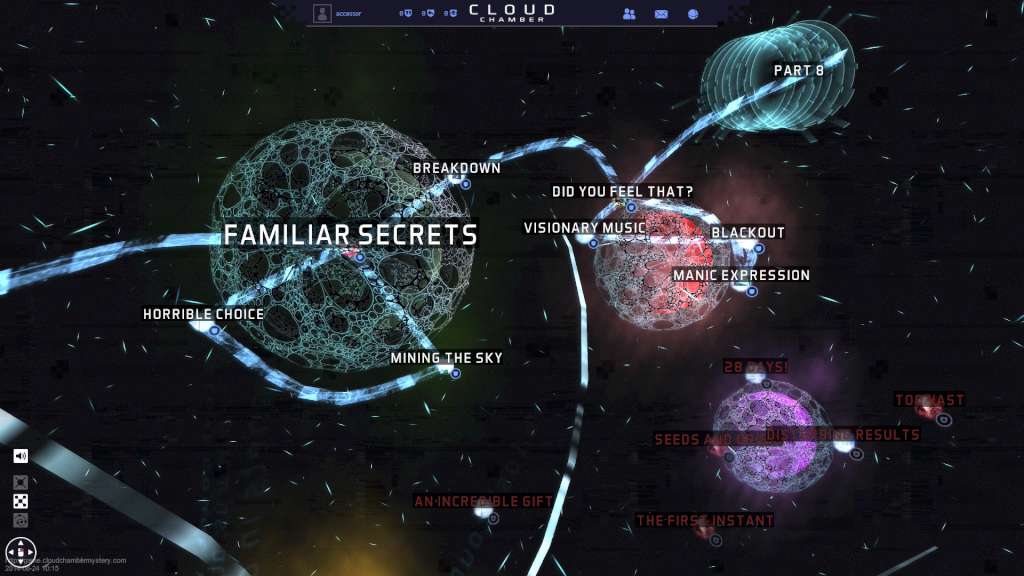
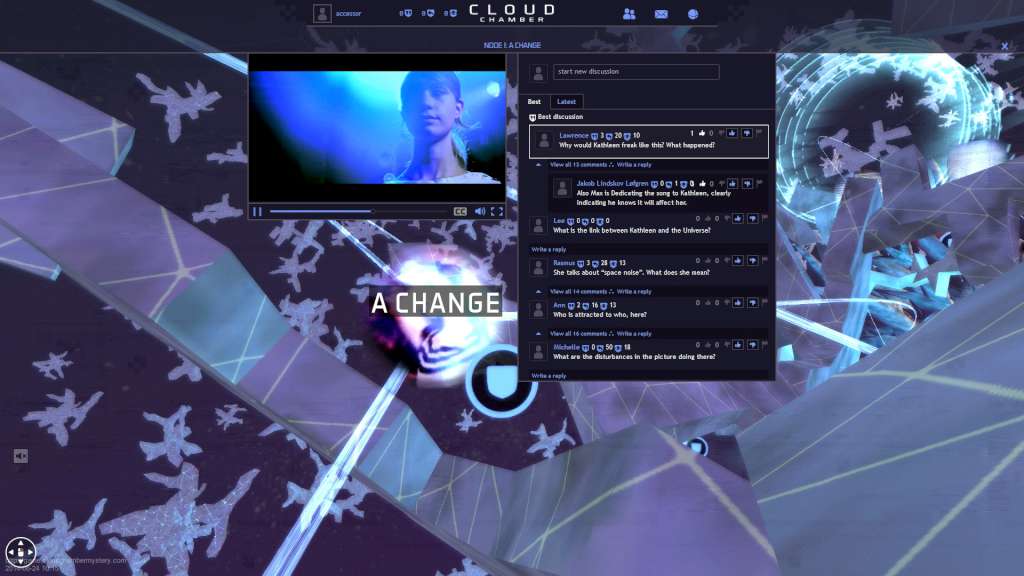
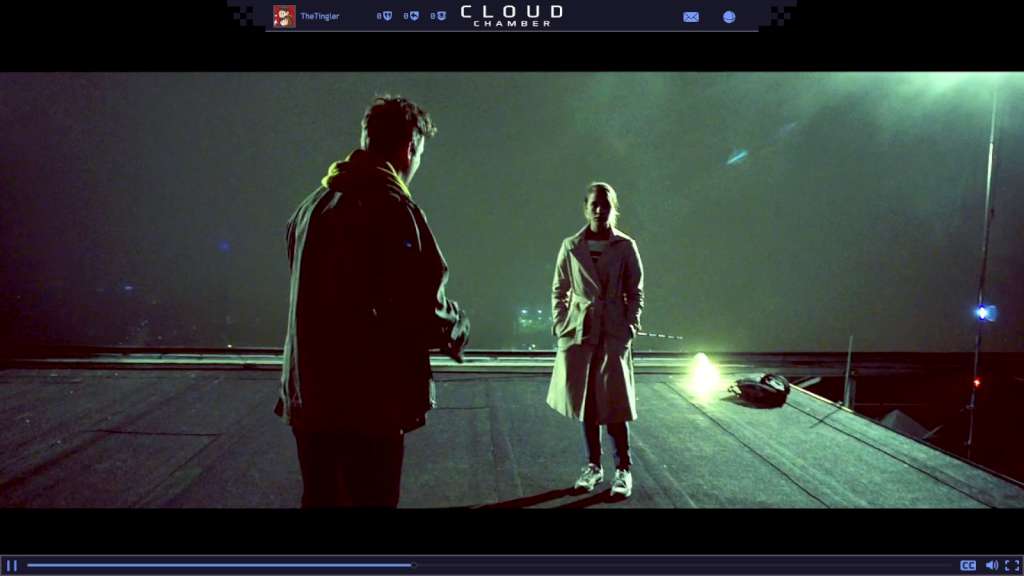
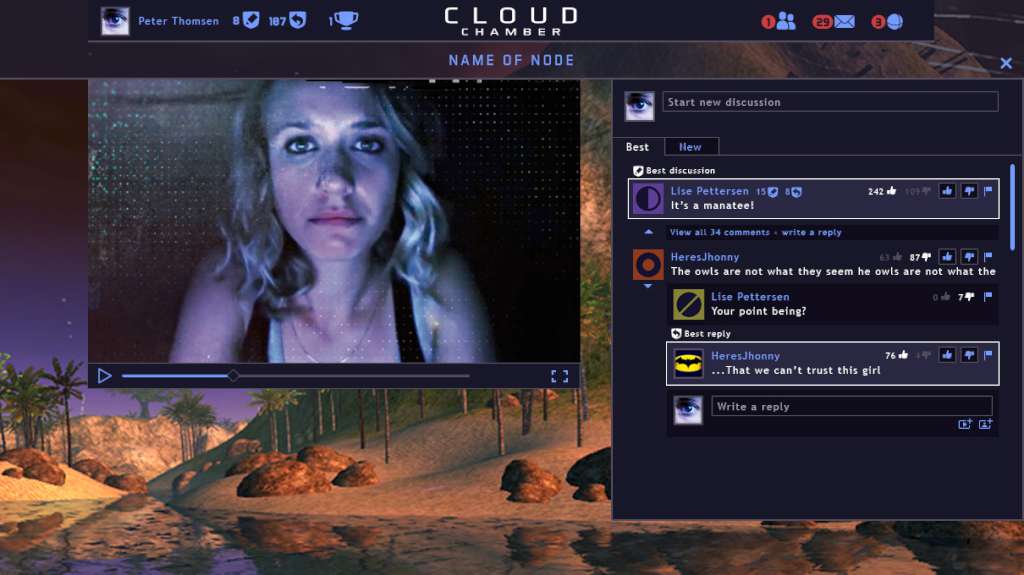
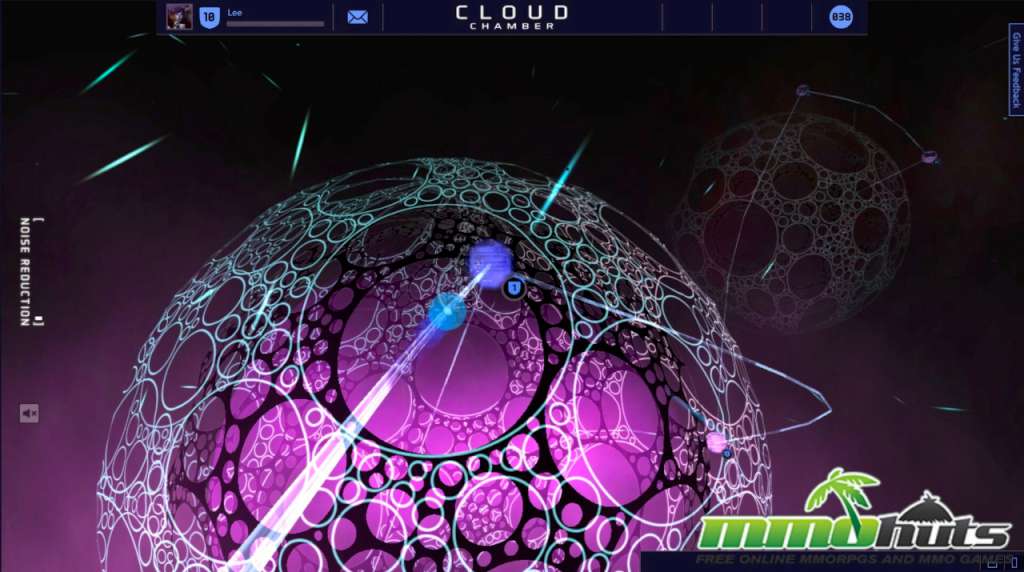
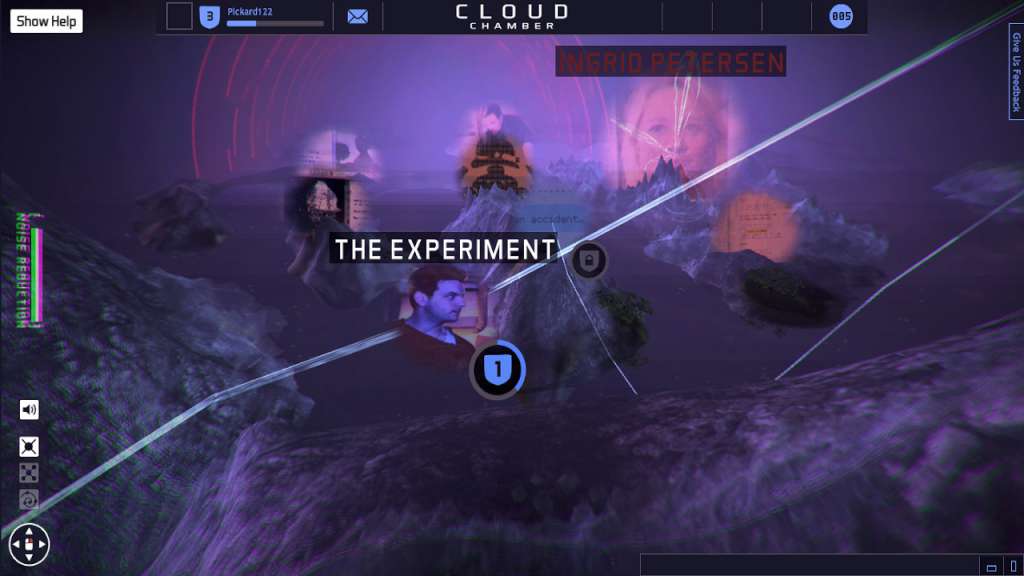
Cloud Chamber is a Massively Multiplayer story game. Explore a mysterious 3D database. Investigate and discuss story fragments with other players. Piece together what happened from fragments of found footage, secret journals and astrophysics documentary. In Cloud Chamber, the science is real; the story is fiction, and the truth about Space unknown. Starring Gethin Anthony (Game of Thrones) and Jesper Christensen (Casino Royale). Features Experience a unique ”found footage” story that combines emails, photographs, maps, diagrams, fiction film, electronic music and documentary films from the European Space Agency into one coherent story. Navigate surreal 3D levels between the parts of the story. Piece together a fragmented story with more 150 story fragments spread over 10 unique levels. Cooperative multiplayer: analyse & discuss the content with other players to understand what happened. Gains access to locked parts of the story by evaluating other players’ theories. Evaluate other players’ explanations; upvote the good, downvote the bad. Make up your own mind: present your theories to other players and get their feedback. Internationally acclaimed actors – Gethin Anthony (Renly Baratheon from Game of Thrones) and Jesper Christensen (Casino Royale, Quantum of Solace). Film fragments filmed by the team behind the original The Killing. More then 30+ movies from the European Space Agency integrated in the storyline.
Go to: http://store.steampowered.com/ and download STEAM client Click "Install Steam" (from the upper right corner) Install and start application, login with your Account name and Password (create one if you don't have). Please follow these instructions to activate a new retail purchase on Steam: Launch Steam and log into your Steam account. Click the Games Menu. Choose Activate a Product on Steam... Follow the onscreen instructions to complete the process. After successful code verification go to the "MY GAMES" tab and start downloading.