Get 10% back in Relic Coins on every order
Zen Chess Series cover

SteamGlobal· Key

Zen Chess Series

€2.81

+€0.28 cashback eligibility in Relic Coins

Check before you play

Platform
Steam
Region
Global
Product type
Key
Developer
Minimol Games
Publisher
Minimol Games
Supplier release date
2014-04-10
Genres
Casual, Puzzle, Strategy

About this product

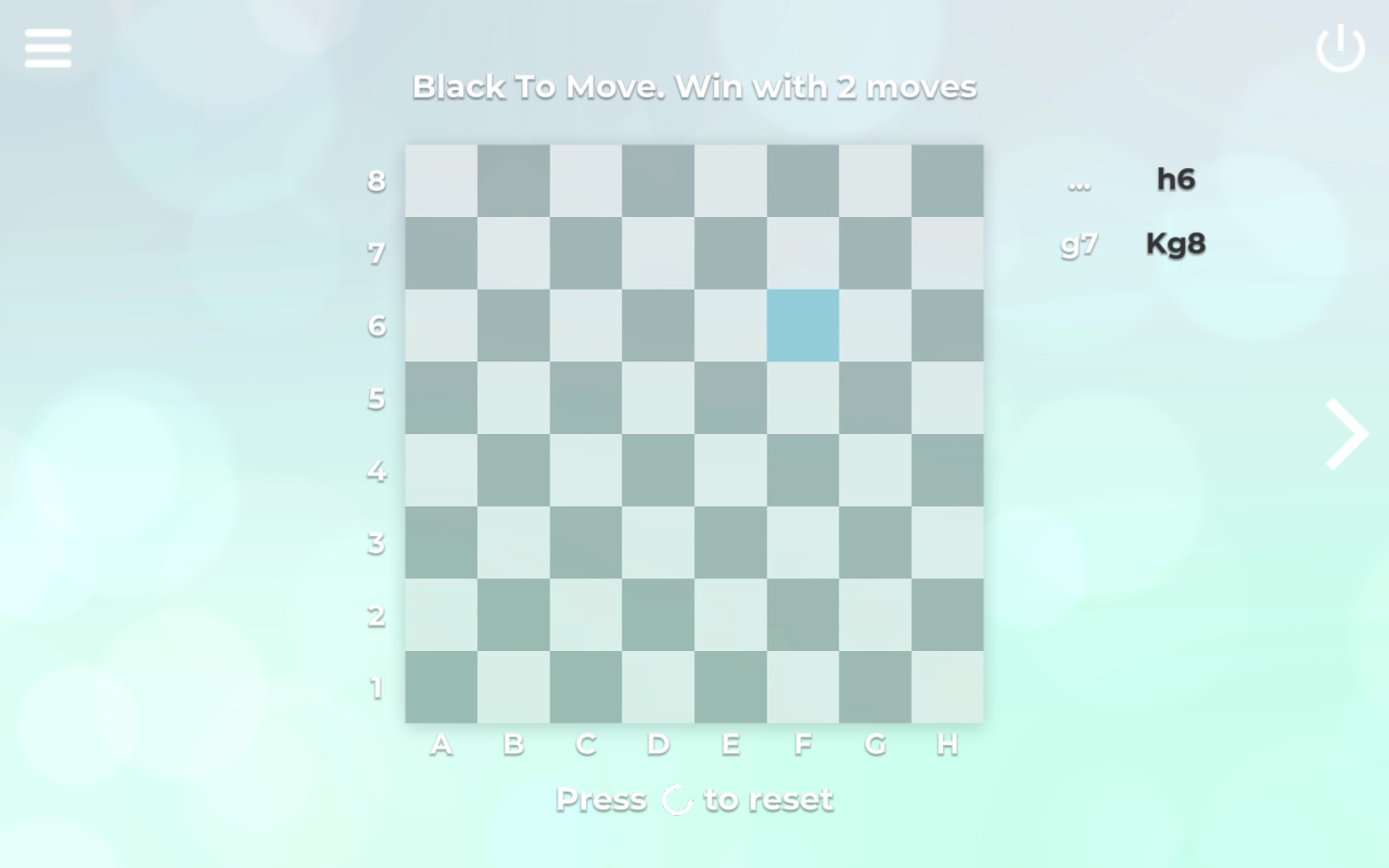
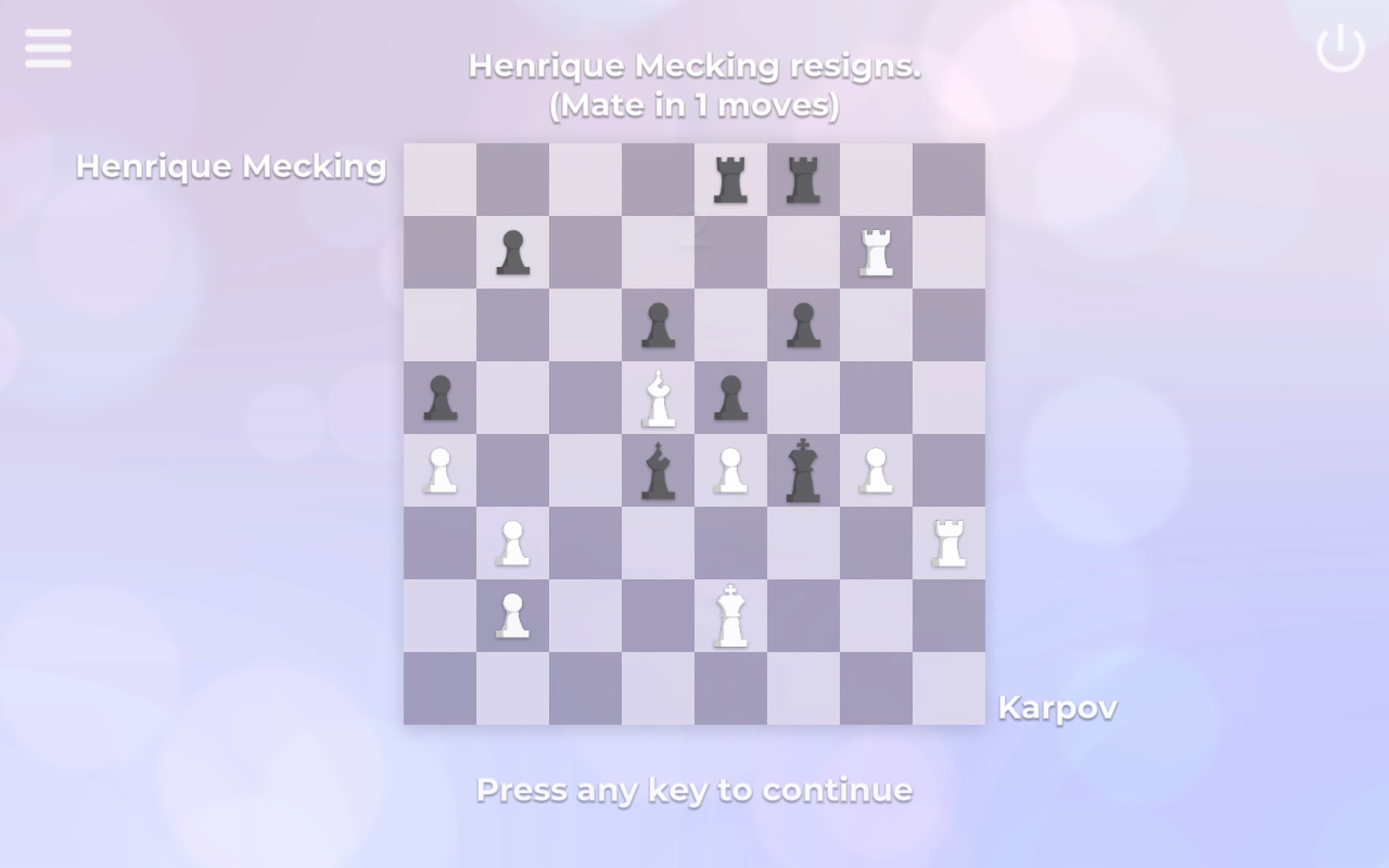
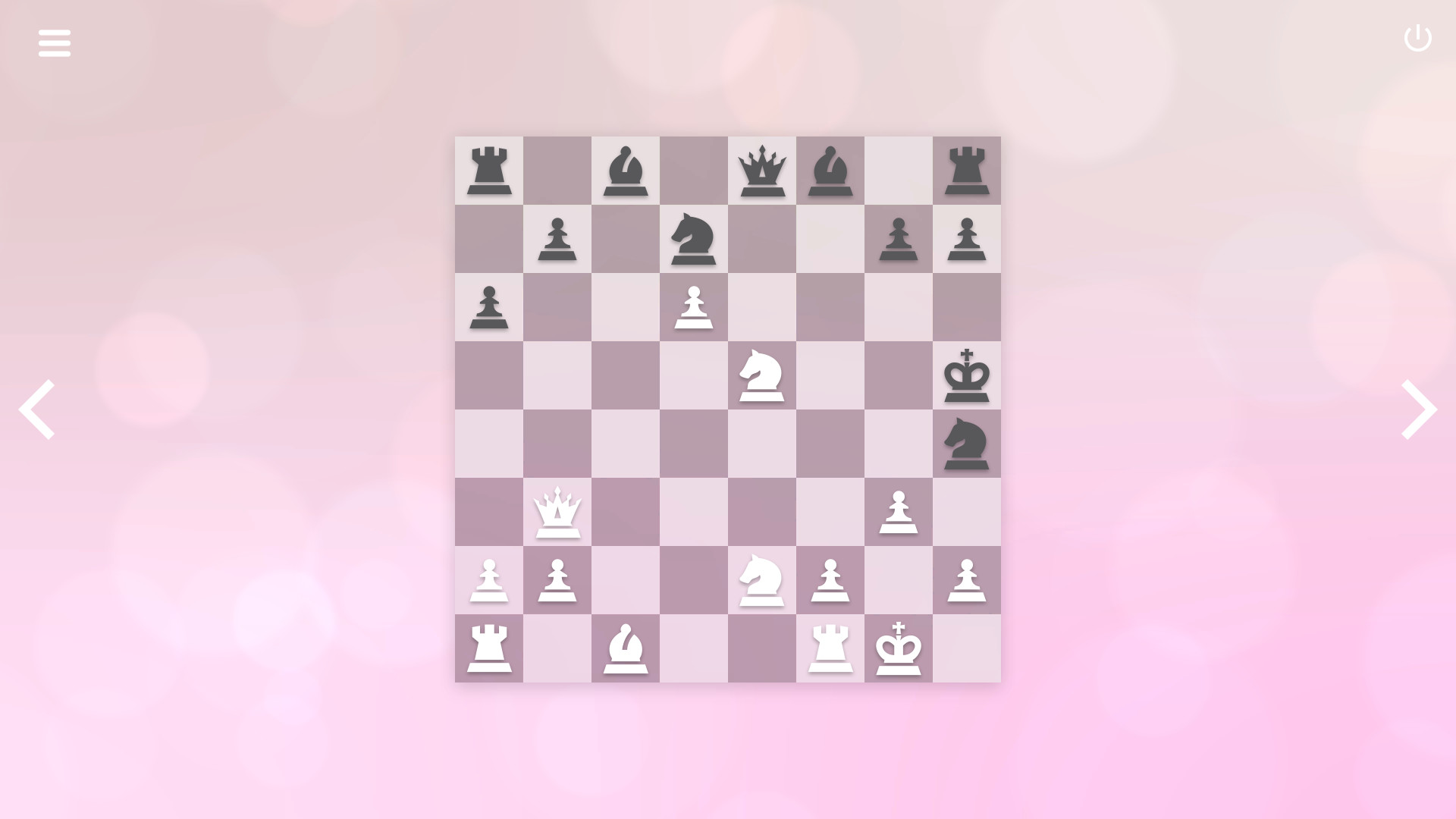
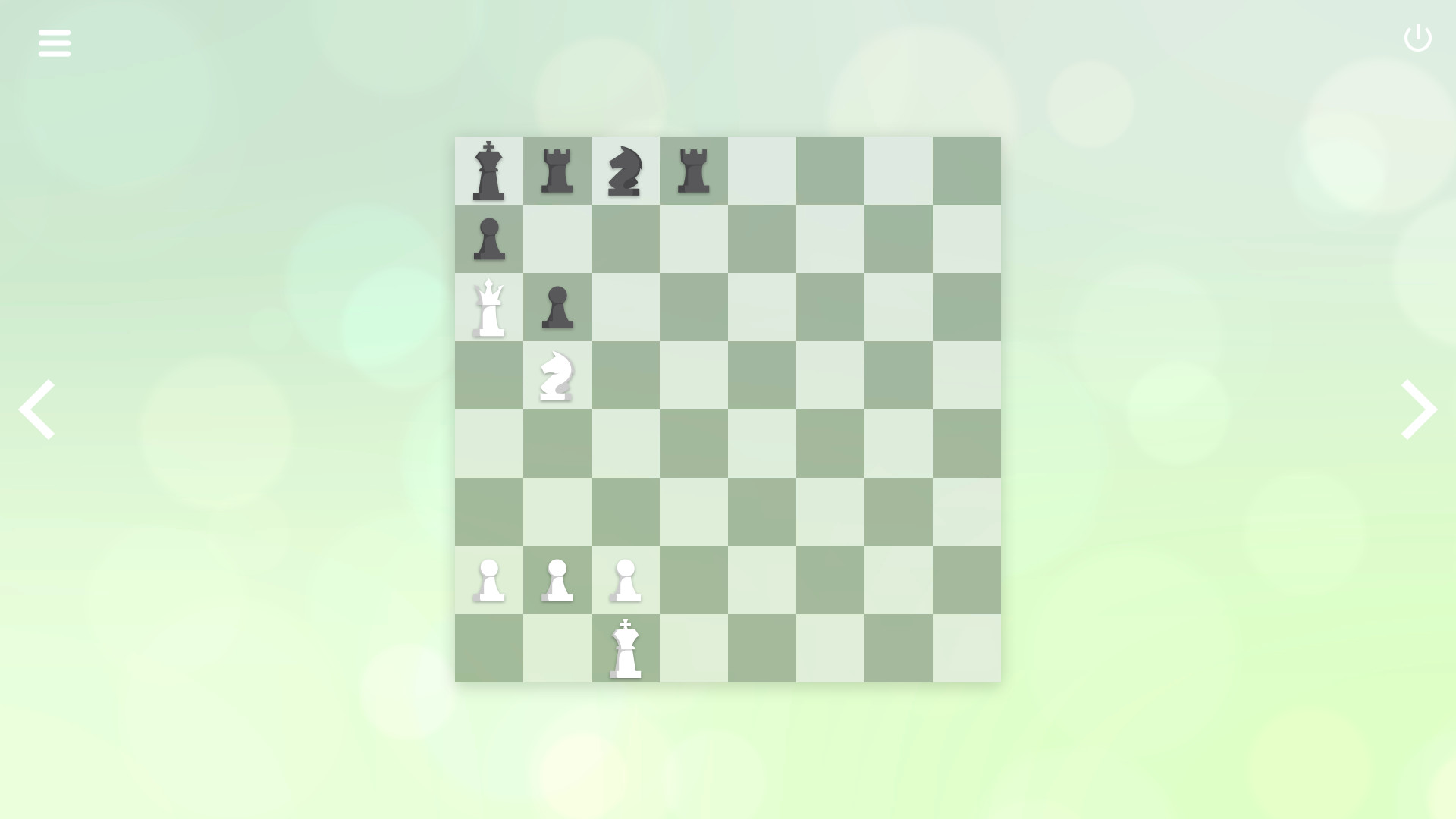
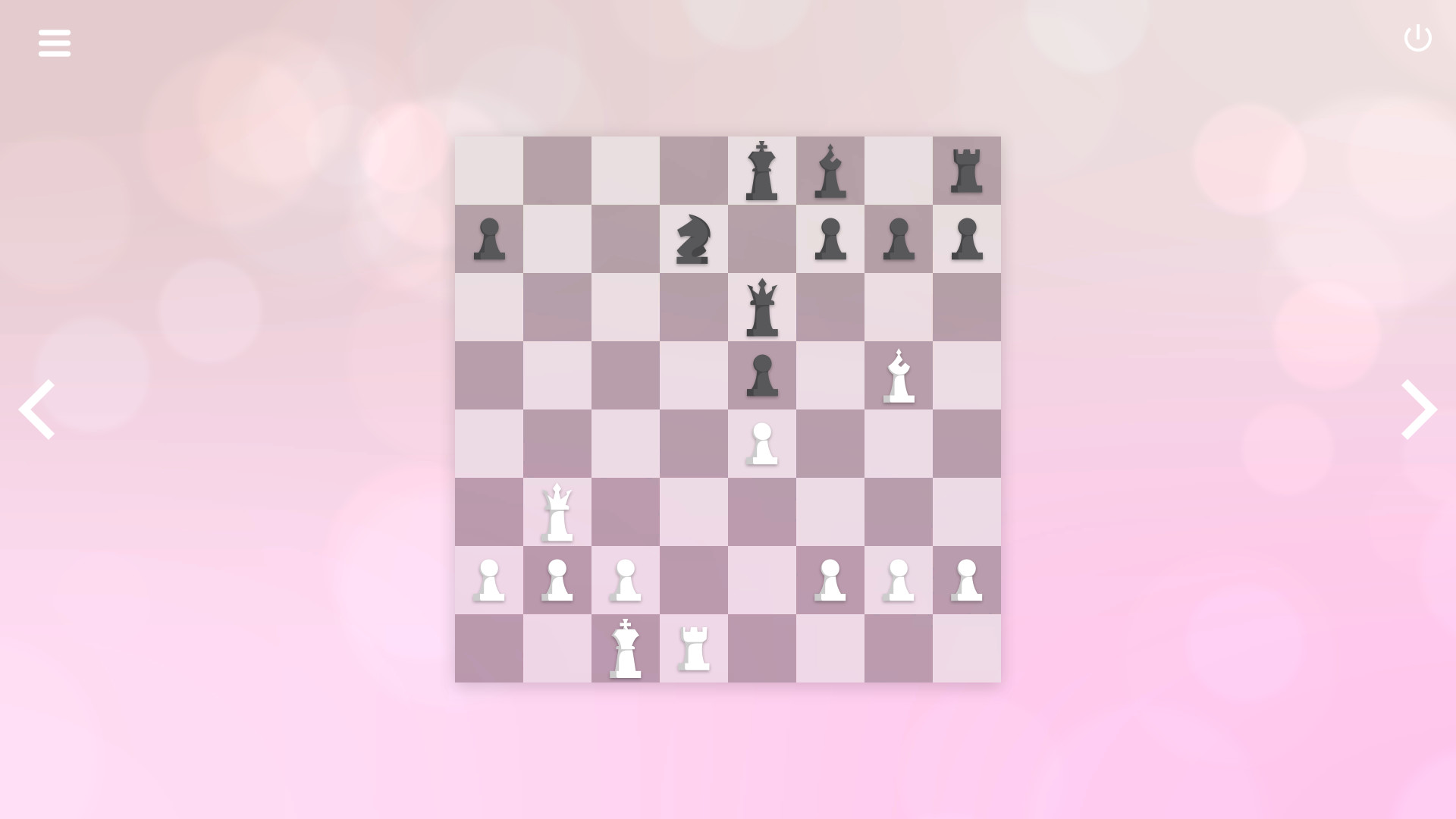
Includes: ZenChess: Mate in One ZenChess: Mate in Two ZenChess: Mate in Three ZenChess: Mate in Four Zen Chess: Champion's Moves Zen Chess: Blindfold Masters ZenChess is a minimalist chess puzzle game. In Zen Chess: Champion's Moves you will be put in the position of a World Chess Champion. Play through historical games and solve the same chess problems the champions had to solve to win each game. For decades, professional chess players have been mesmerizing the world with their ability of playing chess blindfolded. In Zen Chess: Blindfold Masters you will be able to experience being one of them, by solving chess puzzles without seeing the pieces. Features Designed for chess lovers of all levels (even if you just learned how to move the pieces); Solve puzzles carefully selected by a Chess Grandmaster (TOP 200 in the world); Enjoy a minimalist, beautifully designed chess board and pieces; Original soundtrack, specially composed to help you keep your focus and concentration; Everything in the game was made with a lot of love and craftsmanship; Can you find the one move that will solve each puzzle? Give it a try and show yourself you are a truly chess master.

Zen Chess Series screenshotZen Chess Series screenshotZen Chess Series screenshotZen Chess Series screenshotZen Chess Series screenshotZen Chess Series screenshot

How to redeem

  1. 1Check your Steam account and the listed region before purchasing.
  2. 2Find your code and supplier activation instructions in your confirmed order.
  3. 3Open the redeem-code section on Steam, enter the code and follow the platform’s prompts.

Supplier instructions

Go to: http://store.steampowered.com/ and download STEAM client Click "Install Steam" (from the upper right corner) Install and start application, login with your Account name and Password (create one if you don't have). Please follow these instructions to activate a new retail purchase on Steam: Launch Steam and log into your Steam account. Click the Games Menu. Choose Activate a Product on Steam... Follow the onscreen instructions to complete the process. After successful code verification go to the "LIBRARY" tab and start downloading.

You might also like