Get 10% back in Relic Coins on every order
Melvor Idle cover

SteamEurope· Gift

Melvor Idle

€7.77

+€0.78 cashback eligibility in Relic Coins

Check before you play

Platform
Steam
Region
Europe
Product type
Gift
Developer
Games by Malcs
Publisher
Jagex
Supplier release date
2020-11-20
Genres
Adventure, RPG, Indie, Casual

About this product

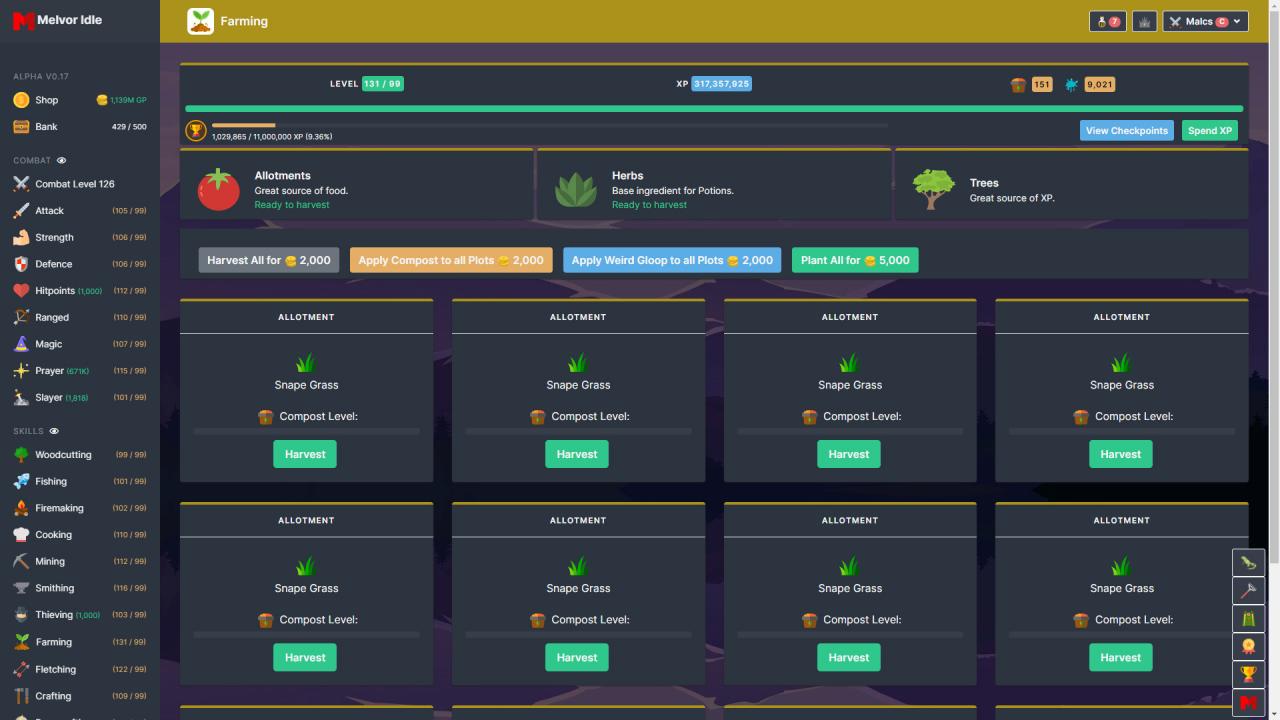
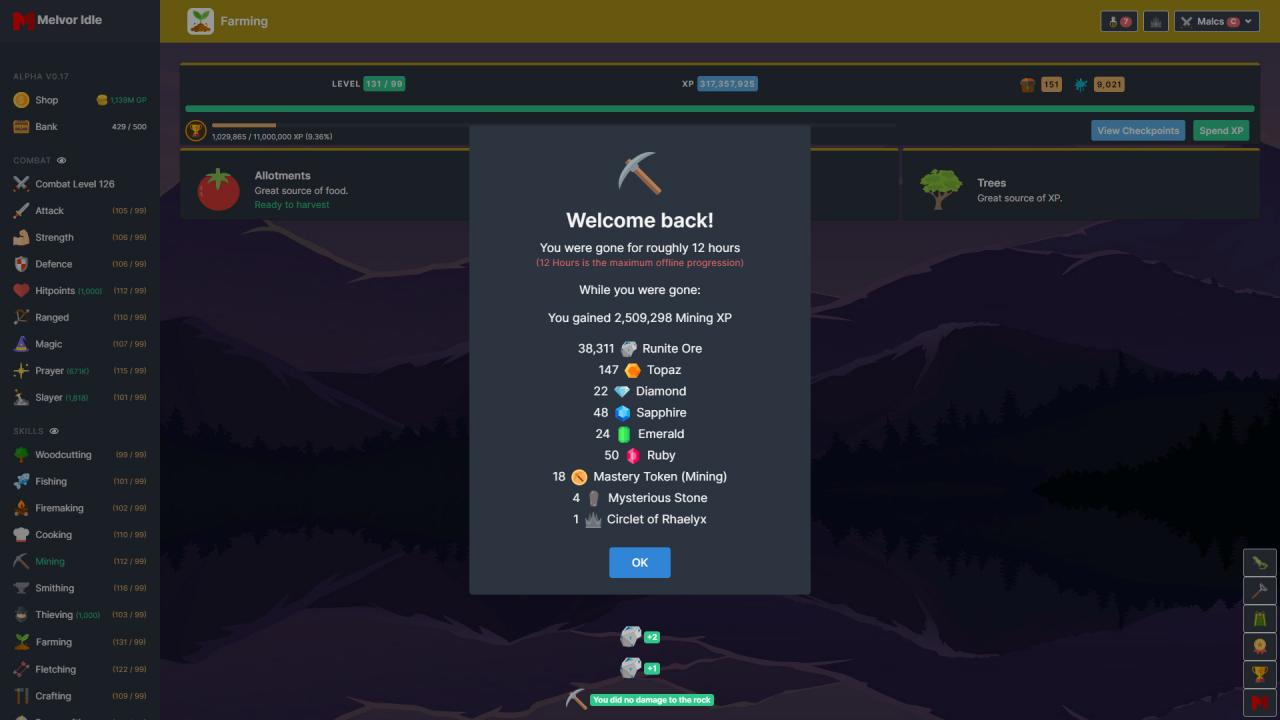
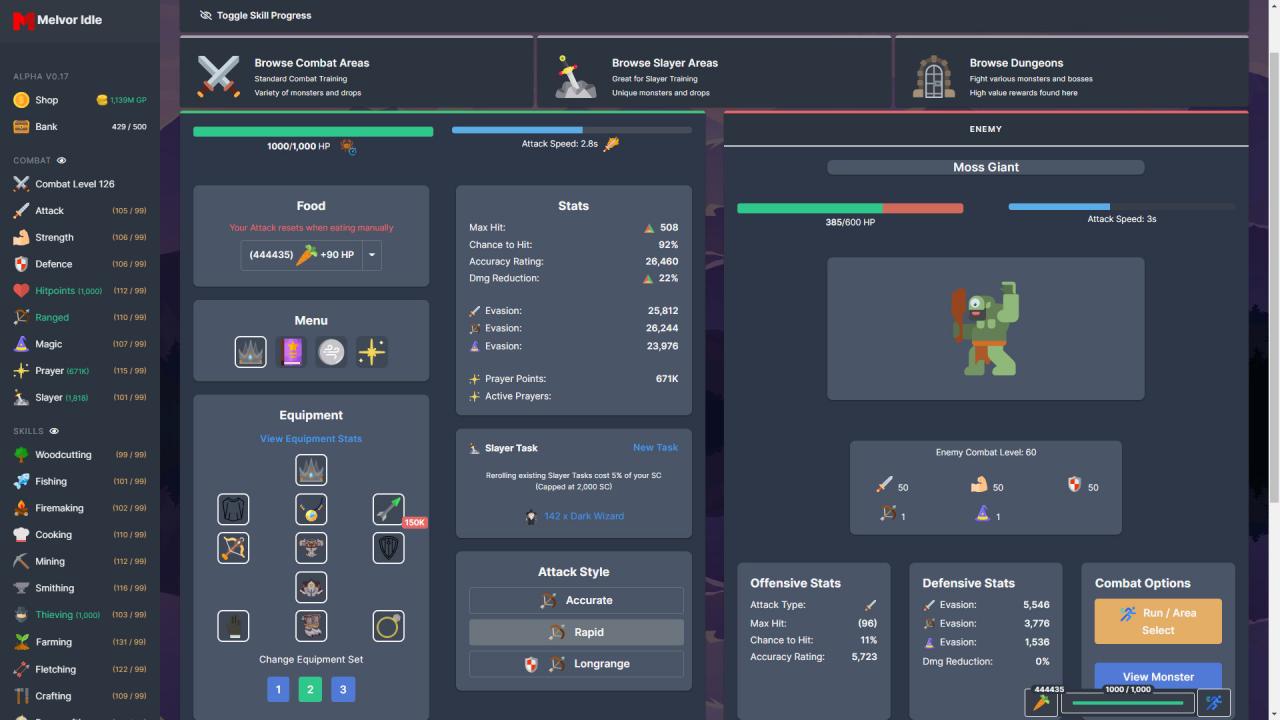
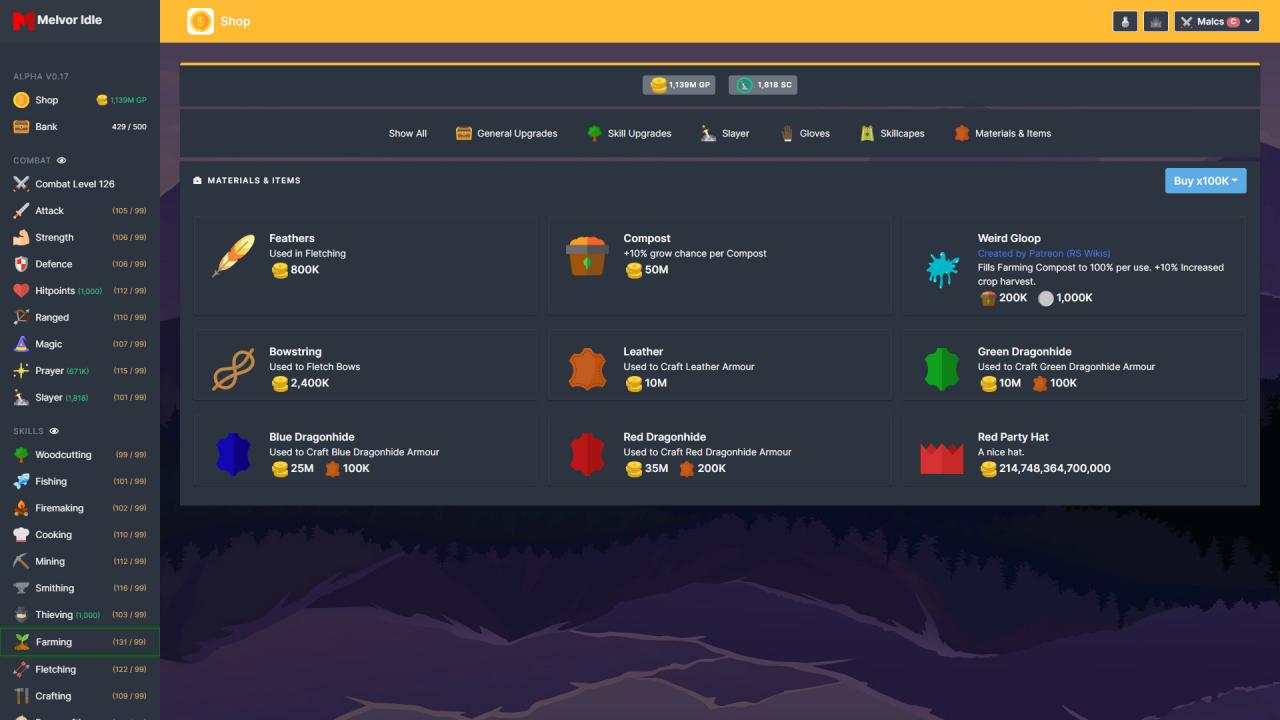
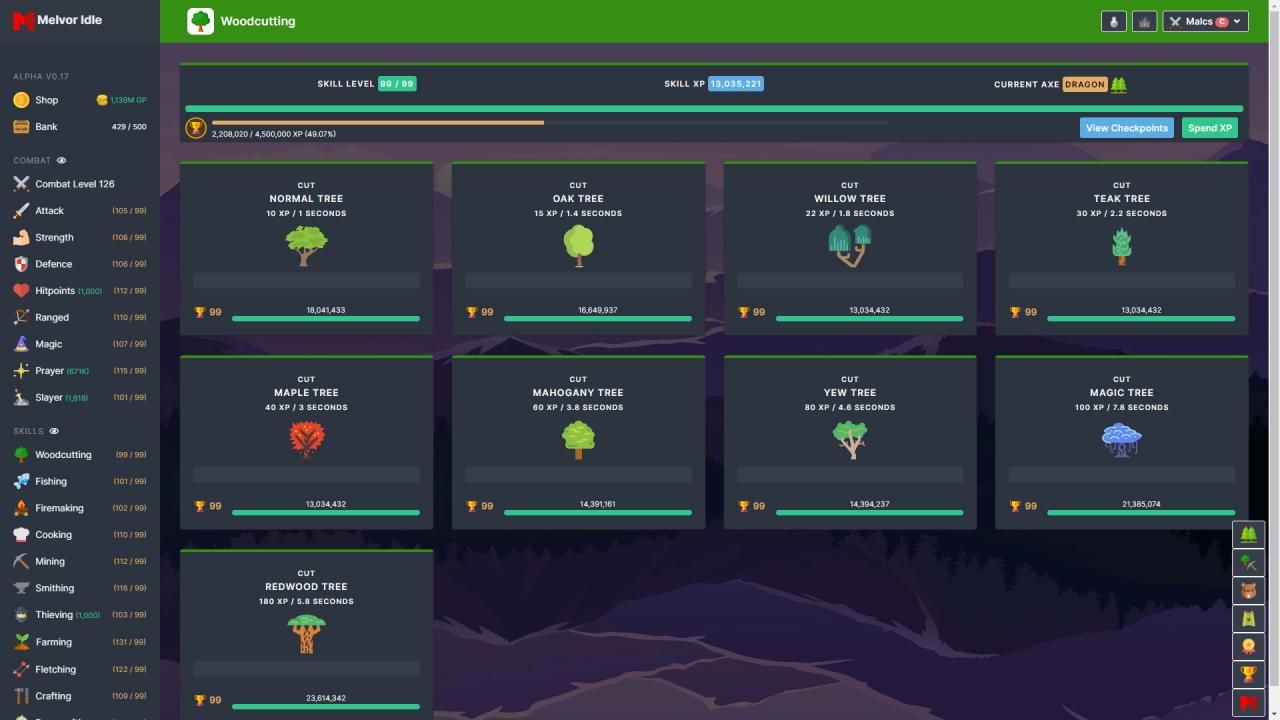
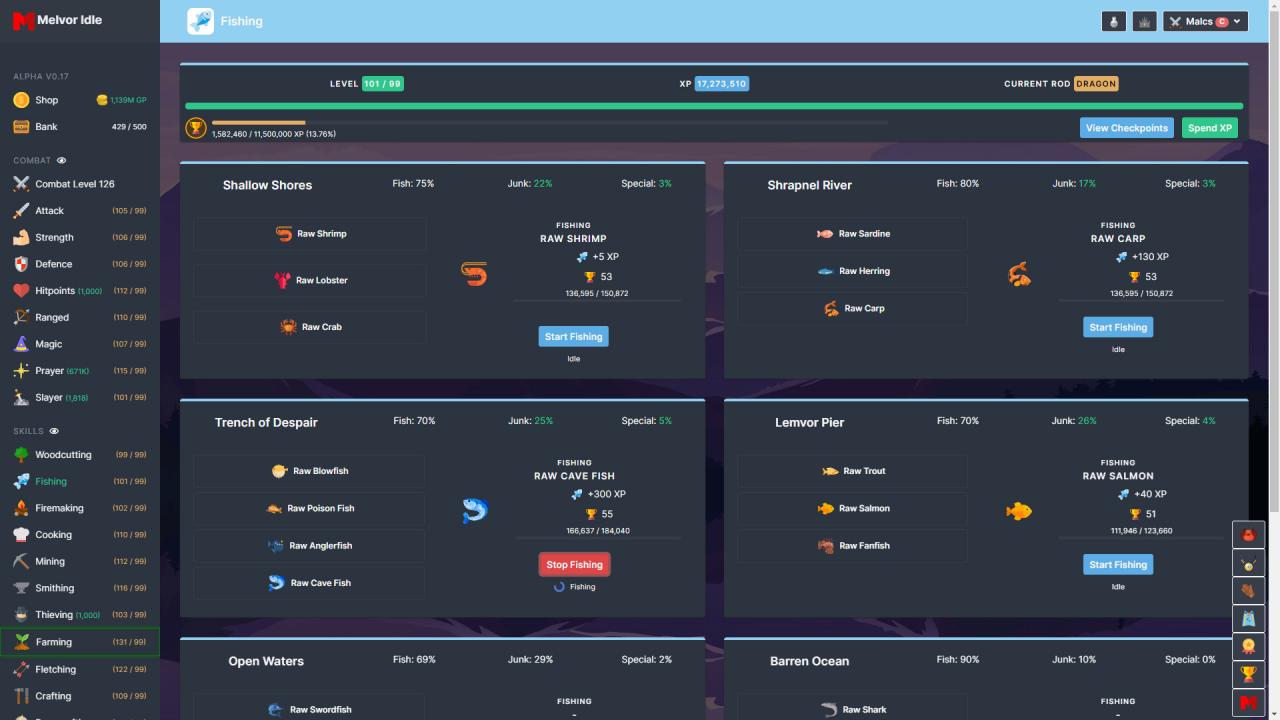
Melvor Idle is a feature-rich, idle / incremental game with a familiar feel. With over 20+ unique skills to tackle, you will always have something new to tackle.Features include offline progression, cloud save compatibility, many unique shop upgrades, inbuilt bank / inventory system and more!Every skill in this game has its purpose, and interacts with other skills in unique and interesting ways. The training of one skill will benefit others, forcing you to make decisions about the best cause of action to take.Combat has over 110+ unique monsters for you to face, utilizing Melee, Ranged or Magic attack types to gain advantages over your foe. You can level up Prayer, Slayer, and Hitpoints alongside your standard Combat Combat comes sorted with many fierce and tough Dungeons for you to conquer. Each Dungeon contains a unique, tough boss at the end which in turn will provide massive rewards for completion!Skills are your break away from the madness that is Combat. You can relax by training many different skills to aid in your journey. Currently, there is 12 separate Skills to progress away from Combat.Do you have what it takes to conquer Melvor?

Melvor Idle screenshotMelvor Idle screenshotMelvor Idle screenshotMelvor Idle screenshotMelvor Idle screenshotMelvor Idle screenshot

How to redeem

  1. 1Check that your Steam account can receive gifts in the listed region.
  2. 2Open the confirmed order and follow the supplier’s gift-delivery instructions.
  3. 3Accept the gift on the required platform account and add it to your library.

Supplier instructions

Go to: http://store.steampowered.com/ and download STEAM client Click "Install Steam" (from the upper right corner) Install and start application, login with your Account name and Password (create one if you don't have). Please follow these instructions to activate a new retail purchase on Steam: Launch Steam and log into your Steam account. Click the Games Menu. Choose Activate a Product on Steam... Follow the onscreen instructions to complete the process. After successful code verification go to the "MY GAMES" tab and start downloading.

You might also like