Get 10% back in Relic Coins on every order
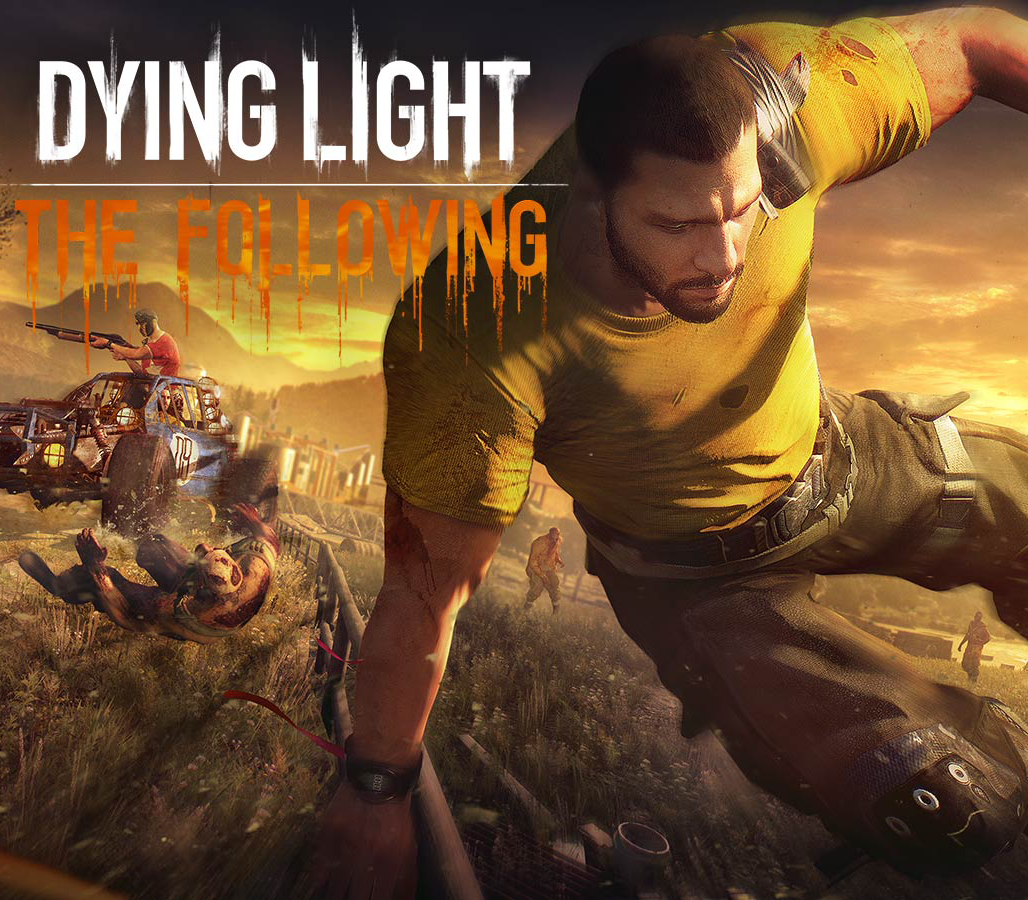
Dying Light - The Following Expansion Pack DLC cover

Xbox Series X|SUnited States· DLC

Dying Light - The Following Expansion Pack DLC

€19.48

+€1.95 cashback eligibility in Relic Coins

Check before you play

Platform
Xbox Series X|S
Region
United States
Product type
DLC

Check the required base game and edition before purchasing this add-on.

Developer
Techland
Publisher
Techland
Supplier release date
2016-02-09
Genres
Action, RPG, FPS, Horror, Survival
About this product

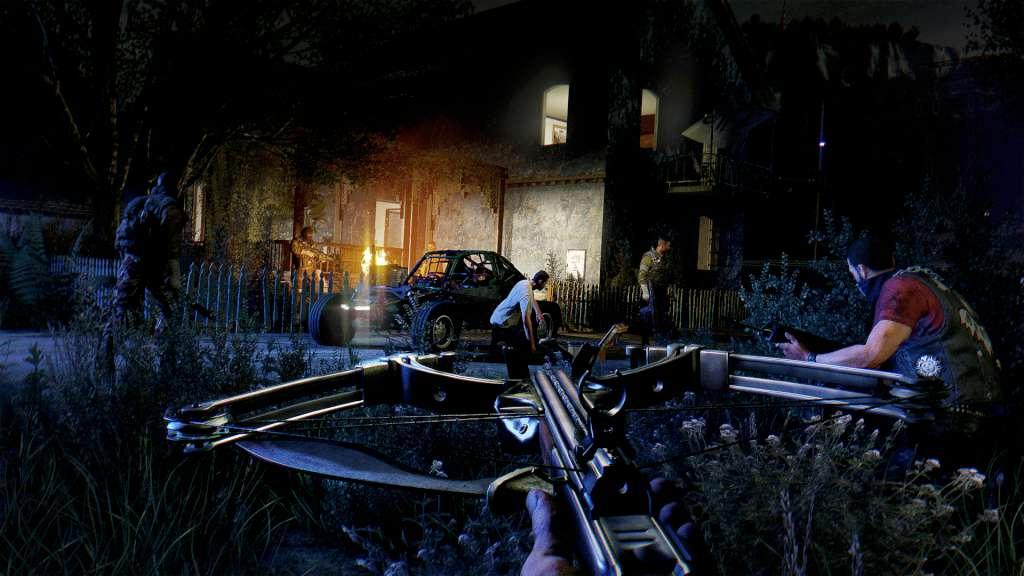
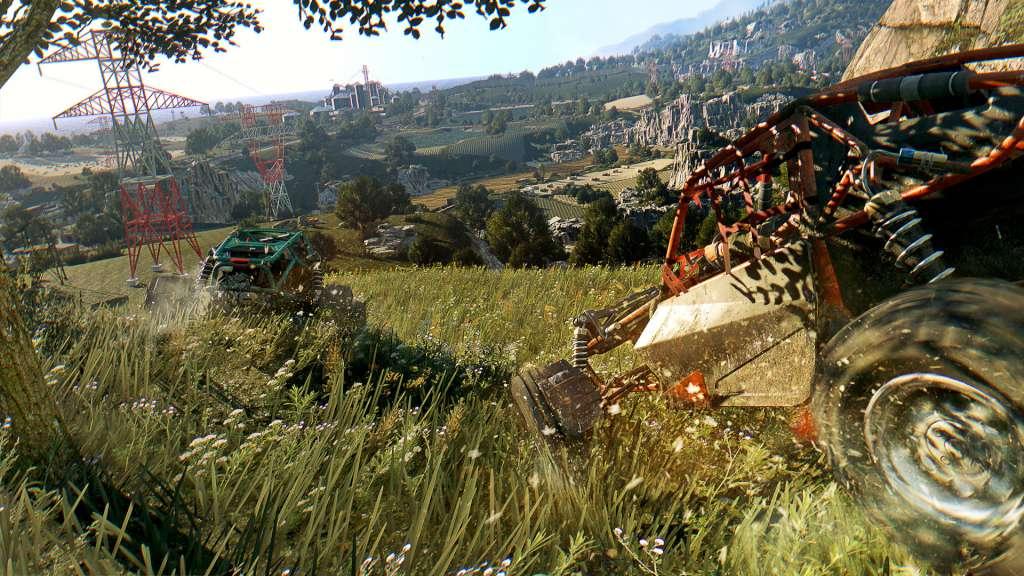
Includes: New map Drivable vehicles New story Non-linear progression Experience the untold chapter of Kyle Crane’s story set in a vast region outside the city of Harran. Leave the urban area behind and explore a dangerous countryside packed with mysterious characters, deadly new weapons, and unexpected quests. Gain the trust of the locals and infiltrate a centuries-old cult that hides a dangerous secret. Take the wheel of a fully customizable dirt buggy, smear your tires with zombie blood, and experience Dying Light’s creative brutality in high gear.

Dying Light - The Following Expansion Pack DLC screenshotDying Light - The Following Expansion Pack DLC screenshotDying Light - The Following Expansion Pack DLC screenshotDying Light - The Following Expansion Pack DLC screenshotDying Light - The Following Expansion Pack DLC screenshot

How to redeem

  1. 1Check the required base game, platform and edition before purchasing.
  2. 2Find the code or supplier activation instructions in your confirmed order.
  3. 3Redeem on Xbox Series X|S using the supplied instructions, then install the add-on with the compatible base game.

Supplier instructions

Go to: http://store.steampowered.com/ and download STEAM client Click "Install Steam" (from the upper right corner) Install and start application, login with your Account name and Password (create one if you don't have). Please follow these instructions to activate a new retail purchase on Steam: Launch Steam and log into your Steam account. Click the Games Menu. Choose Activate a Product on Steam... Follow the onscreen instructions to complete the process. After successful code verification go to the "MY GAMES" tab and start downloading.

You might also like