

SteamEurope· Gift
Call to Arms - Deluxe Edition Upgrade DLC
€12.15
+€1.22 cashback eligibility in Relic Coins
Check before you play
- Platform
- Steam
- Region
- Europe
- Product type
- Gift
- Supplier release date
- 2017-10-29
- Genres
- Action, Simulation, Indie
SteamEurope· Gift
€12.15
+€1.22 cashback eligibility in Relic Coins
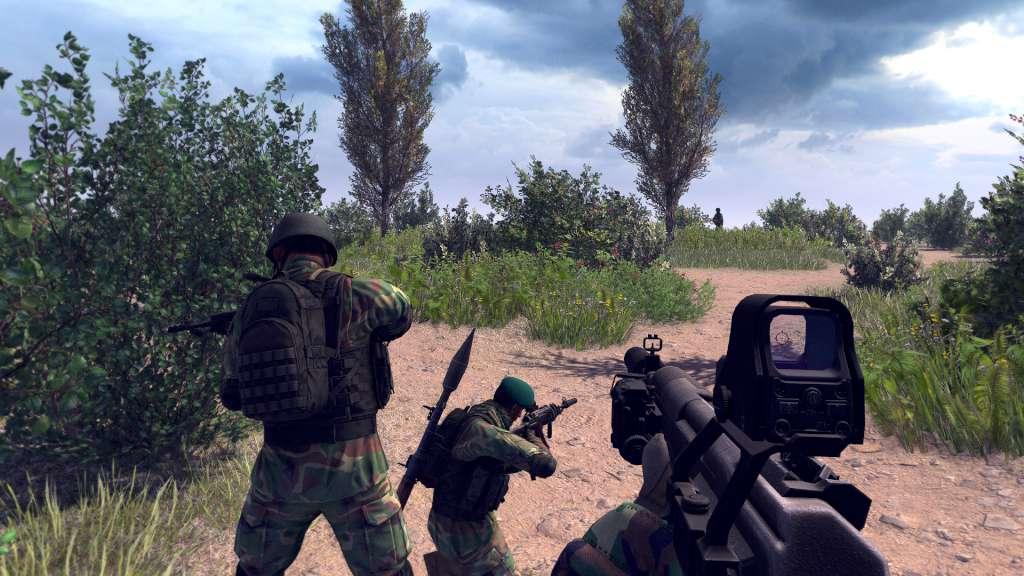
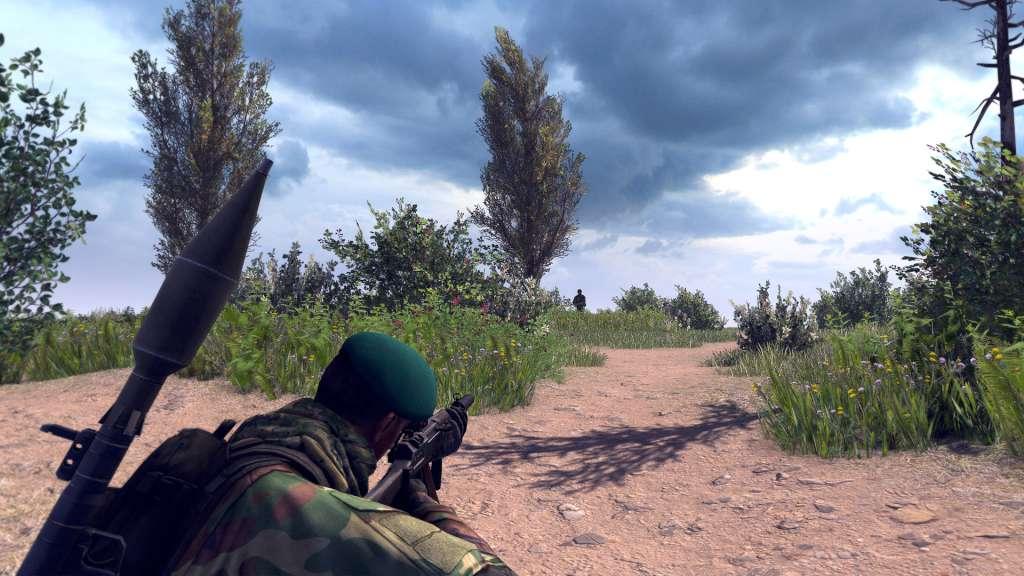
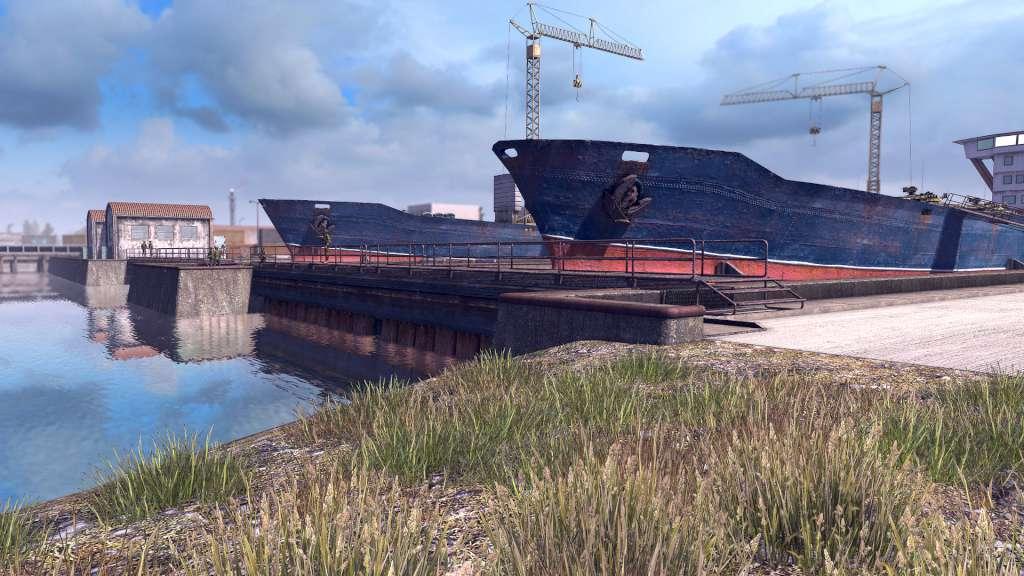
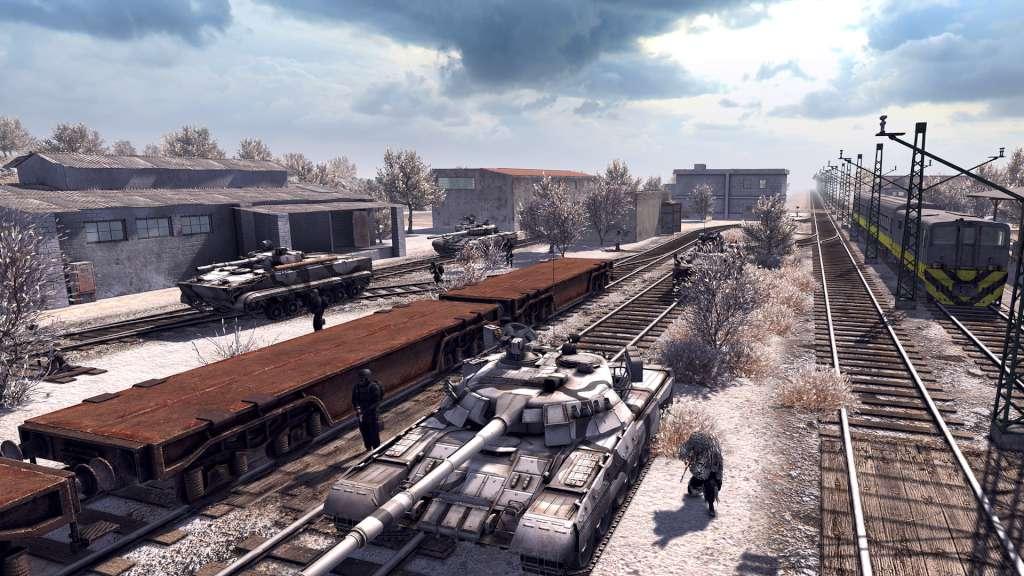
The Deluxe Edition of Call to Arms is designed for the biggest supporters of the game, it includes the following bonus content: The Allied Army DLC, including two minor factions and a GRM singleplayer campaign A clan tag item Exclusive squad logo items Emoticon items for the in-game chat A slight XP boost to speed up your progress in the leaderboards An outstanding HUD element visible while playing and recording matches Call to Arms offers an innovative new look into modern era combat. Initially offering two playable factions with realistically modeled vehicles and heavy weaponry, as well as dozens of firearms and customizations. Command your troops to victory or fight by yourself in the 3rd or 1st person action mode.


Go to: http://store.steampowered.com/ and download STEAM client Click "Install Steam" (from the upper right corner) Install and start application, login with your Account name and Password (create one if you don't have). Please follow these instructions to activate a new retail purchase on Steam: Launch Steam and log into your Steam account. Click the Games Menu. Choose Activate a Product on Steam... Follow the onscreen instructions to complete the process. After successful code verification go to the "MY GAMES" tab and start downloading.