

SteamGlobal· Key
Oozi: Earth Adventure
€0.71
+€0.07 cashback eligibility in Relic Coins
Check before you play
- Platform
- Steam
- Region
- Global
- Product type
- Key
- Publisher
- Awesome Games Studio
- Genres
- Indie, Casual
SteamGlobal· Key
€0.71
+€0.07 cashback eligibility in Relic Coins
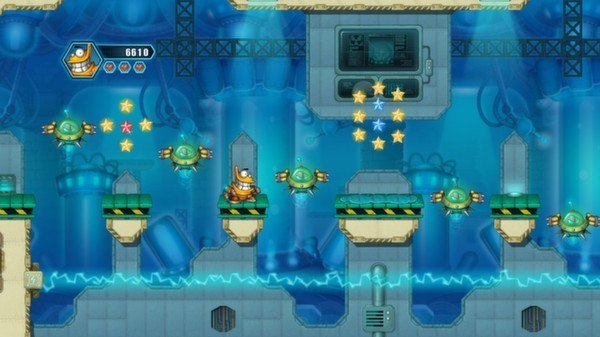
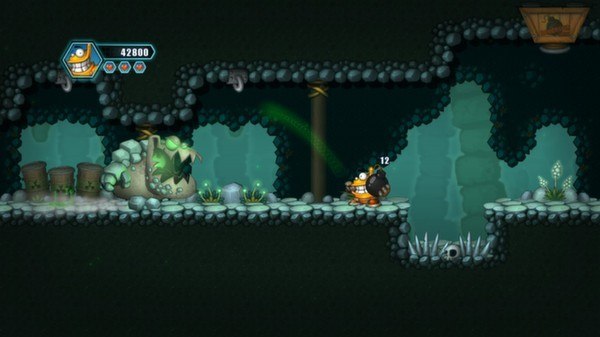
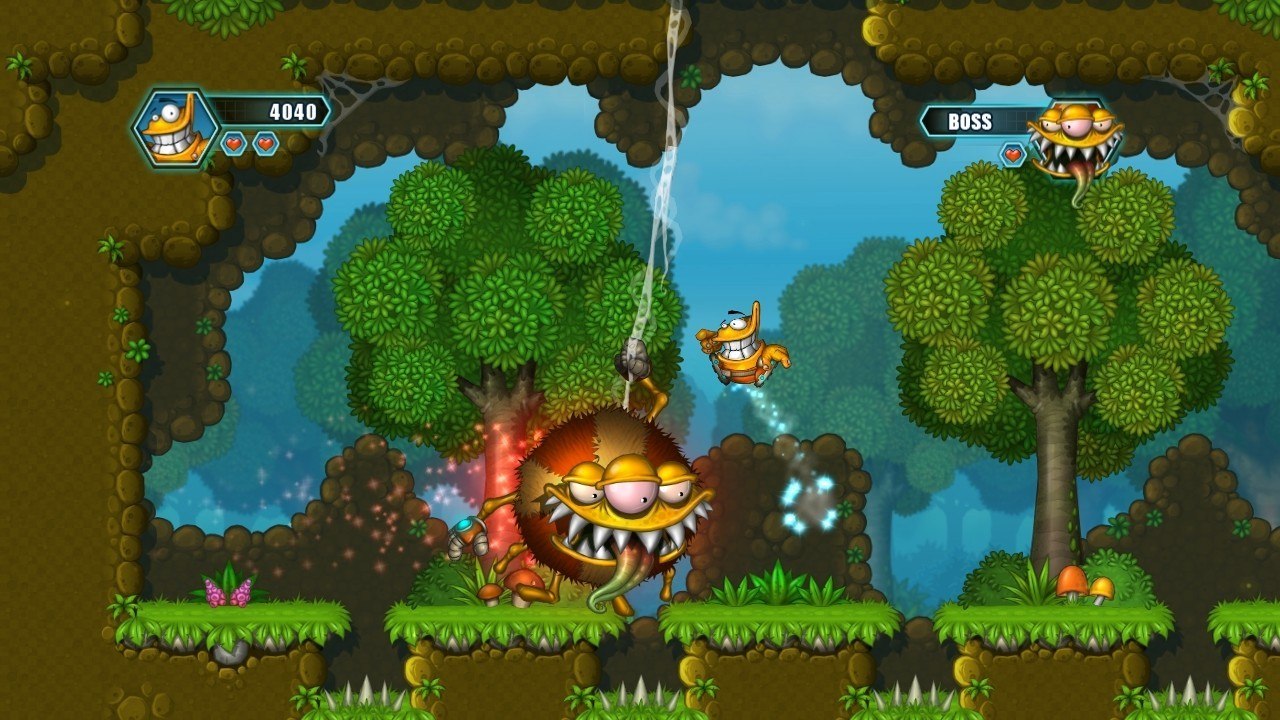
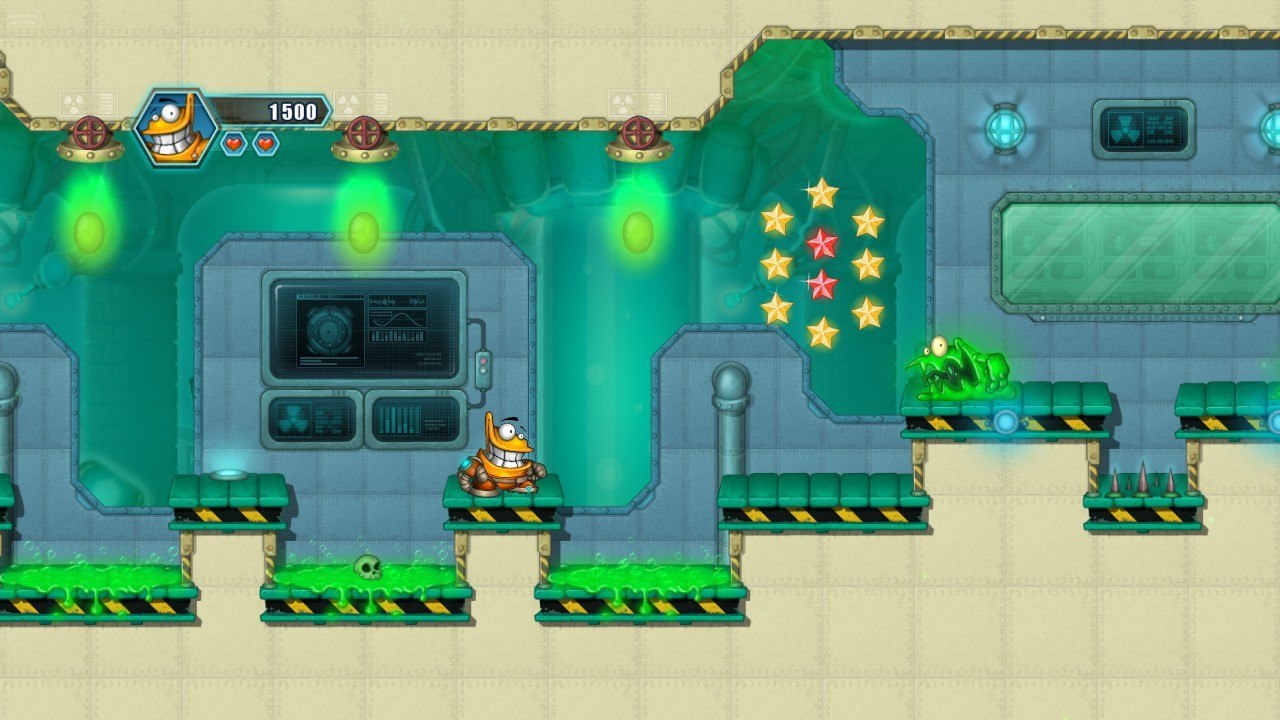
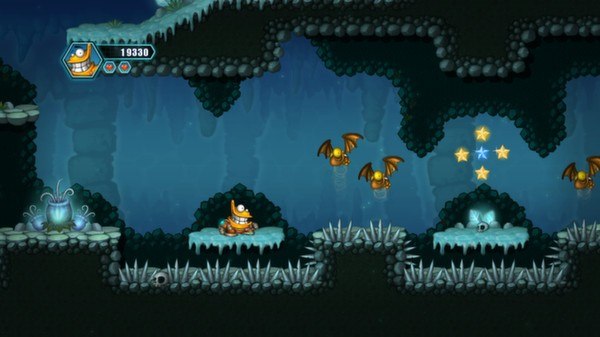
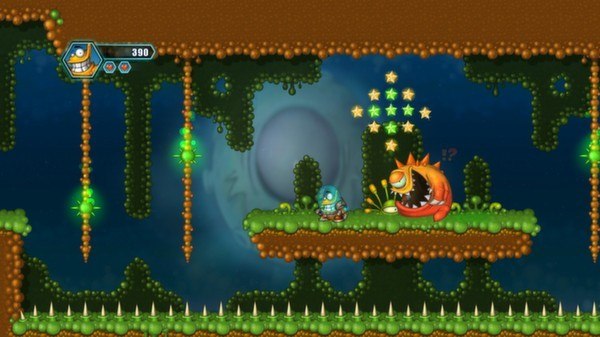
Oozi: Earth Adventure Steam Key Platform: Steam Languages: English Release Date: 5 Dec 2013 Product Description Oozi: Earth Adventure is a classic 2D platformer with old school gameplay - no puzzles, no punishment, just 100% pure classic platforming fun! Its most prominent features are HD visuals and beautiful hand-drawn art, but despite its visual style, it’s a good fit for all kinds of gamers. The variety of difficulty levels – from Kid to Hardcore – allows everyone to enjoy the game regardless of their skill level. It tells the story of Oozi - an alien spaceship pilot who crashed on planet Earth, lost his space suit and needs to find his way home. Features Relive an old-school platformer experience - this time with beautiful, high-definition visuals. Four difficulty levels, including Kid difficulty - made specifically for the youngest gamers Quantum Ghosts - watch how players from alternative universes played through the game Challenge mode - additional 44 short, but extremely difficult levels with various objectives Fight various enemies and discover new gameplay mechanics in distinct worlds - jungle, cave, lab or even an alien planet. 5 hours of story mode – 20 levels and 4 boss fights Steam Achievements, Leaderboards, Cloud Save, Trading Cards and Full Controller Support System Requirements OS: Windows XP Processor: 2Ghz Memory: 1024 MB RAM Graphics: DirectX 9.0c compatible DirectX: Version 9.0c Hard Drive: 200 MB available space
Go to: http://store.steampowered.com/ and download STEAM client Click "Install Steam" (from the upper right corner) Install and start application, login with your Account name and Password (create one if you don't have). Please follow these instructions to activate a new retail purchase on Steam: Launch Steam and log into your Steam account. Click the Games Menu. Choose Activate a Product on Steam... Follow the onscreen instructions to complete the process. After successful code verification go to the "MY GAMES" tab and start downloading.