
SteamGlobal· Key
Antiprism
€7.19
+€0.72 cashback eligibility in Relic Coins
Check before you play
- Platform
- Steam
- Region
- Global
- Product type
- Key
- Developer
- Zero Fun
- Publisher
- Zero Fun
- Supplier release date
- 2021-06-21
- Genres
- Action, Indie, VR Games
SteamGlobal· Key
€7.19
+€0.72 cashback eligibility in Relic Coins
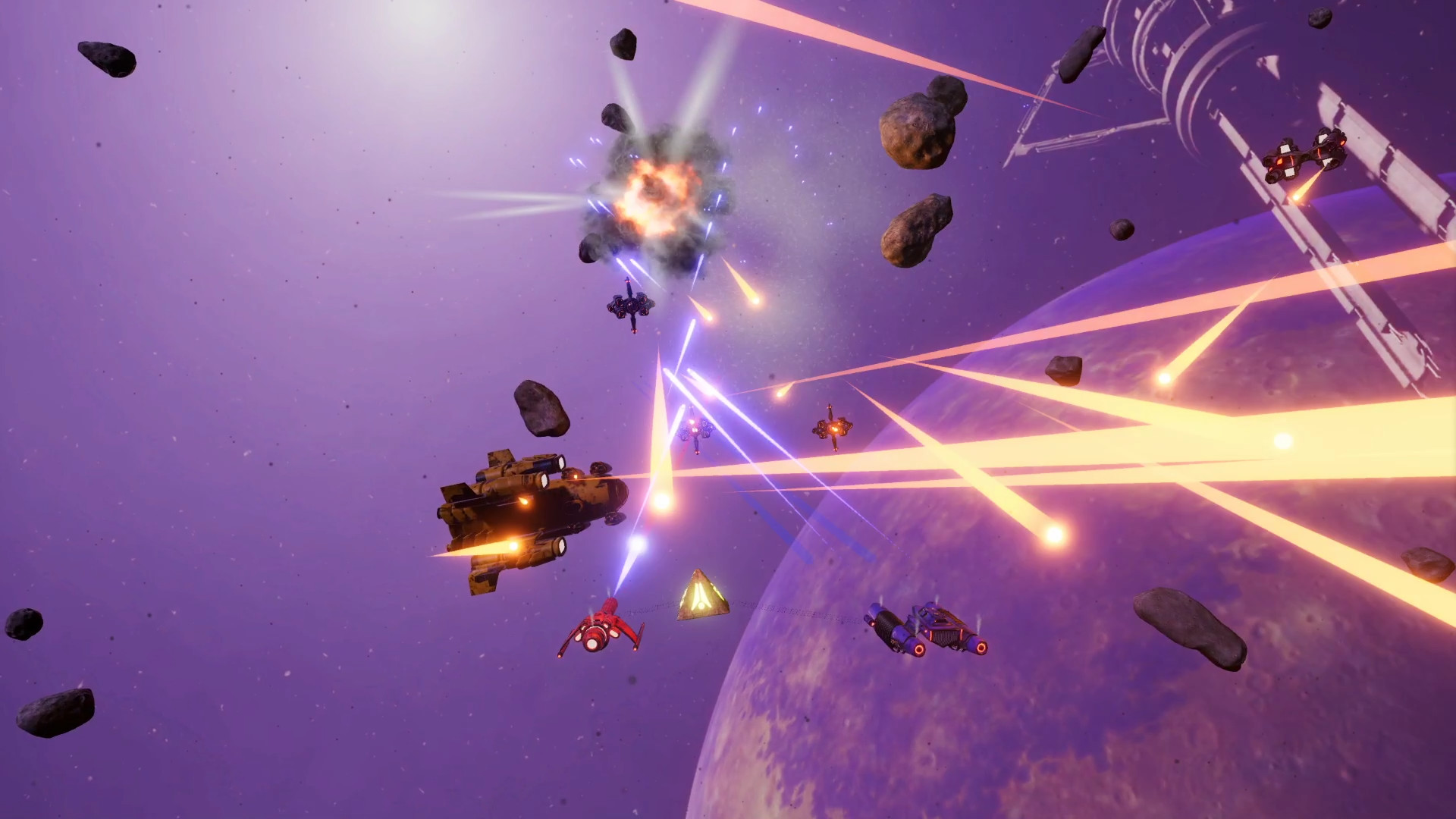
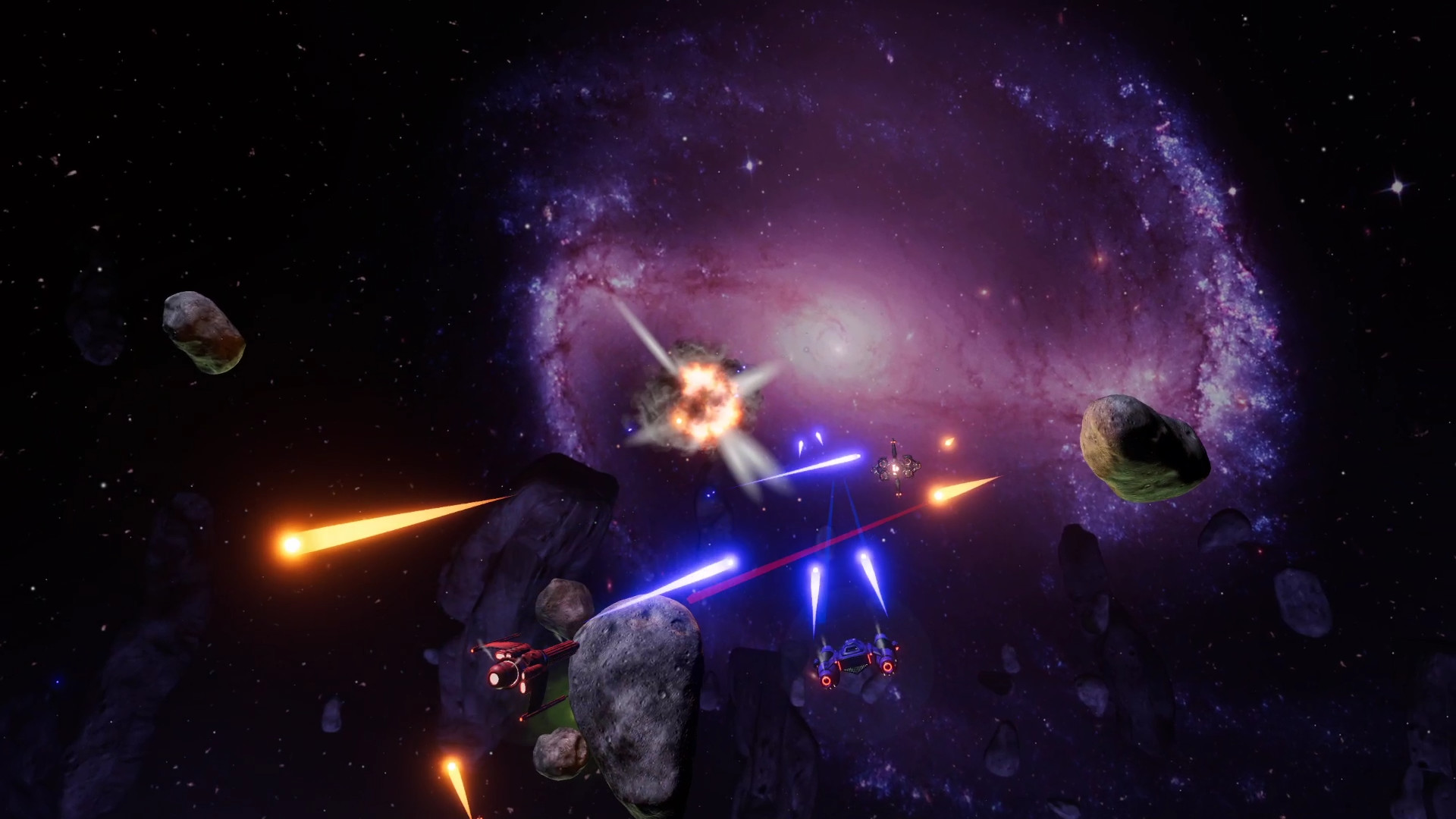
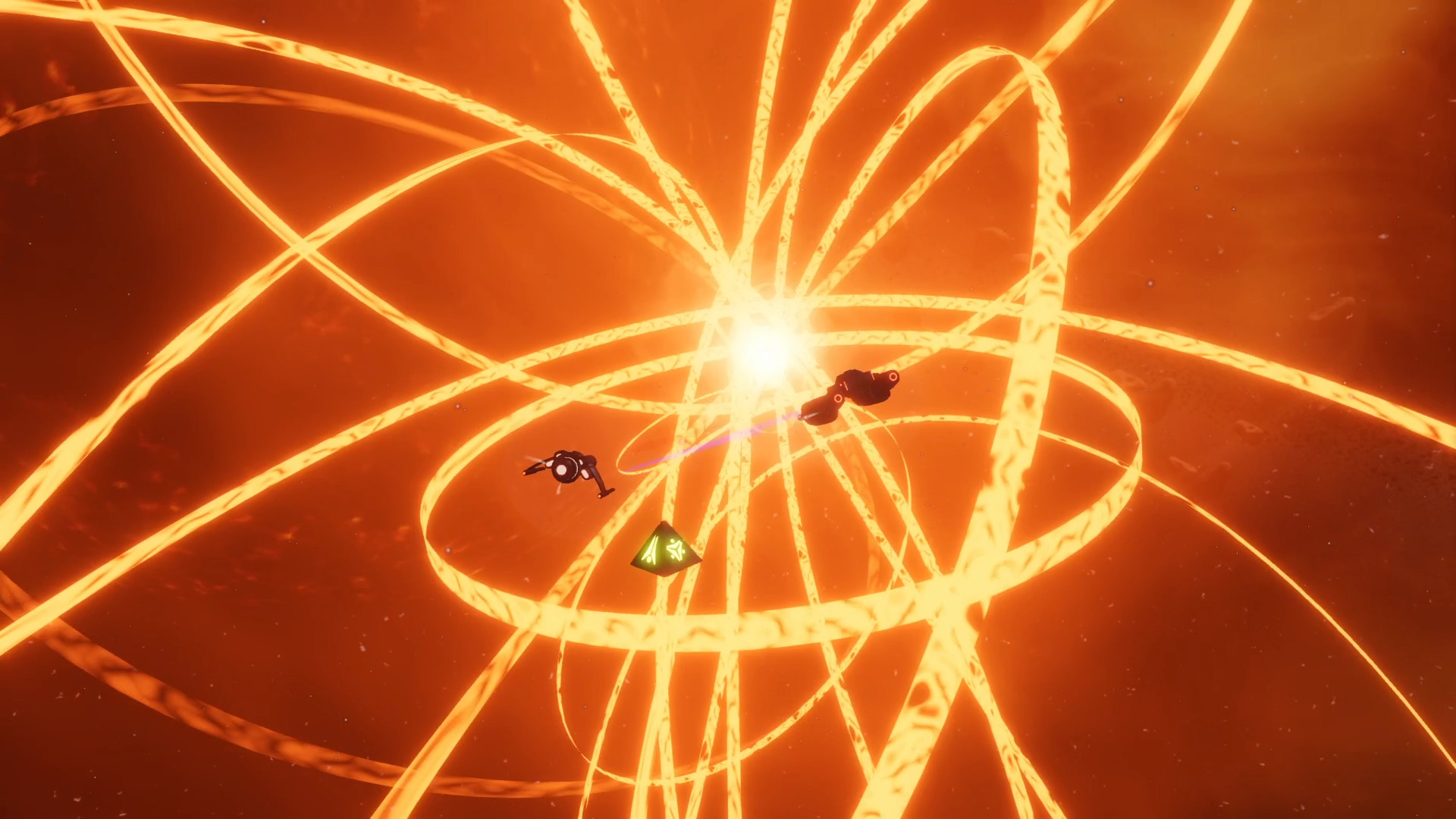
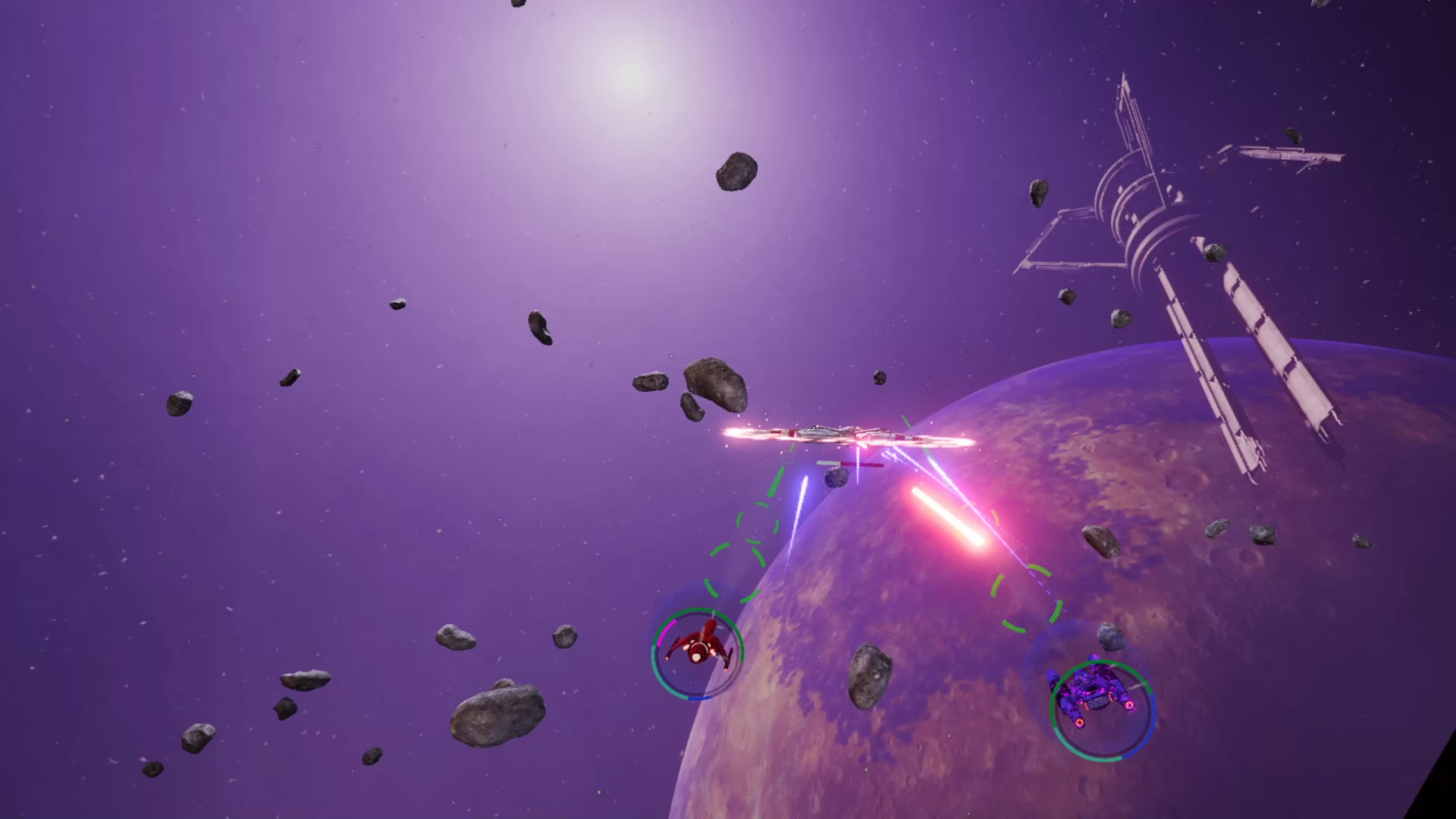
Follow the two misfit pilots Jexen and Malik as they stumble upon an ancient artifact that binds them together and takes them on a perilous adventure through the most dangerous place in the galaxy: The Gone.Fight your way through bands of space pirates, armies of the Selysian Dominion, swarms of insect-like Kheelee, and even face Vel Selysian - the mysterious prophet-like leader of the Dominion. Collect items and credits from your encounters and use them to customize and upgrade parts of your ships - you will need all the firepower you can get in order to reach the end of our pilots' journey. Test your aim and dodging abilities against elite enemies, unique bosses and environmental hazards, as you uncover the secrets of the Antiprism and its connection to the extinct civilization of Arn. Leave the flat screen behind because Antiprism has been designed from the ground up as a VR-only experience. We're working to make the game comfortable to play in any room setup, whether seated, standing or room-scale. Antiprism's unique gameplay only works in a VR setting with two controllers and can't be played with a gamepad or mouse and keyboard. Features Twin-ship single-player VR gameplay Customizable & upgradeable ship systems including lots of different weapons Several enemy factions, each with its own unique units Challenging and epic boss fights Environmental hazards triggered by space anomalies Campaign mode featuring main and side missions across multiple chapters Endless Survivor mode with infinite procedurally generated stages

Go to: http://store.steampowered.com/ and download STEAM client Click "Install Steam" (from the upper right corner) Install and start application, login with your Account name and Password (create one if you don't have). Please follow these instructions to activate a new retail purchase on Steam: Launch Steam and log into your Steam account. Click the Games Menu. Choose Activate a Product on Steam... Follow the onscreen instructions to complete the process. After successful code verification go to the "LIBRARY" tab and start downloading.