

GOG.comGlobal· Key
Drakensang
€2.80
+€0.28 cashback eligibility in Relic Coins
Check before you play
- Platform
- GOG.com
- Region
- Global
- Product type
- Key
- Developer
- Radon Labs
- Publisher
- DTP Entertainment
- Supplier release date
- 2009-02-27
- Genres
- Action, RPG
GOG.comGlobal· Key
€2.80
+€0.28 cashback eligibility in Relic Coins
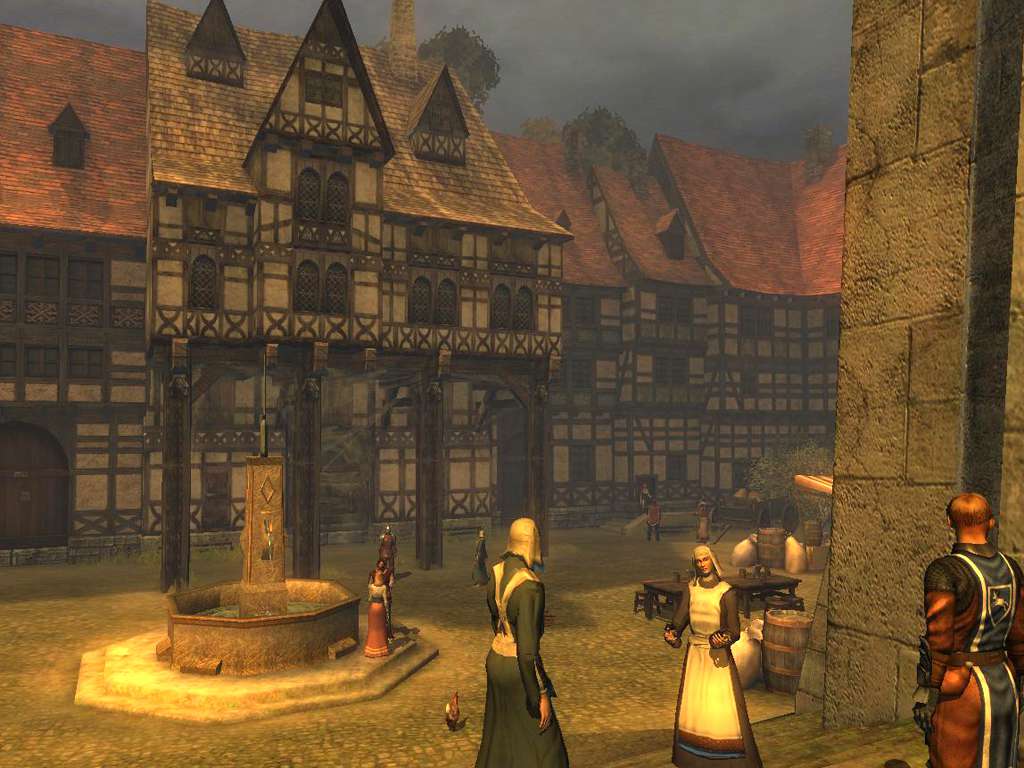
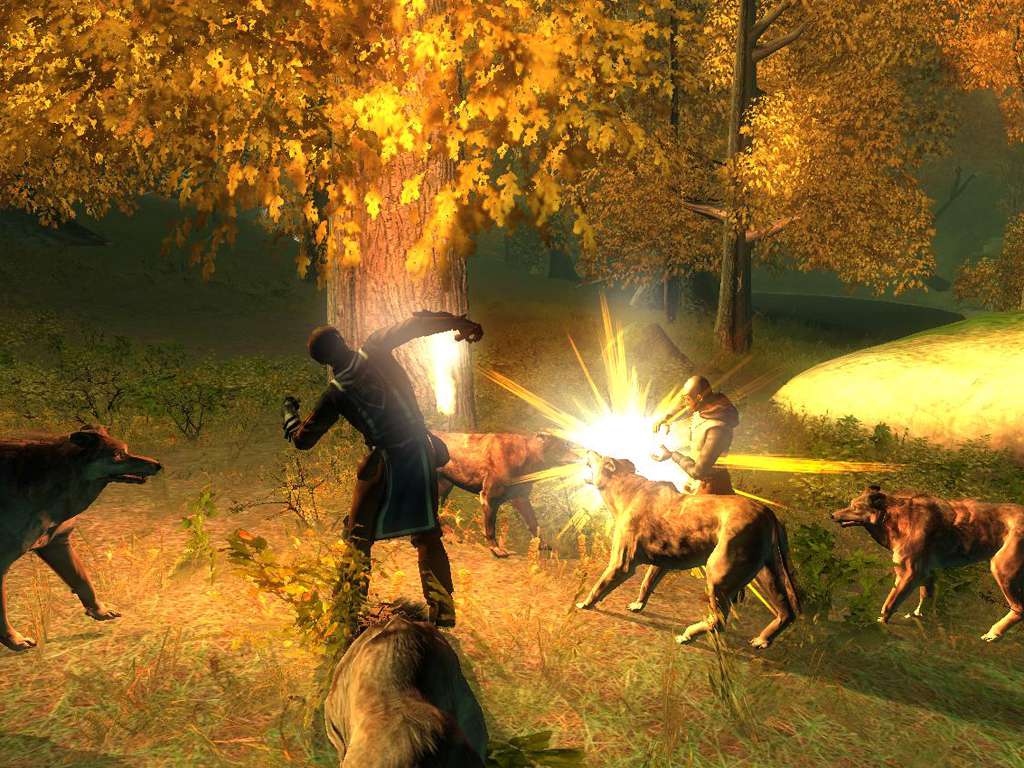
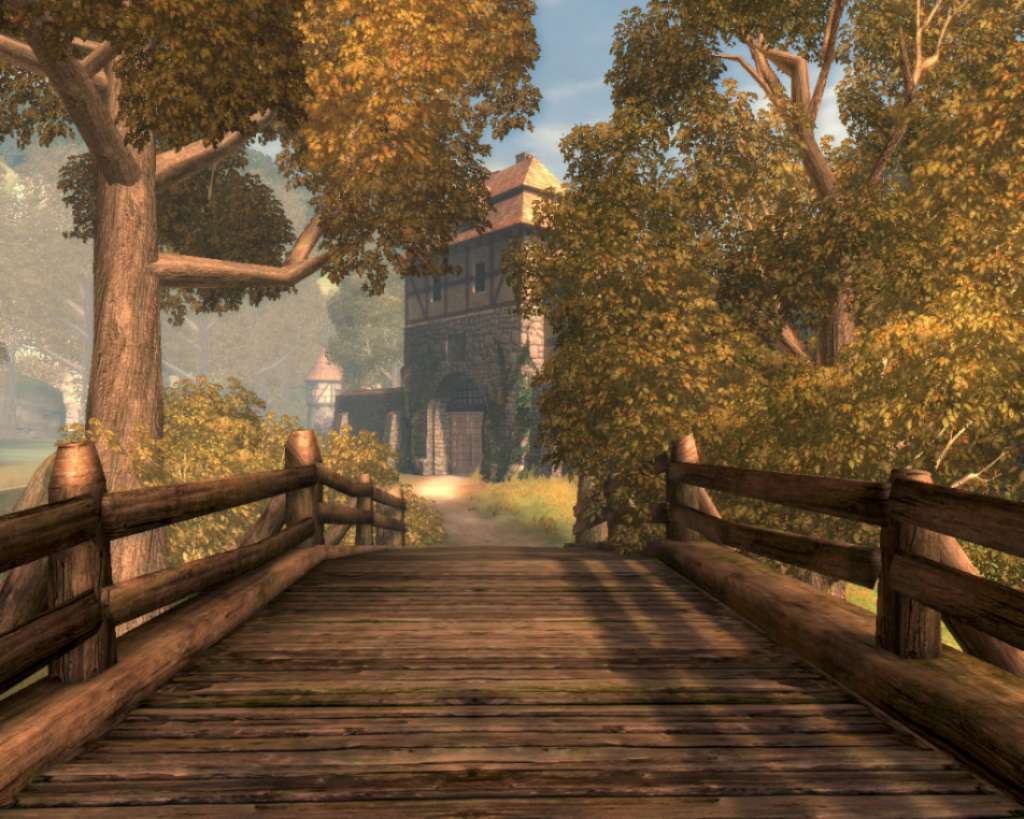
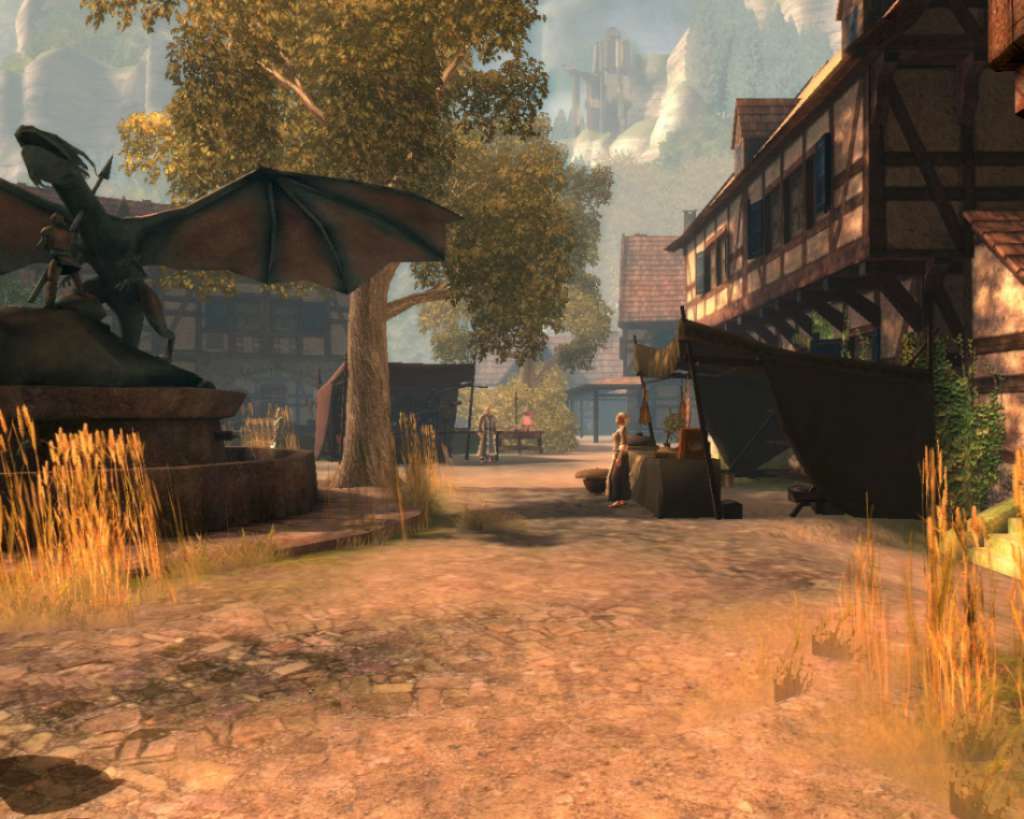
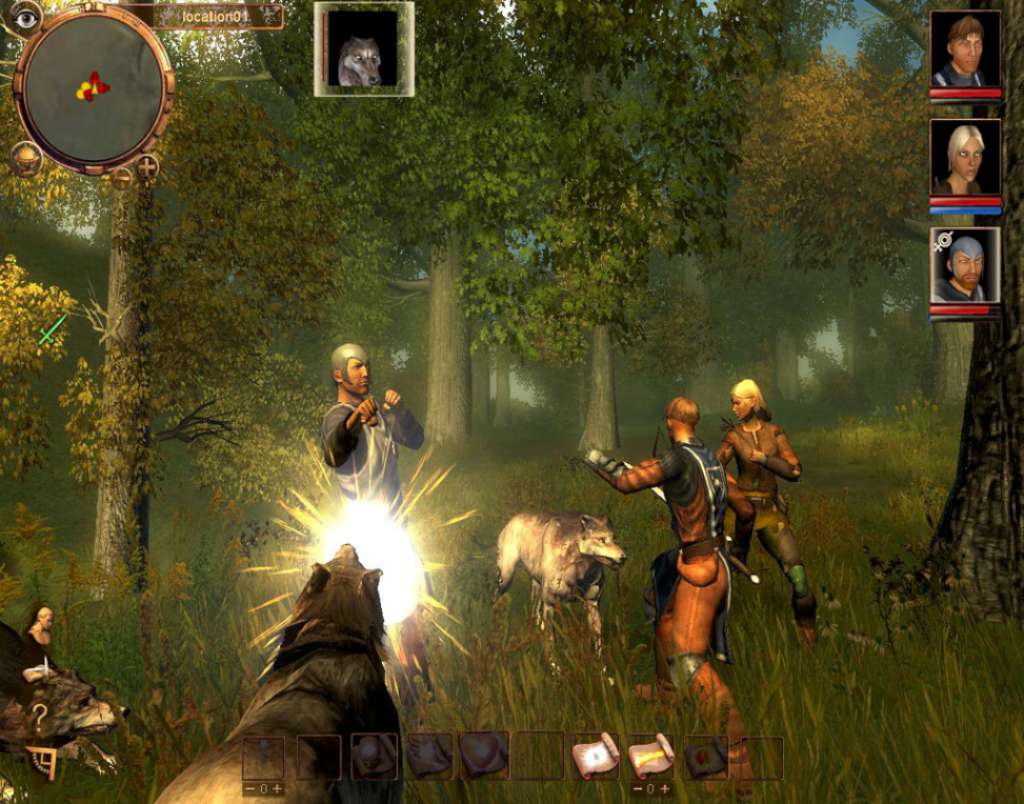
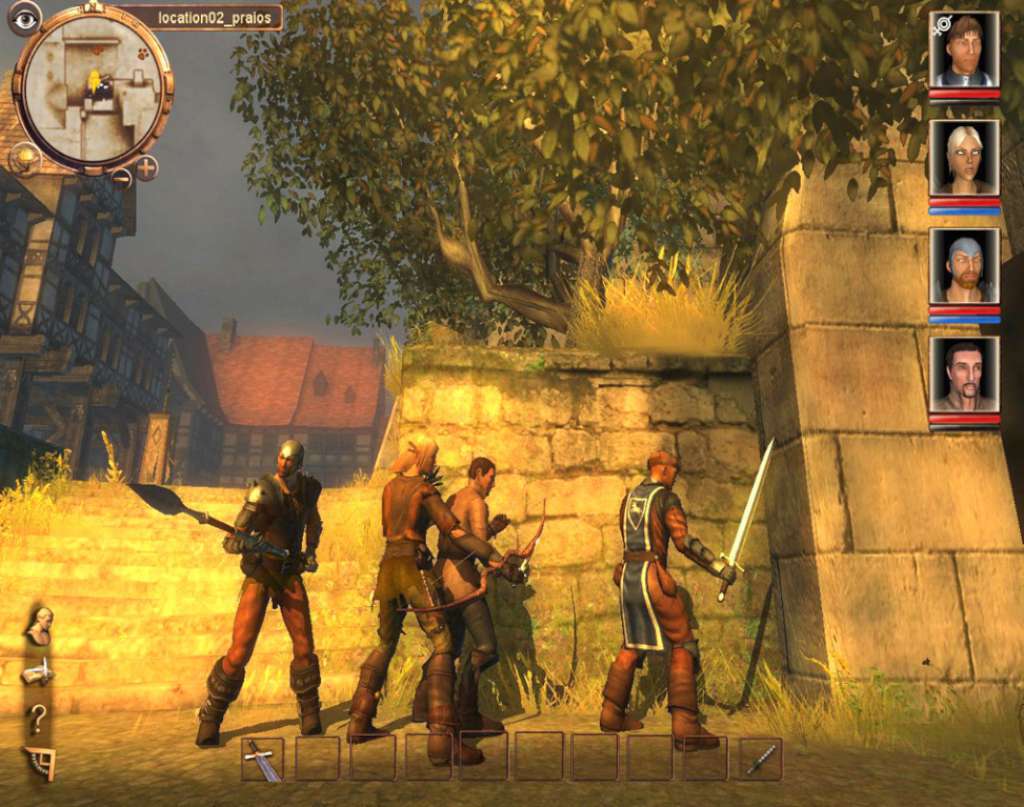
Drakensang is a third-person party-based RPG based on the pen & paper role-play rules of The Dark Eye. Drakensang is the first PC game for over 10 years to be based on Germany's most successful and popular role-play system. Drakensang builds on the pen & paper rules as applied in version 4.0. The developers have optimized the rulebook specially for the PC realization in order to make the game more accessible. But the essential qualities and the depth of the original rules have not been compromised. Intensive tactical combat and intriguing quests, embedded in a wonderfully detailed 3D graphic presentation — these are the cornerstones of the fantasy epic. Experience an exciting story within a huge campaign involving numerous main and side quests Adventure groups with up to four adventurers Expert character-creation mode for experienced DSA fans More than 40 spells, with over 30 talents and almost 40 special abilities allow a large range of possibilities for character creation Numerous and varied enemies and monsters from the DSA universe, such as linnorms, ogres, undead mules, giant amoeba and many more Story by original DSA authors Rule-compliant implementation of the DSA licence in the tradition of the Nordland Trilogy Tactical combat system with pause function Varied and flexible magic system Talent-based dialogue system
Go to: http://store.steampowered.com/ and download STEAM client Click "Install Steam" (from the upper right corner) Install and start application, login with your Account name and Password (create one if you don't have). Please follow these instructions to activate a new retail purchase on Steam: Launch Steam and log into your Steam account. Click the Games Menu. Choose Activate a Product on Steam... Follow the onscreen instructions to complete the process. After successful code verification go to the "MY GAMES" tab and start downloading.